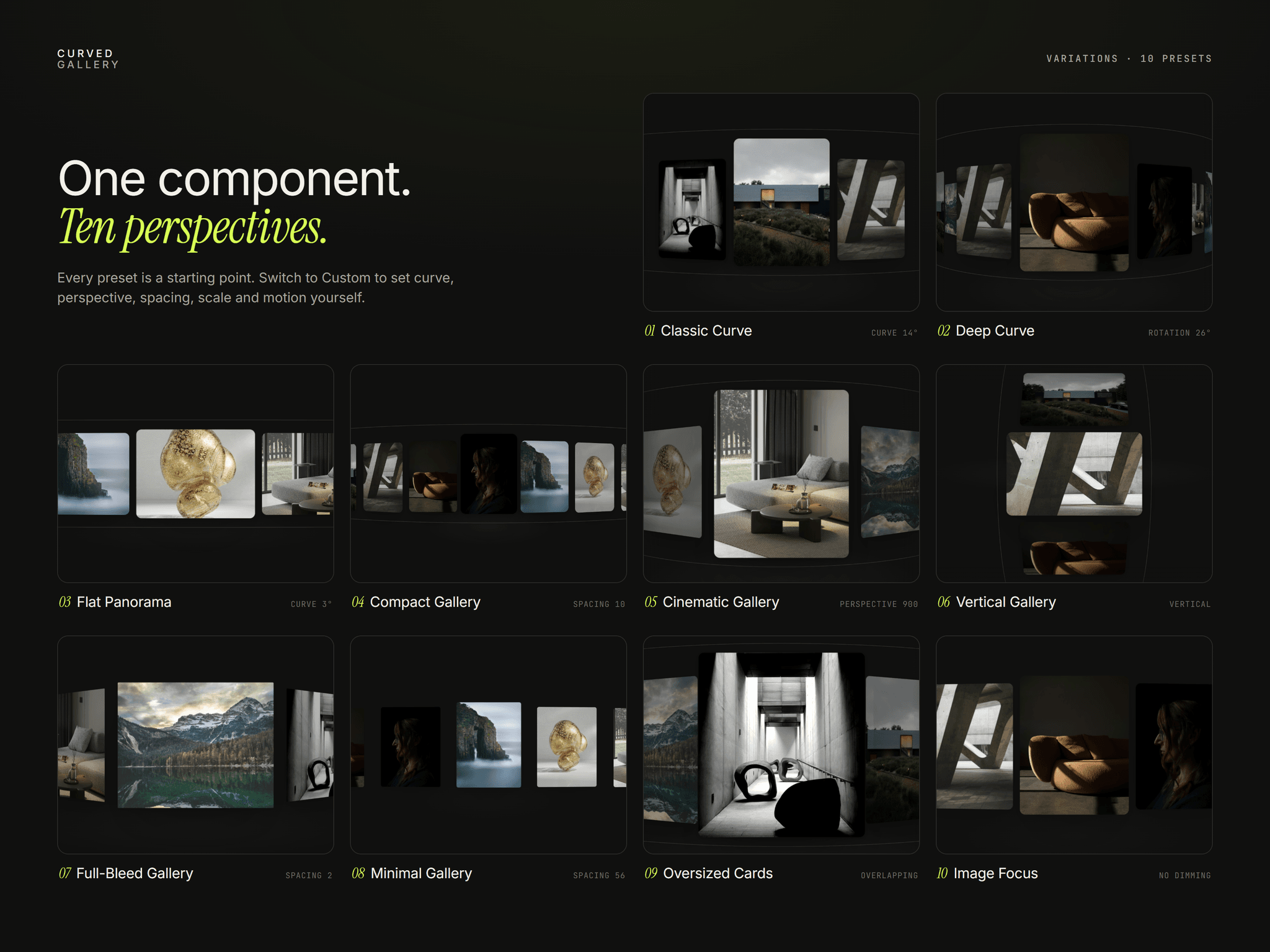
About 3D Curved Gallery
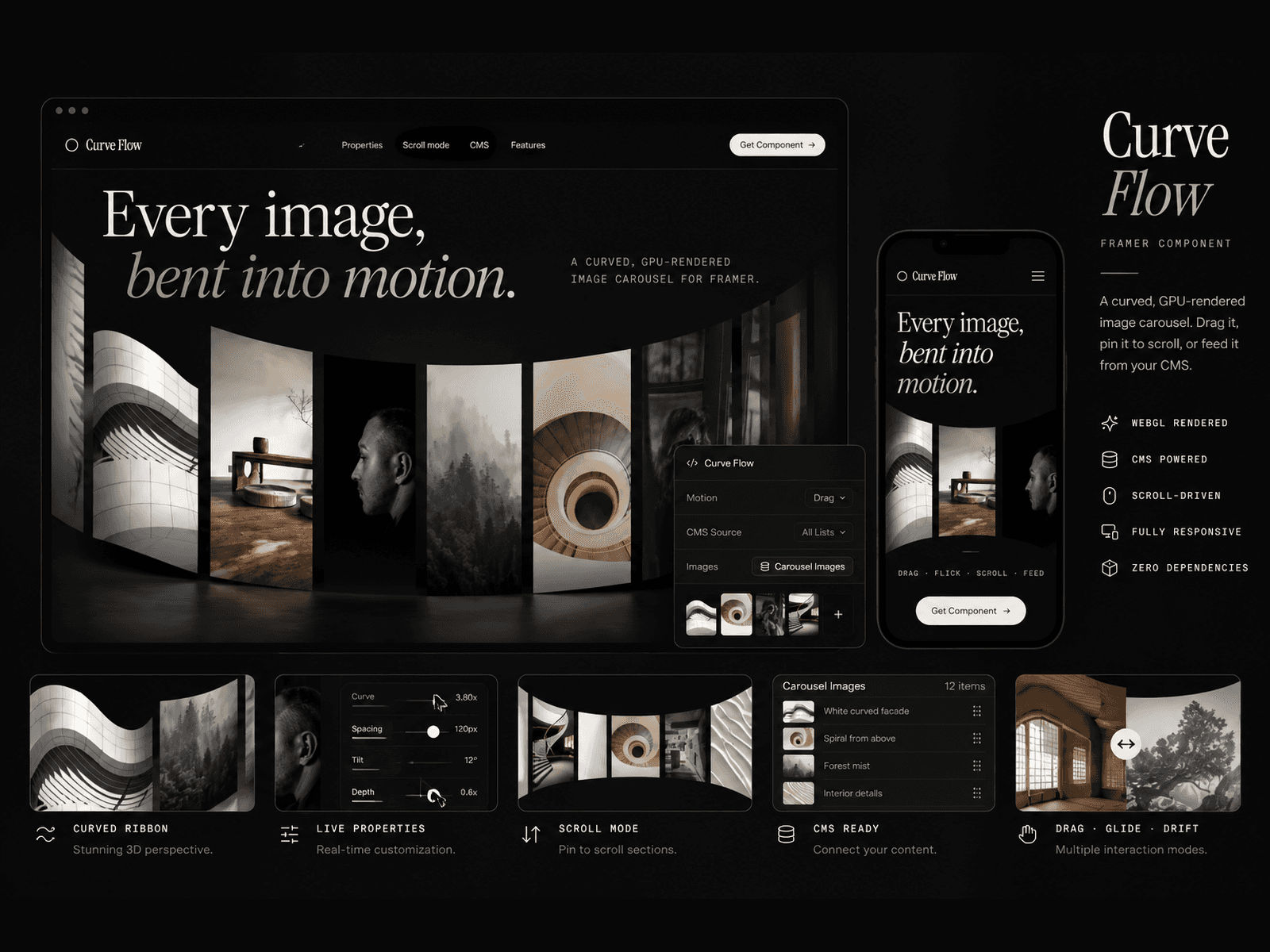
3D Curved Gallery turns any set of images into a 3D gallery your visitors can drag. Cards follow a curved path, react to their position on screen, and glide to a stop with natural momentum. It's perfect for portfolios, product showcases, case studies and agency sites.
Features
- 10 presets + Custom: switch shapes in one click, or fine-tune curve, depth, spacing and rotation yourself.
- CMS ready: drop a Collection List into the slot and the gallery builds itself from your items (image, title, link).
- Clickable cards: tap the centre card to open its link.
- Natural motion: drag with momentum, spring easing, snap to card and infinite loop.
- Horizontal or vertical: run the gallery in either direction.
- Built for phones: every preset switches to a phone-specific layout on small screens.
- Fast: only the cards near the centre load their images, so pages stay light.
- No flicker: the layout is measured before the first paint, so there's no jump on load.
How to use
1. Drag 3D Curved Gallery onto your canvas.
2. Pick a preset in the properties panel.
3. Add your images, or switch the source to CMS and drop in a Collection List.
4. Adjust the motion and spacing, then publish.