About 3DCubeGallery
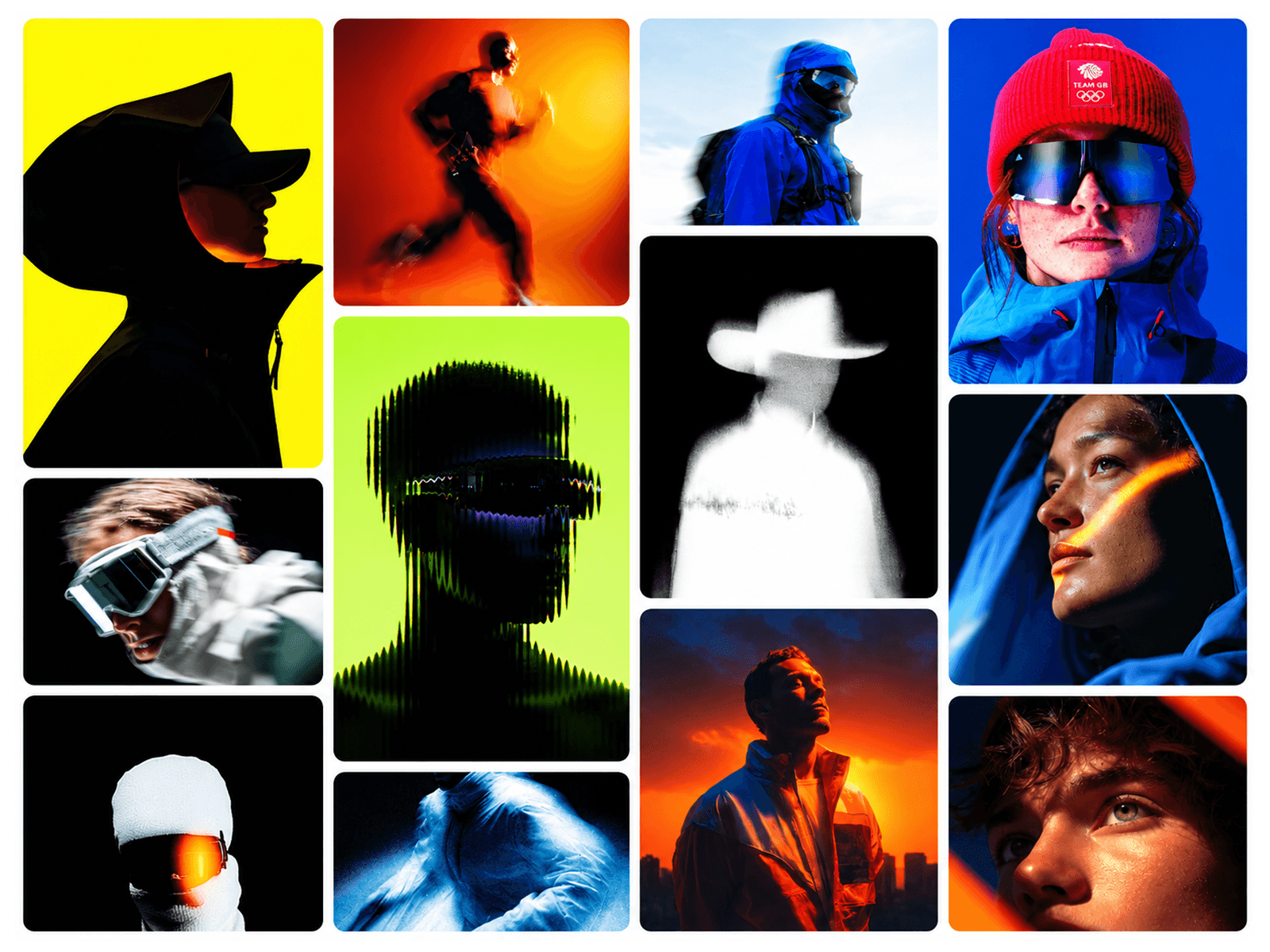
A premium 3D cube component with physics-based rotation and customizable image grids on all six faces. Features smooth drag-to-rotate interaction, auto-rotate mode, momentum physics, idle animations, and dynamic lighting effects. Perfect for portfolios, product showcases, and interactive presentations. Key Features: - Drag-to-rotate with mouse or touch. Auto-rotate mode (X, Y, or both axes) - Customizable grid layouts (2x2 to 6x6) - Up to 36 image slots per face - Hover scale effects on tiles - Transparent faces for true 3D depth - Snap-to-angle option - Optional overlay text on front face - Grayscale filter toggle - Reset rotation control - Fully responsive and mobile-optimized Customizable Properties: Rotation Controls: - Sensitivity X/Y (0.1-3x) - Spring stiffness (50-300) - Spring damping (5-50) - Momentum on/off - Snap to angle (30°-180°) Auto-Rotate: - Enable/disable - Speed (0.1-2x) - Axis (X, Y, or both) Visual Settings: - Grid density (2x2 to 6x6) - Tile gap (0-20px) - Cube size (150-600px) - Perspective depth (500-2000px) - Lighting intensity (0-0.8) - Edge smoothing (0-5px) Effects: - Hover scale (1.0-1.2x) - Hover effect on/off - Grayscale filter on/off Images: - 6 face arrays (Front, Back, Left, Right, Top, Bottom) - Each face supports up to 36 images - Position-based slot assignment - Default placeholder images included Overlay: - Custom text on front face - Text color - Font controls (size, weight, family, spacing).