About AI Voice
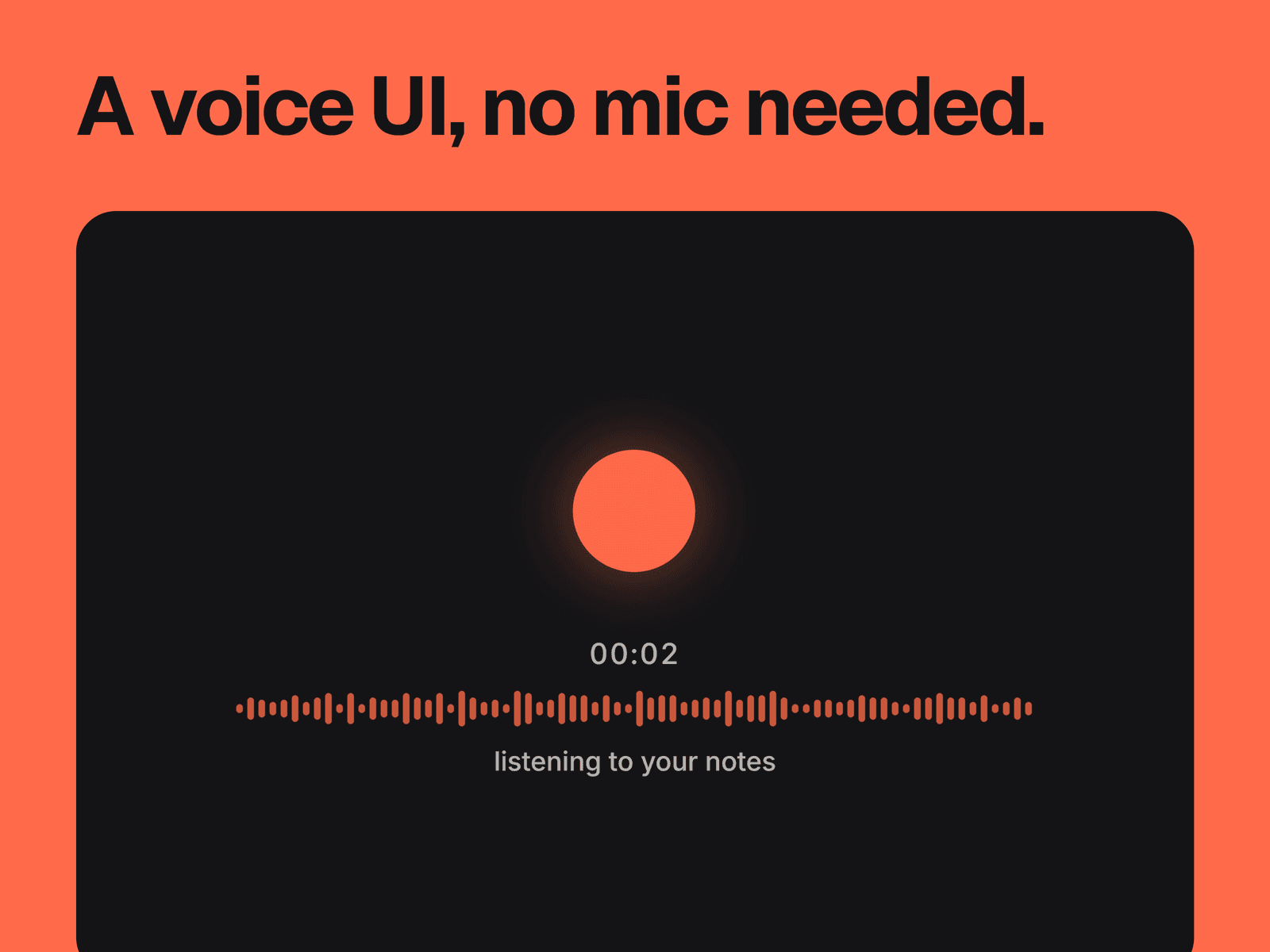
A mic button, timer, waveform and status line that act out a voice session. While listening, the mic becomes a pulsing dot, the bars move and the timer counts up. When idle, the mic comes back and the bars lie flat.
What you can change
Auto Demo plays the two states on a loop, listening for 1 to 10 seconds with a pause of 0.5 to 5 seconds. With it off, a click switches between them.
The listening and idle text.
Whether the timer, waveform and status text show.
The waveform's number of bars, from 12 to 96, their width and gap, and its total width.
The button's size, from 32 to 120 px, and its corner radius.
Accent, text and background colors, with separate fonts for the timer and status.
Where it fits
Landing pages and product mockups for voice assistants, dictation apps and other voice AI tools.
Good to know
It doesn't use the microphone. Nothing is recorded, and the bars move at random, not in response to sound.
The button only changes the animation. It can't start a recording or run an action on your site.
Clicking during Auto Demo stops the loop and leaves it idle.
Button radius only shows on the hover tint, which appears in the idle state.
The editor always shows a still of the listening state. Check the idle state in preview.