About Aisol Offer Stage
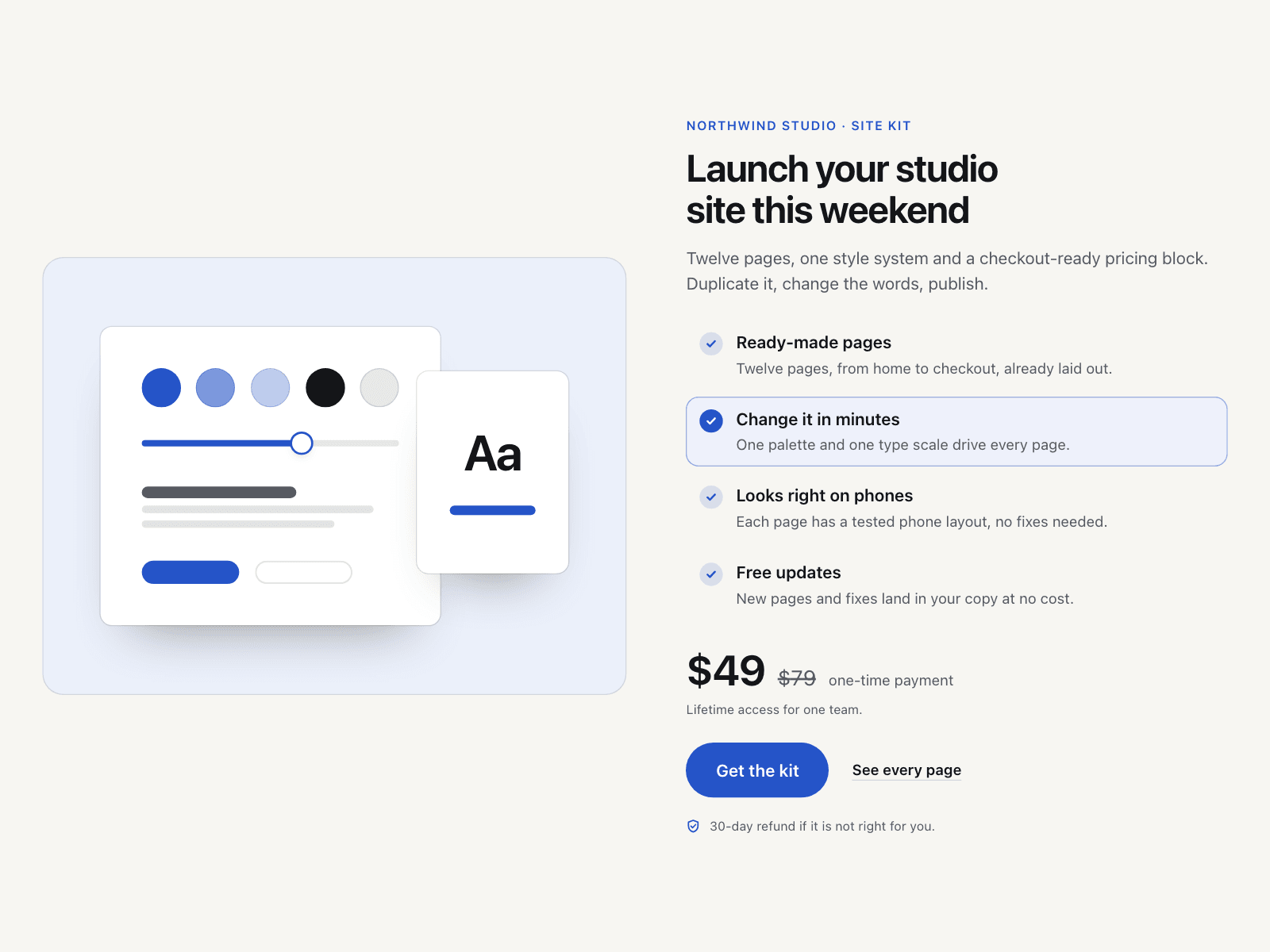
Aisol Offer Stage is the closing offer section for a landing page: a product stage on one side, and on the other your title, benefits, price and buy button.
Point at a benefit, tab to it or tap it, and the stage swaps to that benefit's own picture with a short crossfade, so every line of your offer gets shown, not just told.
Add your own image per benefit or keep the four built-in scenes, add a compare-at price and a refund line, and turn on an optional auto-cycle that stops when a visitor takes over.
- Works on drop: four benefits with their own drawn scenes, a price and a call to action, no images needed.
- The swap is a CSS crossfade on one state; auto-cycle runs on a CSS timer, pauses on hover, focus, off-screen and hidden tabs, stops for good once a visitor picks a benefit, and never runs with reduced motion.
- Benefits are real buttons with a pressed state; the stage image takes its alt text from the benefit, and screen readers hear one short note when the visitor changes it.
What you control
• Content: eyebrow, title, text, section name
• Benefits (1 to 6): title, one line, optional image
• Price: currency, amount, optional compare-at price, period, note
• Actions: primary button text and link, secondary link text and link, trust line
• Stage: starting benefit, auto-cycle on or off, seconds per benefit, stage shape, image fit, stage side
• Look: background, panel, text, muted, lines, accent and on-accent colours; radius, max width, padding
• Type: font and text size; Labels: screen-reader and pause button wording
Limits: one offer per section (not a pricing table); up to 6 benefits; no countdown or stock counter by design; below about 800px wide the stage sits above the offer; use Height Fit.