About Animated Terminal
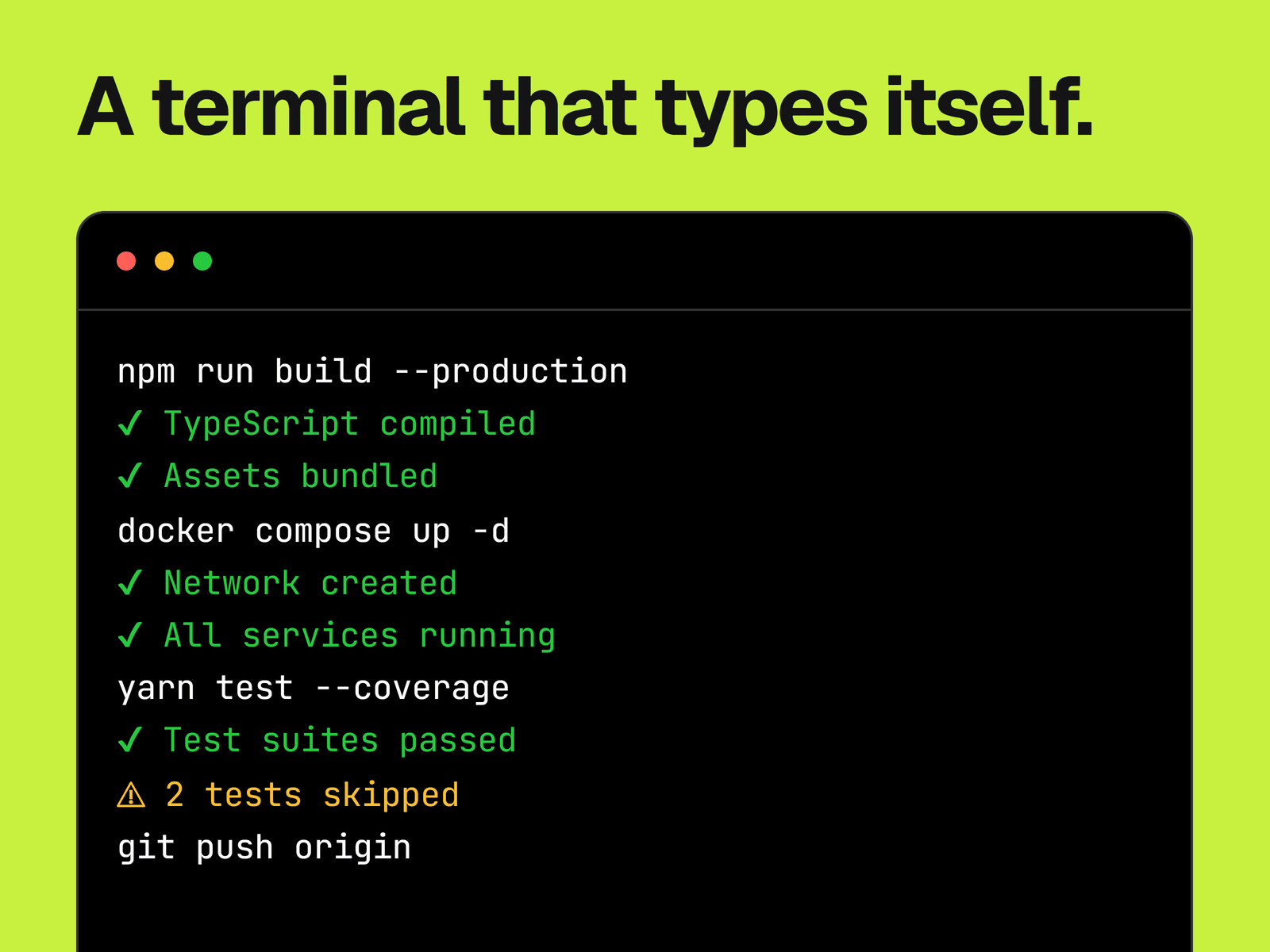
A terminal window that plays back commands and output line by line. Each line either types out character by character or fades in whole, so you can type a command and then reveal its result.
What you can change
Every line: its text, whether it types or fades in, its color, and its typing speed from 10 to 200 ms per character.
When it starts, either on page load or when it scrolls into view. It can also loop, with a pause you set.
Sequence on plays lines one after another. Sequence off starts them together, each after its own delay.
Background, text and border colors, the font, and the three window dots.
Where it fits
Landing pages and docs for CLI tools, developer products and anything installed from a command line.
Good to know
The lines are text you write and nothing actually runs. There's no prompt symbol or blinking cursor, so add a $ to your commands if you want one.
It doesn't scroll to follow the output. Make the frame tall enough for all your lines, because extra lines stay out of view until a visitor scrolls inside the window.
A line's delay setting only works with Sequence off, and Loop only works with Sequence on.