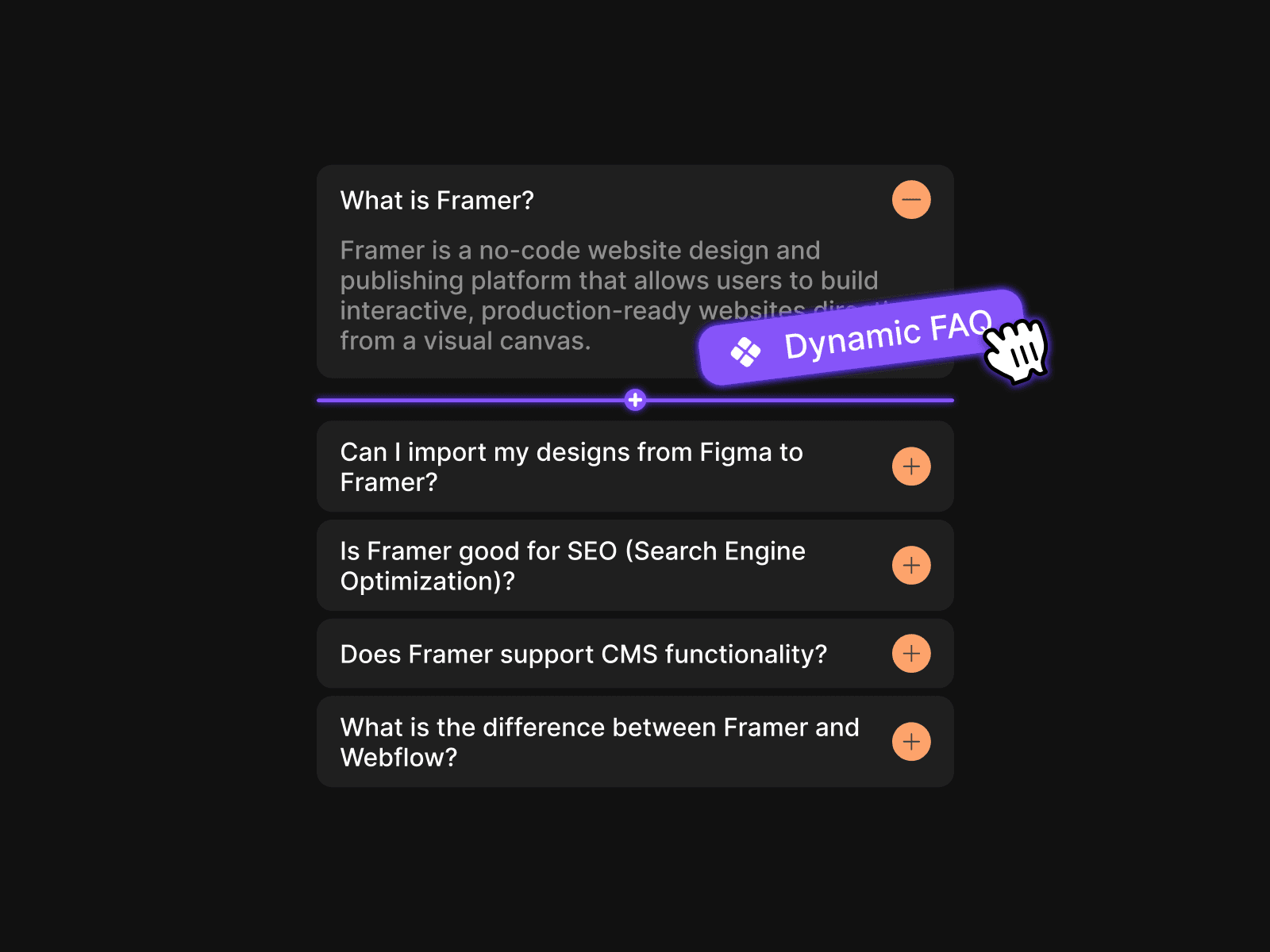
About Auto Close FAQ
Why Auto Close FAQ?
Creating interactive FAQ sections in Framer traditionally means wiring up complex component variants, linking endless micro-interactions, and managing a messy web of canvas connections. Every change to your layout requires re-wiring component states from scratch.
Auto Close FAQ eliminates this prototyping bottleneck entirely. It acts as a zero-maintenance conductor that automatically detects your accordion structures in real-time. Simply target your stack or CMS list, and the component instantly enforces clean single-open accordion behavior. It cuts setup time down to seconds, keeps your canvas completely clean, and ensures your interactive prototypes remain maintainable as your layout grows.
Key Features
Zero-Wire Prototyping: Skip manual variant wiring and complex interaction lines. Drop the component onto your canvas and let it manage open states natively.
Dual Mode Flexibility: Works out of the box with fixed Framer Stacks or dynamic CMS collection lists (Per-item mode).
Smart State Management: Automatically closes previously opened items whenever a new accordion header is clicked.
Customizable Load Conditions: Set all items to start closed by default or specify an exact starting index to remain expanded on load.
How to Use
Copy the Component URL.
Paste it anywhere inside your layout frame or FAQ section. Add a scroll section as a component marker, for example
faq-sectionConnect your accordion container via the List control setting.
Customize default open behavior without drawing a single connection wire on your canvas.