About Cinematic Crossfade
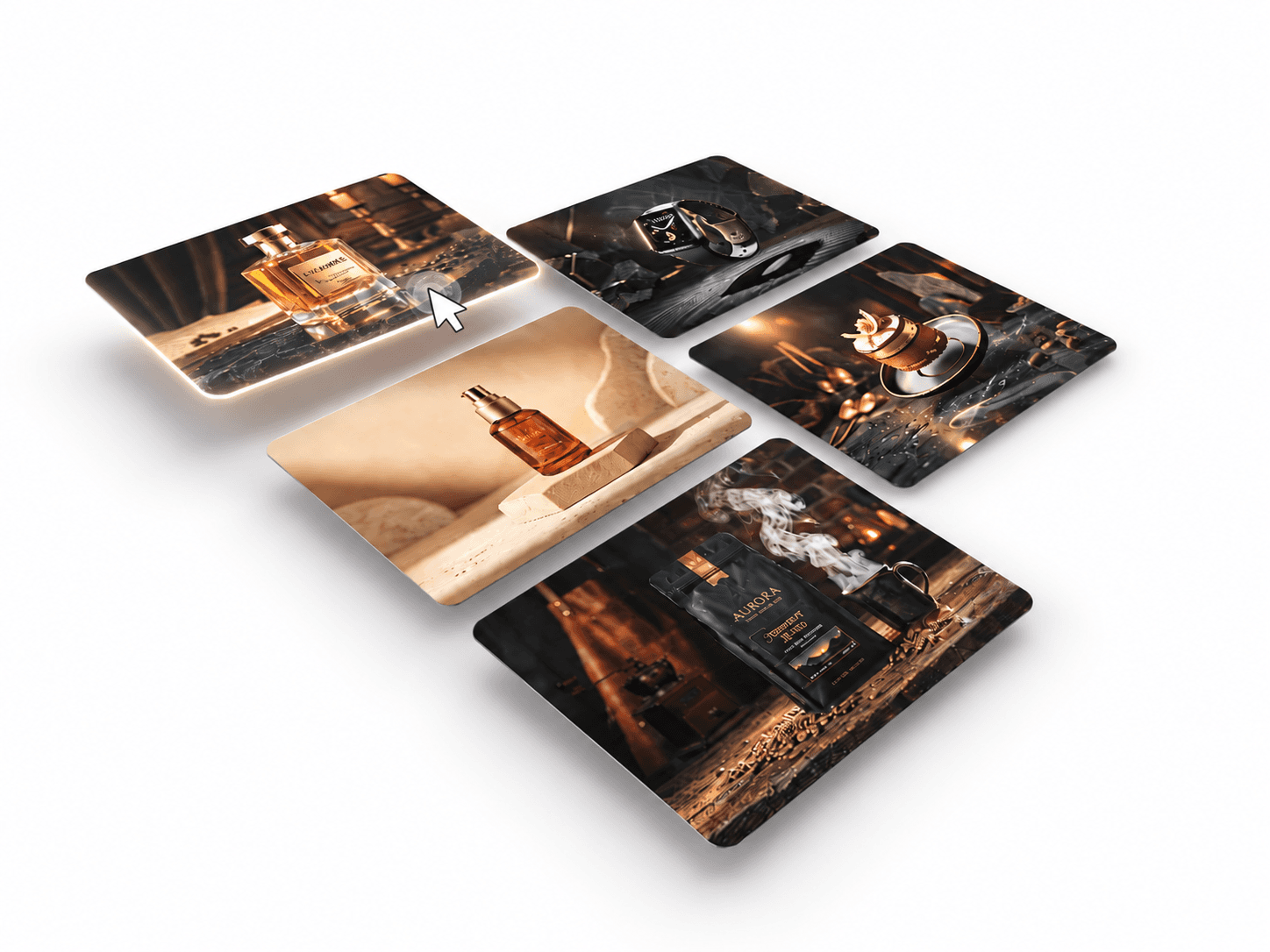
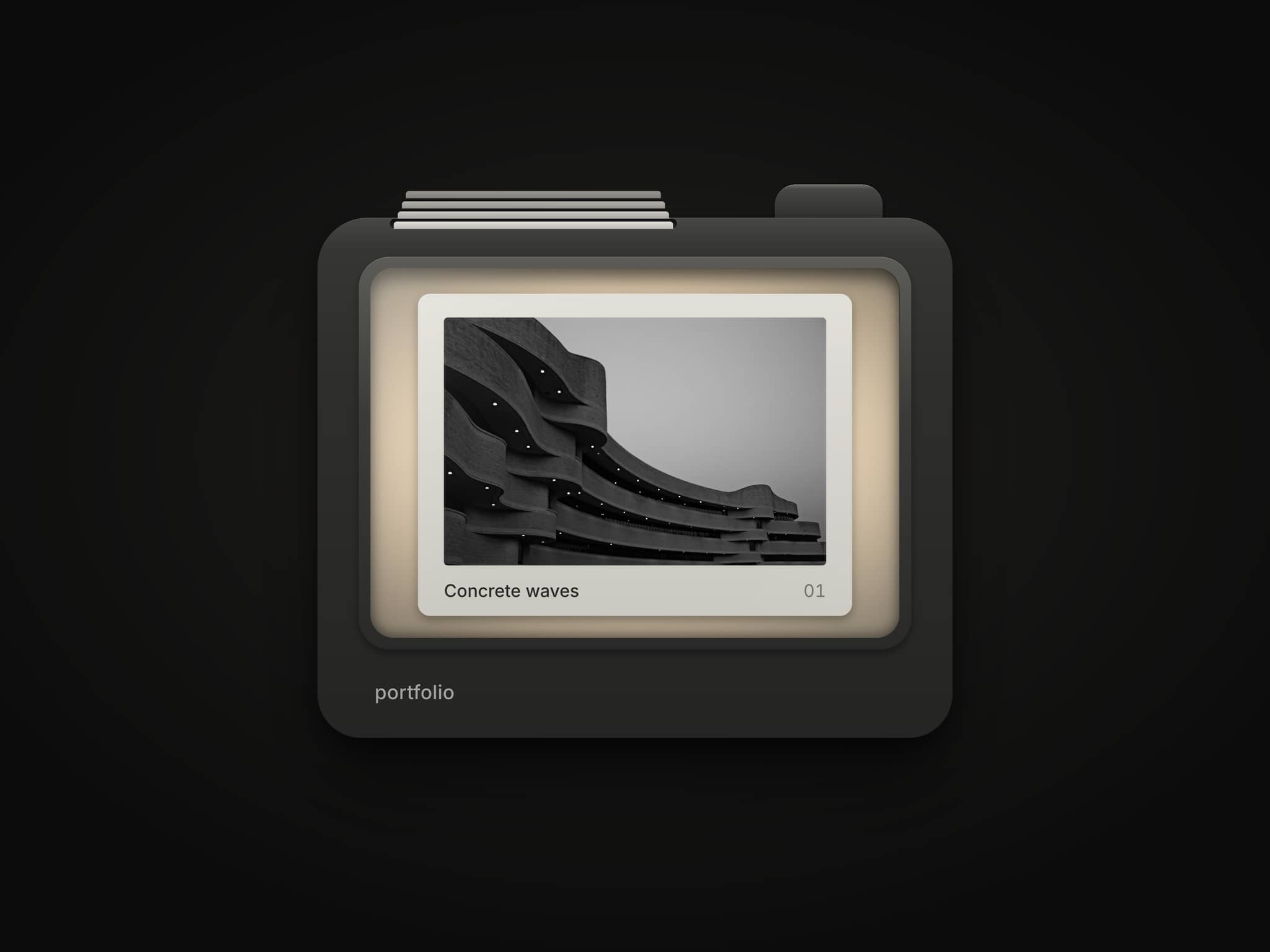
Cinematic Crossfade is a cinematic slider featuring smooth image and video transitions, subtle Ken Burns zoom effects, and staggered word-by-word headline animations. Includes clickable slide links with support for connecting directly to Framer CMS pages using dynamic slugs. it’s perfect for creative portfolios, travel websites, hospitality brands, and immersive landing pages.
Customize Options
1. Slides & Content
Link Mode – Choose between slides with CTA buttons or fully clickable slides.
Slides – Add multiple slides with images or videos, titles, and descriptions.
CMS Slug – Connect each slide directly to a Framer CMS detail page using its custom slug (e.g.
/work/pawvia).
2. Button Style
Show – Enable or hide CTA buttons.
New Tab – Open button links in a new tab.
Background & Text Color – Customize button colors.
Hover Background & Text – Set hover colors.
Border Color & Width – Adjust the button border.
Radius – Control corner roundness.
Padding X & Y – Adjust button spacing.
Font – Customize button typography.
3. Timing & Motion
Slide Duration – Set how long each slide stays visible.
Fade Duration – Adjust transition smoothness.
Ken Burns Zoom – Control the subtle zoom effect.
Pause on Hover – Pause autoplay when interacting with the slider.
4. Layout & Spacing
Side Padding – Adjust horizontal content positioning.
Bottom Padding – Set the distance from the bottom.
Title → Description – Control spacing between text elements.
Bottom Shade – Adjust the gradient overlay intensity.
Description → Button – Set spacing between the description and CTA.
5. Progress Indicators
Show – Enable or hide progress indicators.
Color – Customize the active progress color.
Gap – Adjust spacing between indicators.
Thickness – Set indicator height.
Bottom Offset – Adjust vertical positioning.
6. Typography
Title Font – Customize headline typography.
Description Font – Customize description typography.
Text Color – Set the color of the slide content.