About Client Logo Shifting
About Logo Shifting Carousel
How It Works
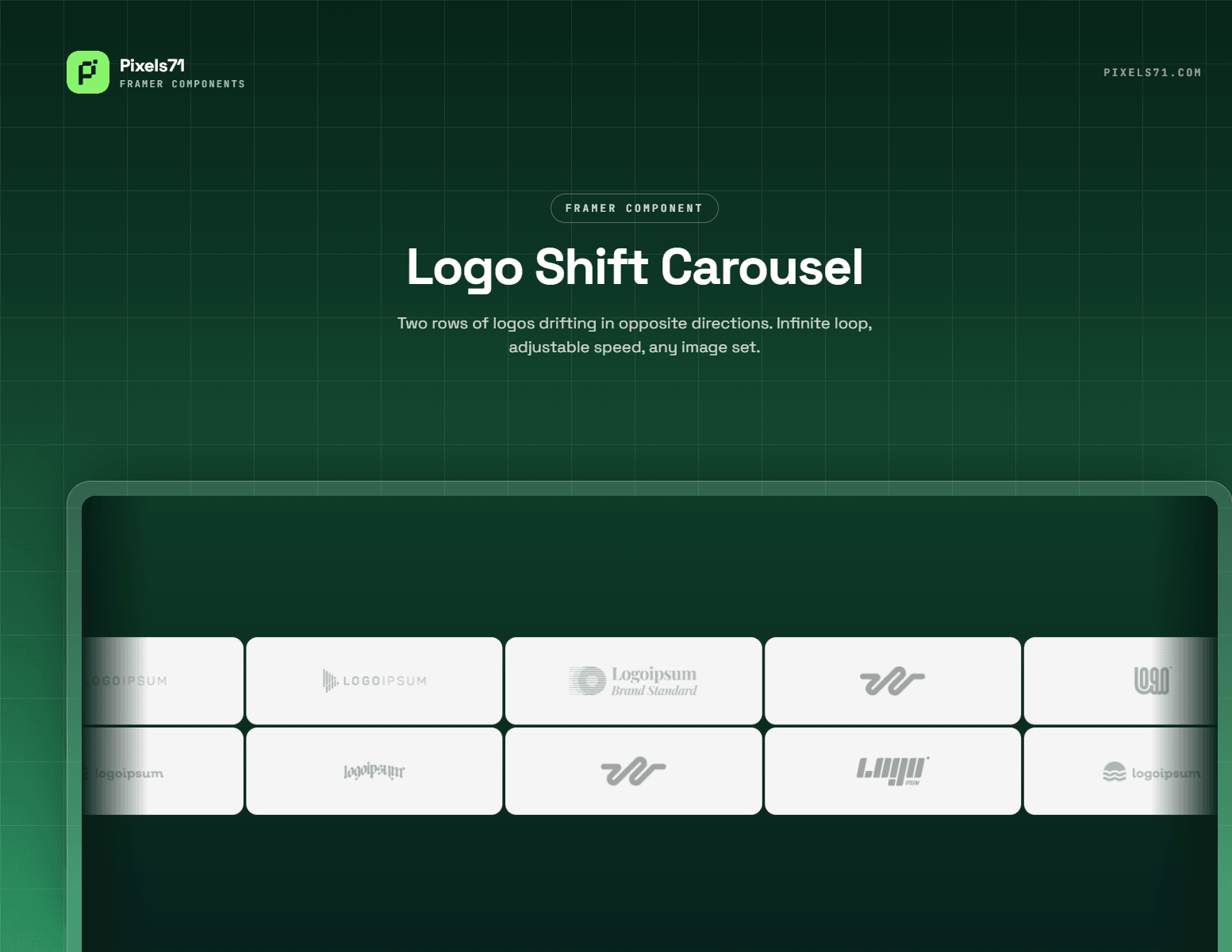
One component holds your whole row of logos. Add twenty logos, show five - the five visible slots swap on a timer, each logo blurring out as the next blurs in. The size never changes and nothing reflows, so the row sits still while the brands inside it change.
Two ways to cycle. Ripple runs the swap left to right across the row like a wave. Random picks one cell at a time (or up to four), so it never settles into a pattern you can predict.
Key Features
Animation
Ripple or random cycling whole row, or one cell at a time
Roll (blur + vertical slide) or Fade (blur + crossfade)
Slide direction up or down
Interval from 0.5s to 15s between swaps
Stagger from 0 to 600ms between slots
Separate in and out durations
Blur strength 0–30px, slide distance 10–150%
Random mode can swap 1–4 cells per tick
Layout
Row mode or grid mode
Independent desktop and mobile counts, with your own breakpoint
Grid gets its own column and row counts for desktop and mobile
Fixed logo height, plus optional fixed width so every mark stays the same size
Gap, inner padding, max width, and background color
Logo cards
Optional padding, fill, corner radius and border on each logo
Turns a plain row into a card grid without any extra layers
Monochrome
Grayscale and opacity adjustable independently
Color snaps back on hover or turn the whole treatment off
Built to behave
Stops cycling when it scrolls out of view
Stops cycling when the browser tab is in the background
Respects
prefers-reduced-motionFully static on the Framer canvas and in exports no animation in the editor
Content
Up to 60 logos in one component
SVG, PNG, JPG or WebP
Optional name and link per logo
object-fit: containnothing is ever cropped or upscaled
Ideal For
'Trusted by' sections with more logos than fit in one row
Client and partner walls
💬 Support
Questions or a feature request? Email : hello@pixels71.com
replies within 24 hours.