About CMS Gallery Slider

Versatile Gallery Slider for Framer
A flexible gallery slider component that seamlessly integrates with Framer CMS or works standalone with custom images. Perfect for product galleries, portfolios, and image showcases with smooth animations and fully customizable controls.
Features
Dual Gallery Modes
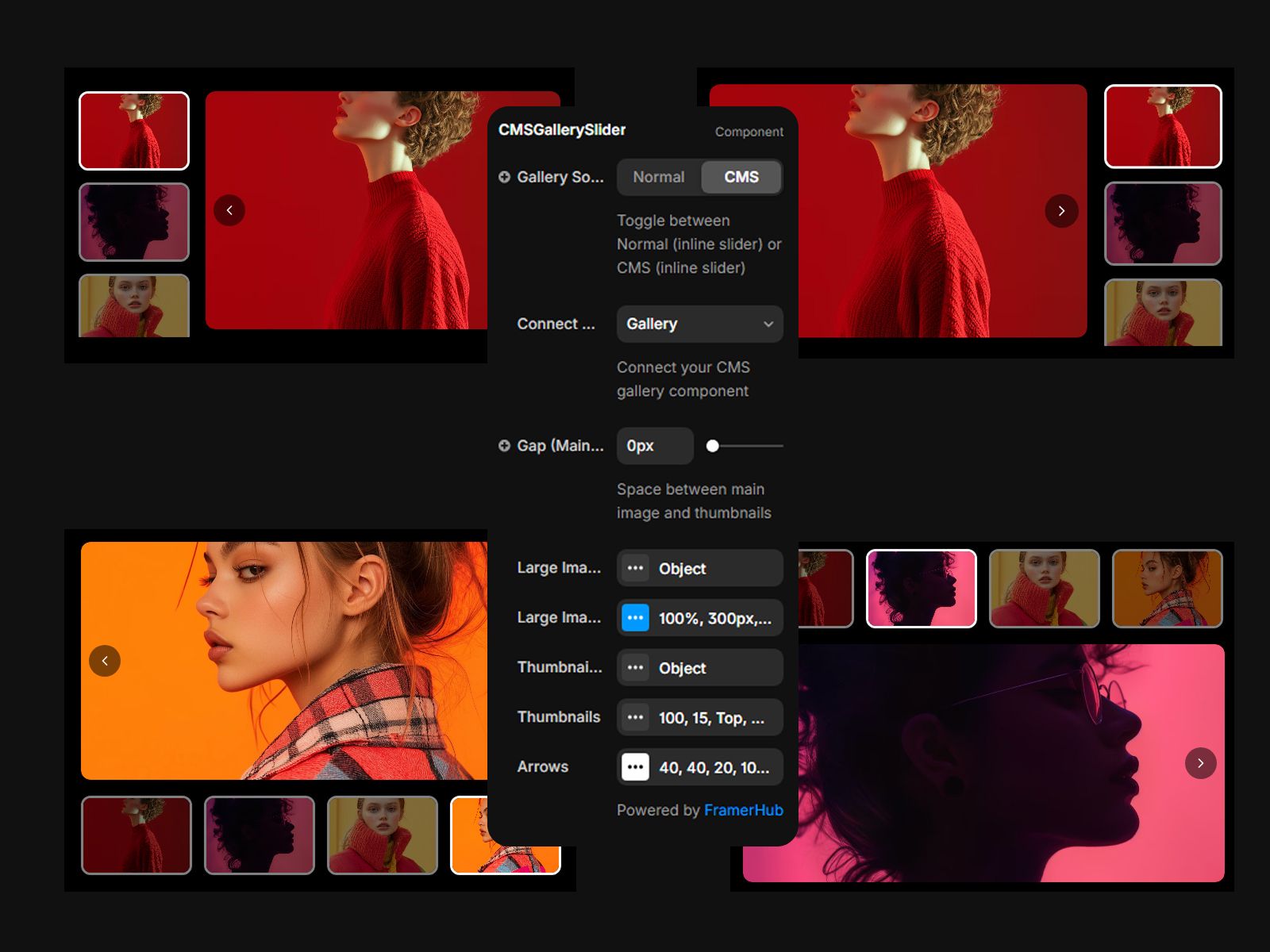
Switch between CMS Gallery mode (connect directly to your CMS gallery field) or Normal Gallery mode (add images manually) with a simple toggle.
Smart Thumbnail Navigation
Position thumbnails on any side (bottom, top, left, right) with automatic responsive behavior—side thumbnails switch to bottom on mobile. Auto-scrolling keeps the active thumbnail visible.
Smooth Transitions
Choose from 5 transition types: Slide, Fade, Scale, Slide+Scale, or Slide+Fade. Control animation speed and direction (horizontal/vertical) for the perfect effect.
Custom Arrows
Fully customizable navigation arrows with hover effects, custom icons support, and precise positioning controls.
Use Cases
Blog Galleries — Enhance articles with connected CMS image galleries.
Customization
Gallery Source
- Toggle between "CMS" and "Normal" modes
- For CMS: Connect your CMS Gallery component to the slot
- For Normal: Add images directly to the Gallery Images array
Large Image Settings
- Width/Height: Set dimensions (%, px, vh supported)
- Object Fit: Cover, Contain, Fill, None, Scale Down
- Border Radius
- Animation: Speed, direction, and transition type
Thumbnail Settings
- Position: Bottom, Top, Left, Right
- Size & Gap
- Opacity
- Animation
- Border & Background
Arrow Controls
- Size, position, and border radius
- Colors for normal and hover states
- Upload custom arrow icons
License
Single Use License — commercial use. No redistribution. 1 license = 1 client.
Refund Policy
Due to the nature of our digital products, we are unable to offer refunds, but we're here to assist you with any questions or concerns!