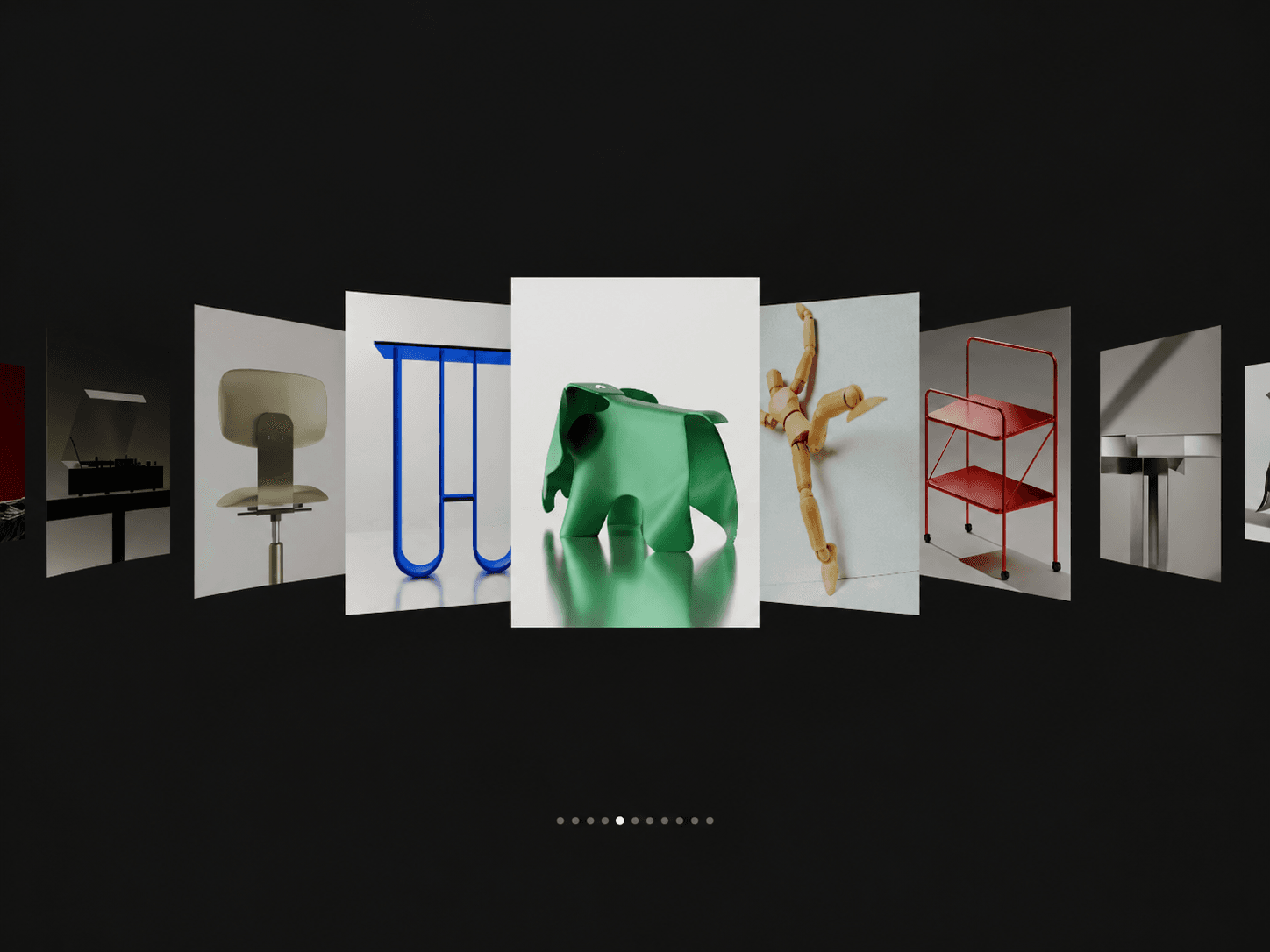
About Cover Flow Gallery
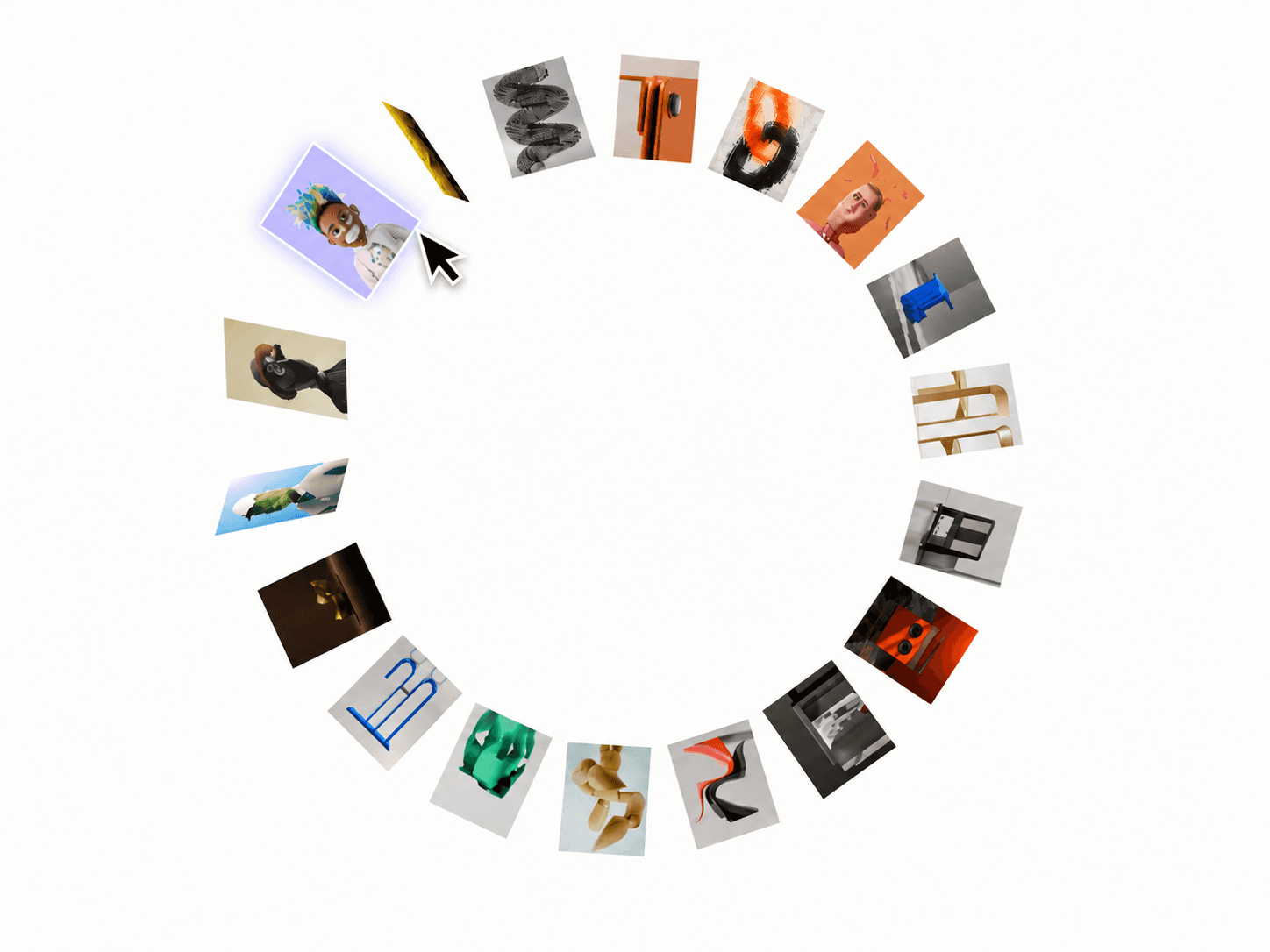
Cover Flow Gallery – Interactive 3D Card Carousel for Framer
A 3D cover flow gallery that brings images to the front with smooth, spring-based motion. Explore the gallery by dragging, hovering, or clicking through cards, or enable autoplay to cycle through images automatically.
Features
3D Cover Flow: Active cards move forward while surrounding cards fold into perspective.
Multiple Interactions: Choose drag, hover, click, autoplay, or manual control.
Smooth Motion: Customize spring bounce and animation feel.
Depth Effects: Adjust rotation, scale, opacity, brightness, and arc.
Image Gallery: Add and arrange up to 20 images.
Navigation Dots: Show indicators for the active image.
Canvas-Friendly Preview: Displays a static preview in Framer’s editor and export contexts.
Customize
Card width, height, spacing, and corner radius
3D perspective, fold angle, scale, and depth effects
Interaction mode, autoplay speed, and direction
Spring presets or custom motion settings
Background, borders, shadows, and active glow
Indicator visibility and colors
How It Works
Add your images, choose an interaction mode, and customize the card layout and motion. Drag to explore, hover or click to select cards, or enable autoplay to cycle through the gallery automatically.
License: Unlimited personal and client projects. No resale or redistribution.
Refunds: Not working? Email us first and we’ll fix it within 24 hours.
Questions? support@russetsupply.com