About Dusk Brush
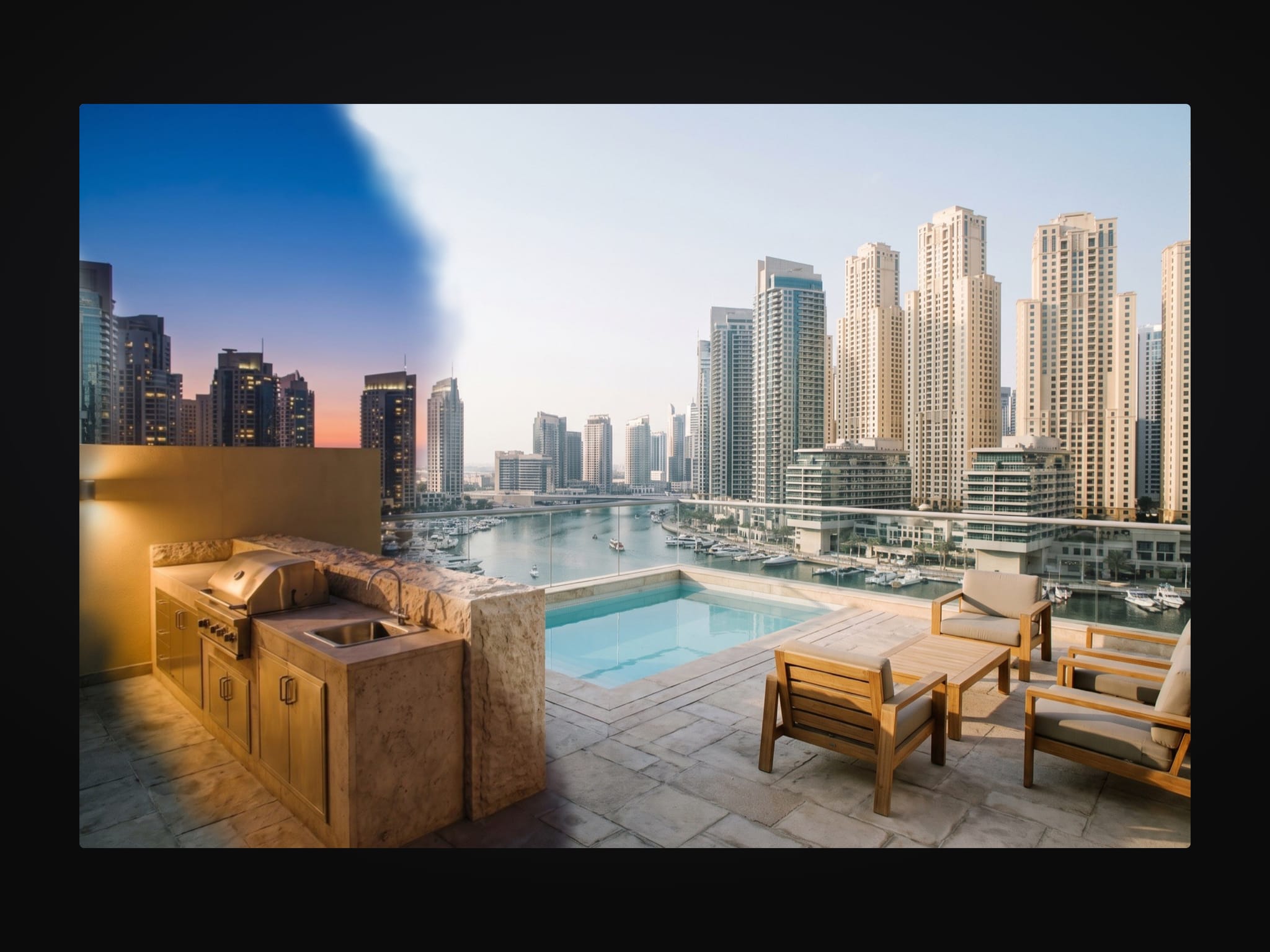
Dusk Brush is a Framer hover image reveal component. A soft, organic brush follows the cursor and paints a second version of the same picture. The painted trail lingers, then fades back to the first picture.
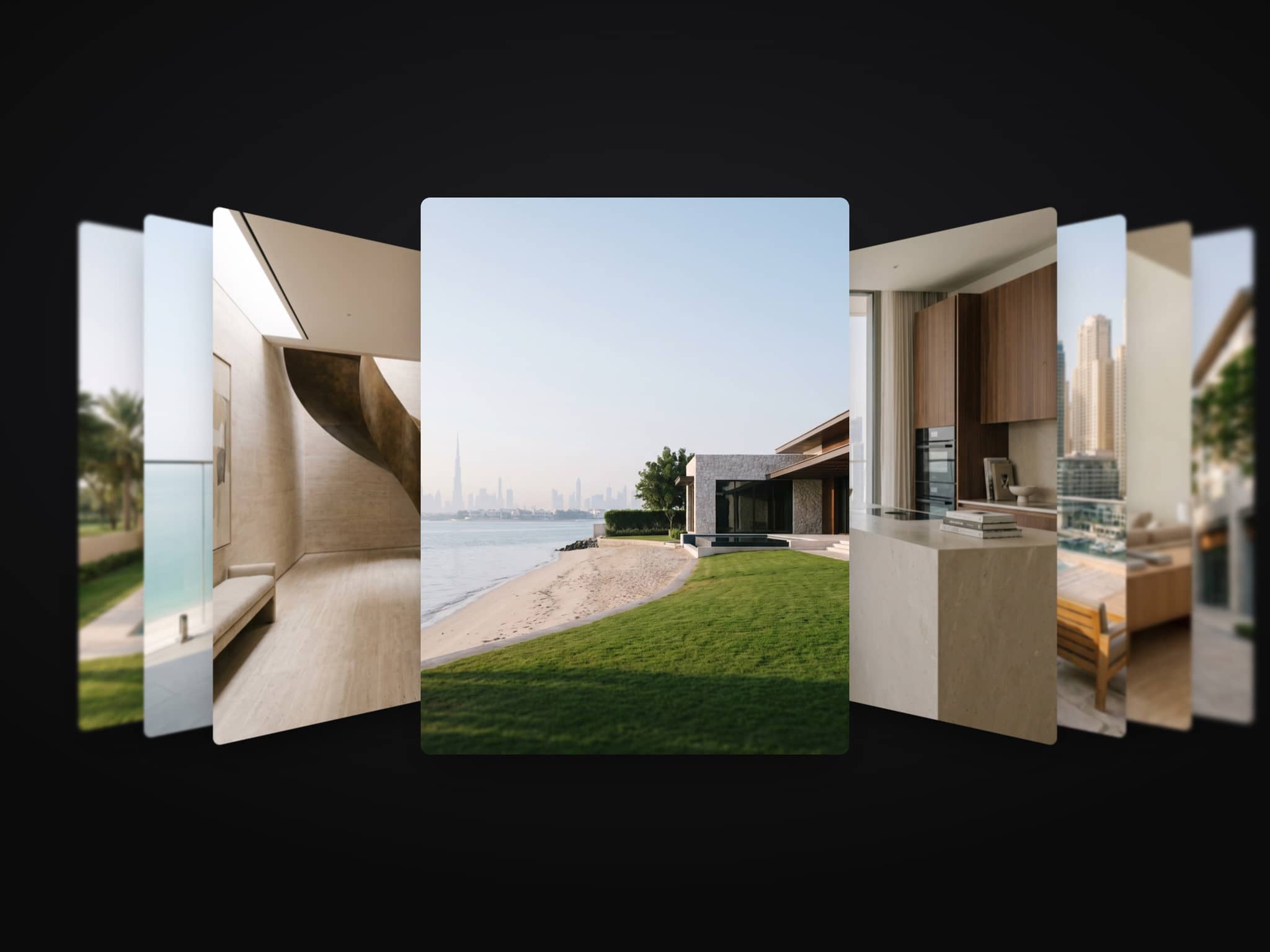
Use two shots of the same frame: day and dusk, empty and furnished, sketch and render. They must line up exactly. It works as a before and after reveal for real estate and interior pages. Any two frames also work as layers, and a video can be painted in instead.
Controls:
Base Image, Reveal Image: the picture at rest and the one painted in. Same size and framing
Reveal Video: a video painted in instead. Plays muted
Base Layer, Reveal Layer: any frame instead of a picture
Focus: focus point when the pictures are cropped
Brush, Phone Brush, Softness, Organic Edge: size and shape of the brush. Organic Edge 0 is a clean circle
Trail, Follow, Speed Grow: how long the paint stays, how tightly the brush follows, how much it widens when the cursor moves fast
Background, Radius
On touch screens a tap or a finger drag paints, with a smaller brush. With reduced motion the brush follows the finger or cursor without easing. Colour controls take your tokens, so dark mode follows the theme. It works on Arabic right-to-left pages.
Setup: paste the component onto the canvas, drop the two pictures into Base Image and Reveal Image, then set Brush and Trail.
After checkout: the component link to paste onto your Framer canvas, plus an editable Framer project with a demo page.
All nine components in one project, the Motion Kit, are USD 49: https://buy.stripe.com/bJeeVd3Pq0y116z5l4f3a0i
All sales are final, no refunds. If the component link does not work or you were charged twice, email hello@unreel.ae and we fix it.