About Dynamic Masonry CMS
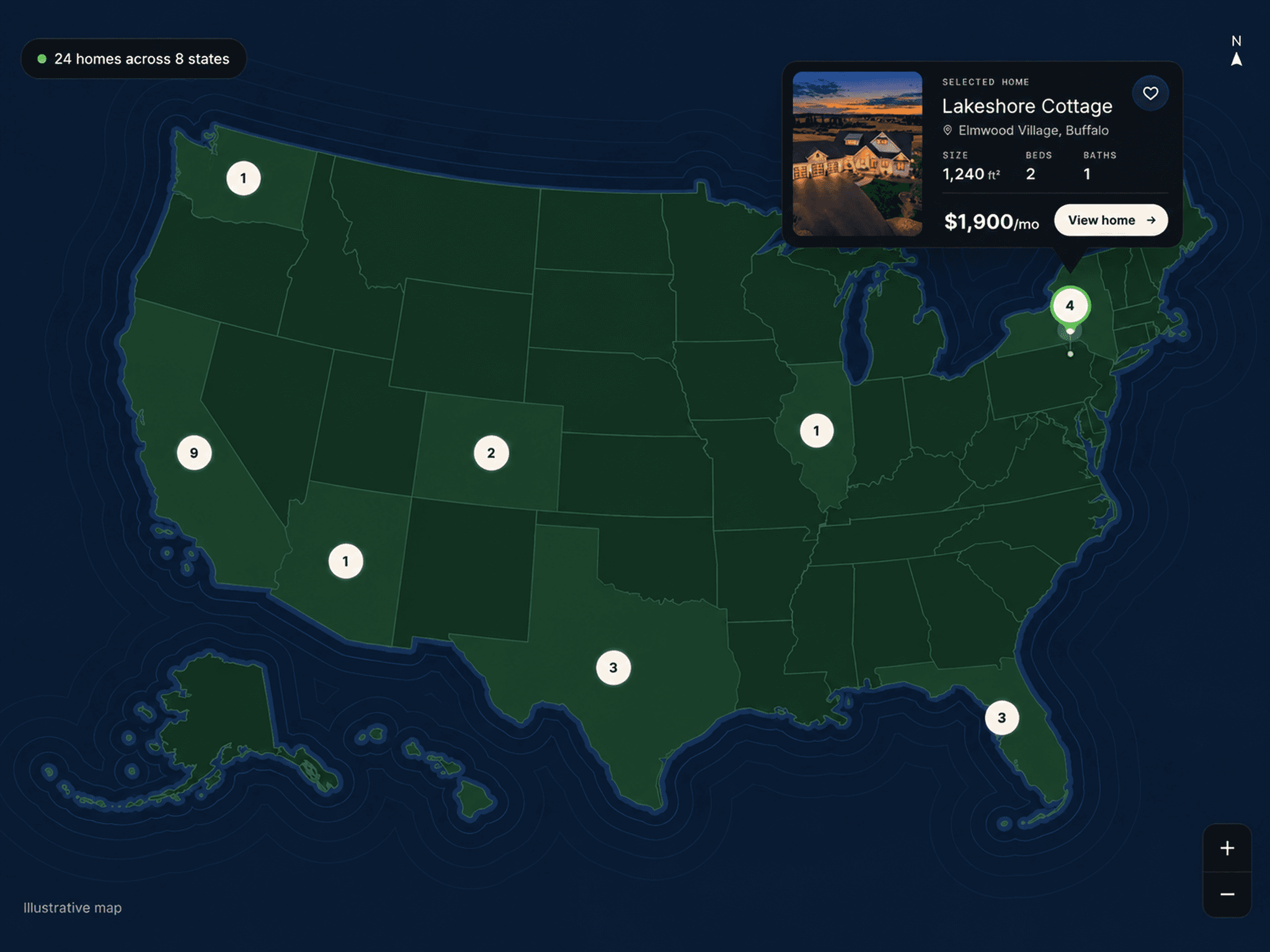
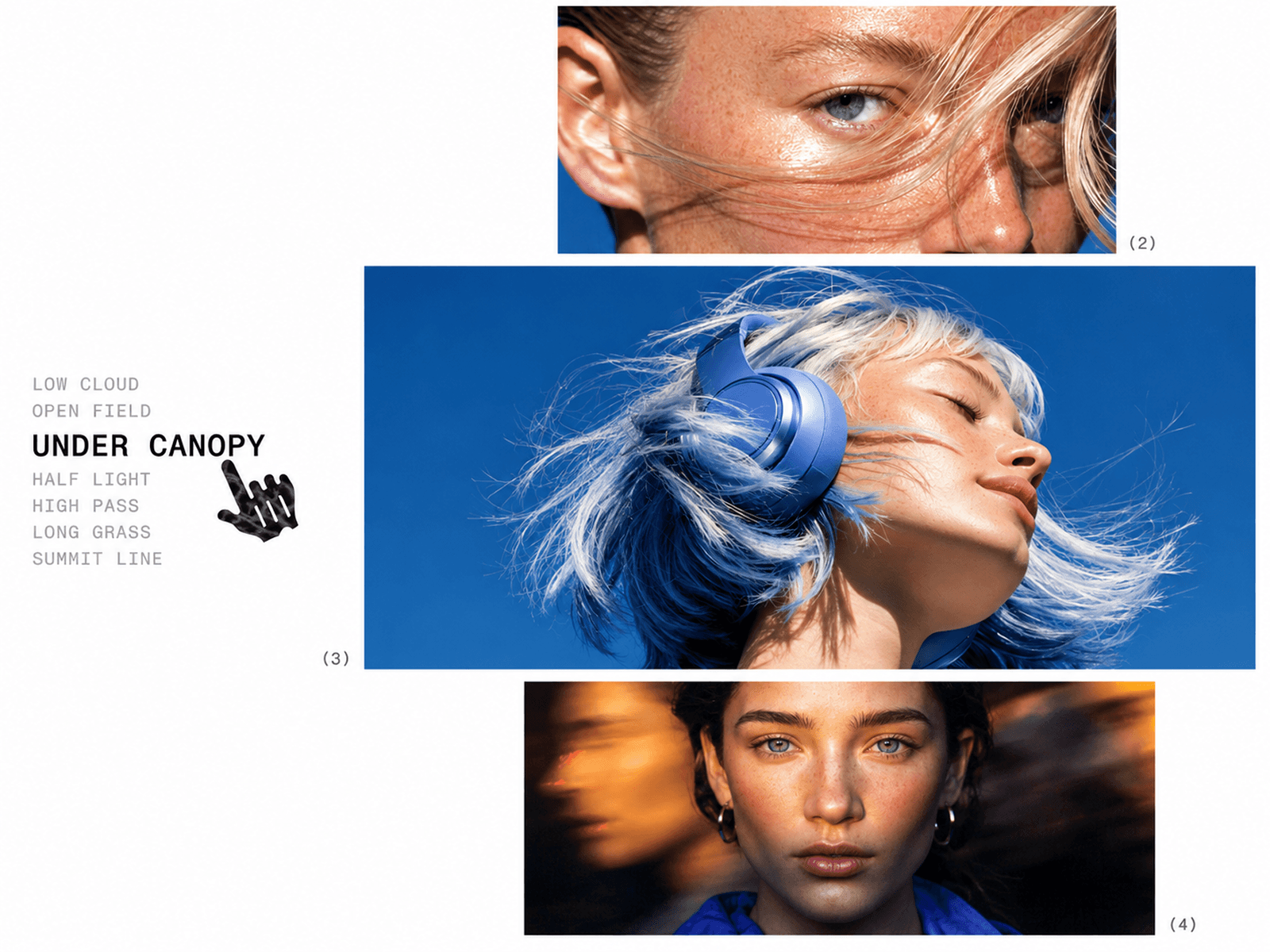
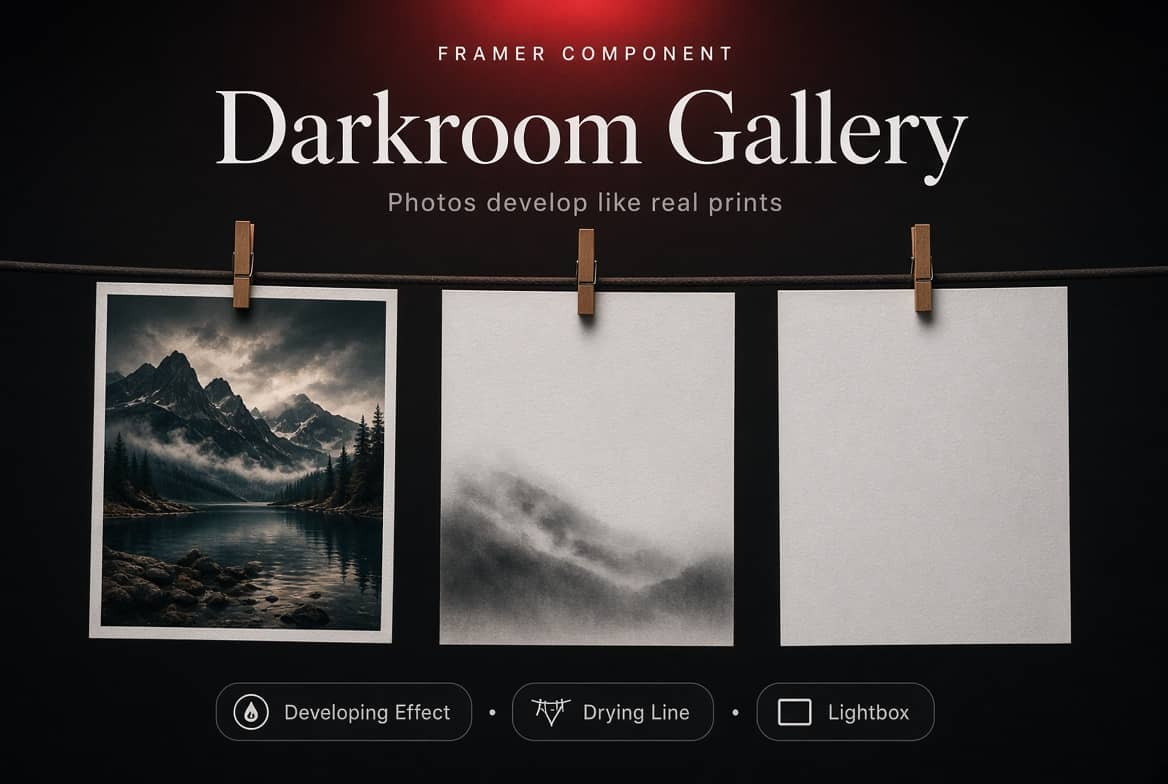
Dynamic Masonry CMS transforms your CMS content into an elegant, automatically arranged media gallery. Display images and videos in a flexible masonry layout, with varied tile heights, smooth interactions, and customizable styling. Connect your Framer CMS collection to create a gallery that stays in sync with your content.
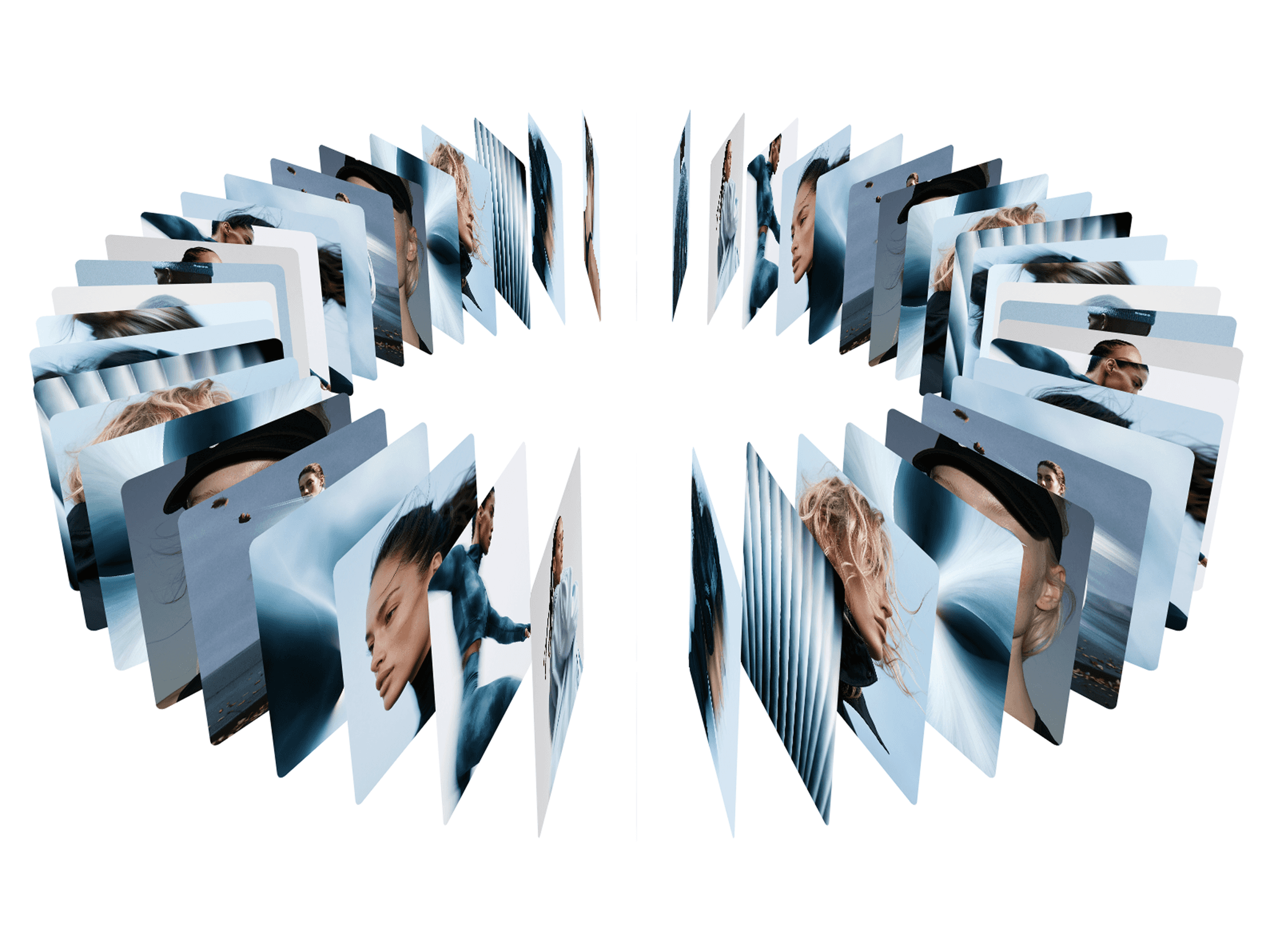
Go beyond a traditional masonry layout with a built-in view switcher that lets visitors explore both the CMS Masonry layout and an immersive 3D Infinite Gallery, all within one component.
Features & Customization
CMS Compatible: Connect your Framer CMS content to build dynamic media galleries.
Dual Gallery Views: Switch between CMS Masonry and 3D Infinite Gallery.
Dynamic Masonry Layout: Automatically distributes tiles across columns for a balanced composition.
Image & Video Support: Showcase a mix of images and videos in one gallery.
Flexible Tile Shapes: Choose short, regular, tall, and towering tile proportions.
Category Filtering: Organize content with tags and let visitors filter the gallery.
Interactive Lightbox: Open media in a full-screen viewer with previous and next navigation.
Hover Effects: Customize image zoom, grayscale effects, captions, and transitions.
3D Gallery Controls: Adjust depth, tilt, spacing, drift, hover scaling, and visual effects.
Detailed Styling: Customize backgrounds, spacing, corner radius, typography, filter controls, and gallery appearance.
Where to Use
Perfect for creative portfolios, photography websites, design studios, agency projects, and visual showcases that need a flexible way to present CMS-driven content.
Use the masonry layout for editorial collections and image galleries, or switch to the 3D view for a more immersive presentation. Dynamic Masonry CMS gives you two distinct gallery experiences in one customizable component.
I hope you enjoy using Dynamic Masonry CMS! For custom components or other Framer-related projects, contact oddframeworks@gmail.com.