About FAQ Toggle Accordion
FAQ Toggle Accordion – Five Questions with a Round Toggle Button
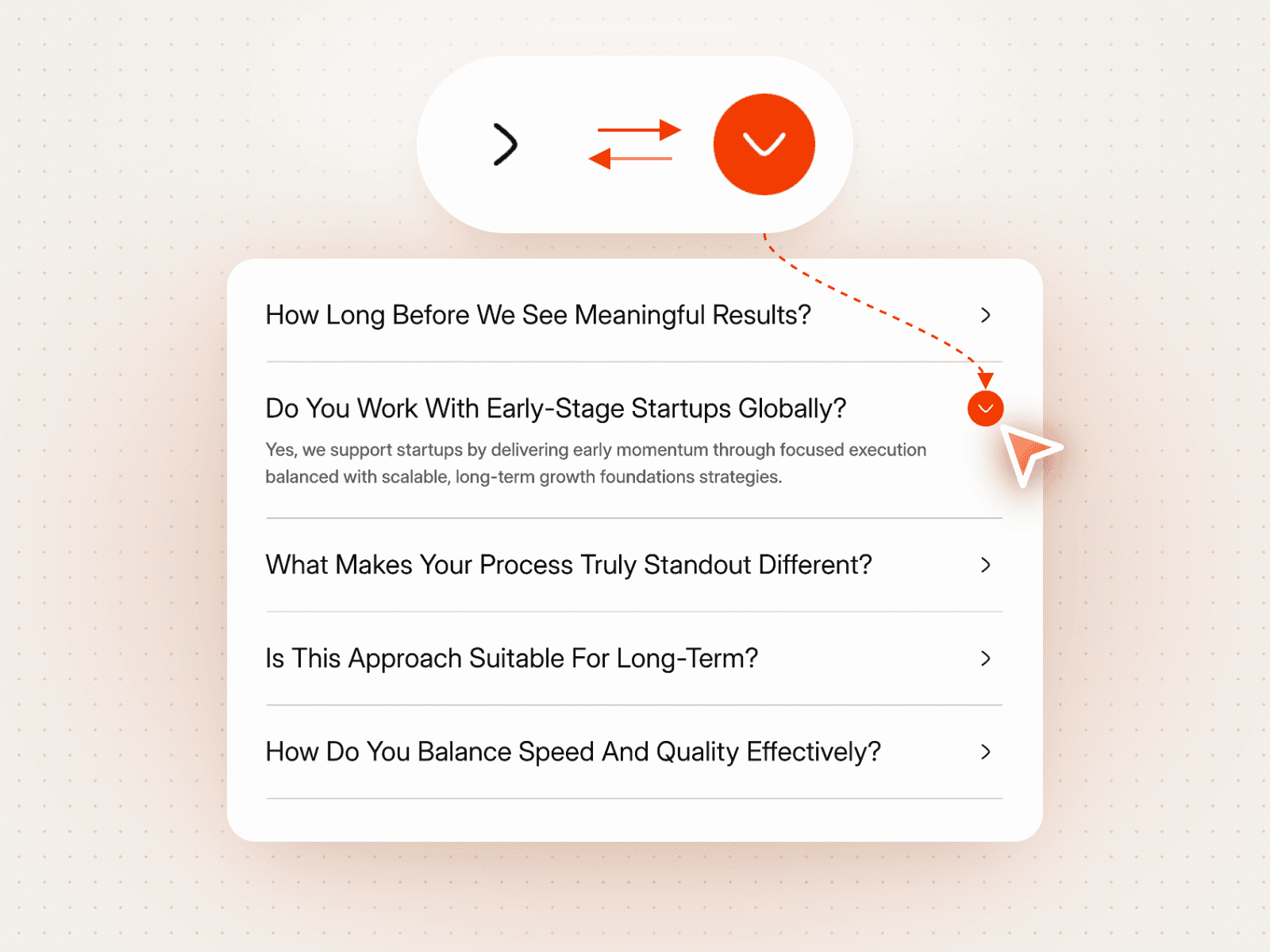
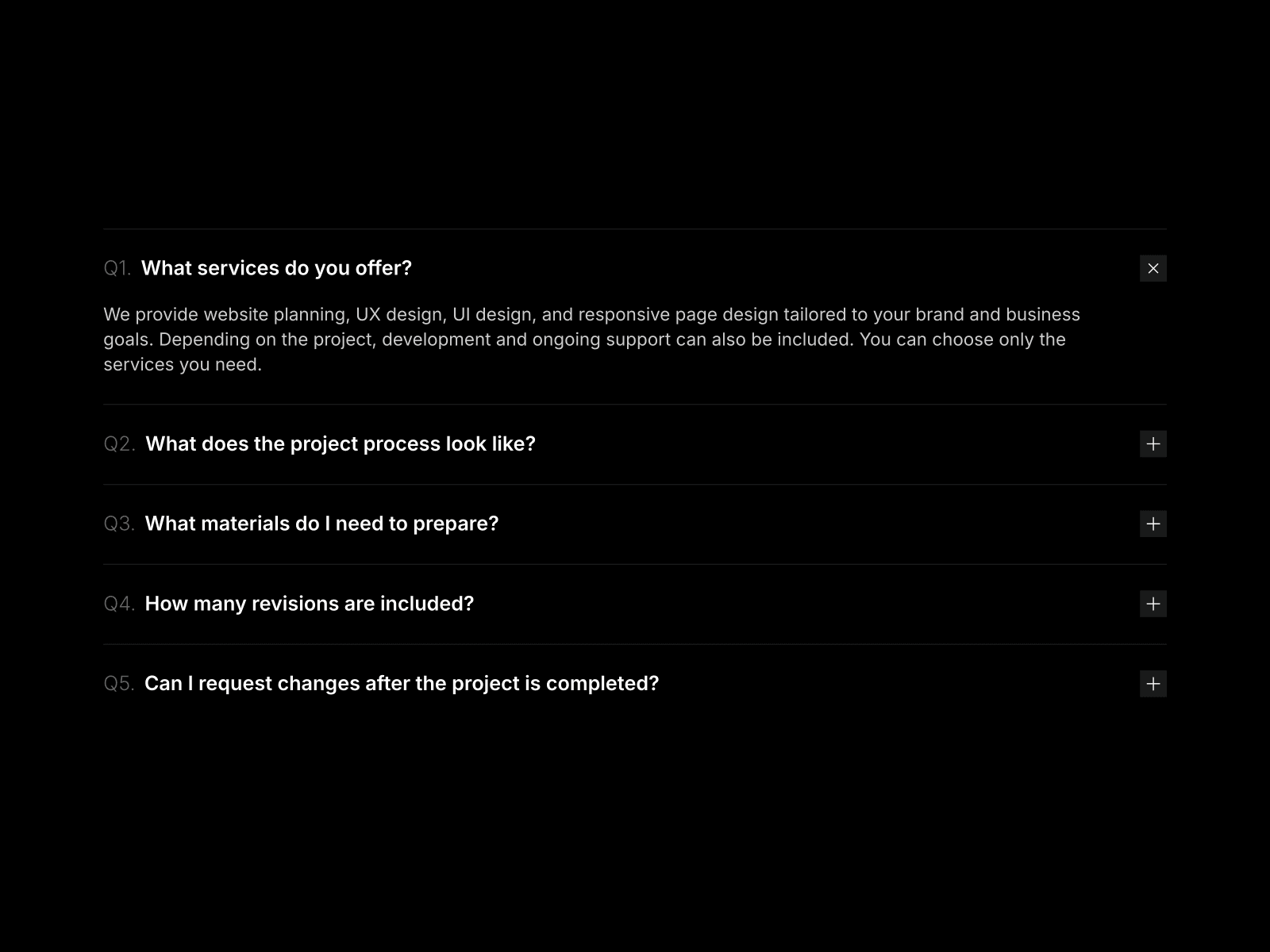
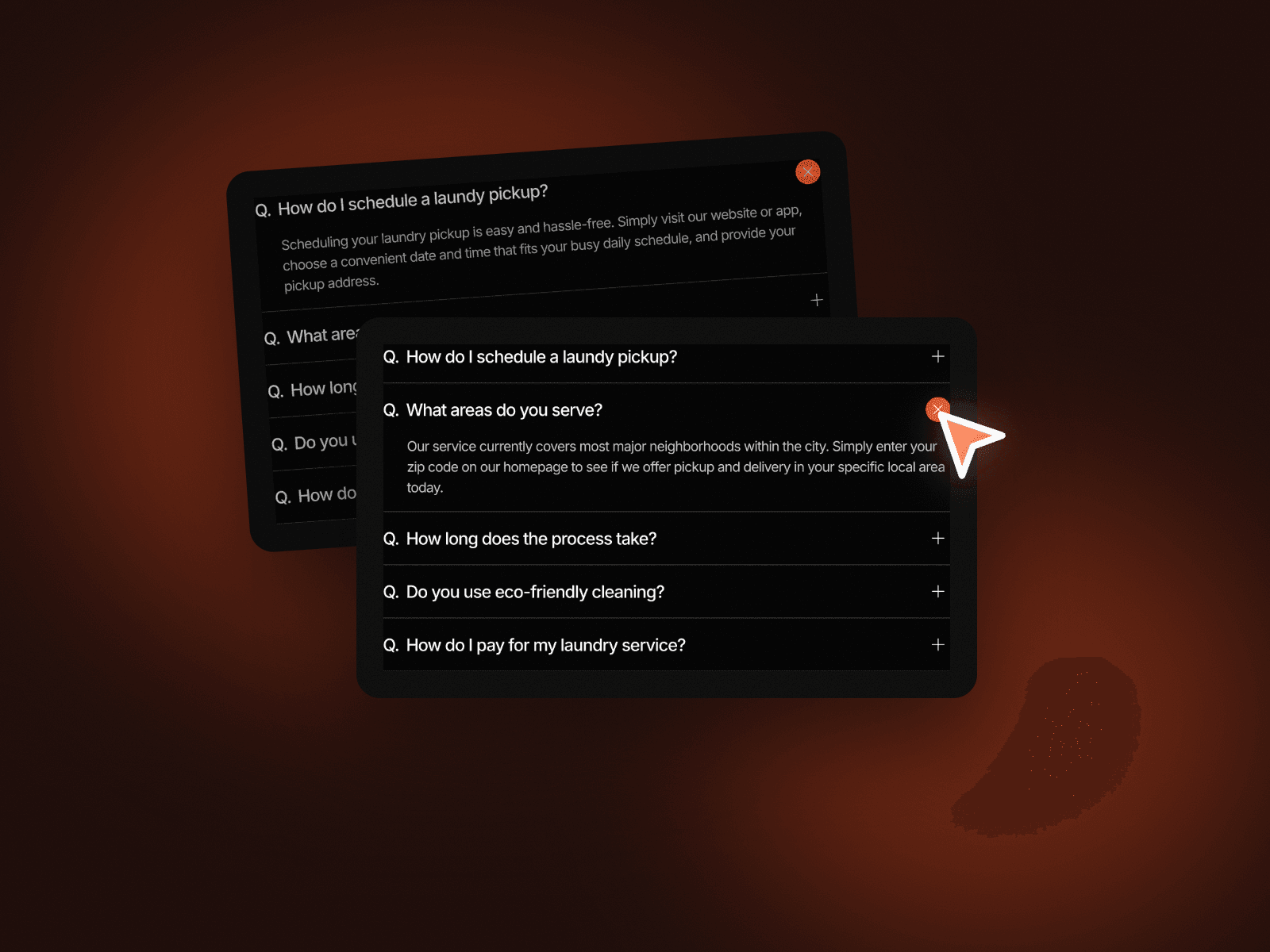
FAQ Toggle Accordion lists five questions, each with a Q. label and a plus button on the right. Click a question and its answer opens below it while the plus turns into a colored close button. It keeps a FAQ section short, tidy and easy to scan.
How it works
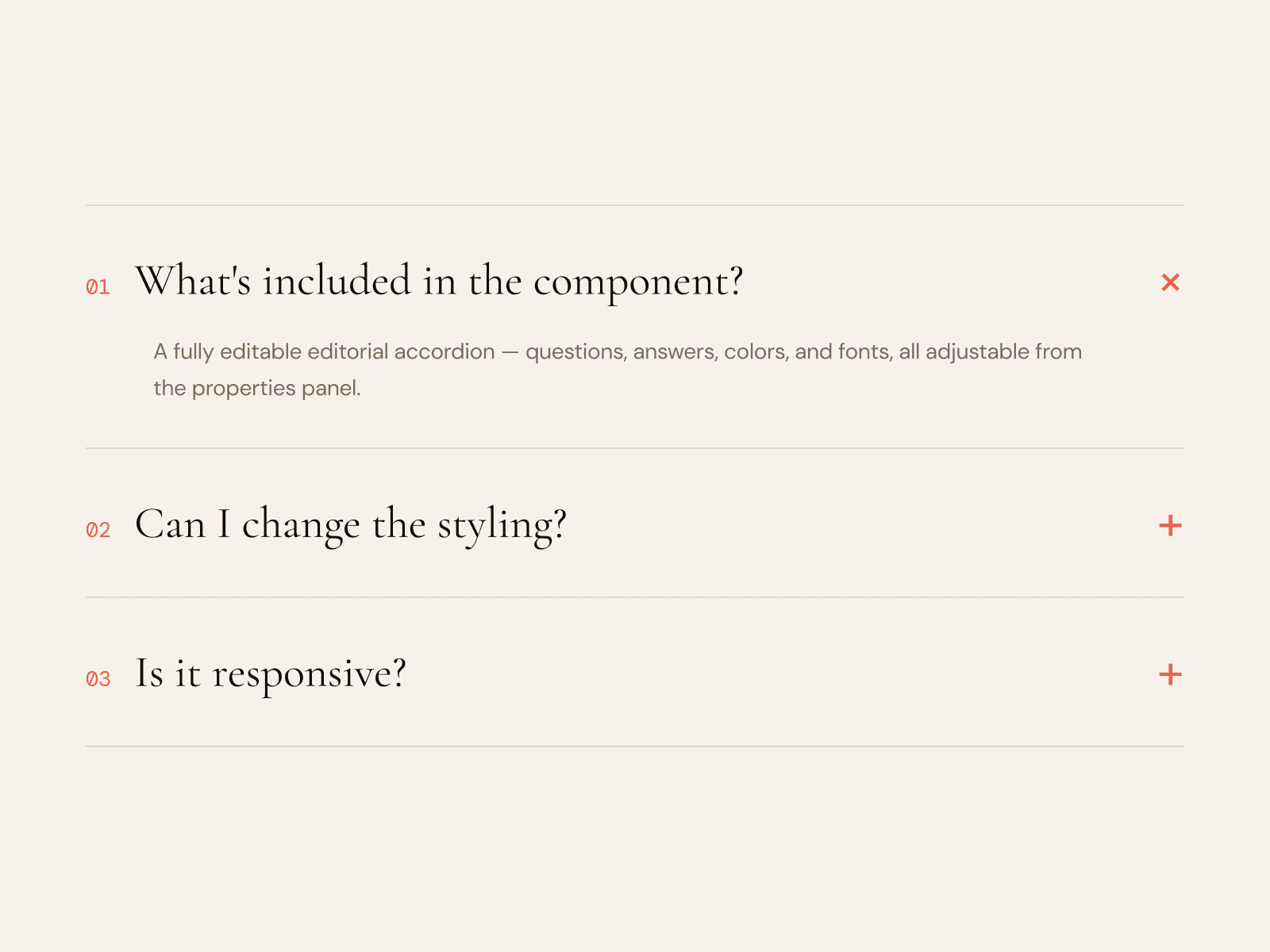
Five questions, the first one open on load.
Click the plus to open an answer; the button turns into a close button.
Thin divider lines separate the questions.
Includes a Mobile variant.
Easy to customize
Edit all five questions and answers.
Set the question color, answer color, line color and button fill.
Drop it into any Framer page and edit it from the properties panel or with your AI agent.