About File Tree
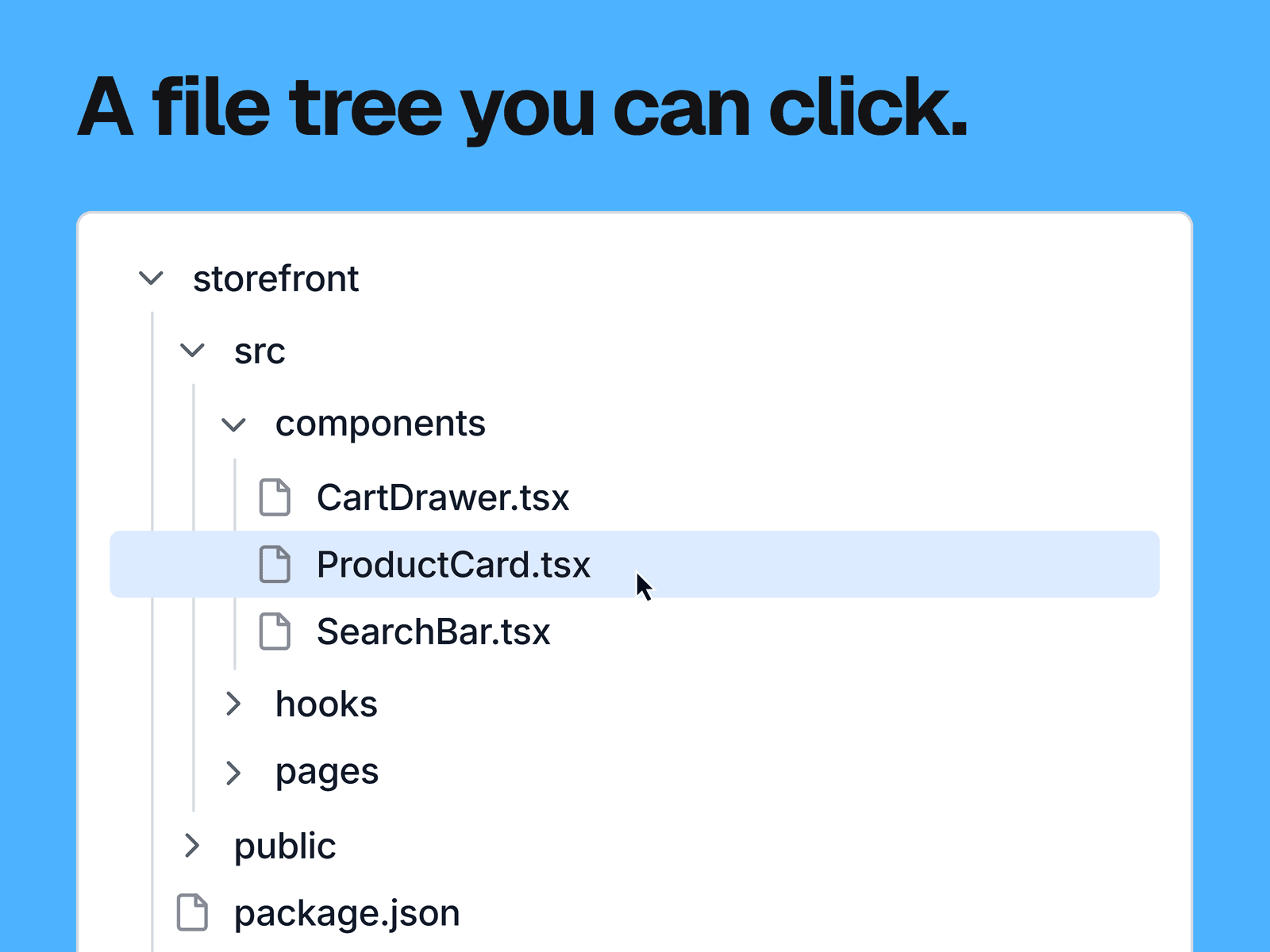
A folder and file tree that visitors can click. Folders open and close, files highlight when selected, and thin lines show what sits inside what.
What you can change
The tree itself, as a list of items. Each one has a name, a type (file or folder) and the name of its parent folder.
Which folders start open and which file starts selected.
Background, text, hover, selected and line colors, and the font. You can also hide the nesting lines.
Where it fits
Docs, tutorials and landing pages for templates, starter kits and developer tools, anywhere you want to show how a project is organized.
Good to know
Clicking a file only highlights it. Files can't open a link or change other content on the page.
Items are matched by name. Two folders with the same name merge into one, and two files with the same name highlight together, so keep names unique.
Every file gets the same icon, and folders show only an arrow. There are no icons per file type.