About Flux Corner Button
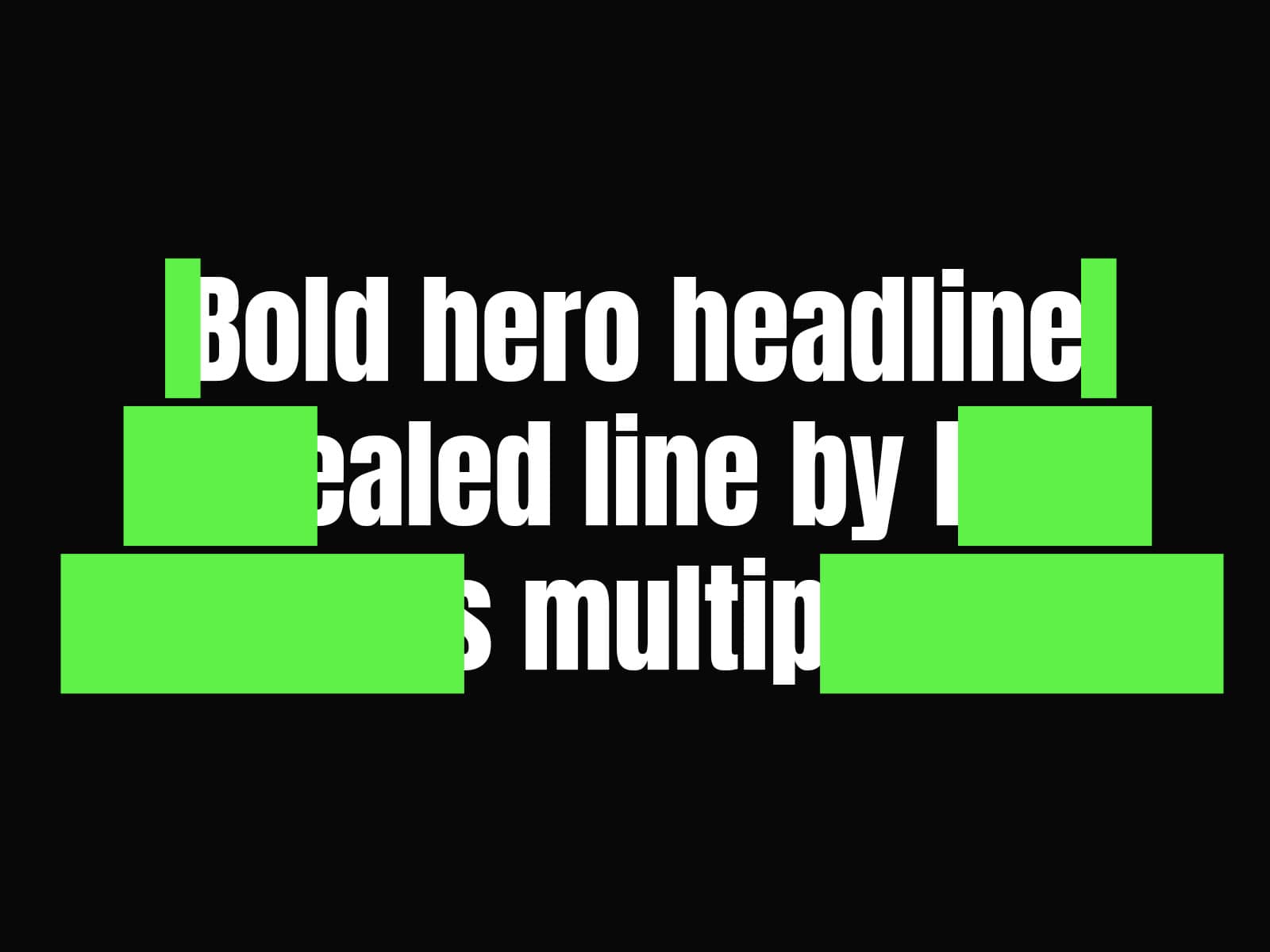
Flux Corner Button is a minimalist, high-performance UI component engineered for designers who want to elevate their CTA sections with a sharp, tech-inspired aesthetic. By combining a "flux" corner design with fluid spring animations, it transforms standard buttons into high-end interactive elements that feel responsive and precise.
Key Features
Flux Corner Aesthetic: A unique, modern design that mimics professional UI software interfaces, perfect for creative portfolios and tech-focused landing pages.
Fully Customizable: Easily adapt the button to your brand by modifying the fill colors and text directly in the properties panel.
Smooth Micro-interactions: Built with professional spring transitions that provide a tactile, satisfying response on hover and click.
Lightweight & Fast: Optimized for Framer to ensure snappy performance without compromising design quality.
Properties
Title: The text displayed on your button (e.g., "Get Started").
Link: Assign any destination URL or external path to the button.
Fill Color 1 & 2: Define the primary and secondary colors of the button to match your brand palette.
Color Text: Set the contrast color for the label.
Transition: Customize the physics of the interaction to your preference.
Best Practices & Recommendations
Dimensions: To maintain the intended "Flux" design integrity, we recommend a fixed height of 40px. The component is responsive and supports a width of up to 760px.
Contrast: Pair vibrant accent colors (like the default neon) with deep background tones to maximize the impact of the corner design.
Consistency: Use this button for primary landing page actions where you want to draw immediate user attention through a high-end, editorial look.
Support & Assistance
If you have any questions, need help using the component, or encounter any issues, you can reach out to me at danielgrafix12@gmail.com. I’ll get back to you as soon as possible.