About Fold Stack
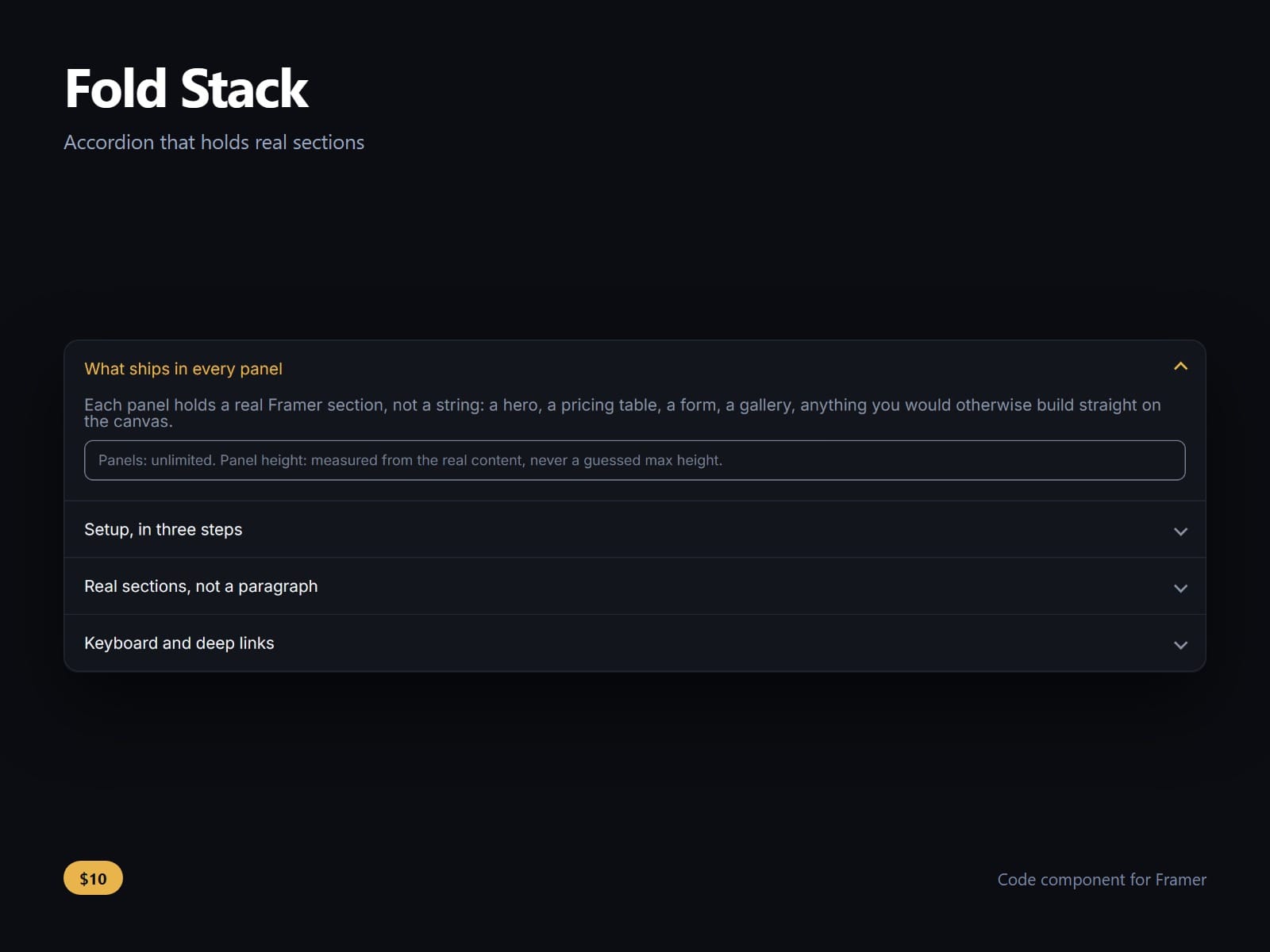
An accordion that holds real sections, not just a paragraph.
Draw Framer frames on the canvas beside your breakpoints and pick them under Panels. Each one becomes a panel body, stretched to the panel's width: a form, a table, a grid of cards, anything you would build on a page. The headings are a line of text each; press Shift+Enter between them.
It measures the real height rather than guessing a max height, then releases to auto once the panel has settled. That is the part most accordions get wrong: a guessed height clips content that grows later, and content that grows later is the normal case for anything with an image or a web font in it.
Reachable without a mouse. Up and down move between headings, Home and End jump to the ends, Enter and Space open, and whether the ends wrap is a control rather than a decision made for you. The focus ring is visible.
Linkable. A panel has a stable id, so a URL ending in that id opens it on arrival, which is what a support page needs when somebody is sent straight to one answer.
One open at a time or several, and whether the last open panel can be closed is yours. Icon style, divider, duration, padding, radius, font and every colour are property controls.
After purchase you receive the component URL. In Framer, select a frame on your page and paste it with Ctrl+V (Cmd+V on a Mac).
Licence: yours to use on your own sites and on client sites, commercially, with no attribution. Not for resale or redistribution: do not share the component URL, and do not publish the component or its code anywhere, paid or free. Full terms arrive with your purchase. Questions: me@majedesigns.dev