About Glow Cursor (trail)
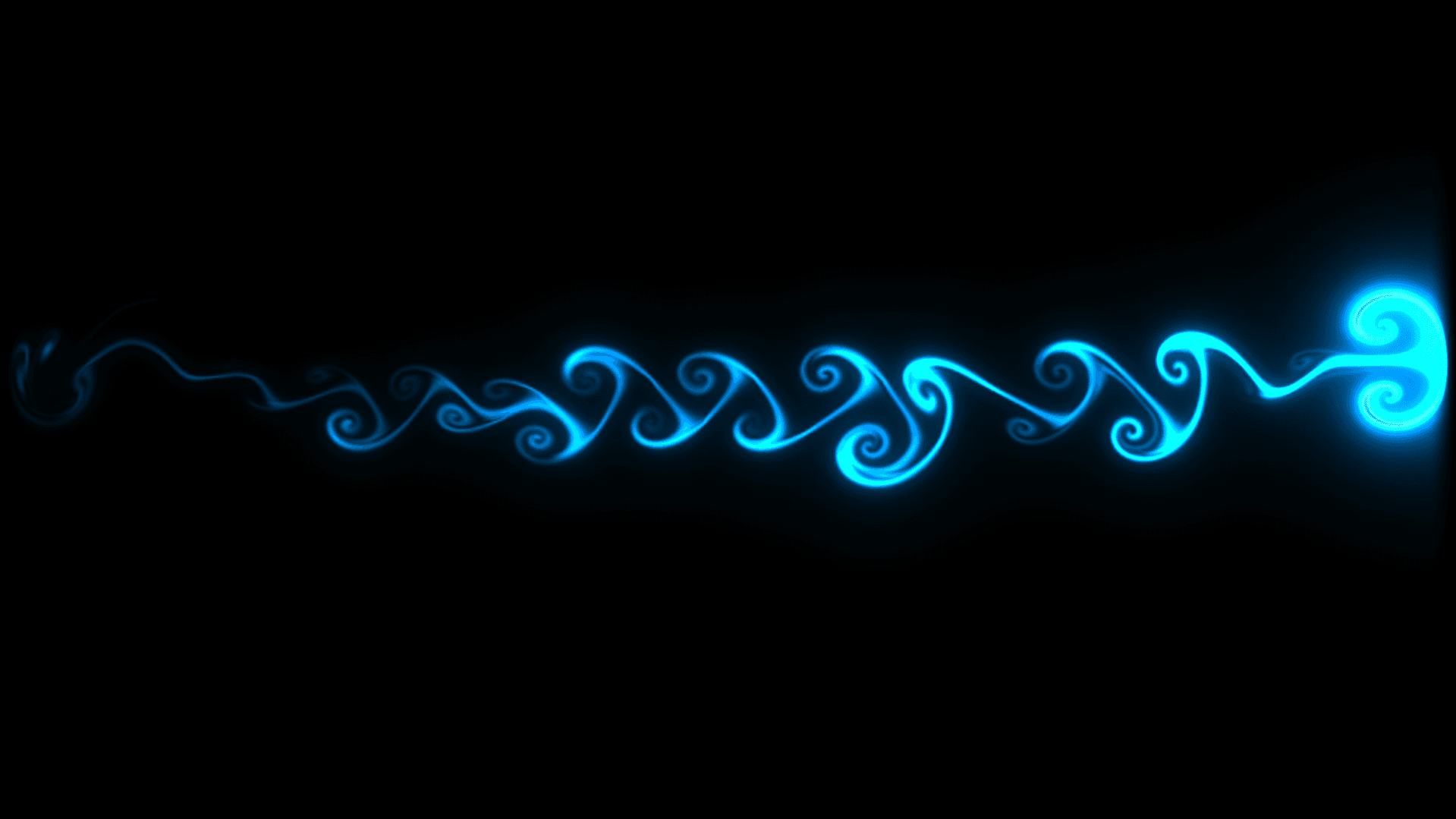
Glow Cursor (trail) adds an interactive fluid smoke and light trail to your Framer website that follows the visitor pointer smoothly across the screen.
It is built on native WebGL2 shaders with zero external libraries. It renders on a fixed transparent overlay without altering your page layout or blocking buttons, links, and text selection.
6 Ready-to-Use Presets
Cosmic
Solar
Cyber
Mist
Pulse
Velvet
Custom Mode
Customization Controls
Primary Color
Secondary Color
Intensity
Trail Width
Fade Duration
Glow Bloom
Core Brightness
Follow Speed
Click Burst
Performance and Optimization
Pure WebGL2 GPU Acceleration: Runs at 60 to 120 FPS directly on the GPU.
Zero External Dependencies: Ultra-lightweight codebase under 35KB total.
Smart Idle Sleep: Automatically stops animation loops when the mouse stops moving, dropping CPU and GPU usage to 0%.
How to Use
Drop the component onto your page (or into your shared Navbar/Footer for instant site-wide use).
Select your favorite preset from the dropdown or switch to Custom to dial in your own brand colors.
Preview your site and move your cursor.
Support
Need help or have questions?
Contact: contact@valorsic.studio
Crafted by valorsicstudio