About Grain Field
Description
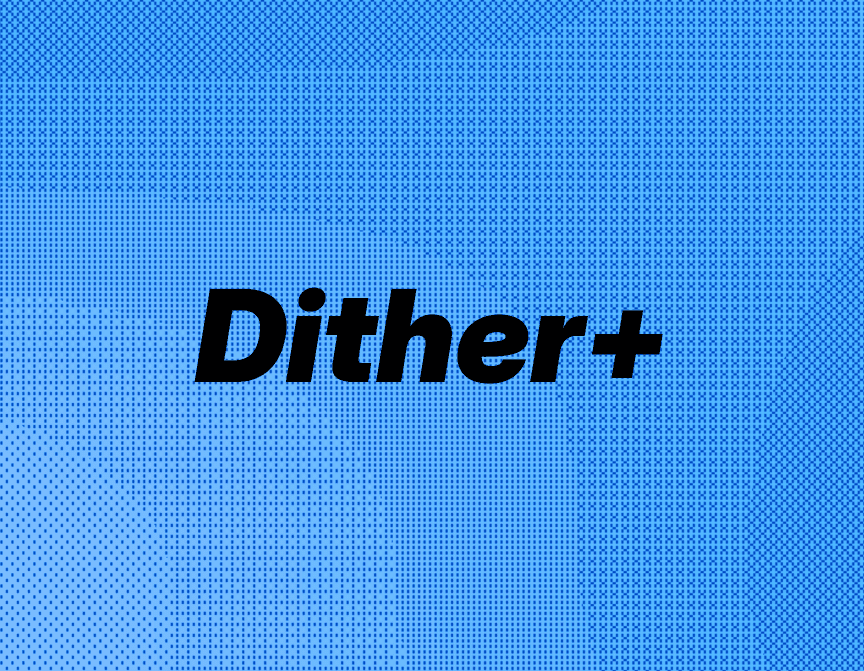
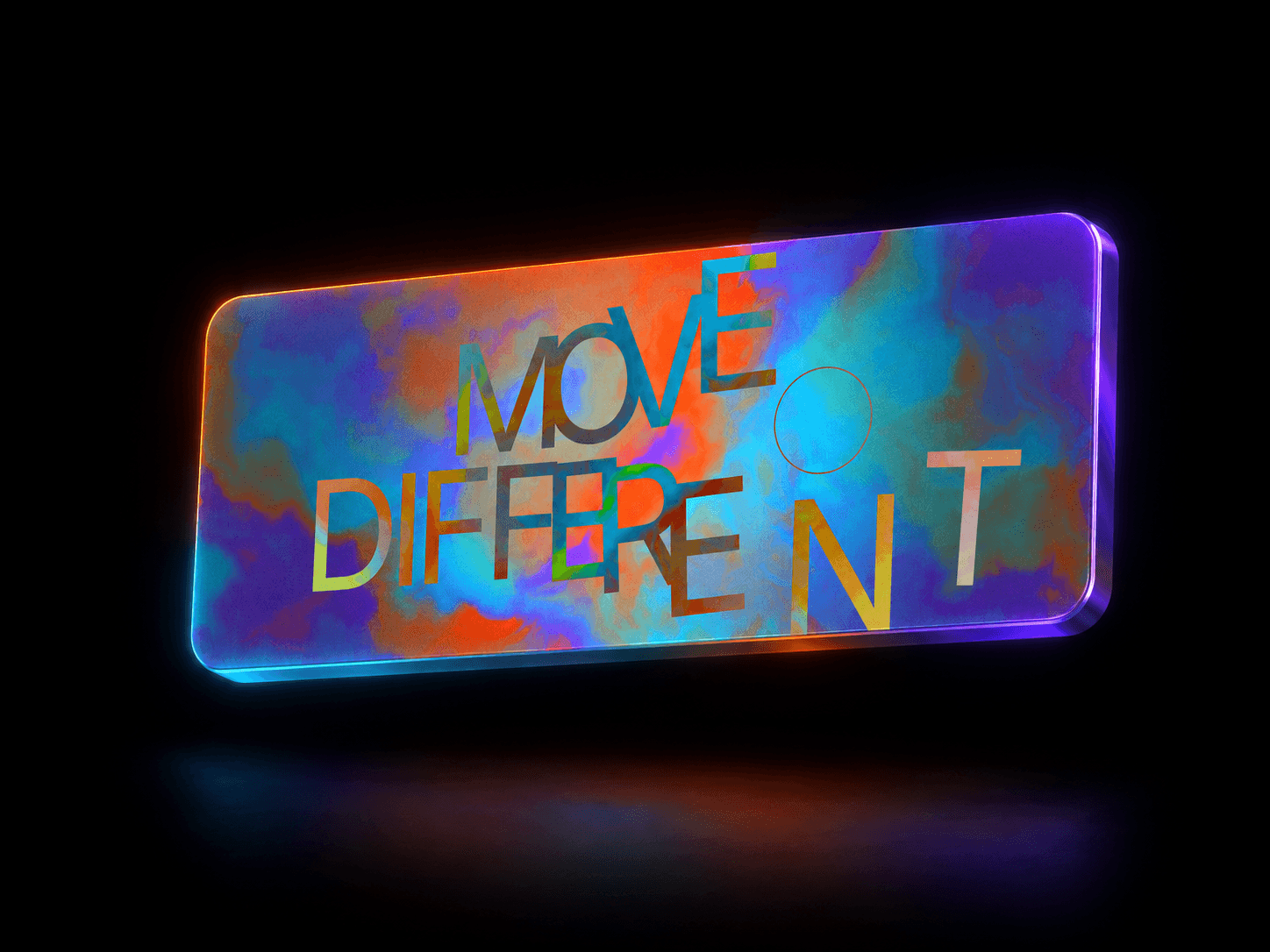
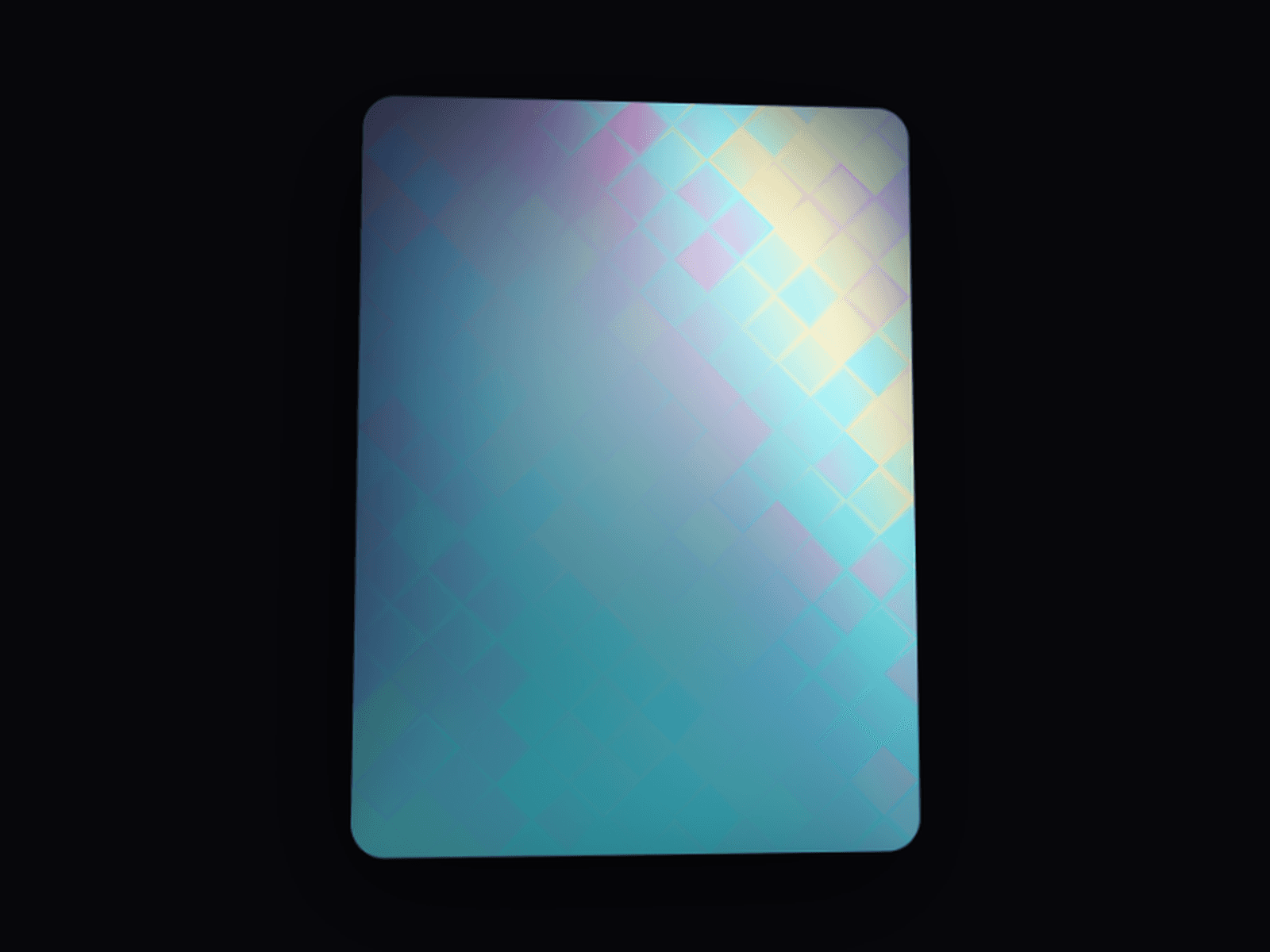
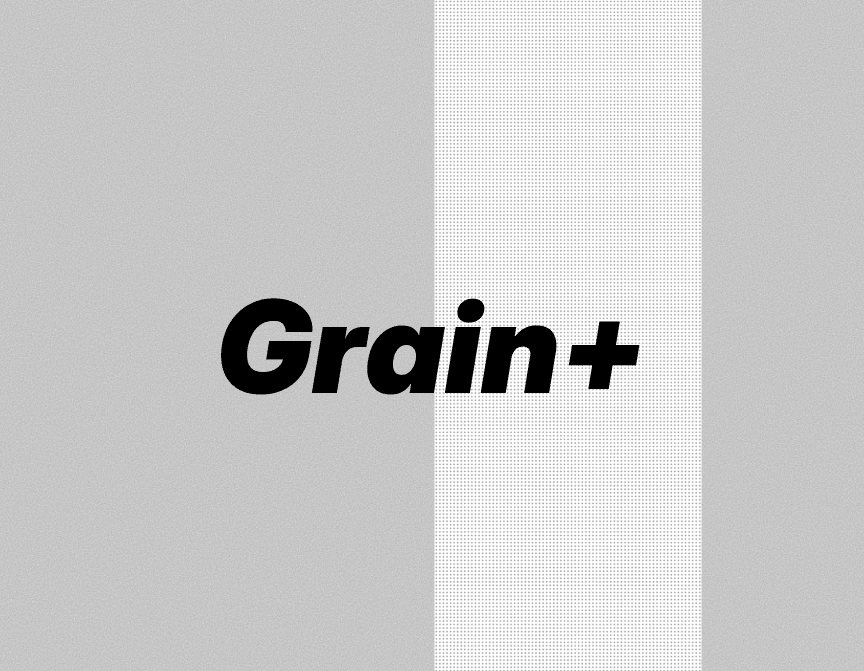
GrainField is a live WebGL shader overlay that adds grain, static, halftone dot, or ordered-dither texture to any layer in Framer. Instead of shipping one locked visual (as most single-purpose grain or dither components on the marketplace do), it packs four distinct noise algorithms behind one set of controls, so a designer can move from a subtle film-grain wash over a hero photo to a loud retro dither over a dark section without buying or wiring up a second component.
Drop it above (or below) any content as a transparent, full-bleed layer. Every visual trait — pattern, grain size, intensity, contrast, tint, animation speed, and blend mode — is exposed as a property control, and it degrades gracefully to a CSS/SVG texture in the canvas editor and static exports so it never blocks Framer's automated static-renderer check.
Customizations available in Framer
Pattern — switches the underlying algorithm between Film Grain, Fine Static, Halftone Dot, and Bayer Dither.
Grain Size — pixel size of each grain/dot cell, from fine to chunky.
Intensity — overall strength/opacity of the effect.
Contrast — pushes the noise distribution toward soft or punchy.
Tint Color — any color (including alpha) to tint the texture; alpha also scales intensity.
Color Mode — Mono (one noise value per pixel) or Chromatic (independent noise per RGB channel, for subtle color fringing).
Animate — toggles the flicker on or off; off renders one static frame.
Speed — how fast the pattern flickers, only shown while Animate is on.
Blend Mode — Normal, Multiply, Screen, Overlay, Soft Light, Difference, or Color Dodge, for compositing against whatever sits behind it.