About Gyro Tilt Card
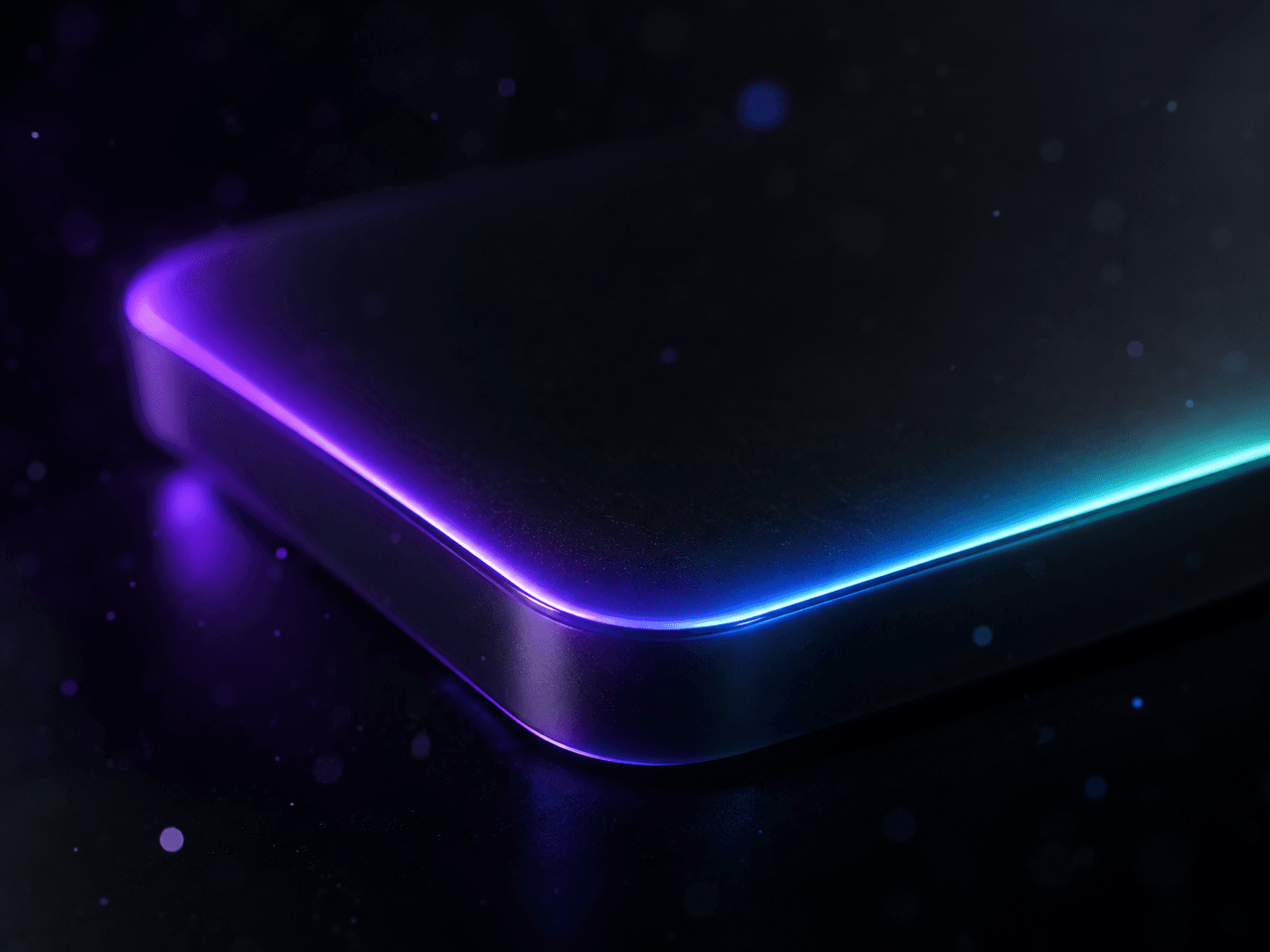
Most "3D tilt card" components only respond to the mouse — which means the entire effect is dead on mobile. Gyro Tilt Card fixes that: a generic wrapper you drop any content into (image, product card, testimonial), tilting in 3D using whatever input the device has. Features: - Desktop: cursor-position tilt, spring-smoothed. - Mobile/tablet: live gyroscope orientation tilt with portrait/landscape axis remapping. - iOS 13+: requests motion permission on tap when required. - Android & others: direct gyro tilt without friction. - Fallback: gentle ambient idle-sway keeps the card alive without mouse or gyro. - Idle border-beam: rotating gradient light traces the edge, fading on hover into dynamic shadow and cursor-tracking glare. ## How to Use 1. In Framer, create a Code Component and paste the component file. 2. Drag onto canvas and resize to fit your card or image. 3. Open Properties panel and set Content to your target layer. 4. Adjust Max Tilt and Perspective to tune the 3D feel. 5. Toggle Glare and Dynamic Shadow as desired. 6. Toggle Idle Sway Fallback and style the Idle Beam. 7. Test in Preview on a real phone for gyroscope interaction. --- ### ⚡ Created by [Spark Studio0](https://www.framer.com/@sparkstudio0/) Explore our full collection of interactive Framer UI components and luxury website templates at [framer.com/@sparkstudio0](https://www.framer.com/@sparkstudio0/). Follow our profile for weekly free UI drops!