About Hover Flow Menu
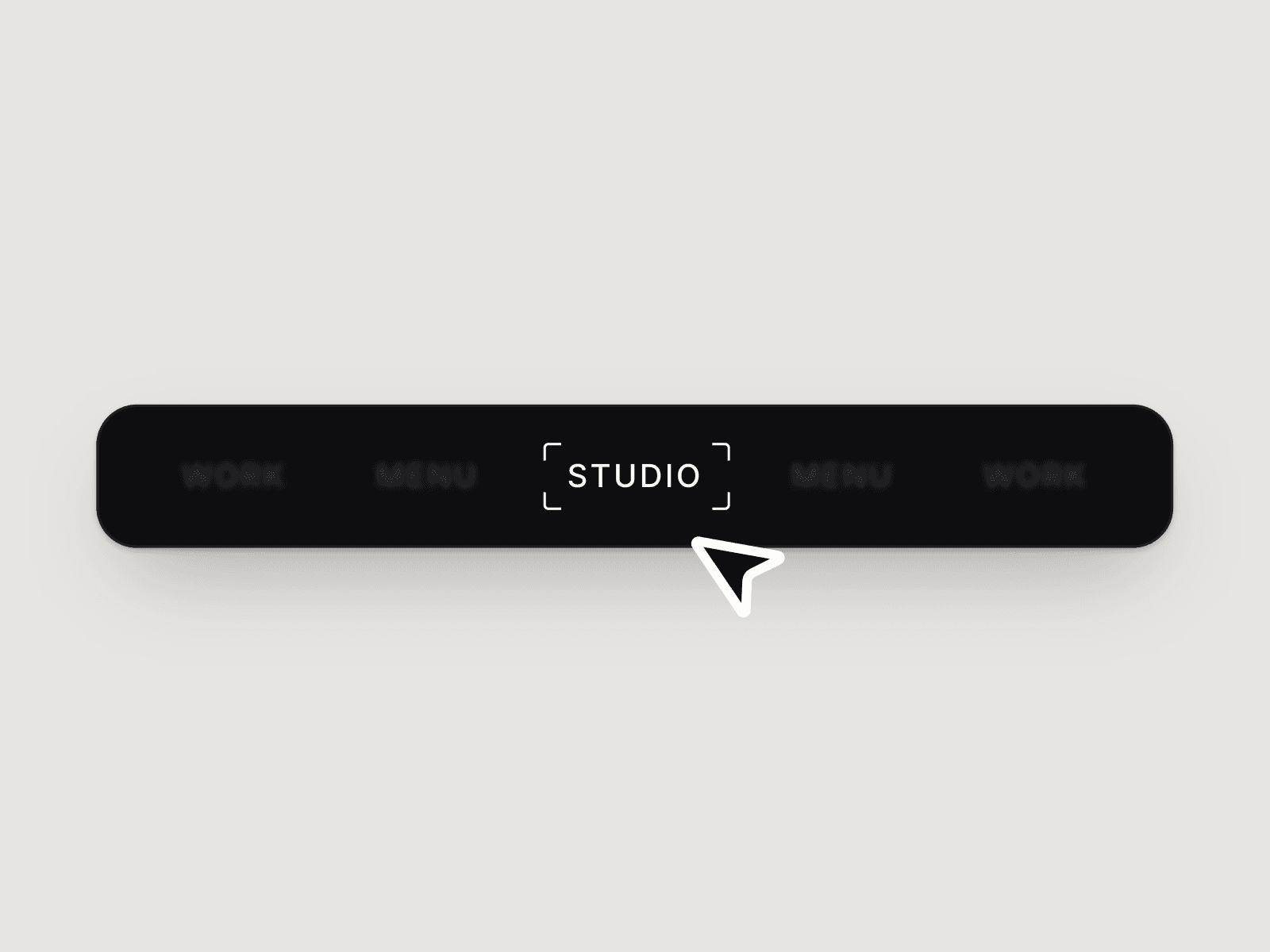
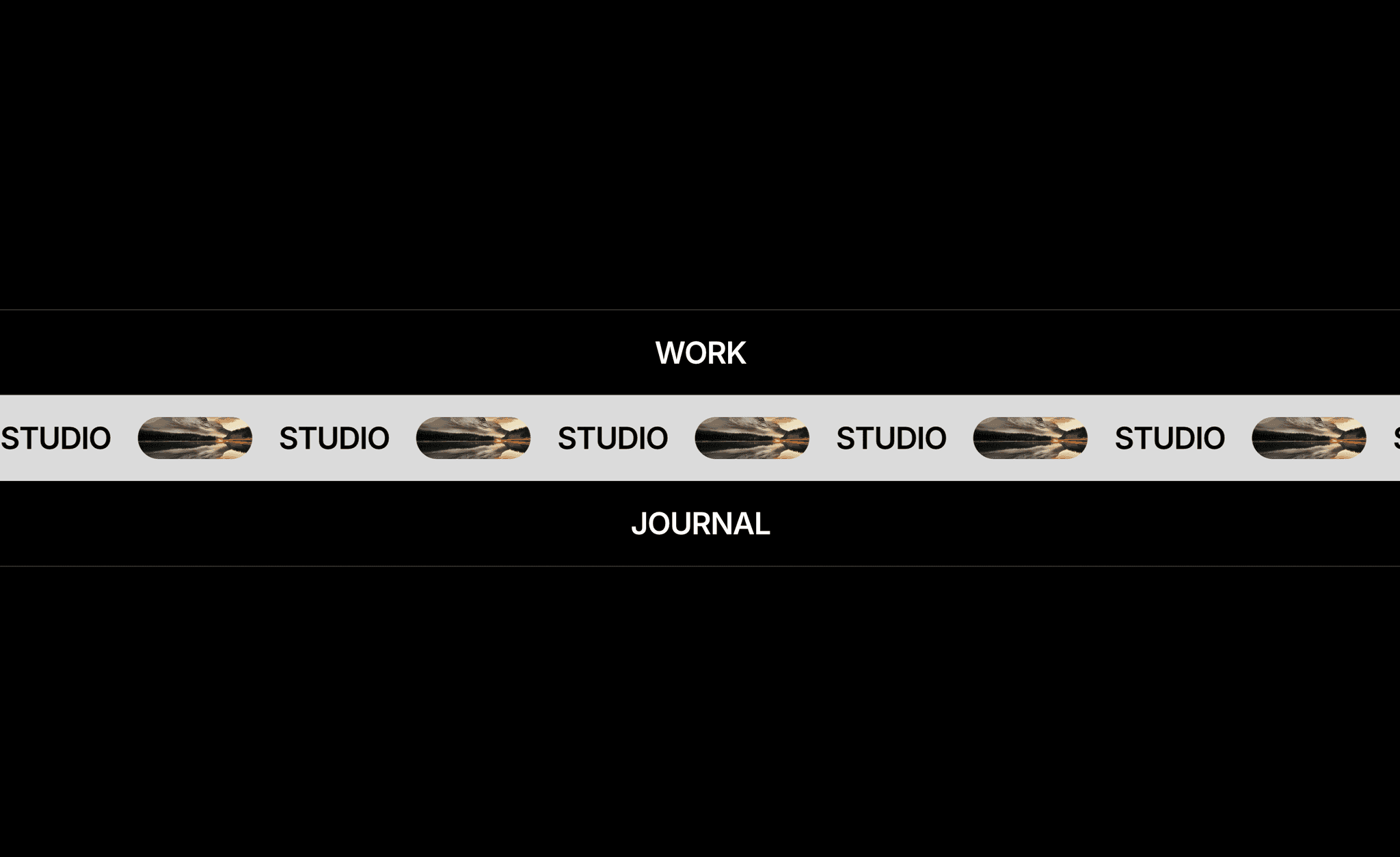
Hover Flow Menu is a bold, full-width navigation menu for Framer with a flowing marquee hover effect. Each menu item is a big text row. When a visitor hovers a row, a light strip slides in and starts an endless marquee of the link text mixed with rounded image previews, then slides out again when the cursor leaves. It turns a simple list of links into a memorable, editorial menu.
How it works:
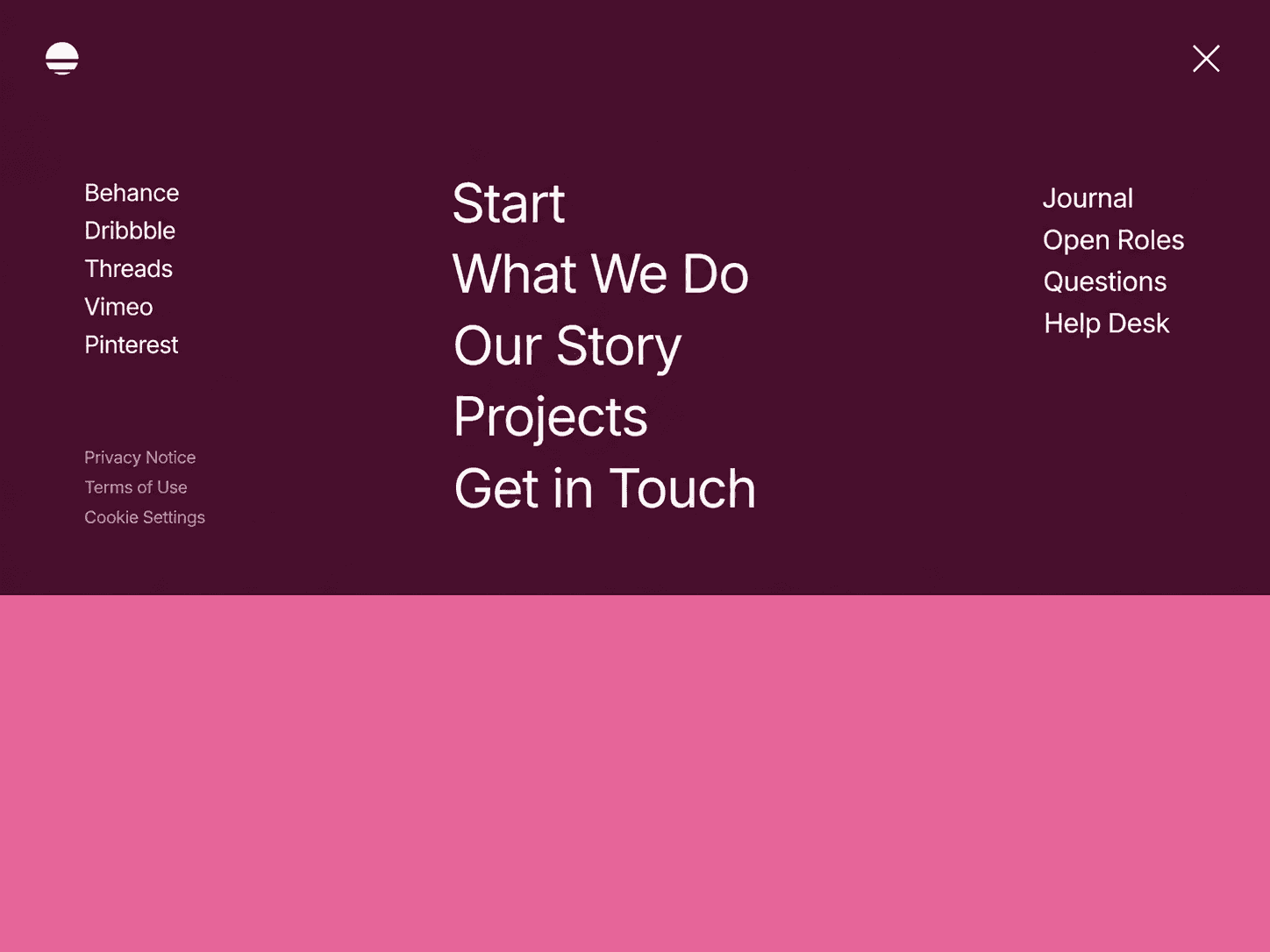
- Large, centred menu items stacked in full-width rows with thin dividers
- Hover a row and a contrasting strip slides in over it
- Inside the strip, the link text and pill-shaped images scroll in a seamless marquee
- Move away and the strip slides out smoothly
Features:
- Flowing hover marquee effect with image previews for every menu item
- Add any number of items, each with its own text, link and image
- Edit colours, font, size, row height, marquee speed and image style from the property controls
- Clean black-and-white default style that fits minimal, premium sites
- Responsive layout for desktop, tablet and mobile
- Lightweight code component — no code needed, just drag and drop
Use it as a full-screen menu, a hero navigation, a 'Work / Studio / Journal' links section or a project index on portfolio, agency, studio and personal websites.