About Icon Card Image Sync
Icon Card Image Sync – Three Numbered Cards That Change the Photo Beside Them
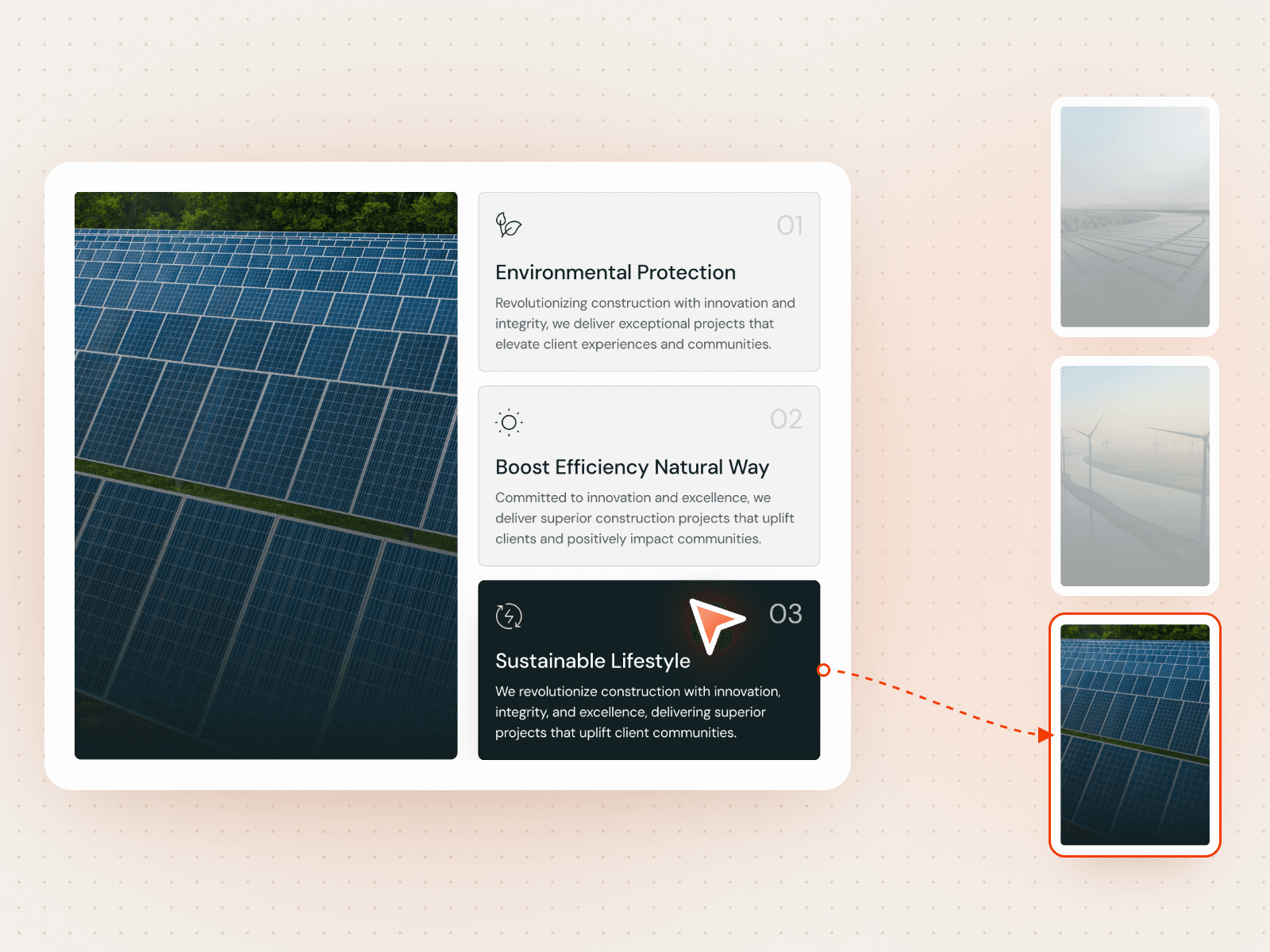
Icon Card Image Sync puts three numbered icon cards next to a tall photo. Click a card and it turns to its active colours while the photo changes to the image for that card. It shows services, values or steps in one compact block.
How it works
Three cards, each with an icon, number, title and text.
Click a card to make it active and swap in its image.
Separate active and inactive styles.
Includes Mobile variants.
Easy to customize
Edit all three images, numbers, titles and texts.
Set active and inactive colours for the background, icon, border, title, text and number.
Drop it into any Framer page and edit it from the properties panel or with your AI agent.