About Image Loupe
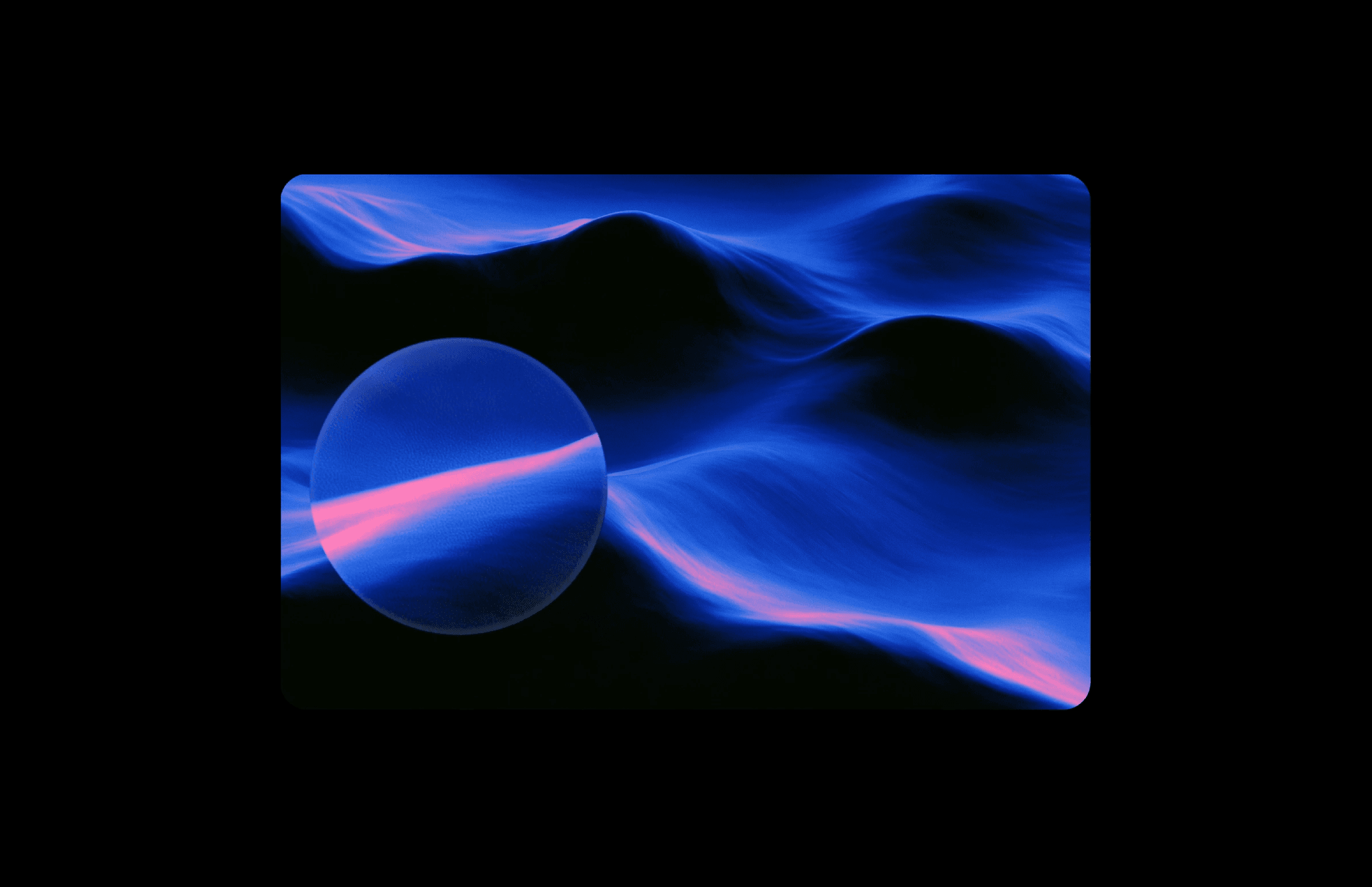
Image Loupe adds a magnifying lens that follows the cursor, revealing image details through a liquid glass effect. Color fringing, highlights, and adjustable liquid stretch give the lens a soft, gooey feel as it moves.
What you can customize
Choose the image and set the zoom level and lens size. Adjust Chromatic for color fringing, Liquid Stretch for distortion, and Smoothing for the lens movement.
Refine the highlight, shadow, and corner radius, and choose whether to hide the cursor while using the loupe.
How to use
Copy the component from the Marketplace and paste it onto the canvas
Choose an Image and set Zoom and Lens Size
Adjust Chromatic, Liquid Stretch, and Smoothing
Set Highlight, Shadow, Radius, and Hide Cursor
Preview the page and move the pointer across the image to test the lens
Great for
Exploring product materials and finishes
Highlighting jewelry and fashion details
Inspecting artwork and photography
Showing textures and close-up details