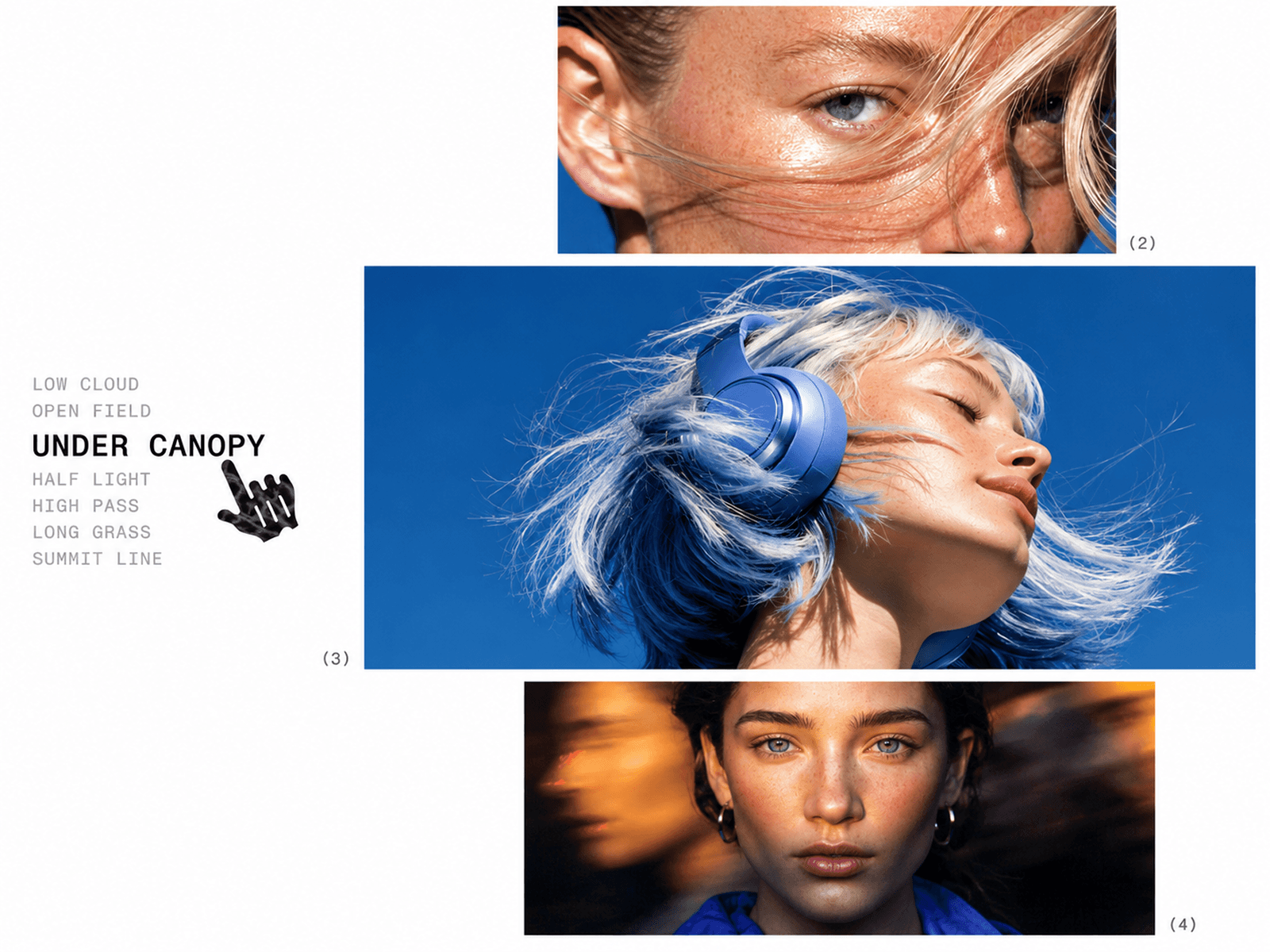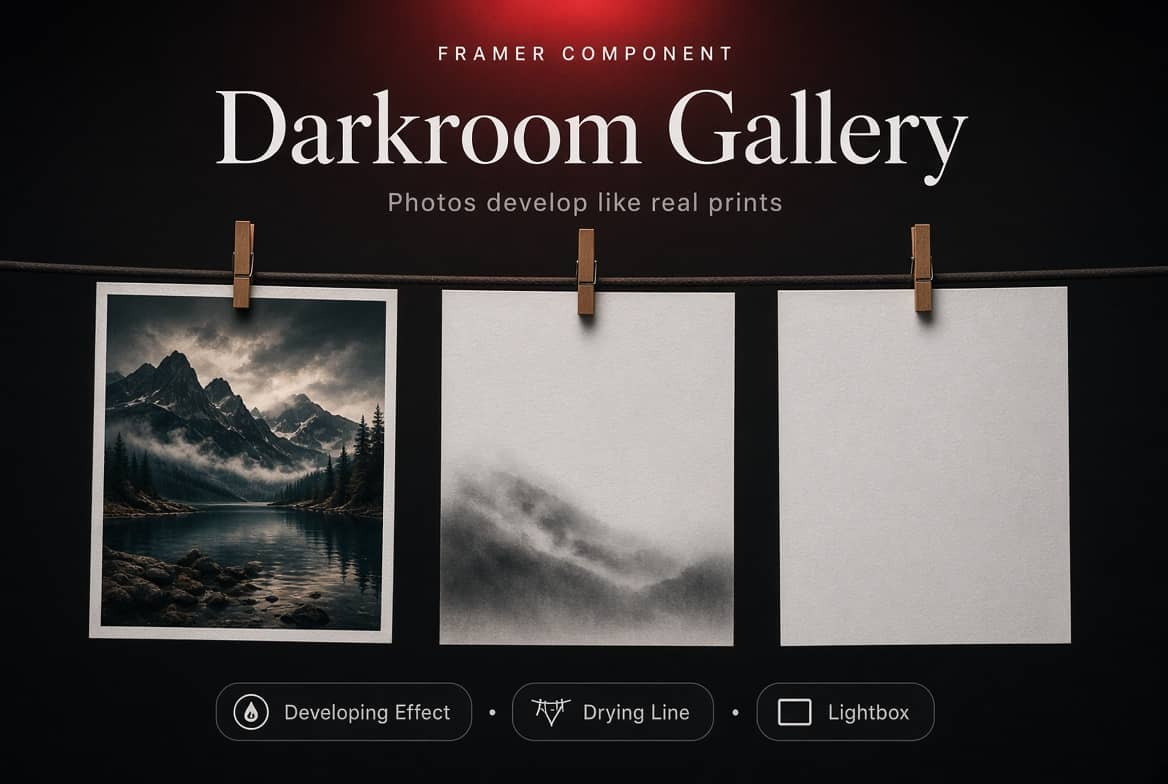
About Image marquee
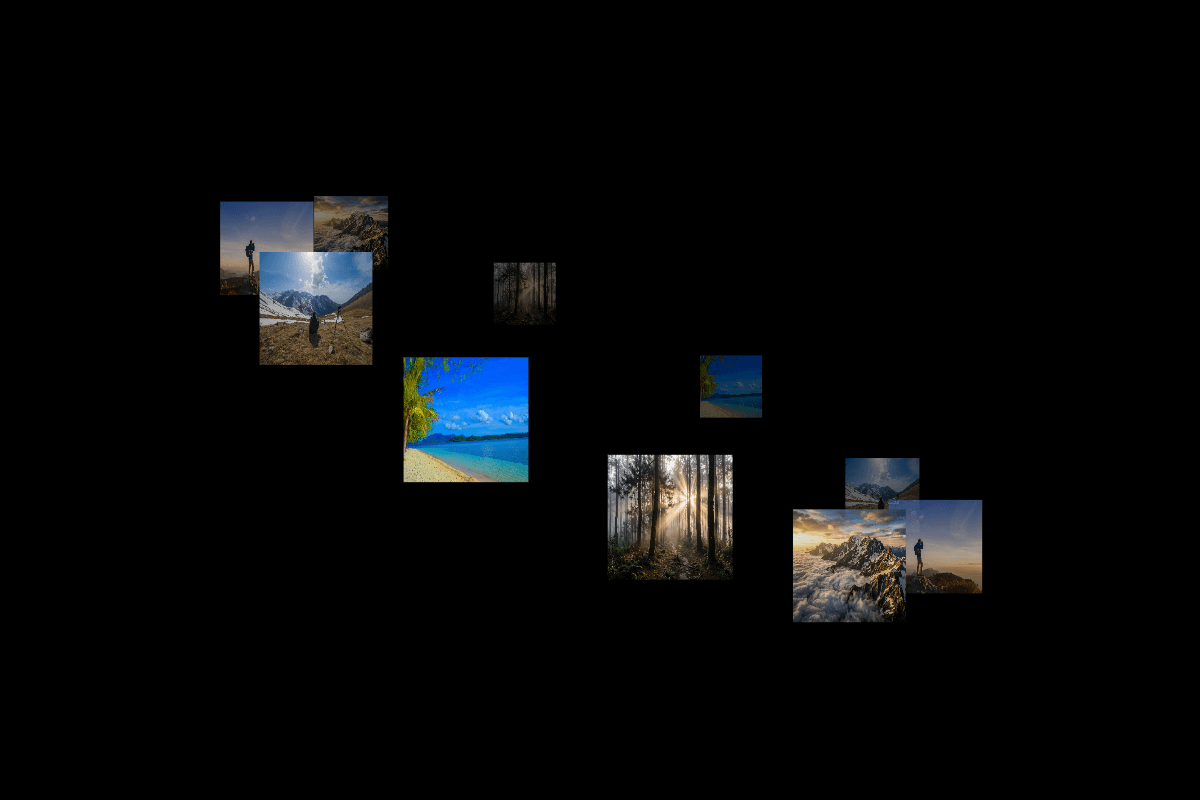
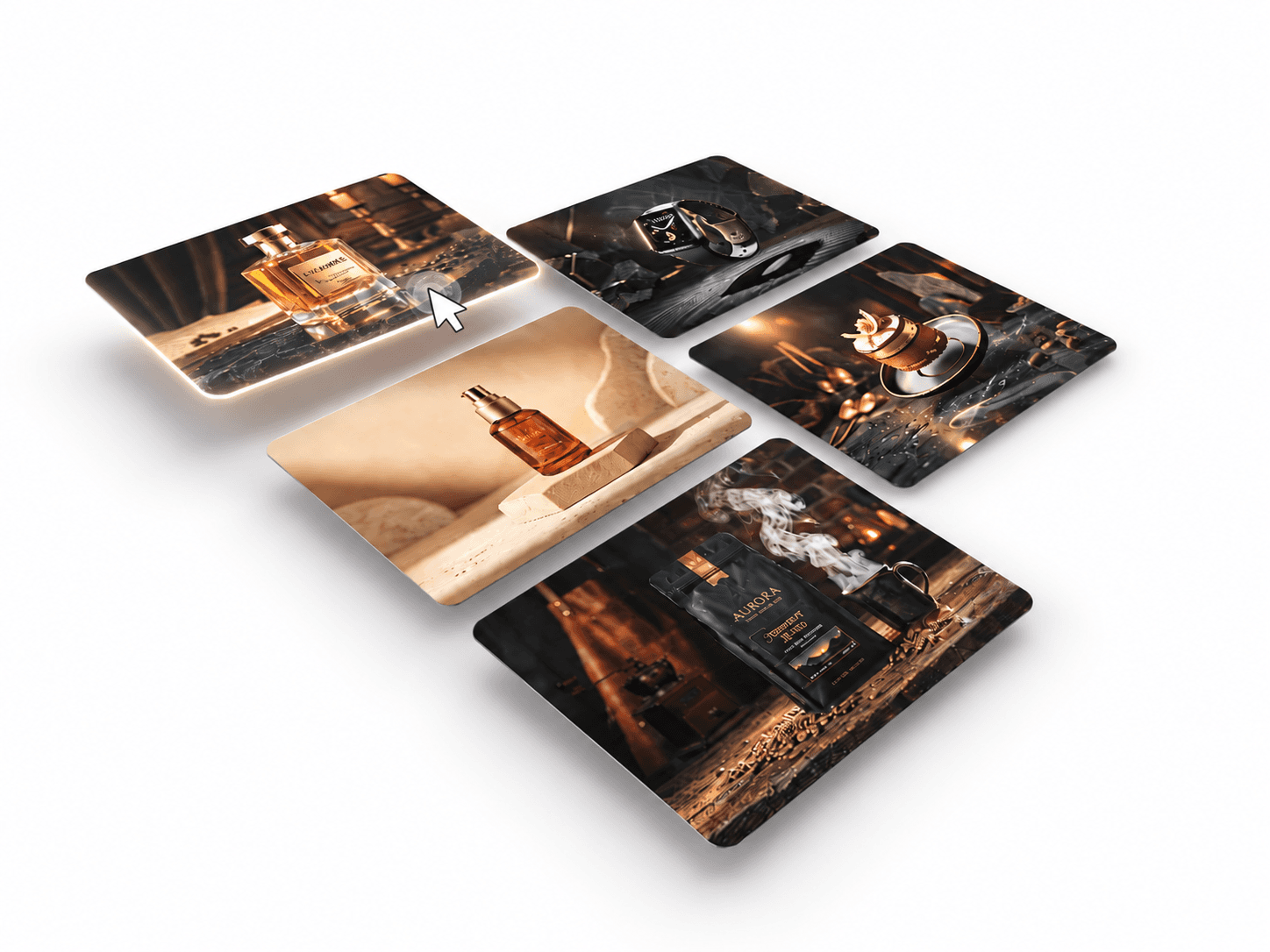
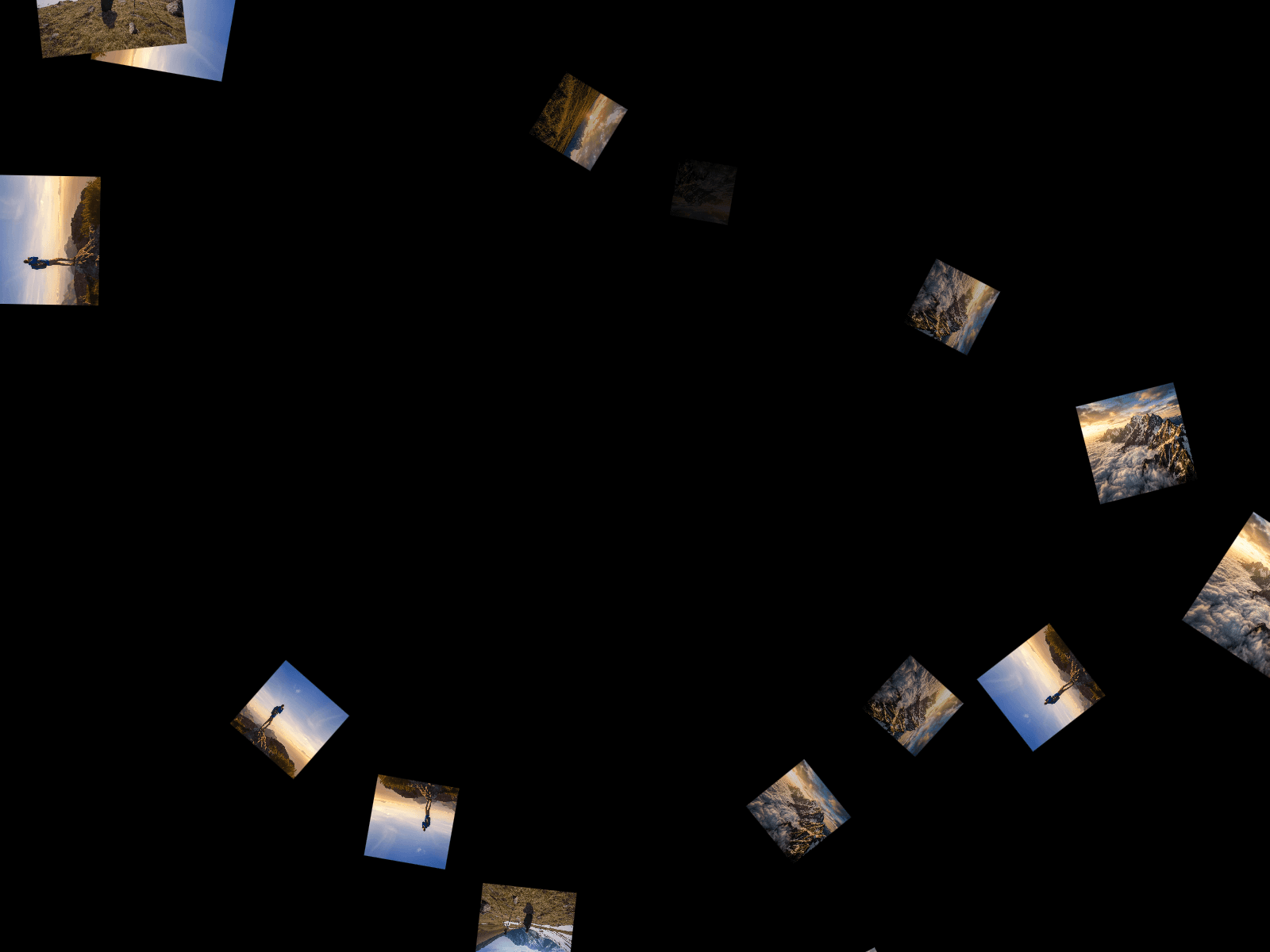
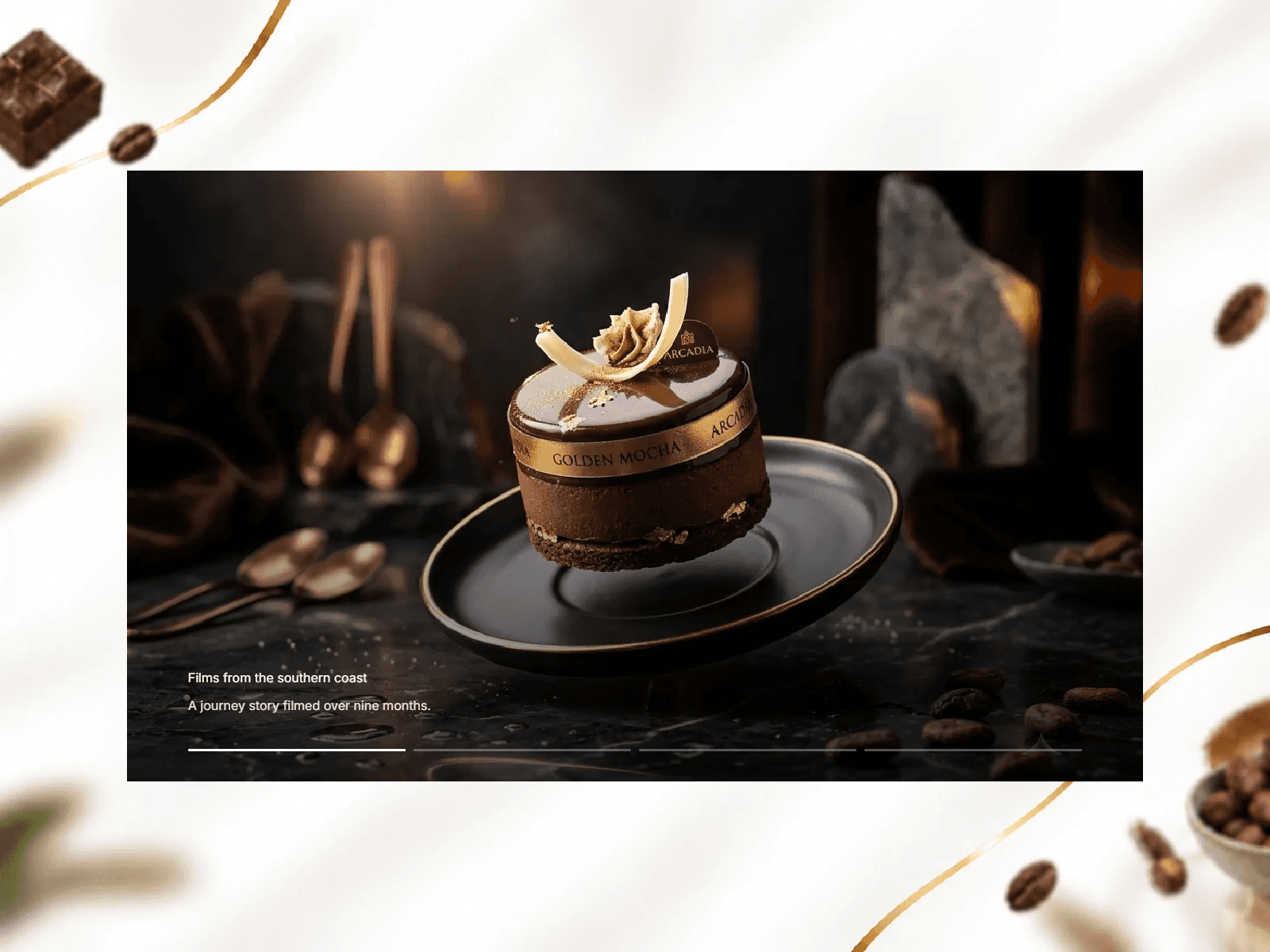
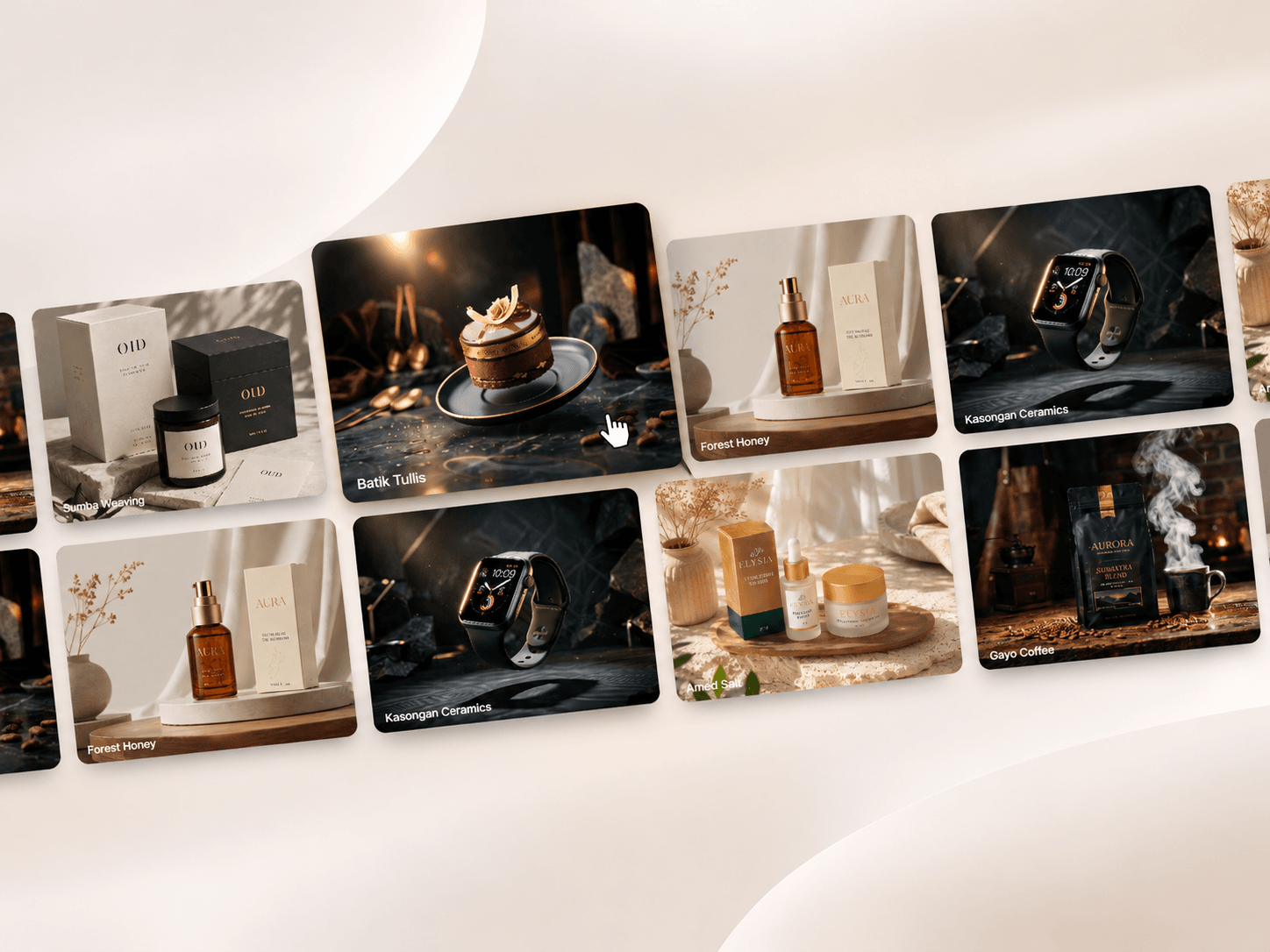
Image Marquee is an animated image gallery component featuring continuously scrolling rows of cards with alternating directions, angled layouts, and smooth hover interactions. Customize the card sizes, scrolling speed, tilt, shadows, and typography to create an engaging visual showcase. Perfect for creative portfolios, brand showcases, product galleries, photography websites, and modern landing pages.
Customize Options
1. Cards & Content
Cards – Add images, titles, and clickable links.
CMS Slug – Connect each slide directly to a Framer CMS detail page using its custom slug (e.g.
/work/pawvia).New Tab – Choose whether links open in a new browser tab.
2. Layout & Card Design
Rows – Set the number of scrolling rows (1–3).
Width – Adjust card width.
Height – Adjust card height.
Radius – Customize card corner rounding.
Card Gap – Set spacing between cards.
Row Gap – Adjust spacing between rows.
Tilt – Control the angle of the gallery.
3. Motion & Direction
Speed – Adjust the scrolling speed.
Direction – Choose left, right, or alternating row directions.
4. Hover Effects
Speed – Control how much the marquee slows down when hovered.
Scale – Set how much cards enlarge on hover.
5. Title & Typography
Show – Show or hide card titles.
Font – Customize title typography.
Color – Set the title text color.
6. Shadow Effects
Show – Enable or disable card shadows.
Color – Customize the shadow color.
X – Adjust horizontal shadow offset.
Y – Adjust vertical shadow offset.
Blur – Control shadow softness.
Spread – Adjust shadow expansion.
7. Background
- Background – Customize the gallery background color.