About Image Peek Accordion
Image Peek Accordion – Three Services Whose Images Peek Until You Open Them
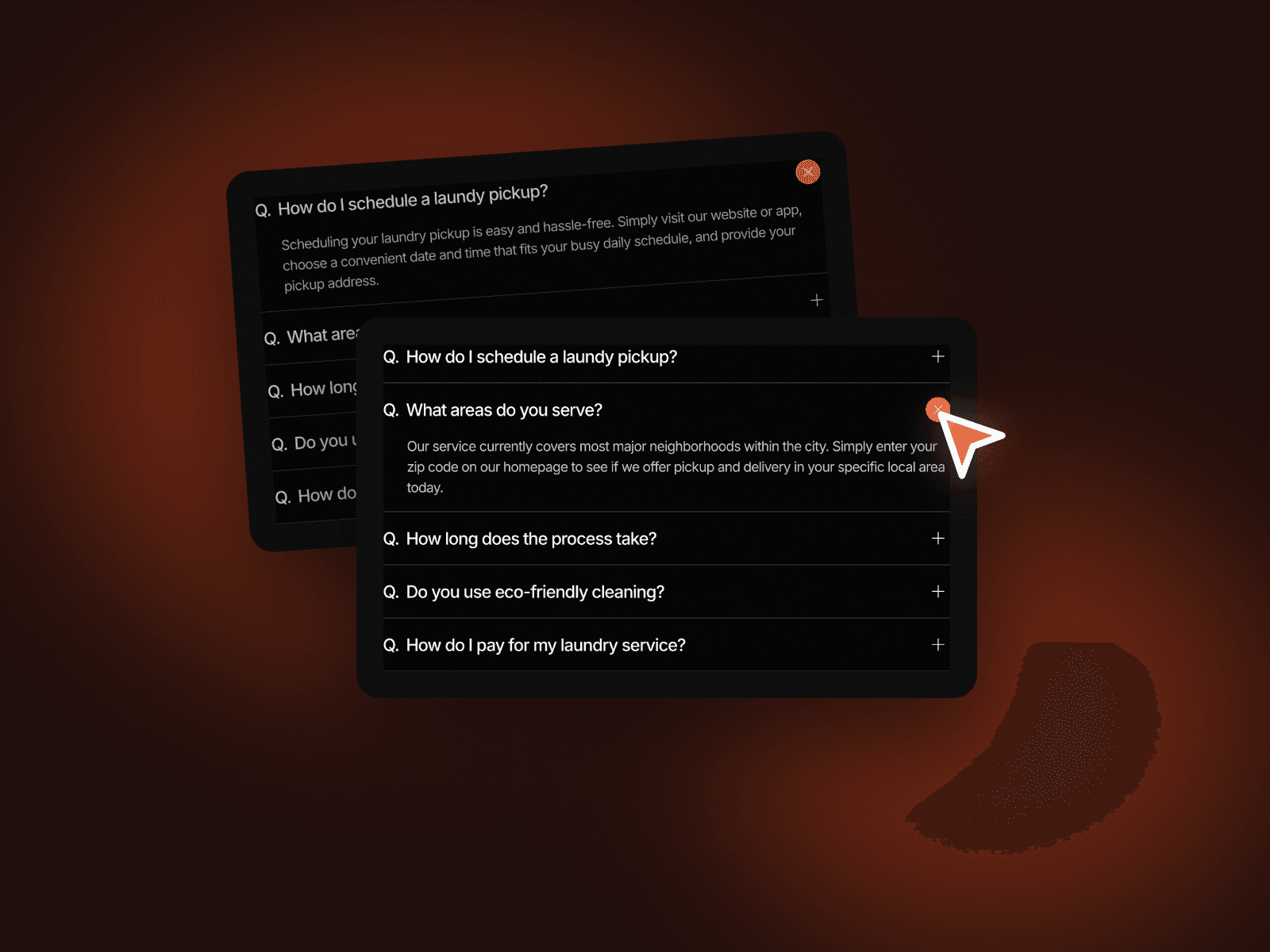
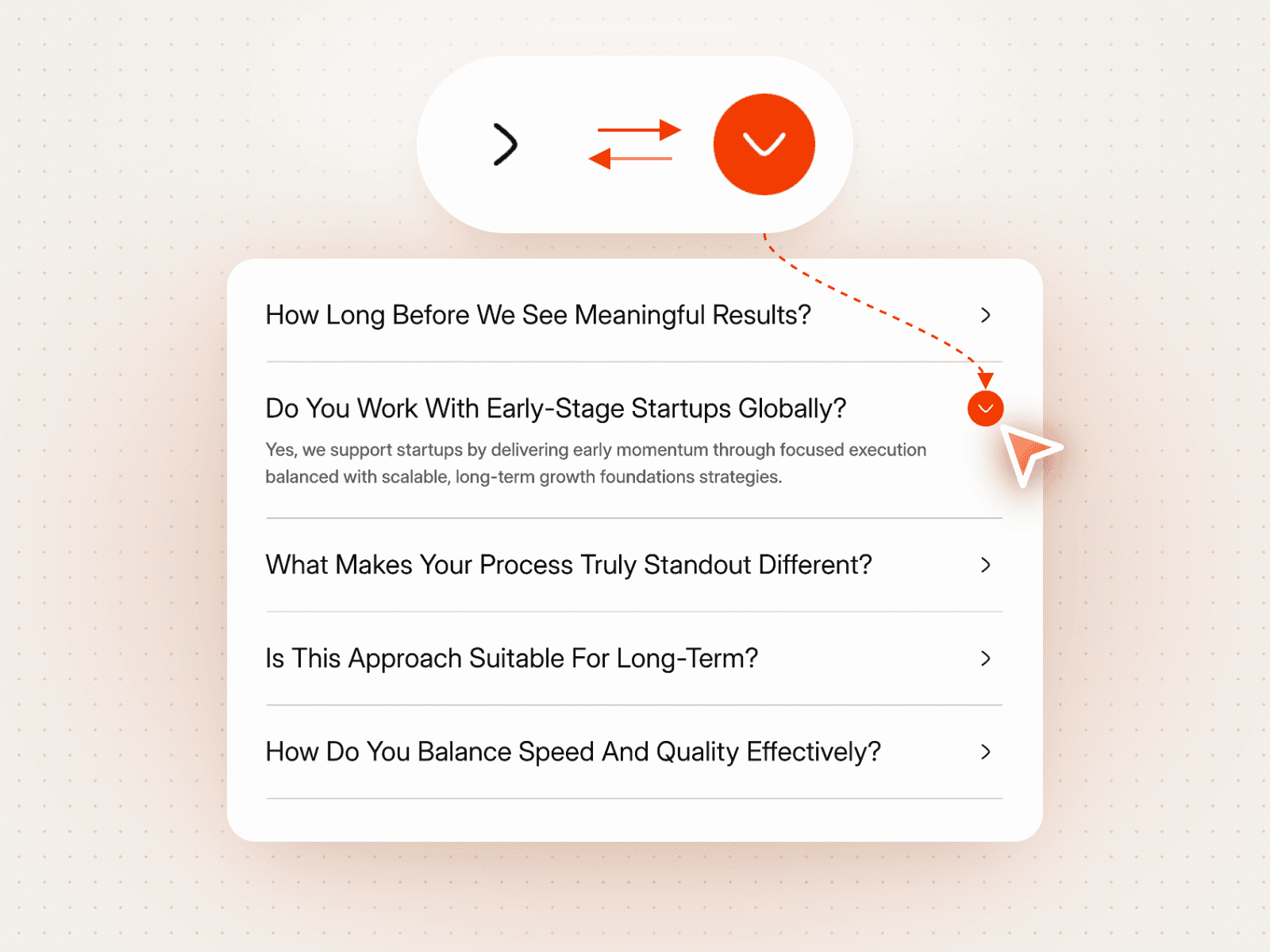
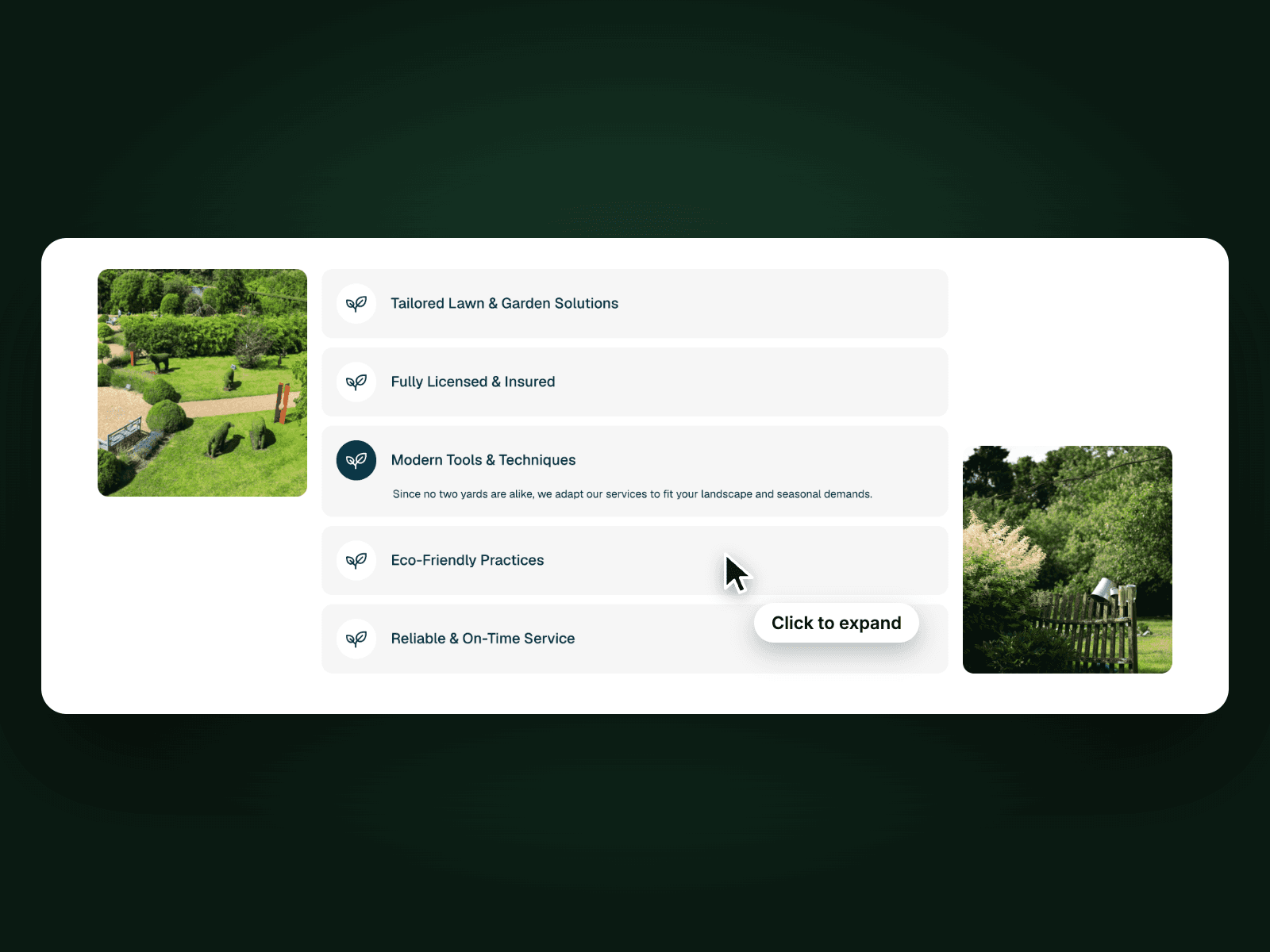
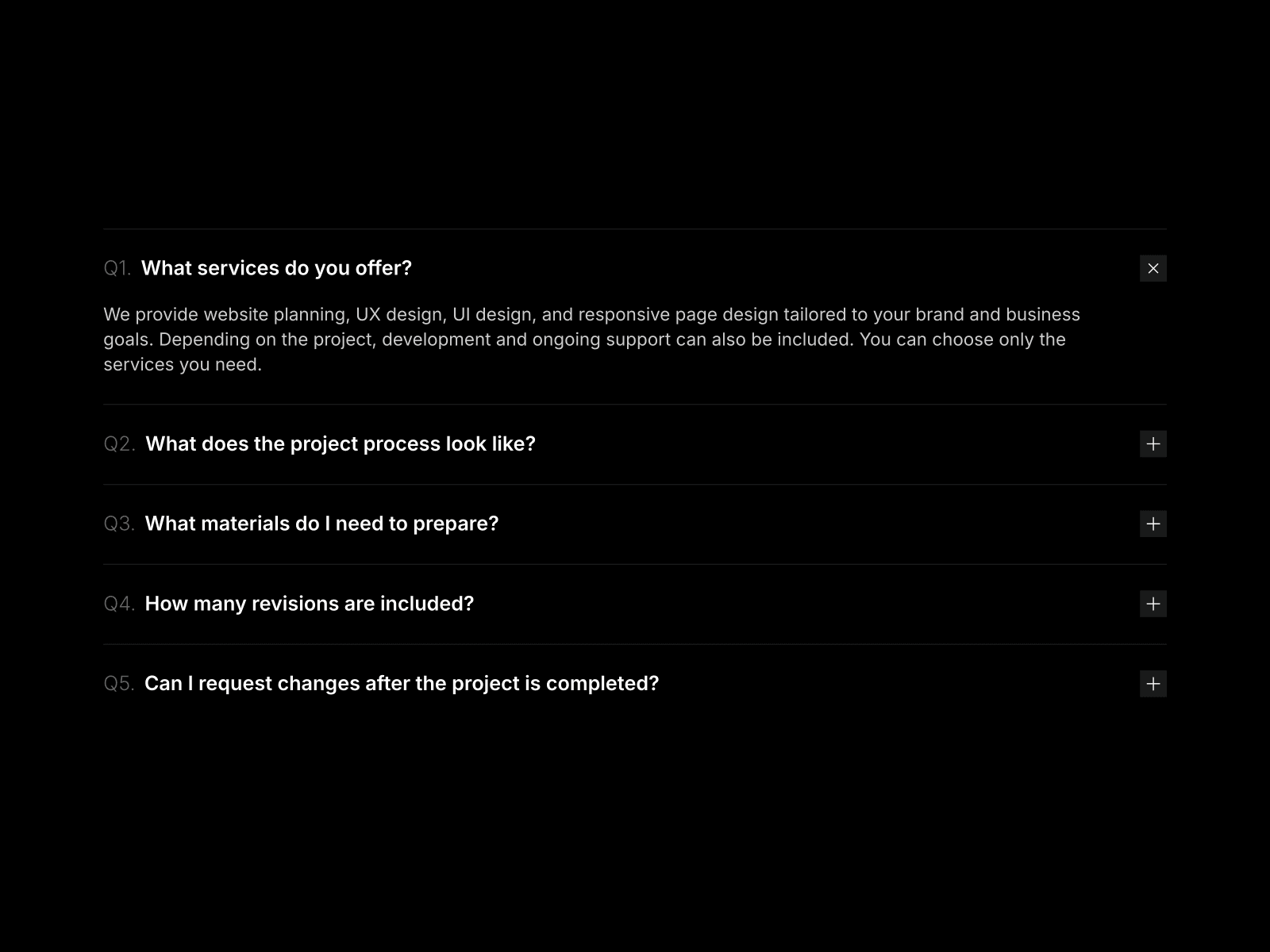
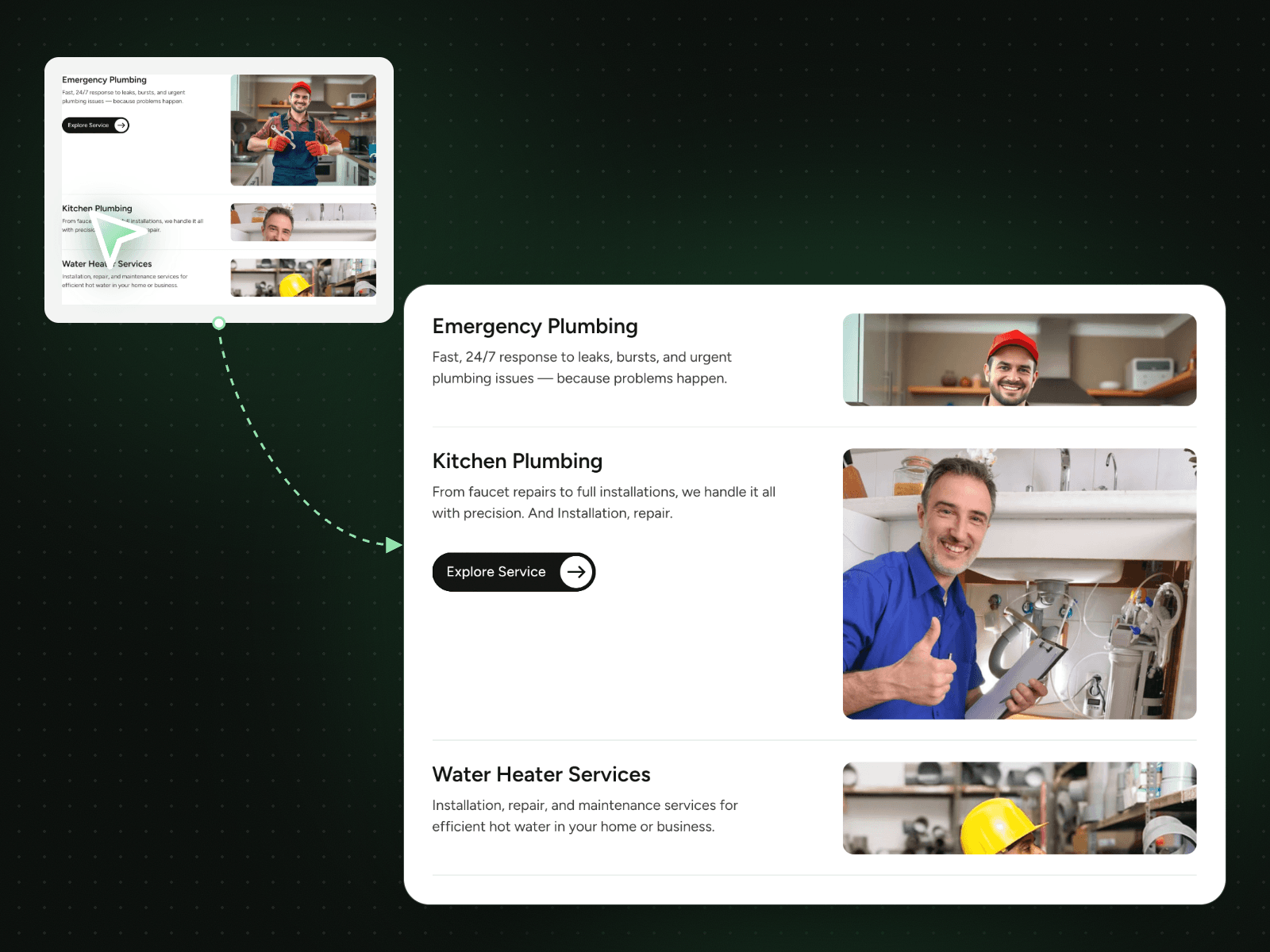
Image Peek Accordion shows three services side by side with their images. Closed rows show only a thin slice of their photo; click one and its text, button and full image open while the others fold back into a peek. It makes a services section feel visual and easy to scan.
How it works
Three rows, the first one open on load.
Click a row to open its text, button and full image.
Closed rows keep a slim image peek.
Includes a Mobile variant.
Easy to customize
Edit the three titles, texts, images and links.
Change the text, border and button colours from the controls.
Drop it into any Framer page and edit it from the properties panel or with your AI agent.