About Ink Mask Reveal
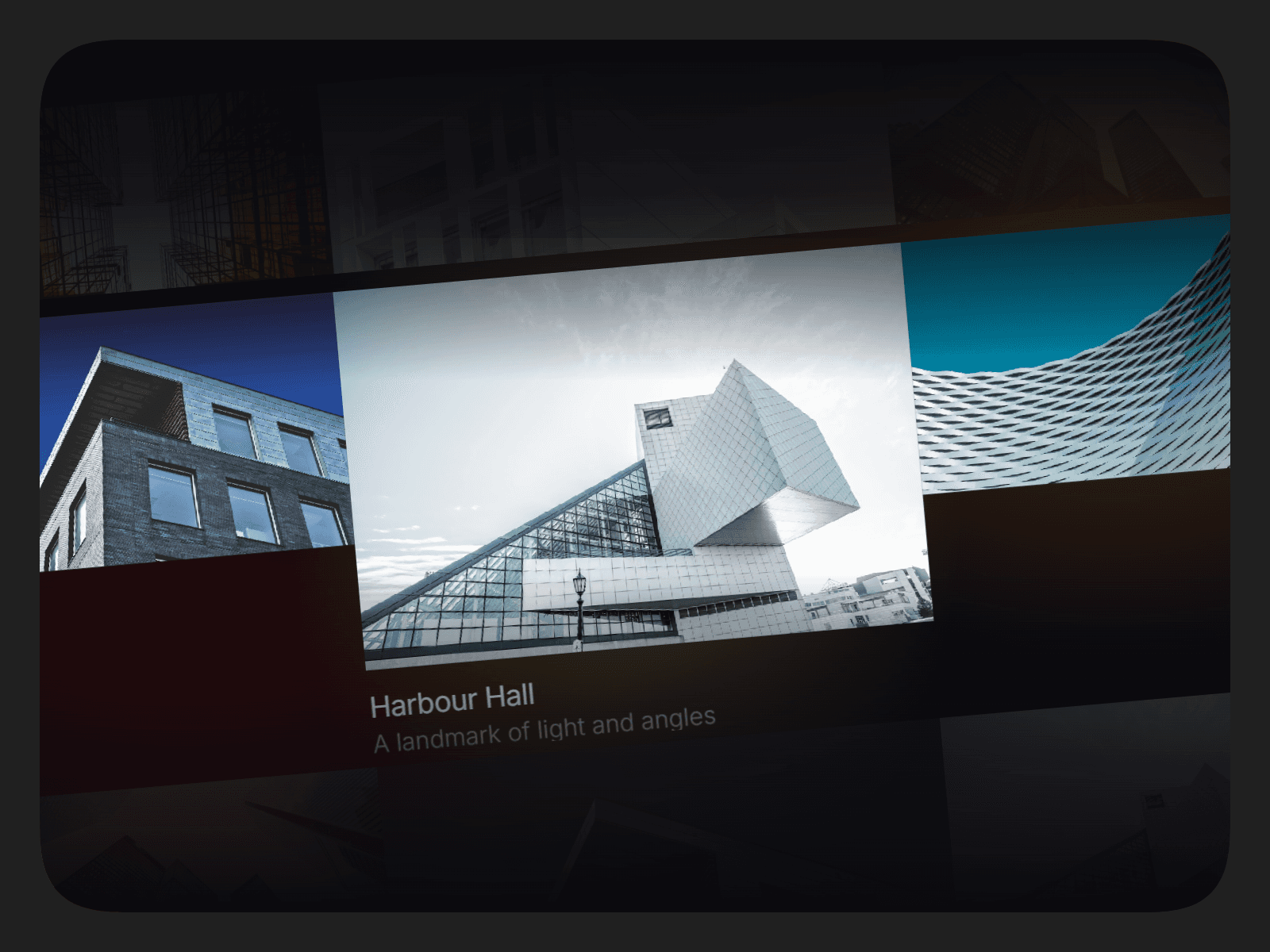
Ink Mask Reveal is an interactive reveal component that overlays your content with a solid color or custom image, allowing users to gradually "erase" the mask using a realistic ink brush effect.
It can be controlled by mouse movement, dragging, or taps on touch devices; every interaction feels fluid, responsive, and satisfying.
Perfect for hero sections, portfolio reveals, product showcases, image galleries, landing pages, creative websites, and interactive storytelling.
Inspired by Aayush Duhan's work.
⚡ Features
Organic ink brush reveal animation
Reveal content using hover, drag, or tap
Supports both solid color and image-based masks
Natural brush edges with adjustable wobble
Configurable fade behavior for disappearing brush marks
Touch-friendly tap-to-reveal support
Optional cursor hiding for a seamless illusion
Fully responsive and performance optimized
Ideal for images, videos, text, and creative layouts
🖌️ Customisations
Mask Settings
Mask Color
Optional Mask Image
Brush Controls
Brush Size
Brush Spacing
Maximum Visible Marks
Animation
Fade Time
Fade Curve (Center, Mid, Edge)
Organic Edge Smoothness
Edge Wobble Amount
Brush Start Radius
Radius Variation
Brush Softness
Interaction
Enable or Disable Tap-to-Reveal
Show or Hide Cursor
🚀 Usage
Place Ink Mask Reveal above the content you want to conceal.
Choose a Mask Color or upload a custom Mask Image.
Adjust the properties to achieve your preferred reveal style.
Preview and watch your content come to life through realistic ink-based interactions.
After completing your purchase, you will receive a link to the component.
Copy the URL and paste it into your Framer project to import it.