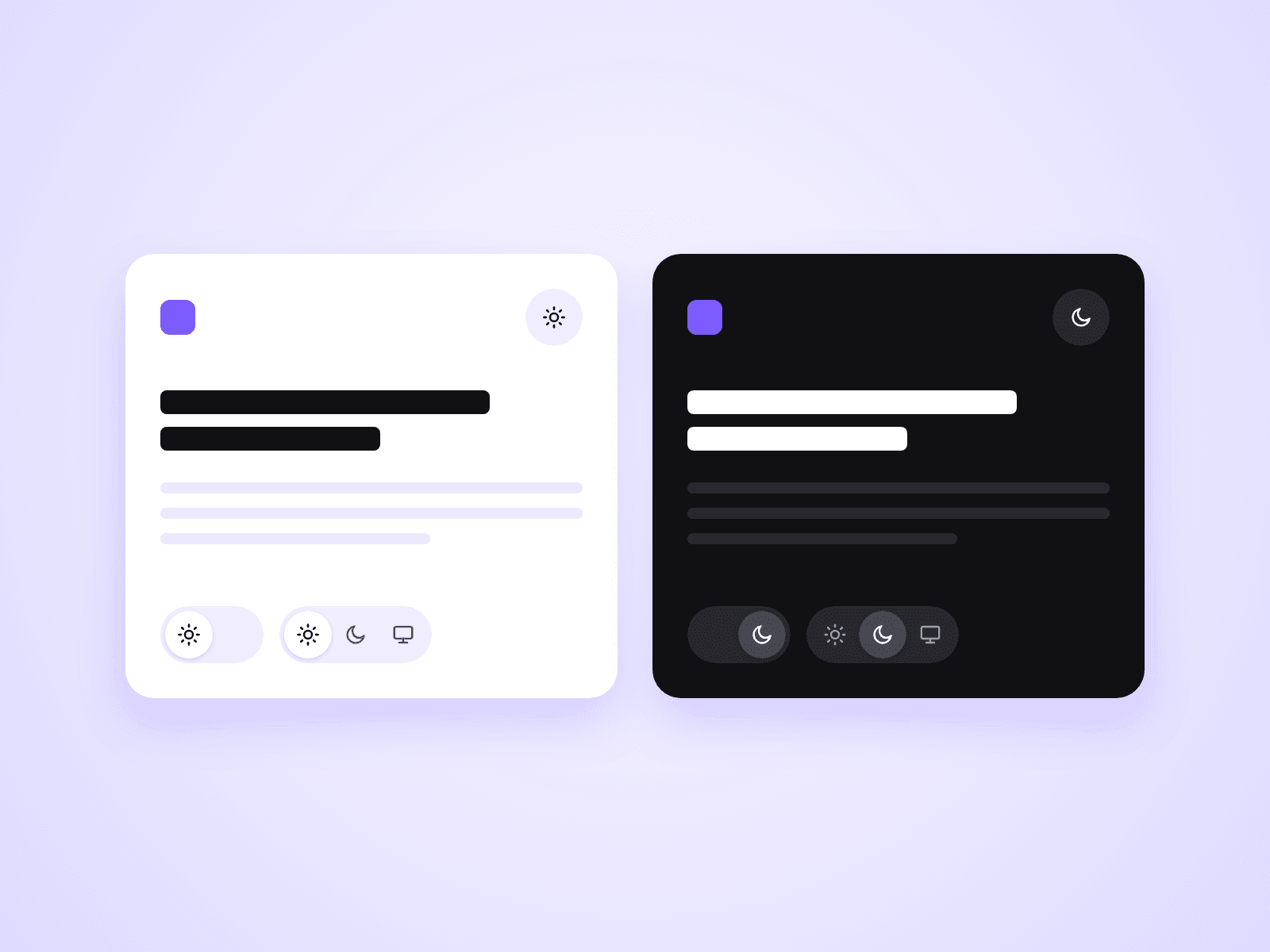
About Language Toggle
This component is a no-code language toggle button that can be easily added to websites built with Framer.The default setup supports English ⇄ Japanese, with a smooth, responsive toggle animation.
By placing the toggle on your page and assigning each option to a different language page, users can switch between languages with a single click.No scripts or code are required — simply set page links for each language.
SEO-Friendly Multilingual Structure
This component does not dynamically switch text within a single page.
Instead, each language is managed as a separate page, which makes it well-suited for:
Country- and language-specific SEO
Proper search engine indexing
Clear and scalable multilingual site structures
This approach is especially effective for SEO-conscious multilingual websites.
Use Cases
This component can be used in a variety of real-world scenarios, such as:
Permanent language switching in headers or navigation bars
Simple page switching on landing pages (LPs)
Global SaaS websites
Service and product introduction pages targeting international users
Two-language sites (e.g. English / Japanese)
This structure is particularly practical for production-ready projects.
Language Customization
The default language setup is English ⇄ Japanese, but you can easily customize the labels and links to support any two languages, such as:
EN ⇄ FR
EN ⇄ DE
JP ⇄ CN
or any other two-language combination
Important Note
This component does not include any translation functionality.
It is designed purely as a toggle UI for switching between language-specific pages, not for translating content automatically.