About Message Chat
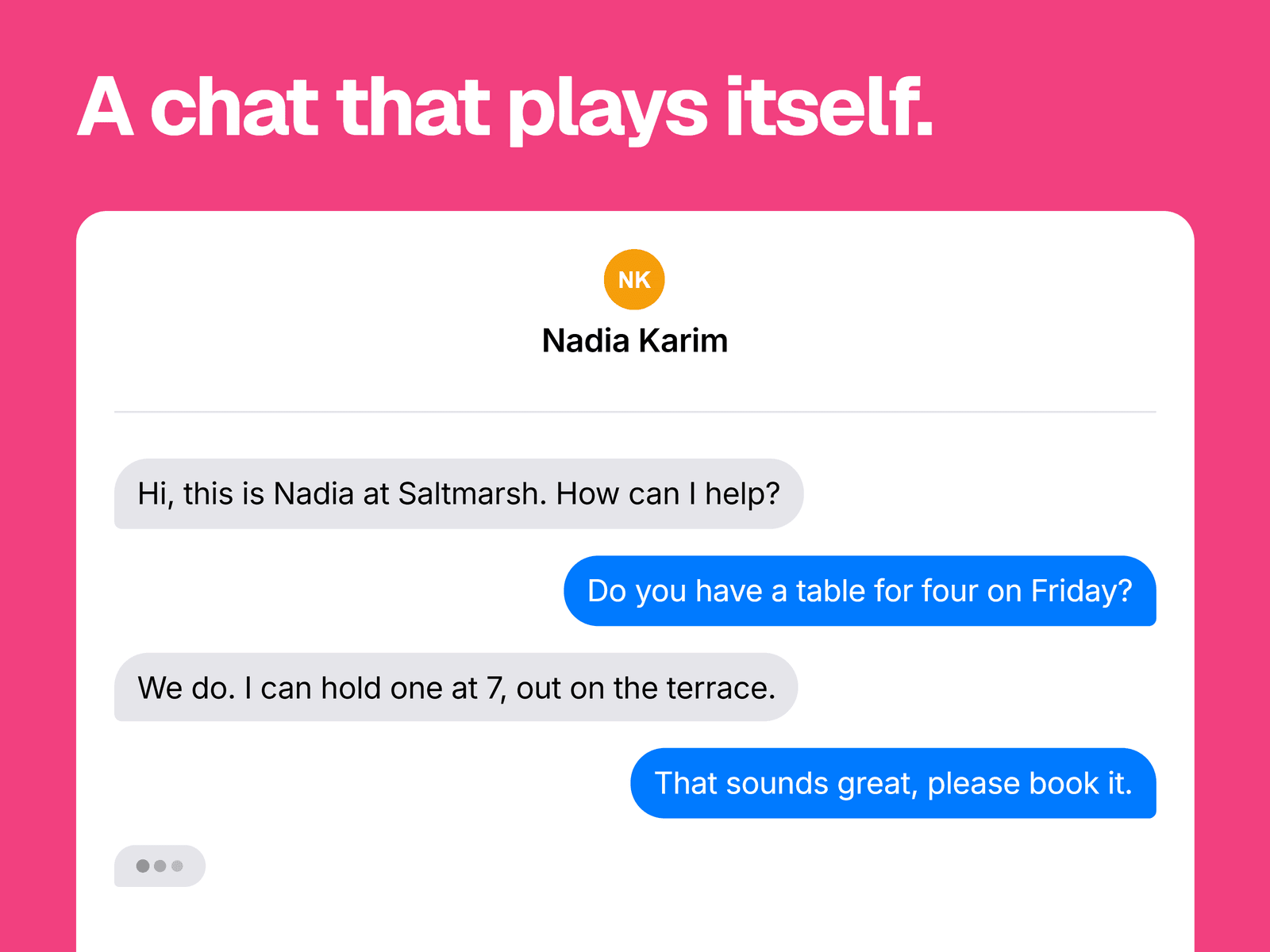
A chat that plays a conversation you write, one message at a time. Before each message, a typing indicator appears on that sender's side, and the frame scrolls to keep the newest message in view.
What you can change
Up to 20 messages, each set to "You" or "Other".
The pace, with one delay from 200 ms to 5 seconds per message. Turn off Auto Play or animations to show the whole conversation at once.
Bubble and text colors for each side, the background, the bubble font, padding, spacing and maximum bubble width.
An optional header with a contact photo, name and divider line.
Where it fits
Hero sections and feature pages for messaging, support or AI products, and testimonials written as a conversation.
Good to know
It plays once, as soon as the page loads, and doesn't wait for the chat to scroll into view. If it sits low on a long page, visitors may arrive after it has finished. There's no loop option.
The contact header scrolls away with the messages once the conversation is taller than the frame.
Only the header has an avatar. Bubbles don't show one.