About Mile Markers
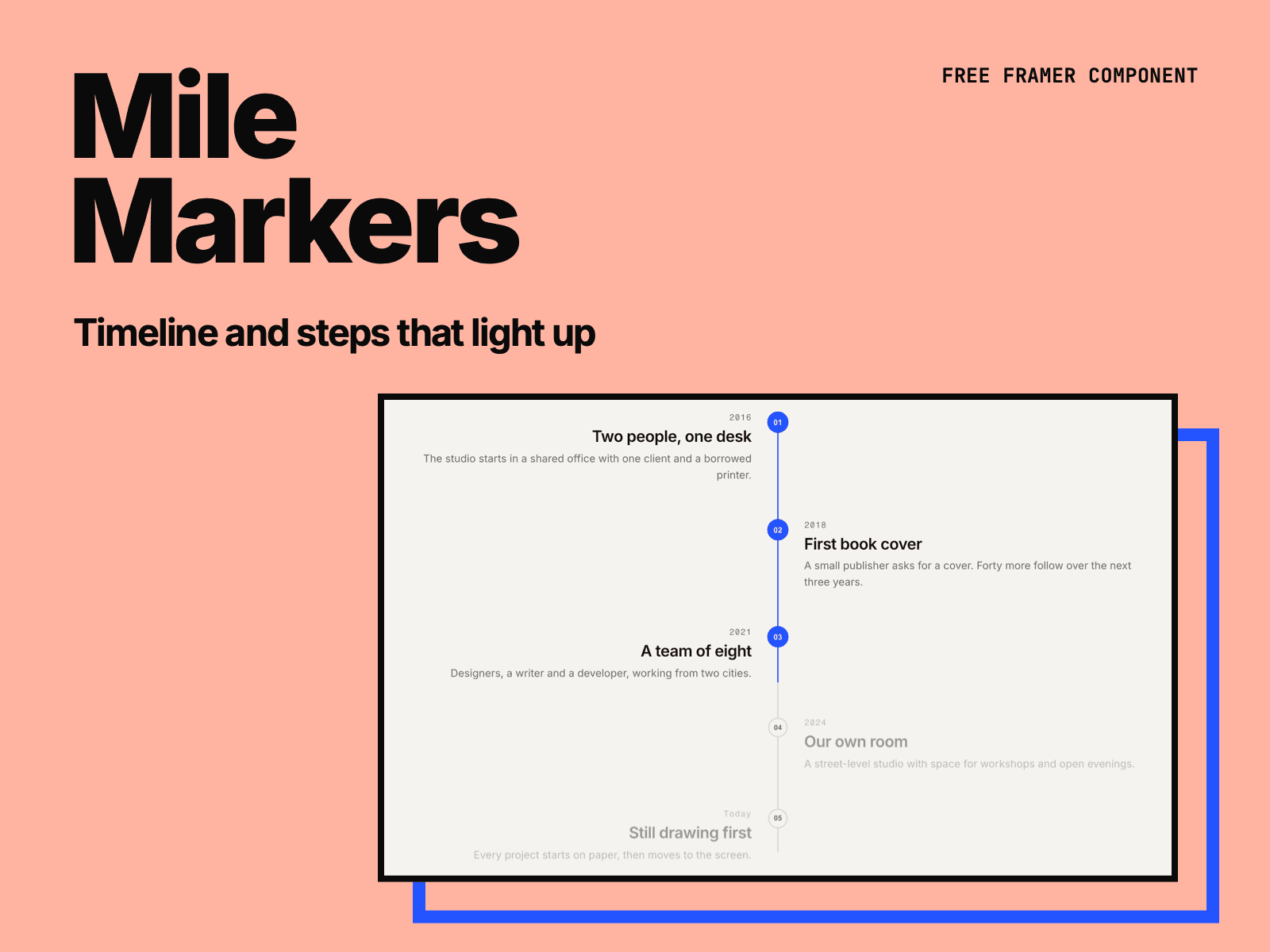
Mile Markers is a free timeline for Framer sites. Use it for a company history, a project process or the steps of a service. A line grows down the list as people read, and each step lights up when the line reaches it.
Two layouts: a line on the left, or steps on both sides of the line. The two-sided layout turns into one column when it is narrower than 640px, so it reads well on phones.
Each step has an optional label (a year, a week, a price), a title and a short text. Add, remove and reorder steps in the right panel.
Markers can be dots, rings or numbers (01, 02, 03), with your own size, line width and colors.
Choose how faint the steps are before the line reaches them, and where on the screen they light up.
Turn on Once to keep steps lit when people scroll back up.
The steps are an ordered list in the page, so search engines and screen readers read every step. Pick H2, H3, H4 or P for the titles.
Visitors who turn off motion see every step lit. On the canvas, half of the steps are lit so you can style both states.
Made by H SHIFT WORKS. Our Framer templates: https://www.framer.com/@hshiftworks/