About NextButton
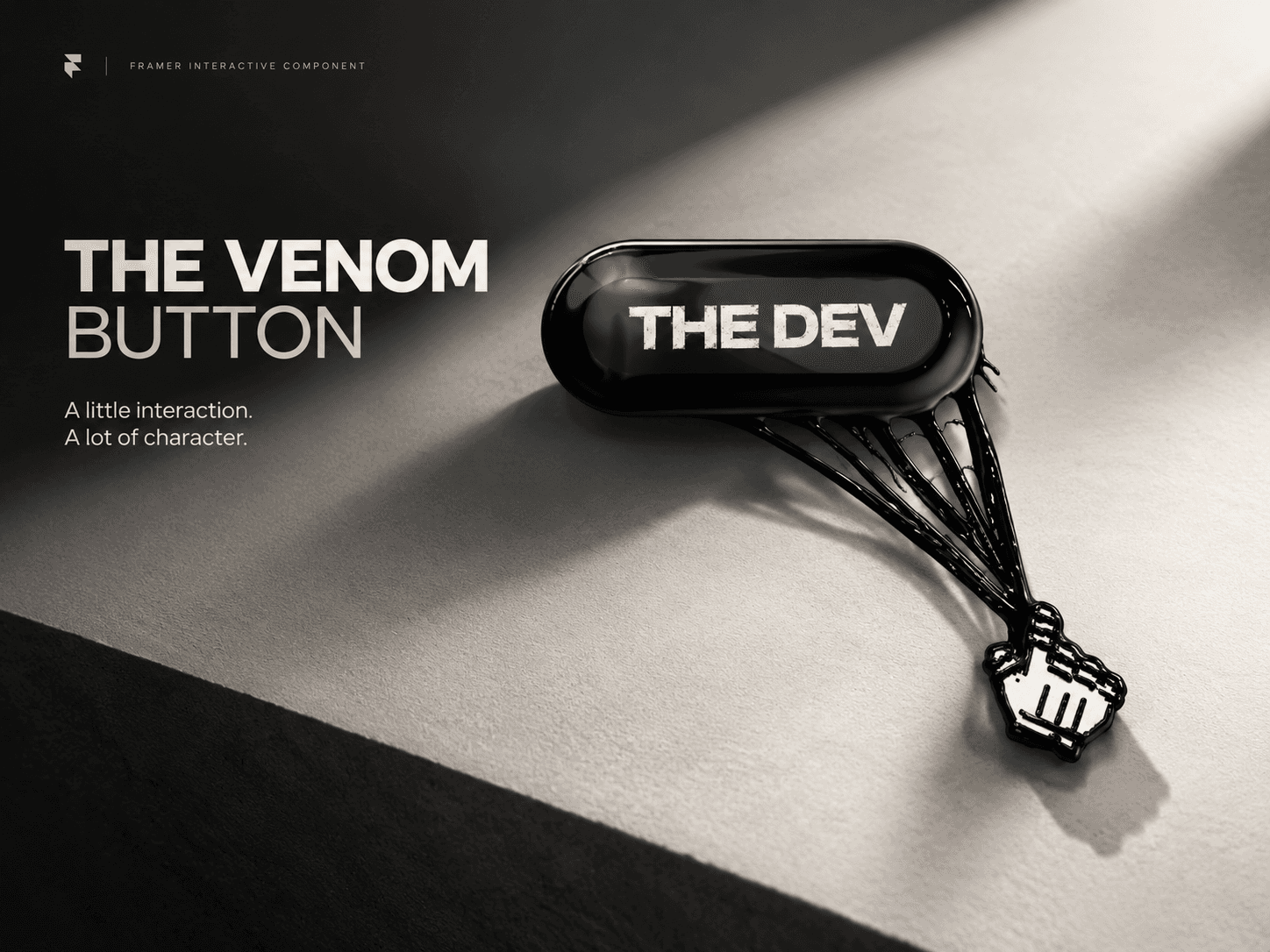
NextButton is a premium animated CTA button built for modern Framer websites. It features smooth hover animations, triple-arrow motion, glow effects, color presets, custom palettes, full font control, and responsive padding so the button automatically adjusts without needing a fixed height.
Perfect for landing pages, hero sections, pricing pages, checkout flows, and any high-impact call-to-action.
Features
✨ Animated triple-arrow icon (hover motion + glow)
🎨 4 color presets (Pink, Blue, Black, White)
🎨 Custom Color Mode (enter any hex / choose any color)
🔤 Full font control
🔠 Adjustable Font Size
↔️ Padding X control
↕️ Padding Y control (button auto height)
🔺 Icon Size control (independent from text)
🔘 Corner Radius control
🧩 Fully responsive with Hug contents
⚡ Ripple + glow hover effect
🌙 Works with light & dark designs
🛠️ Clean, lightweight, and Marketplace ready
How to Use
Add the component to your canvas.
Set the frame to Hug Contents for perfect auto sizing.
Adjust:
Font (family, weight, size)
Padding X / Padding Y
Icon size
Radius
Choose a preset color or switch to Custom to use your own palette.
Add your link via Framer’s interaction panel (Click → Open URL).
That’s it - your animated CTA is ready to use.
Property Controls
Text
Font Family
Font Size
Icon Size
Padding X / Padding Y
Color Preset
Custom Colors
Background / Hover Background
Text Color / Outline / Shadow Color
Corner Radius
Refund Policy: Due to the nature of digital products, refunds are generally not available after purchase. Exceptions may be made for duplicate purchases or technical issues that cannot be resolved.