About Orbit Wheel
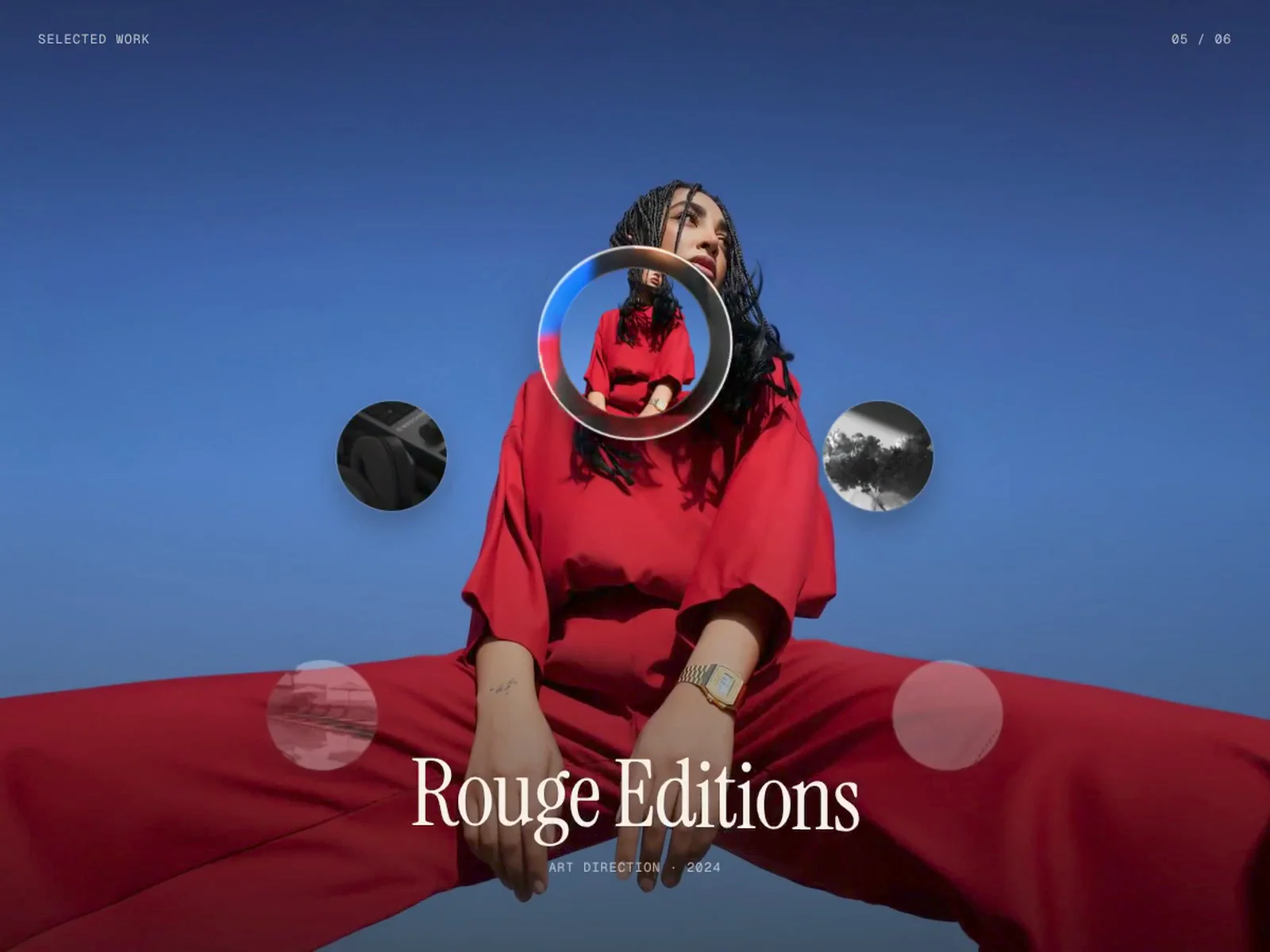
Orbit Wheel turns your projects or testimonials into a wheel that turns as you scroll. The section stays pinned while a progress ring fills around the active circle, then the wheel rotates and the next image opens out of the circle. A scroll-driven alternative to a regular carousel or slider.
The twist: the active circle sits inside a liquid glass rim that bends the image behind it like a lens, pulling each new story into focus.
About
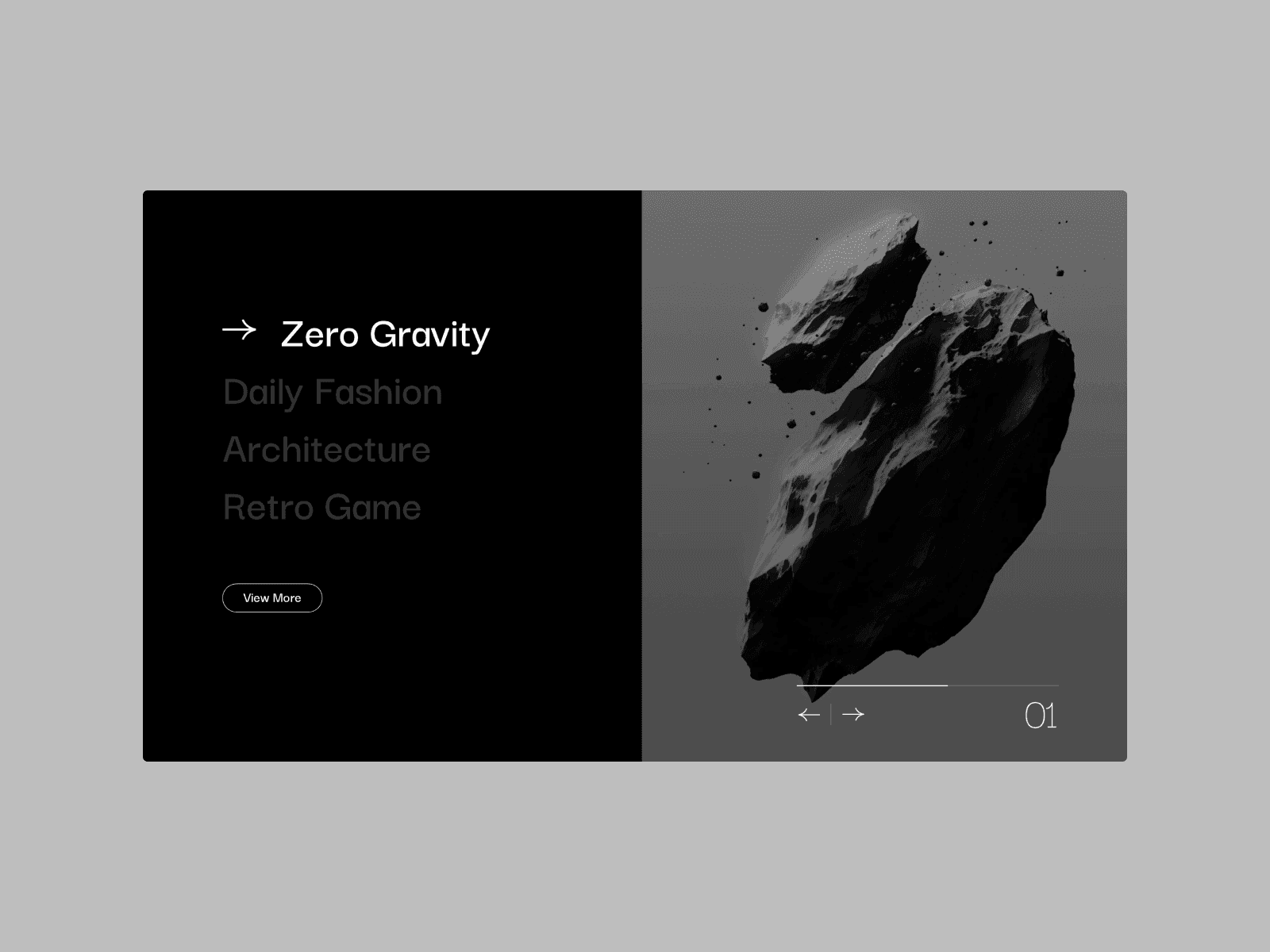
Two modes: Projects and Testimonials.
Projects shows a full background image with the title revealed letter by letter.
Testimonials sets the quote under the wheel, with optional logo and result.
The wheel loops, and visitors can click any circle to jump to it.
Add as many items as you like; spacing adjusts automatically.
Shows demo content until you add your own.
What you can customize
Content: title, discipline, year, image, thumbnail and link; or quote, name, role, company, photo, background, logo and result.
Emphasis: wrap words in asterisks for italic.
Scroll: length per item on desktop and mobile, plus an optional scroll hint.
Wheel: radius, circle size, active scale and neighbours.
Glass: rim on or off, rim width and refraction.
Background: blur, overlay and colour.
Style: text and ring colours, plus title, quote and label fonts.
Details: label, counter, and logos in original colour or white.
Accessibility: respects reduced motion with a calm stacked list.
Great for
Agency and studio portfolios
Client testimonials on landing pages
Case study and selected work sections
Brand, product and editorial showcases
Tips
Keep quotes under 110 characters so they sit on two lines.
Use transparent PNG or SVG logos. White only works on transparent logos.
Refraction shows in Chrome and Edge; Safari and Firefox get a frosted rim.
Place it full width. The wheel pins itself while visitors scroll.
Need help? Questions or custom work: shubhangchouhan@gmail.com or on X @ShubhUIUX