About OS Download Button
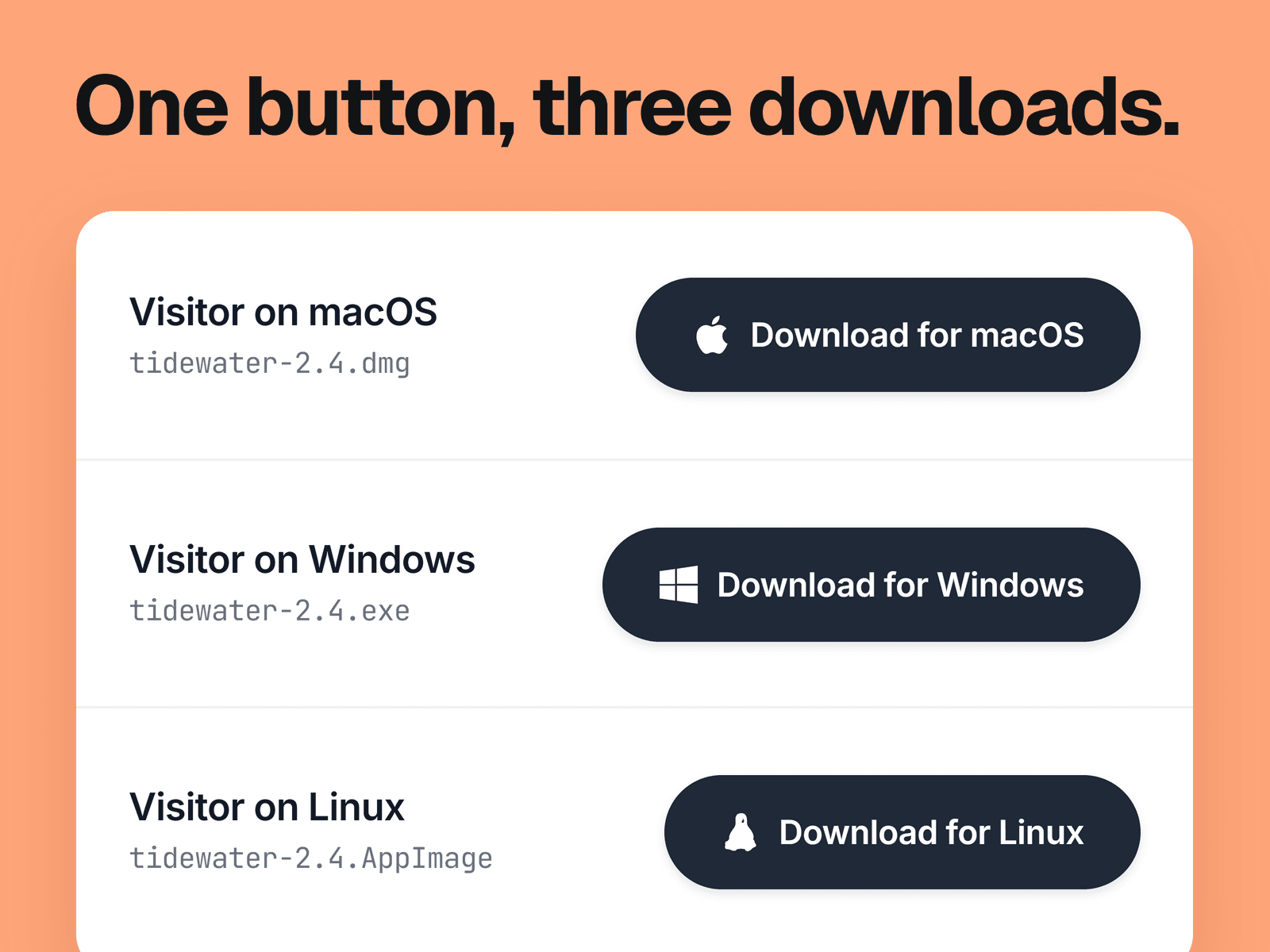
A download button that checks the visitor's operating system when the page loads, then shows the matching label and icon and opens the matching link in a new tab. Someone on a Mac sees "Download for macOS" and gets your Mac file. Windows and Linux work the same way.
What you can change
A separate link and label for Windows, macOS and Linux.
One generic label for every visitor, if you would rather not name the OS. The links still follow the OS.
Background and text colors for the normal and hover states, plus the icon color. You can also hide the icon.
Corner radius, padding and font.
Where it fits
Landing pages and download pages for desktop apps, where you would otherwise stack three buttons and ask people to pick one.
Good to know
Detection reads the browser's user agent, so phones are treated as desktops. An iPhone gets the macOS link and an Android phone gets the Linux link. Hide the button on your mobile breakpoint if that would confuse people.
If the OS can't be matched, as on ChromeOS, the button shows your generic label and uses the Windows link.
Until the page has loaded in the browser, the button shows the generic label and a star icon. Then it switches.