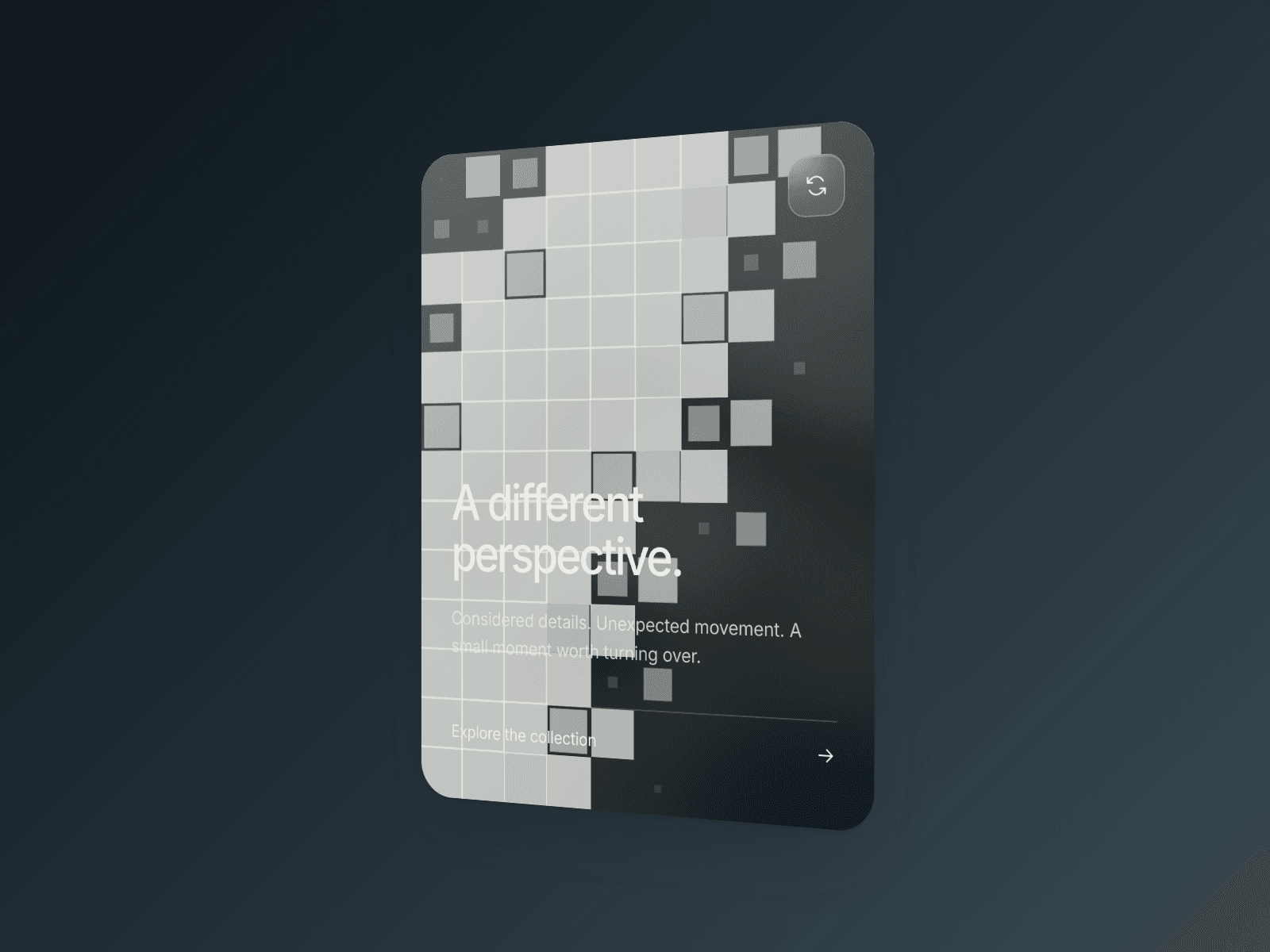
About Pixel Flip Card
About
Pixel Flip Card is a free interactive flip card for Framer, combining a smooth 3D rotation with a staggered pixel-wave transition. An image-led front turns into a tinted glass reverse, creating a compact reveal for projects, products, and stories.
A different side to every image
Hover to reveal the reverse, or choose the flip-icon trigger for a more deliberate interaction. The small control sits inside the card and turns with it. Keep a destination link on the card itself, so visitors can explore the content and continue to a project, collection, or product page.
On smaller screens, visitors can use the flip control or swipe horizontally between the two sides. Keyboard focus and reduced-motion support keep the interaction considered beyond the visual effect.
Make it yours
Shape the content, color, and motion around your own visual identity. Replace the image, edit the front title and subtitle, and write a separate heading, description, and action label for the reverse. Set the destination and choose whether links open in a new tab.
Tune the flip duration, pixel density, and pixel color, or switch the pixel overlay off for a quieter rotation. Choose the starting side and interaction trigger. Adjust the glass tint, text color, title and body typography, corner radius, internal padding, and focus color directly in Framer.
Made for the details
Use an image to draw visitors in, then give the supporting story space on the reverse:
Portfolio projects and architecture case studies
Product highlights, objects, and curated collections
Photography stories and editorial image cards
Creative services and studio introductions
Exhibition previews and artist profiles
Feature highlights on landing pages
Made by Design Supply