About Pixel Reveal Image
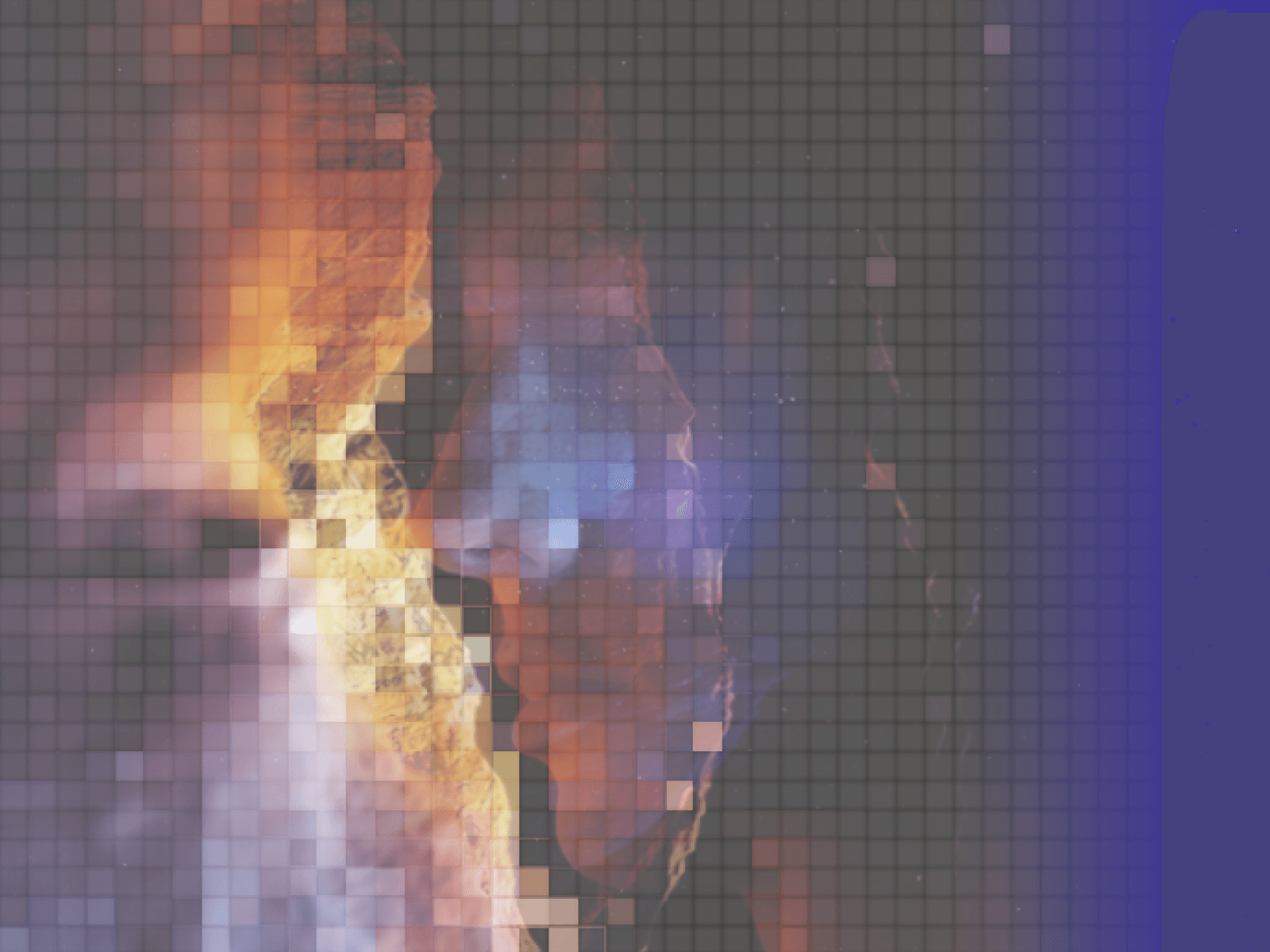
Reveal static images with an interactive, retro-futuristic WebGL pixel grid transition featuring custom curtain wipes, dynamic pixel resolution, and cinematic easing.
Features
Custom GLSL shader pixelation transition
Smooth colored curtain reveal wipe
Pristine anti-aliased pixel grid overlay
Dynamic resolution stepping from coarse to sharp
Automatic zero-lag viewport scroll triggers
Interactive hover and click trigger modes
Smart aspect ratio handling with cover and stretch modes
Automatic GPU memory management and cleanup
Built-in prefers-reduced-motion accessibility support
Static preview rendering support for Framer canvas
Customization Options
Custom reveal curtain wipe color
Coarse start and fine end pixel density
Pixel transition step counts
Grid line width and visibility percentage
Animation duration and entrance delay
Viewport, image load, hover, and click trigger types
Image fit modes (cover or stretch)
Viewport replay on scroll toggle
Canvas static progress preview slider
Max texture limit and device pixel ratio capping
How to Use
Drop the component onto your Framer canvas
Choose your image directly inside the properties panel
Pick your brand color for the reveal curtain wipe
Fine-tune the pixel density, steps, and grid thickness
Set your preferred trigger to in-view, load, hover, or click
Publish to deliver a silky-smooth WebGL entrance effect
Use Cases
High-impact hero section photography
Creative design portfolio project showcases
Editorial and fashion lookbook reveals
Modern SaaS feature spotlights
Interactive agency case study grids
E-commerce product visual drops
Dark mode retro-tech aesthetic headers
Engaging hover cards and interactive galleries