About Presentation
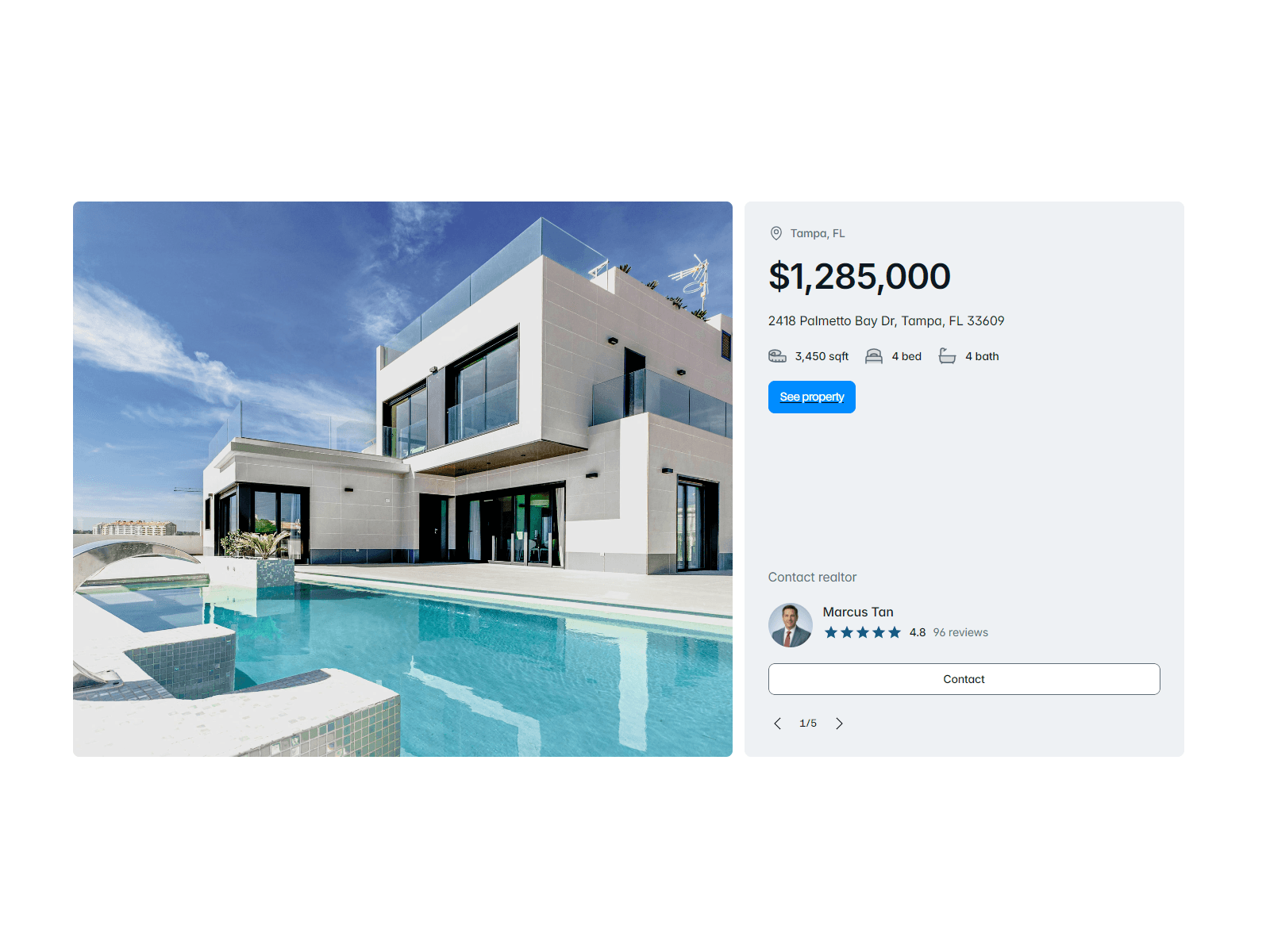
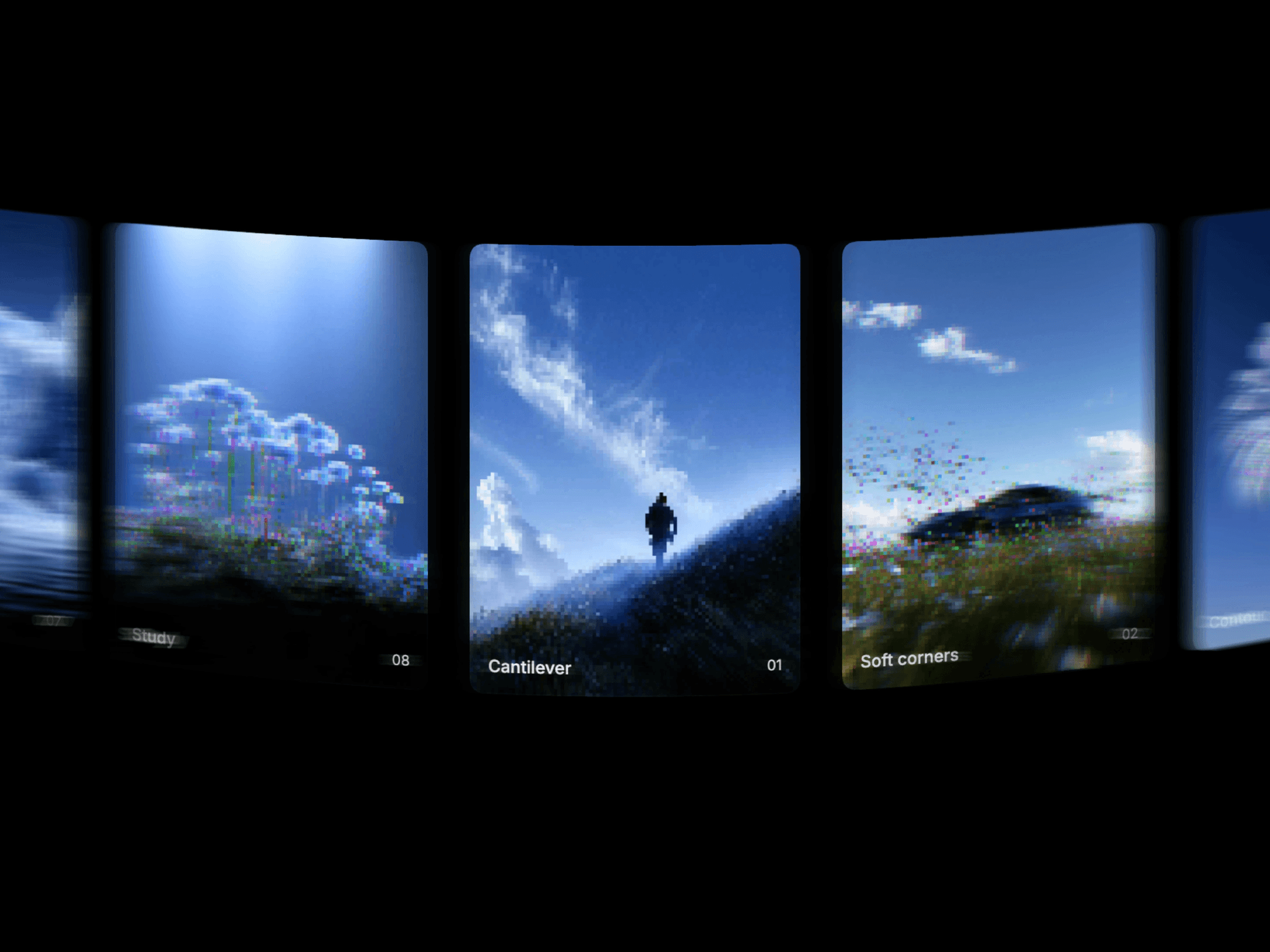
A production-ready slideshow component for Framer. Connect your frames to the Slides property and get a polished presentation experience with zero configuration.
The pitch deck shown in the preview is also included with your purchase.
Navigation
Arrow buttons, dot indicators, and click-to-advance
Slide counter, optionally grouped with arrows
Keyboard shortcuts: arrows, space, Home/End, number + Enter to jump, F for fullscreen, D for drawing
Loop toggle
Layout
Scale to fit with native aspect ratio preserved
Three-zone control bars (left, center, right) on top and bottom — center is always truly centered
Responsive reflow below a configurable width threshold
iOS/Android safe area support
Features
Fullscreen — native browser API with custom icon support
Grid view — thumbnail overview of all slides, keyboard accessible, focus-trapped
Drawing mode — annotate over slides with pen, brush, line, arrow, rectangle, oval, and eraser; per-slide memory, undo/redo
Password protection — fully styled gate screen, toggle per canvas/preview
Share — native Web Share API with configurable URL and title
Custom buttons — add actions (link, go to slide, prev, next, share, grid) to any zone with custom SVG icons and labels
Appearance & Accessibility
Global and per-control styling: background, hover, icon size, radius, padding, font
Numeric order control per zone
Semantic buttons, full keyboard nav, configurable focus outline, aria-labels throughout
Keywords: framer slideshow, presentation, carousel, pitch deck, fullscreen, drawing annotation, whiteboard, password protected, grid view, keyboard navigation, accessible, responsive, scale to fit, interactive slides