About Rating
Rating for Framer
What it is?
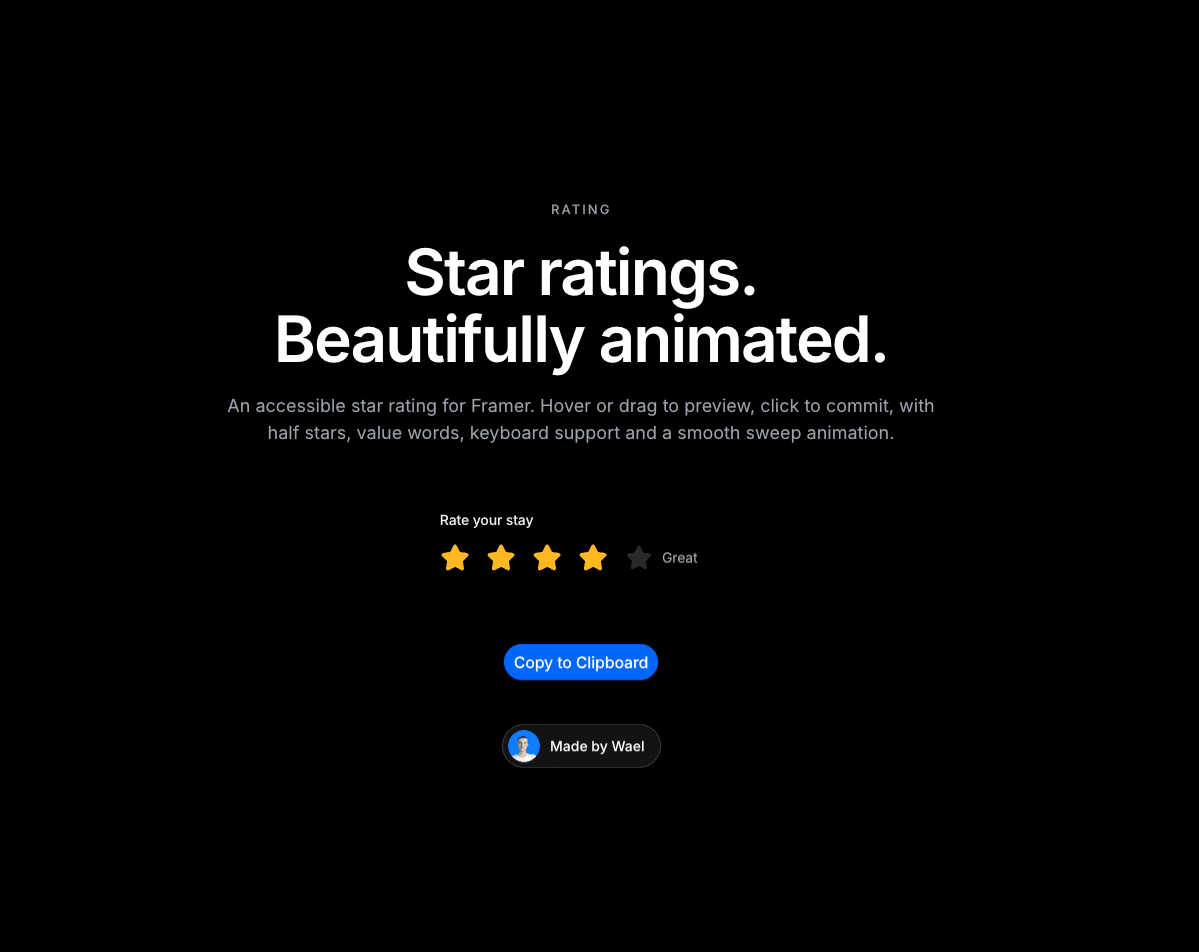
A star rating component for Framer that's accessible and smoothly animated. Visitors hover over or drag across the stars to preview a score, and click to set it. The stars fill from left to right and pop in a short wave when a score is set. A word like "Great" rolls in next to the stars to show the score.
Why you need it?
Feedback that feels good to give. The fill sweep, pop and rolling word make picking a score feel satisfying. More people will actually leave a rating.
Half stars and any number of stars. Turn on half stars for more precise scores, and use anywhere from 1 to 10 stars.
Words, not just numbers. Show a word for each score, like Poor, Fair, Good, Great or Excellent, or leave the words empty to show "4 out of 5". You can also set the text shown when nothing is rated yet and add optional helper text.
Accessible by default. It works like a standard set of choices, so screen readers can read it. It also supports the arrow keys, the number keys, and Backspace to clear. Visitors can clear a score by clicking the same star again.
Fits any design. Choose a Light or Dark theme, Small, Medium or Large size, a custom star color and your own font. Make it read-only to display reviews or disable it, and use the On Change event to trigger actions when someone rates.
How to use it?
In Framer, go to Assets → Code → + New code file.
Name it Rating, paste the code below and save.
Drag the Rating component onto your page from the Assets panel.
Set the label, value, number of stars, half stars, value words, size, theme and star color in the properties panel.
Publish your site.
Need help?
Email me at wailelmachti6@gmail.com and I'll help you get set up.
Built something with it?
Share it and tag me on X: https://x.com/Waeldesignz. I'd love to see it.
Made by Wael!💙