About Scroll Anchor Dock
Scroll Section Nav – Floating Section Navigation for Framer
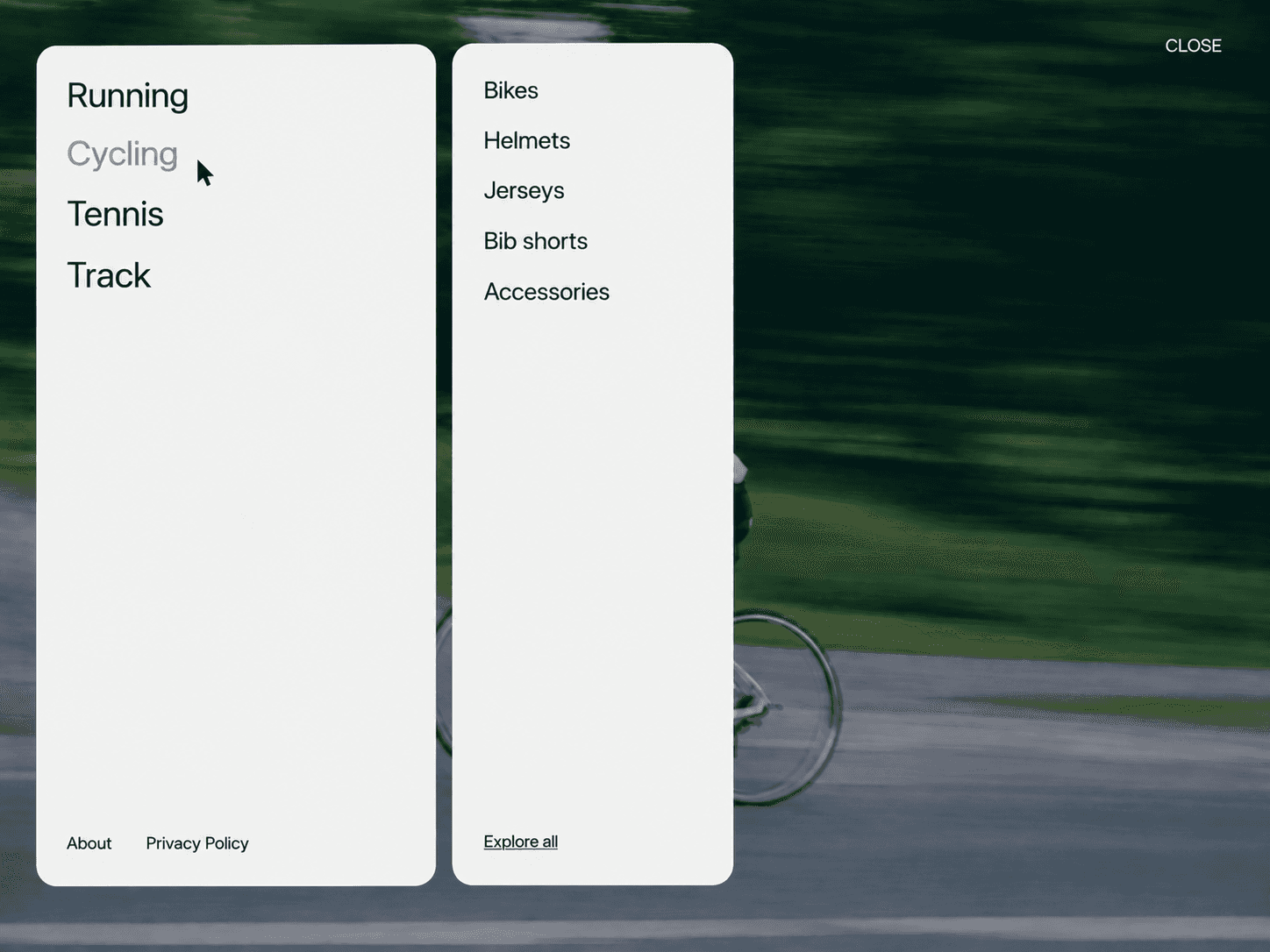
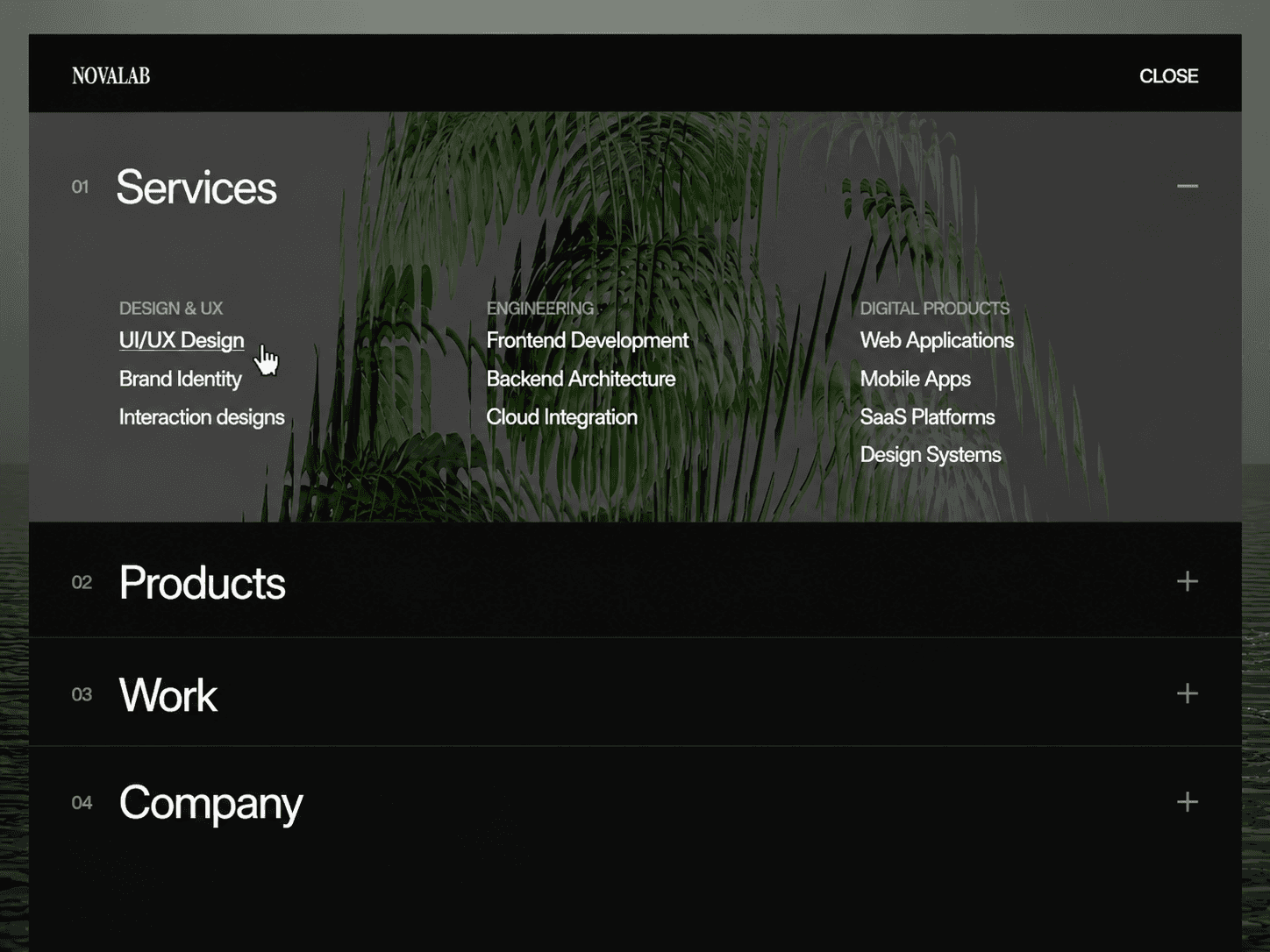
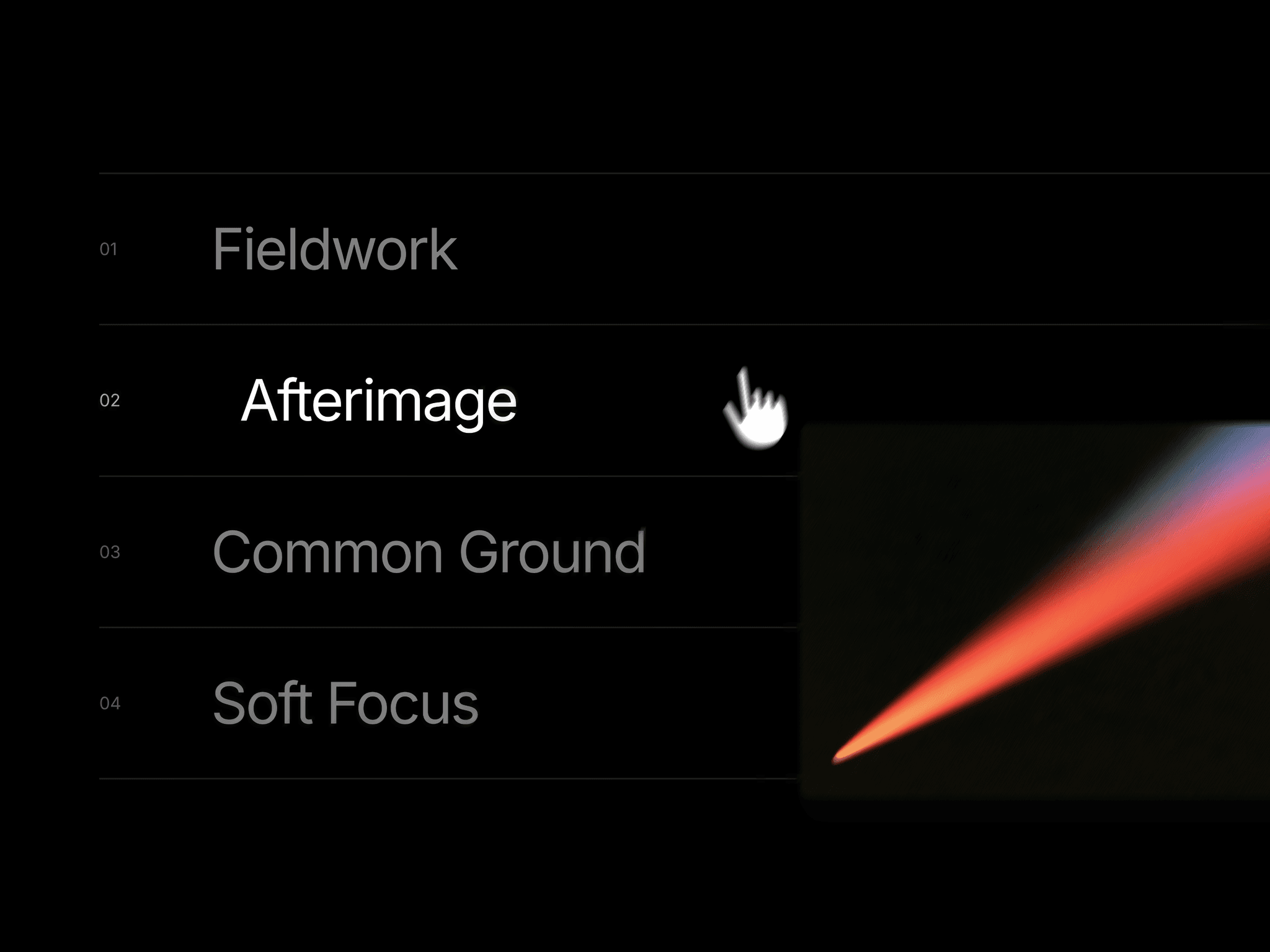
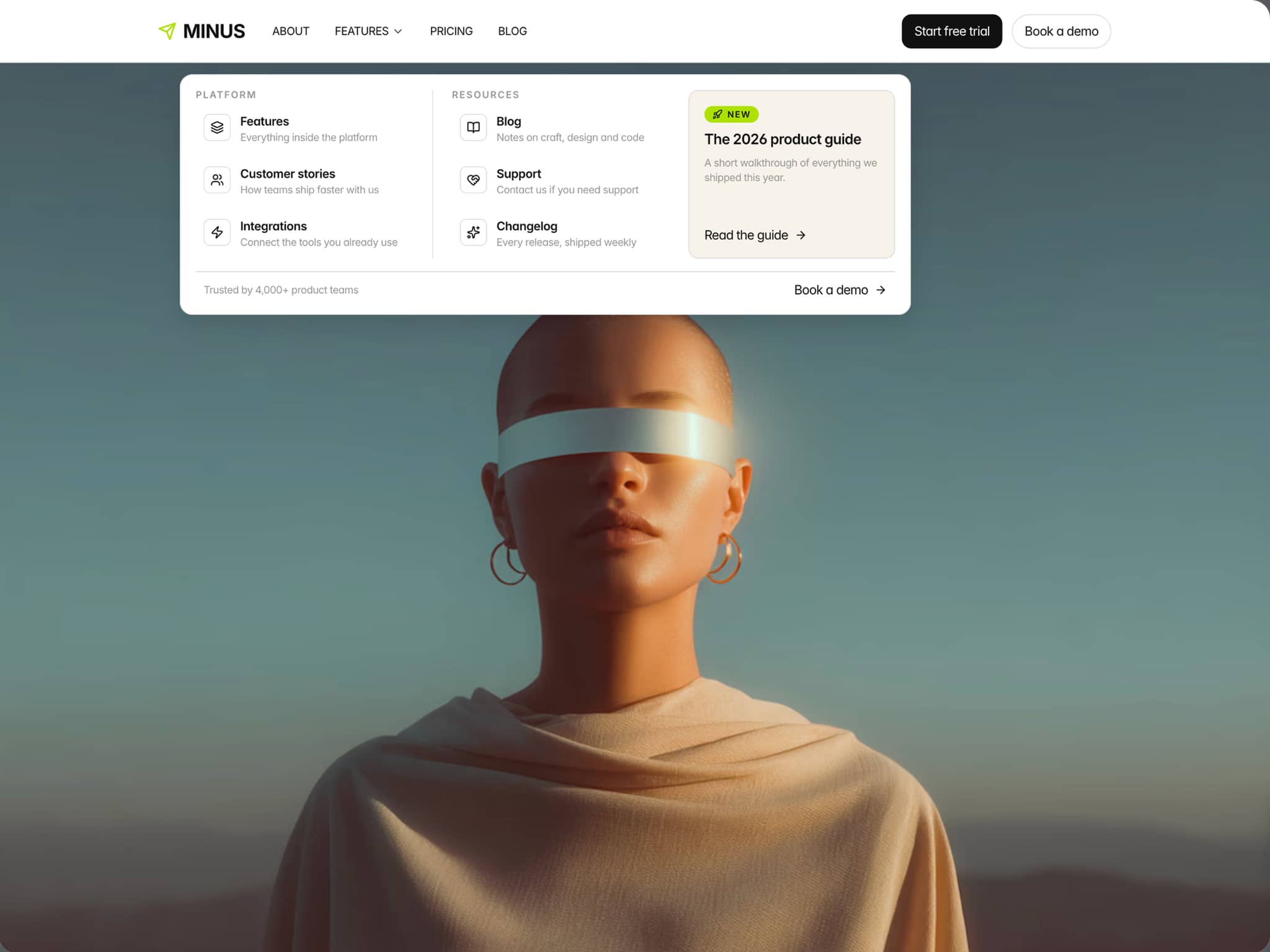
Scroll Section Nav is a minimal floating navigation that keeps page sections within reach. Connect it to any section using Framer’s Scroll Section ID, and the navigation stays synced with the section currently in view.
Features
Floating pill navigation
Active section highlighting
Smooth scroll-to-section navigation
Expandable navigation menu
Framer Scroll Section ID support
Custom section labels and numbering
Adjustable activation point and scroll offset
Customizable typography, colors, spacing, radius, shadows, and animations
Responsive layout
Customize
Sections — Set section labels and matching Scroll Section IDs.
Typography — Customize navigation fonts and text styling.
Colors — Adjust backgrounds, text, and active states.
Border & Shadow — Control borders and shadow styling.
Shape — Customize pill and navigation item radius.
Layout — Adjust padding, spacing, and expanded width.
Animation — Set the menu animation speed.
Active Section — Customize section activation behavior.
Scrolling — Adjust scroll offset and activation point.
Numbering — Show and customize section numbering.
How It Works
Add a Scroll Section ID to each section of your Framer page.
Enter the matching IDs and labels in the component’s Items list.
Customize the appearance and behavior from the properties panel.
As visitors scroll, the active section updates automatically. Clicking the pill opens the navigation, and selecting an item smoothly scrolls to its connected section.
Good to know
Built for Framer websites using Scroll Section IDs.
Each navigation item must match the ID of its target section.
Designed for quick navigation across long pages, portfolios, landing pages, and multi-section websites.
License: Unlimited personal and client projects. No resale or redistribution.
Refunds: If something isn’t working as expected, contact us and We’ll work to resolve the issue within 24 hours.
Questions? support@russetsupply.com