About Scroll Project Tabs
Scroll Stack Tabs – Scroll-Driven Stacking Tabs for Framer
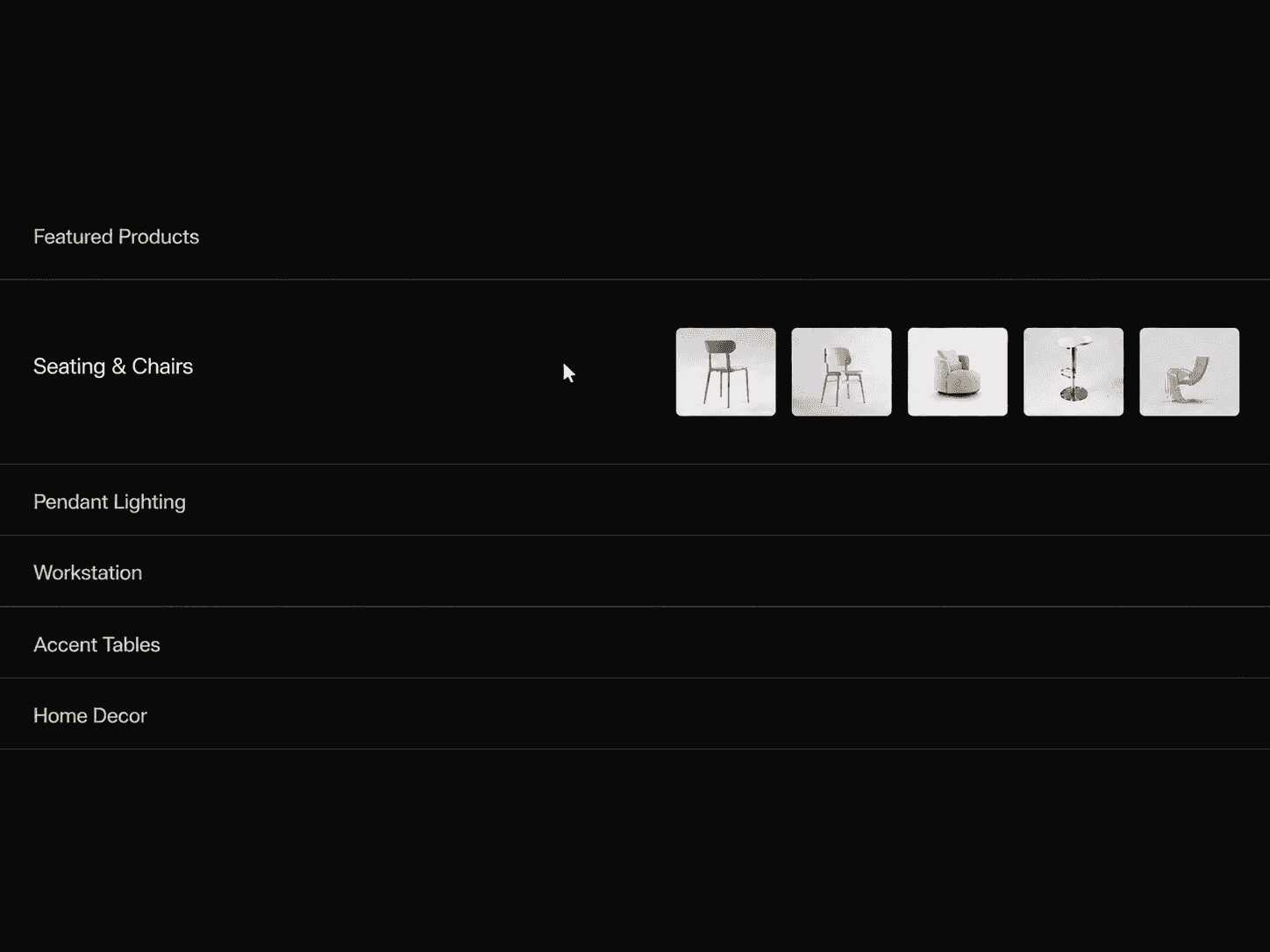
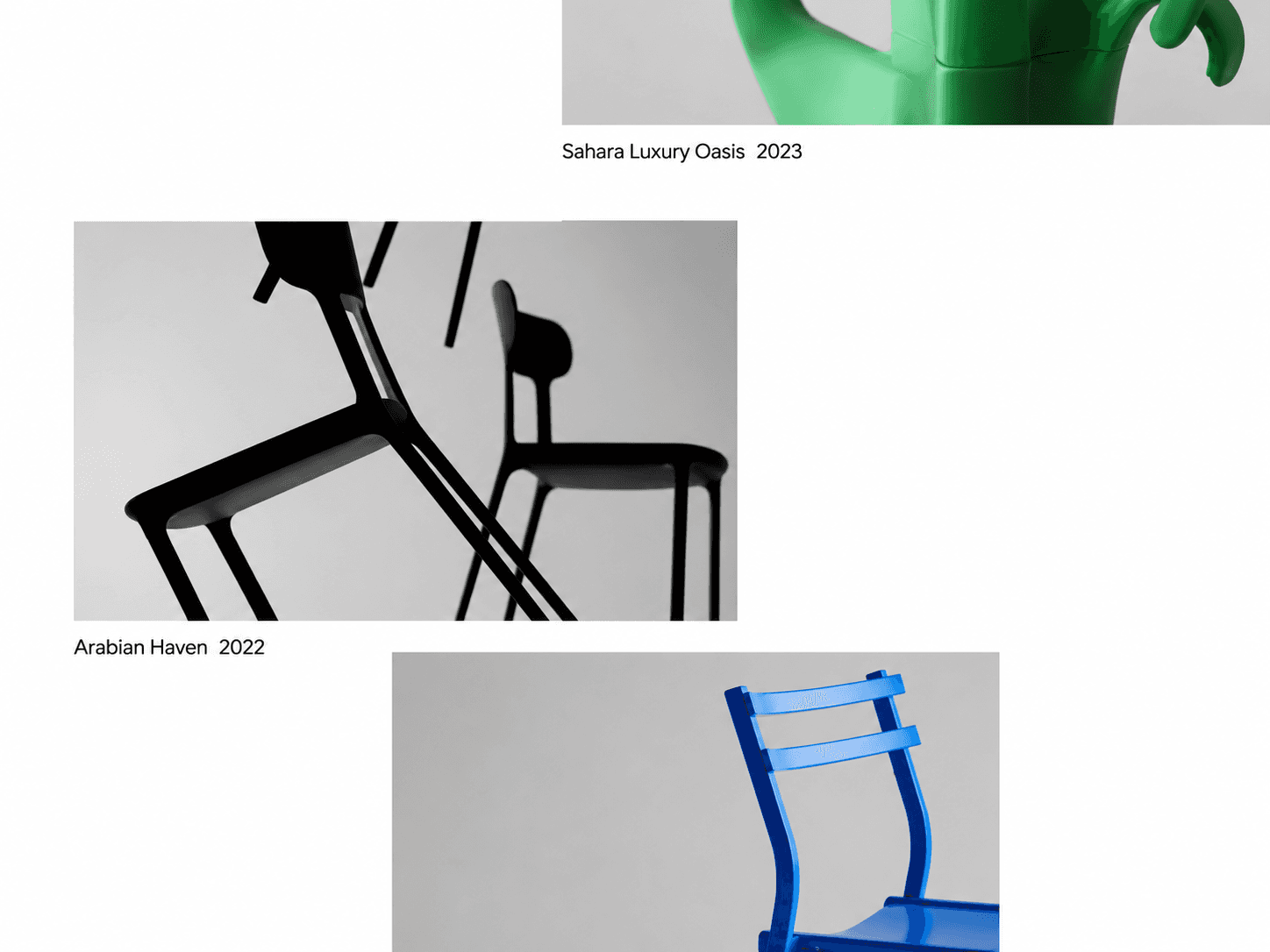
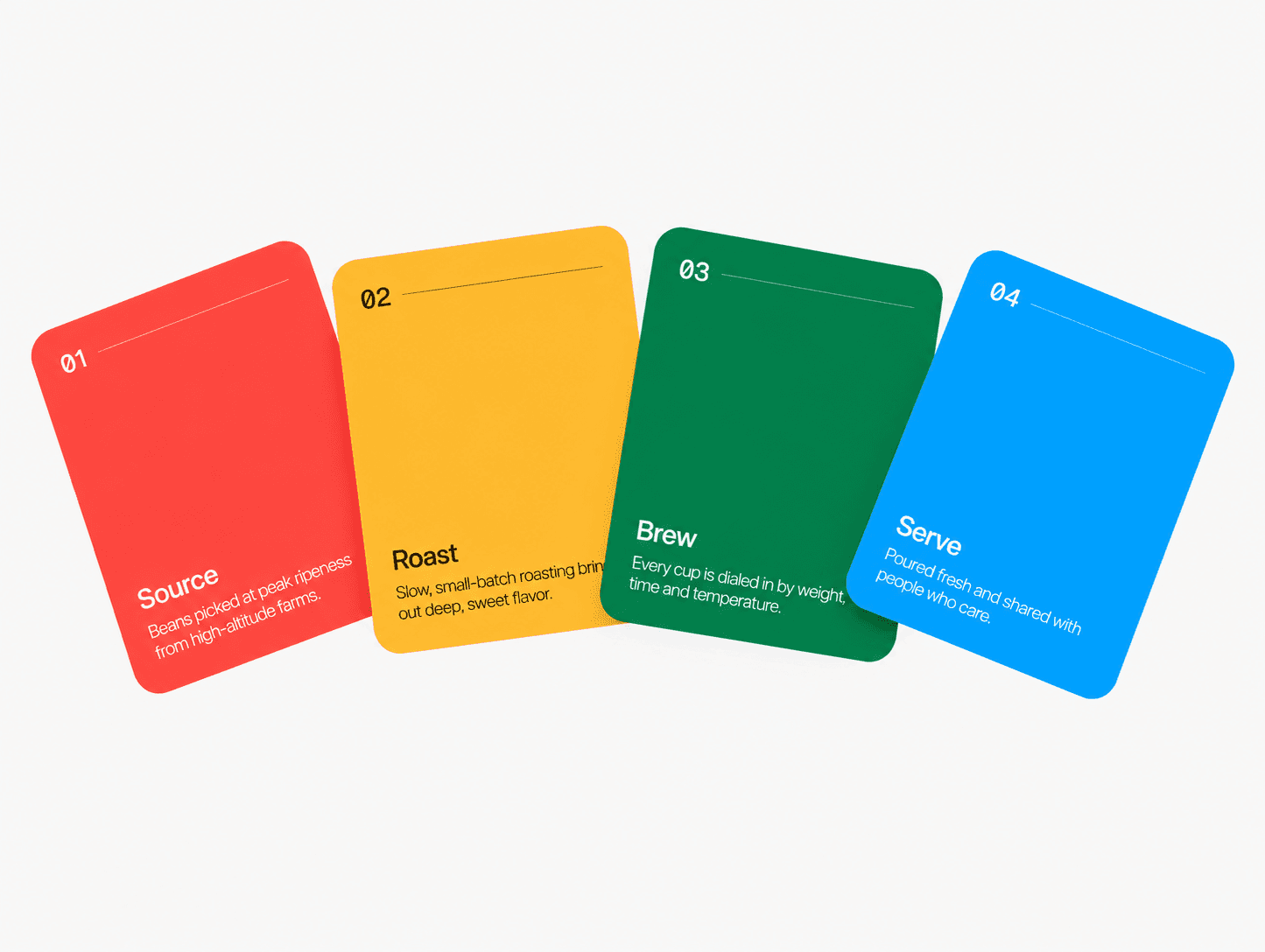
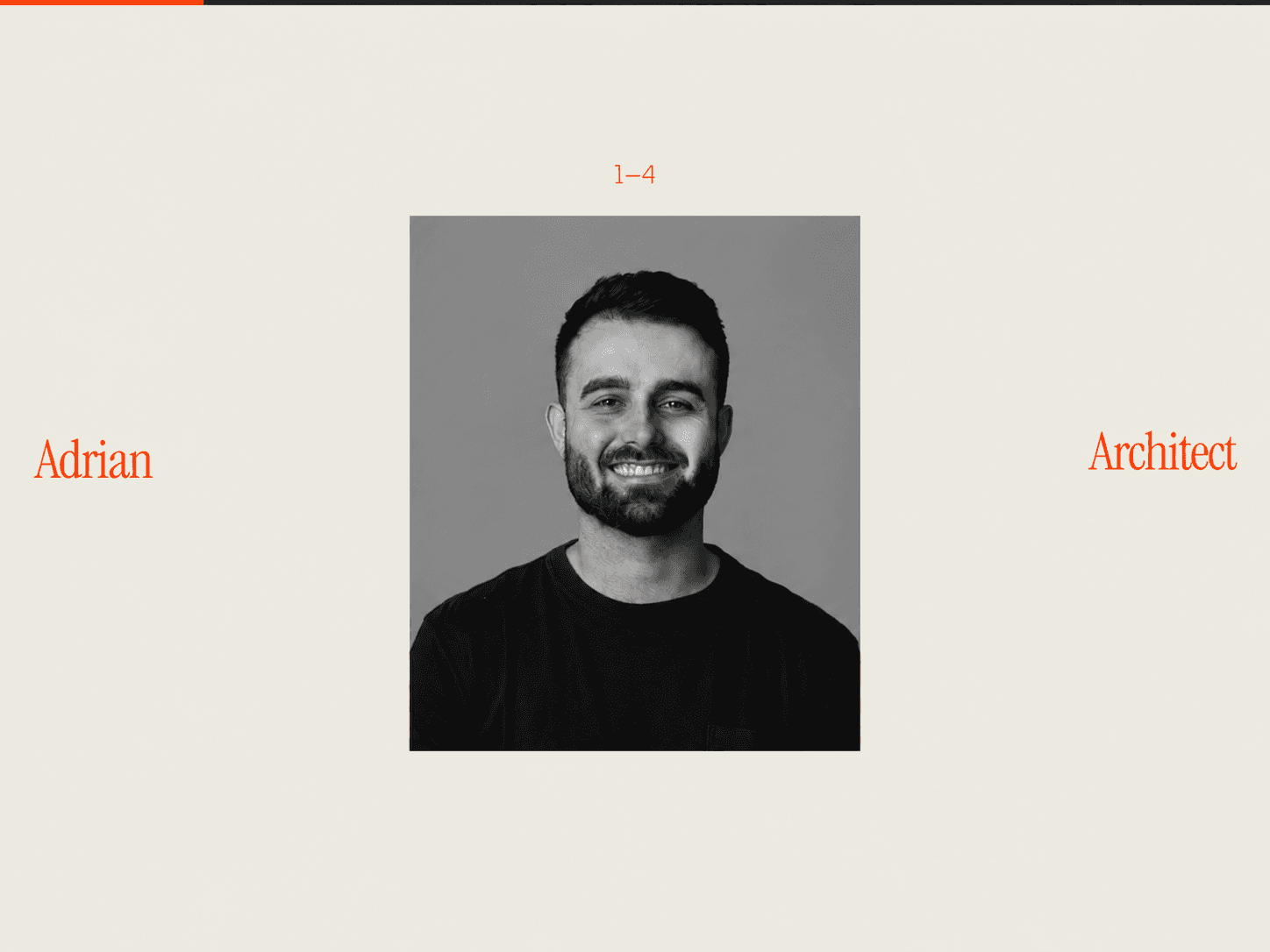
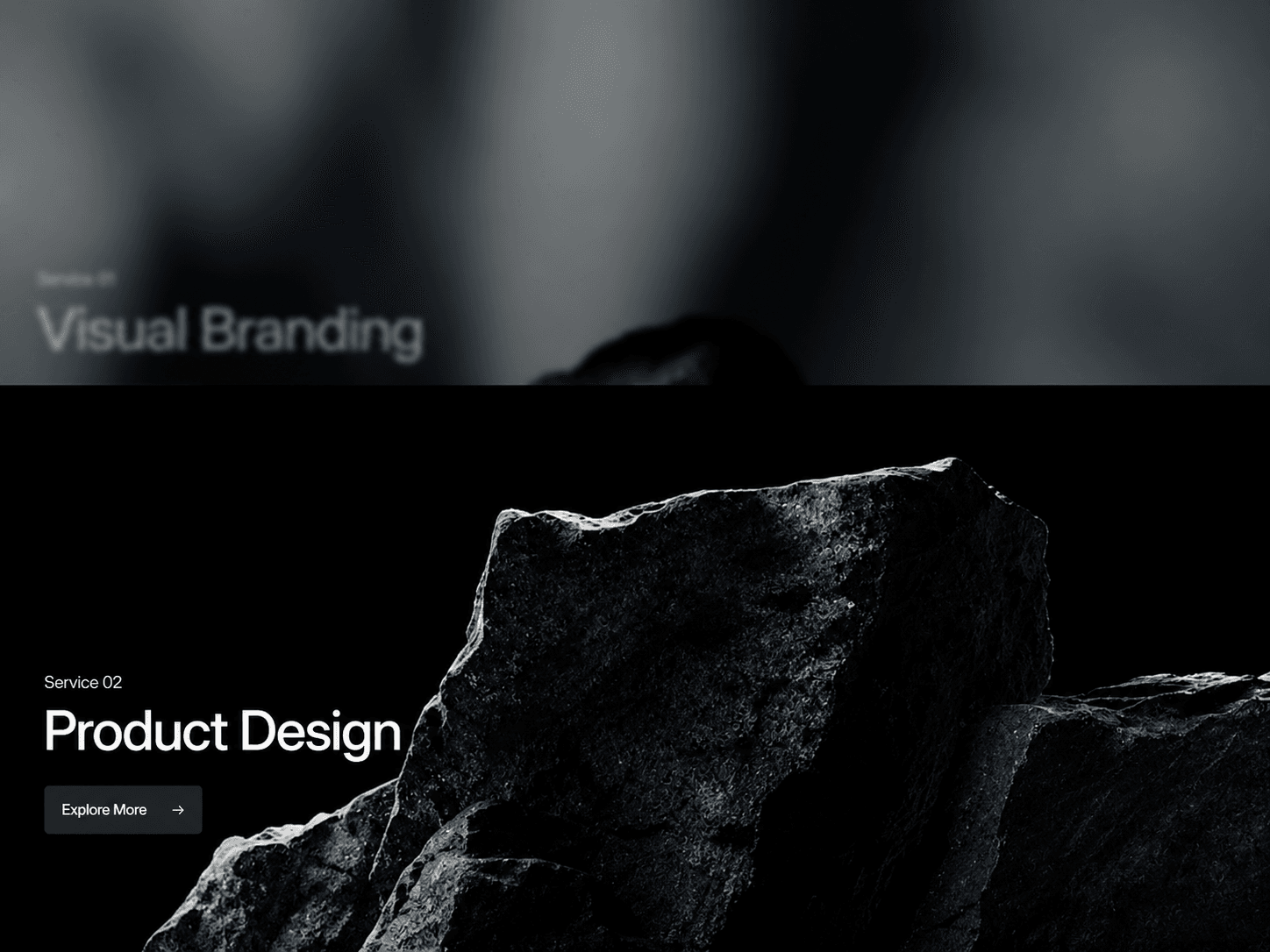
A scroll-driven tab component that stacks full-screen sections as visitors scroll. Each new tab slides over the previous one while the covered tab scales down, blurs, and dims, creating a smooth layered transition for service sections, portfolios, and project showcases.
What you get
Direct component URL to paste into your canvas
Framer component with editable property controls
Scroll-driven stacking transitions with synchronized motion
Customizable tab content, background images, and CTA buttons
Free lifetime updates
Support within 24 hours
Customizable
Content: add up to 12 tabs, each with an image, eyebrow label, heading, description title, description, CTA text, and link
Layout: adjust vertical alignment, padding, content max width, and spacing between the heading, CTA, and description
Typography: customize fonts for eyebrow labels, headings, descriptions, and CTA buttons
Colors: control heading, description, eyebrow, and stack background colors
Good to know
Code component for Framer, not a standalone download
Uses Framer Motion for scroll-driven transitions
Supports up to 12 tabs
Each tab can use a background image or a built-in placeholder when no image is added
License: Unlimited personal and client projects. No resale or redistribution.
Refunds: Due to the digital nature of this product, all sales are final, and refunds will not be issued. Please ensure you review all product details carefully before purchasing. If you have any questions or need further clarification, feel free to reach out before completing your purchase.
Questions? support@russetsupply.com