About Scroll Synced Lottie
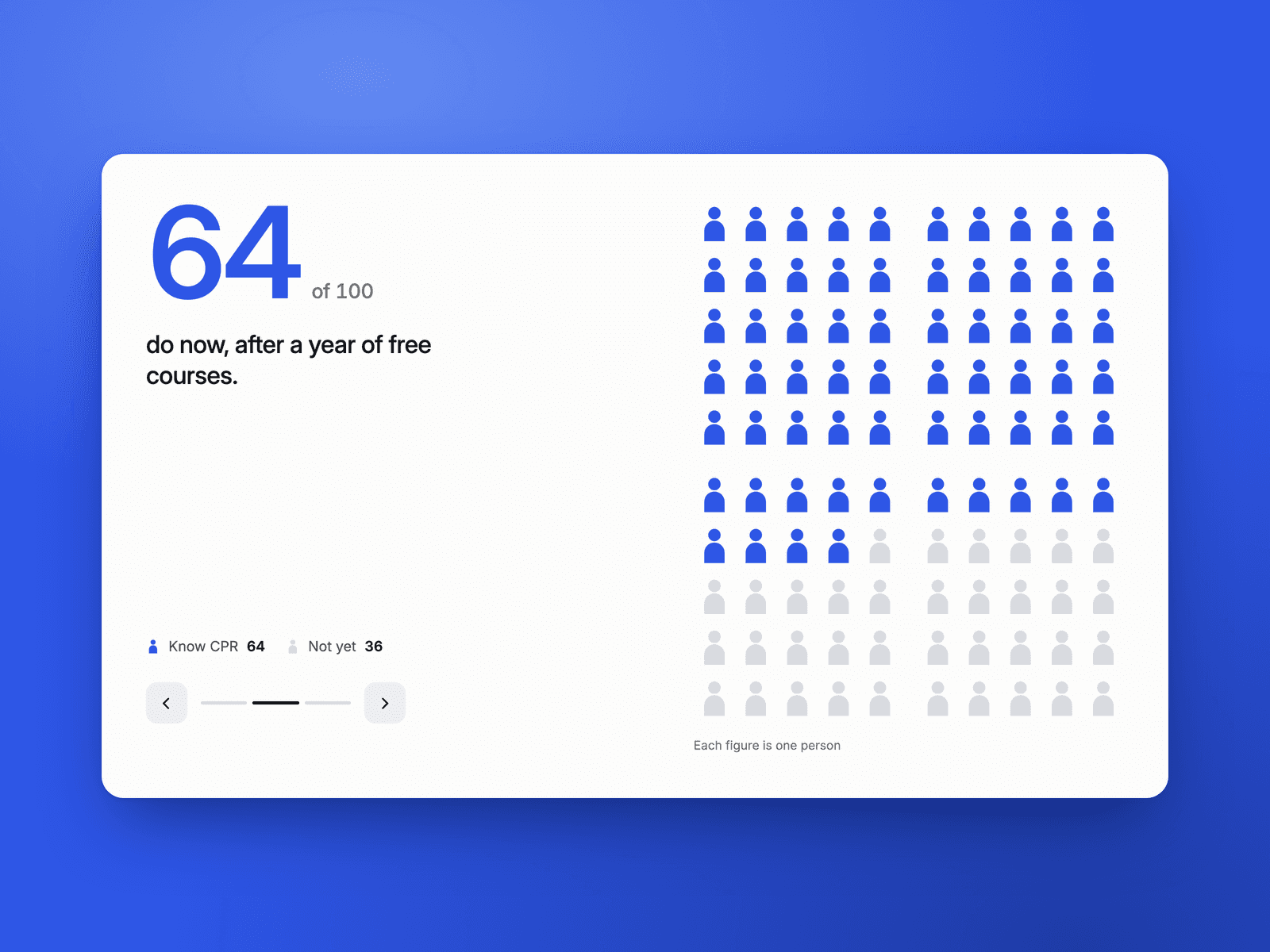
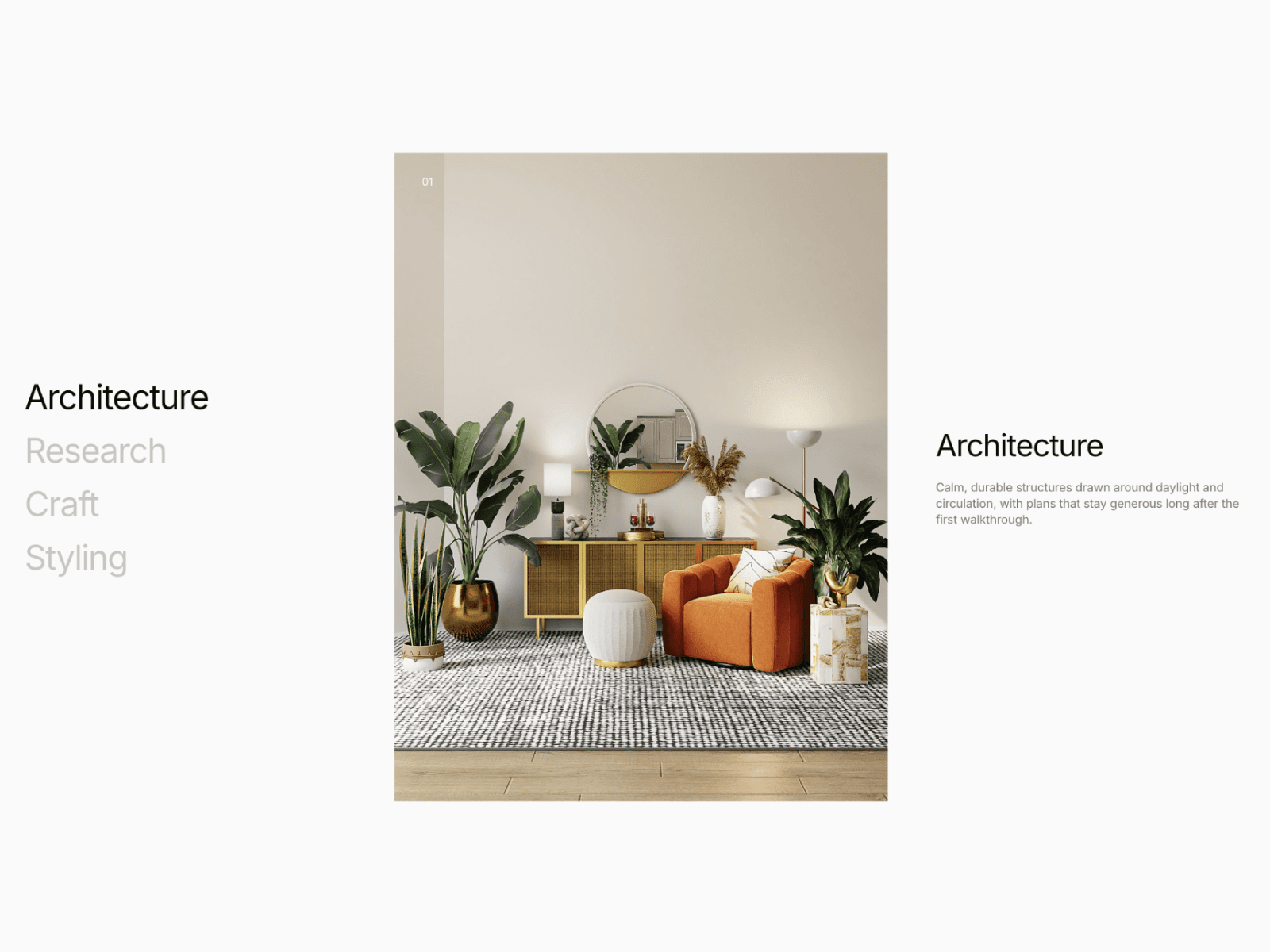
Scroll Synced Lottie lets you connect a Lottie JSON to the scroll position of the component itself. By setting two offset intersections between the target (this component) and the viewport, it maps that range to a normalized 0→1 progress and updates the animation accordingly—perfect for step-by-step storytelling, and hero effects.
Features
Scroll-position hookup: Drive Lottie directly from scroll progress
Intersection: Control when the animation reacts using just two offsets
Flexible Transitions: Adjust motion response via Transition (spring or tween)
Properties (Controls)
Source: Choose URL or Upload. This component is for JSON files. Learn more here
Transition: Motion transition used when mapping scroll position → animation progress.
Default: spring with stiffness: 400, damping: 20, mass: 3.
Offset: offset describes intersections, points where the target and container meet. Learn more here
Default: ["start end", "end start"] , progress is 0 when the top of the element meets the bottom of the viewport, and 1 when the bottom of the element meets the top of the viewport.