About Spot Mask Reveal
Remix Link - Spot Mask Reveal
Description
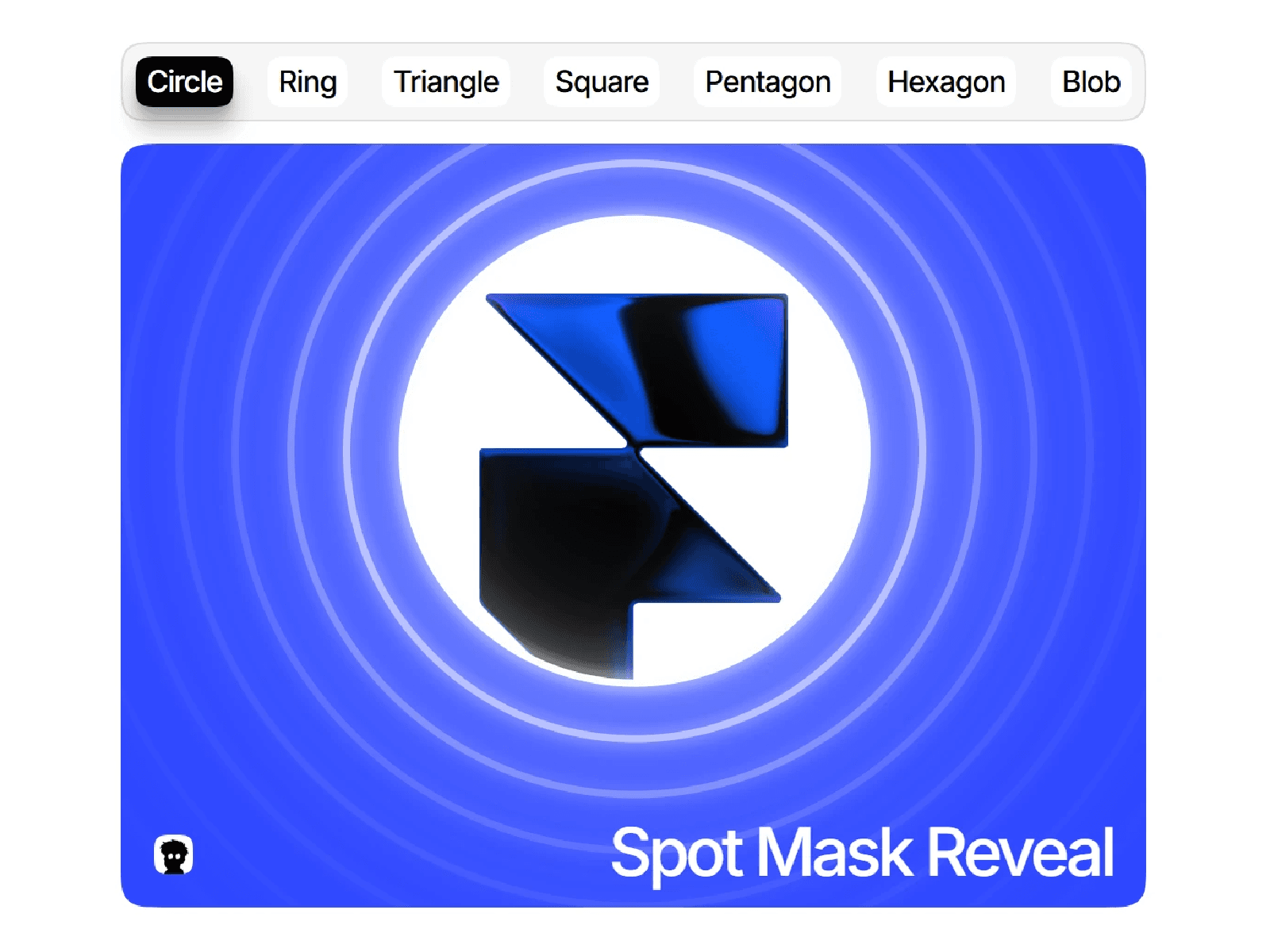
Spot Mask Reveal puts a colored cover over any section, with a spot that follows the cursor. Visitors uncover what's underneath as they move: your images, text, video or shaders.
Features
Six shapes: Circle, Ring, Polygon, morphing Blob, Image (your logo or SVG) and Text (any word, any font)
Size and edge softness on every shape
Overlay colour, six blend modes and optional frosted blur
Outline with glow, plus up to 10 ripple rings
Reveal or Hide mode, with smooth follow speed
Track the cursor over the component or the whole page
Close or stay on leave; expand to reveal everything on click
Stretch, Trail and Glow Pulse effects
Auto Play with no cursor: centre, wander or follow the scroll
One-time intro: Pop, Sweep or Full reveal
Touch modes: scroll, drag, or one spot per finger
Clicks can pass through to buttons and links underneath
Optional hidden cursor
Pauses off screen and respects reduced motion
Single code component, no dependencies
Perfect For
Hero sections
Portfolios and agency sites
Product and logo reveals
Campaign pages
How to Use
Remix the project and open the Start Here guide.
Copy the Spot Mask Reveal layer from the Spot Card component.
Paste it into your section, set it to Absolute and match the section's size.
Keep it above your content in the Layers panel.
Pick a shape and colour, then Preview.
For phones, set Auto Play › No cursor.
What's Included
Spot Mask Reveal component with full property controls
Spot Card demo with 11 ready-made looks
Start Here guide with recipes, a checklist and troubleshooting