About Tilt Stack
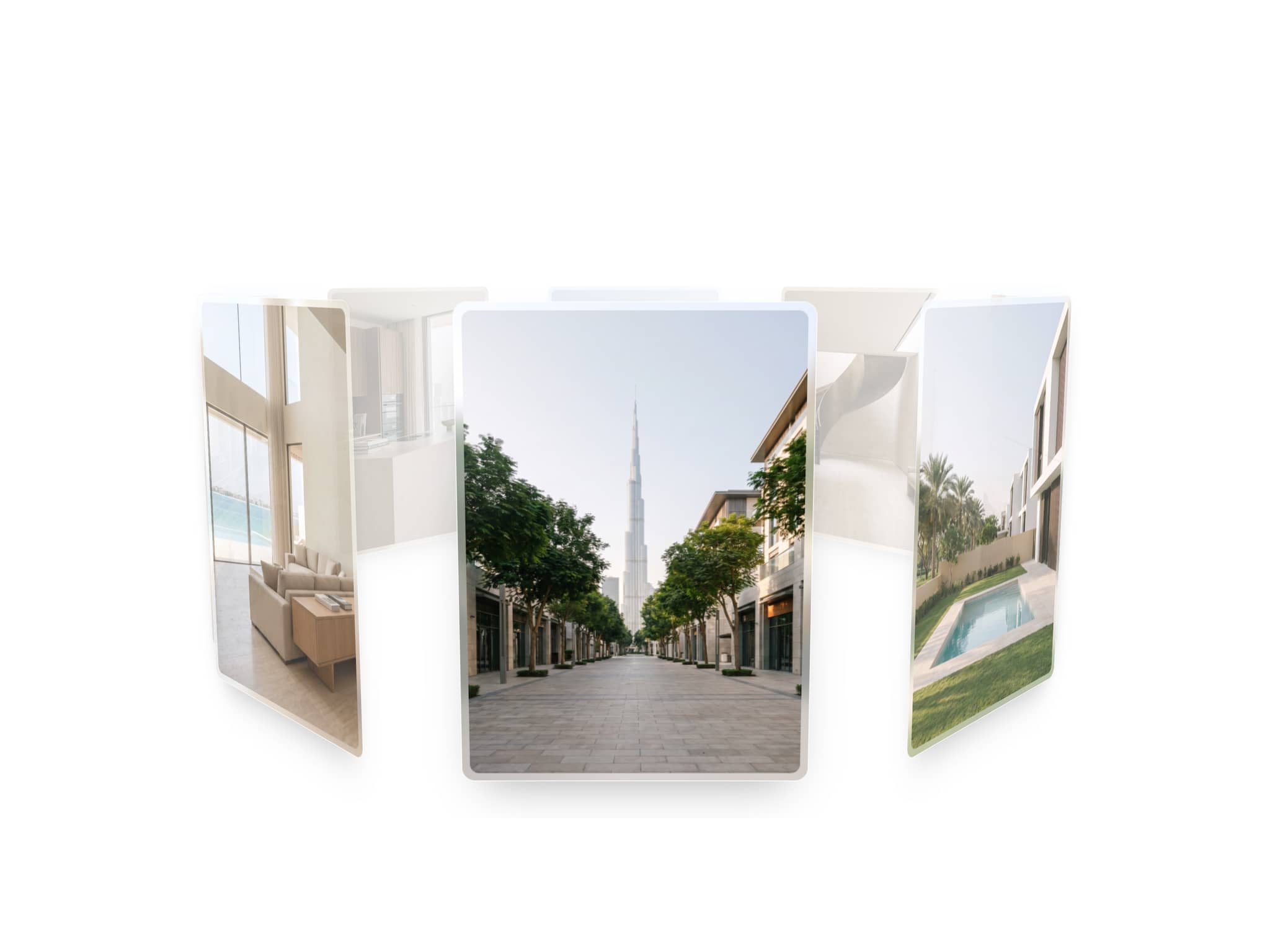
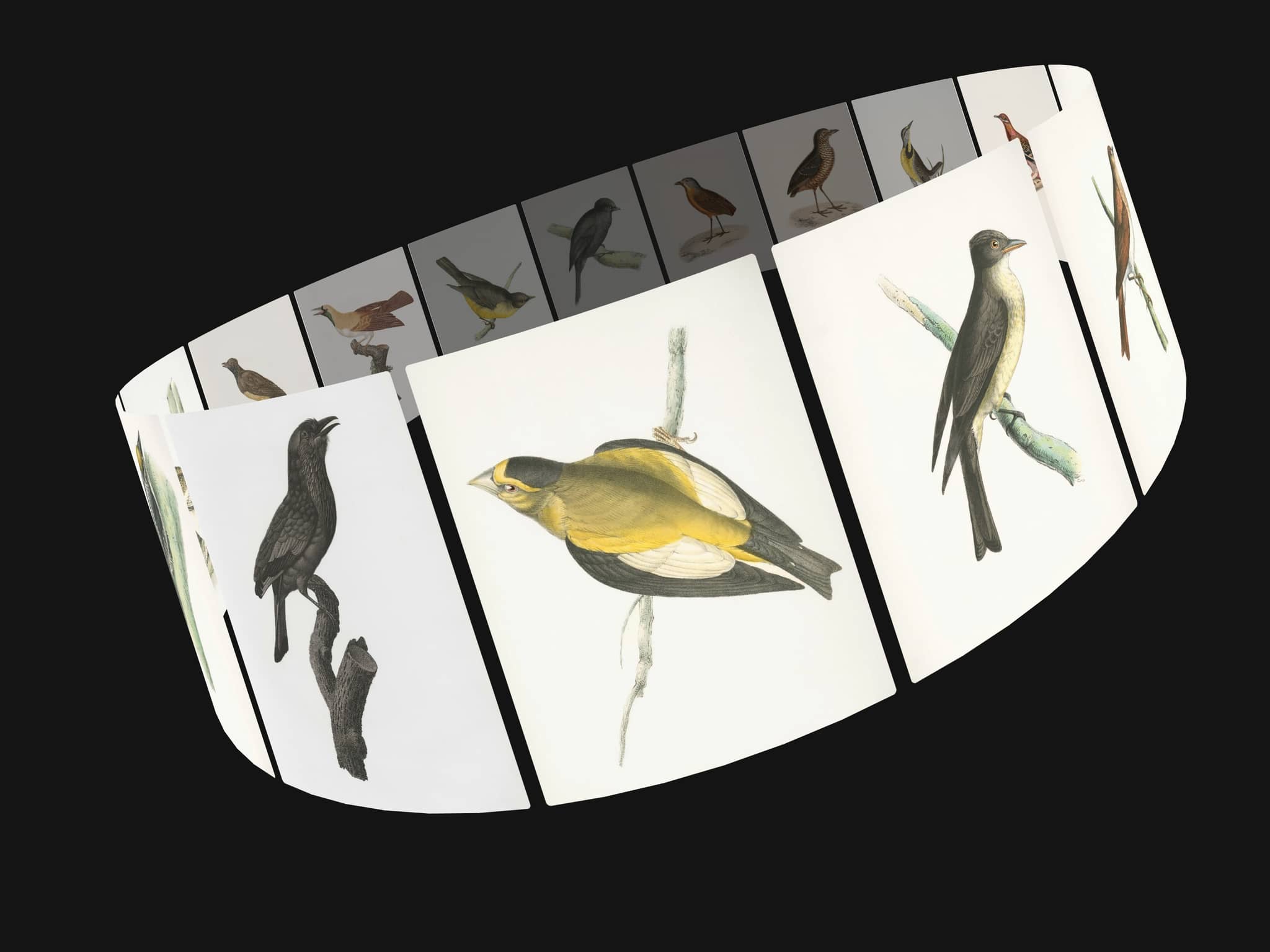
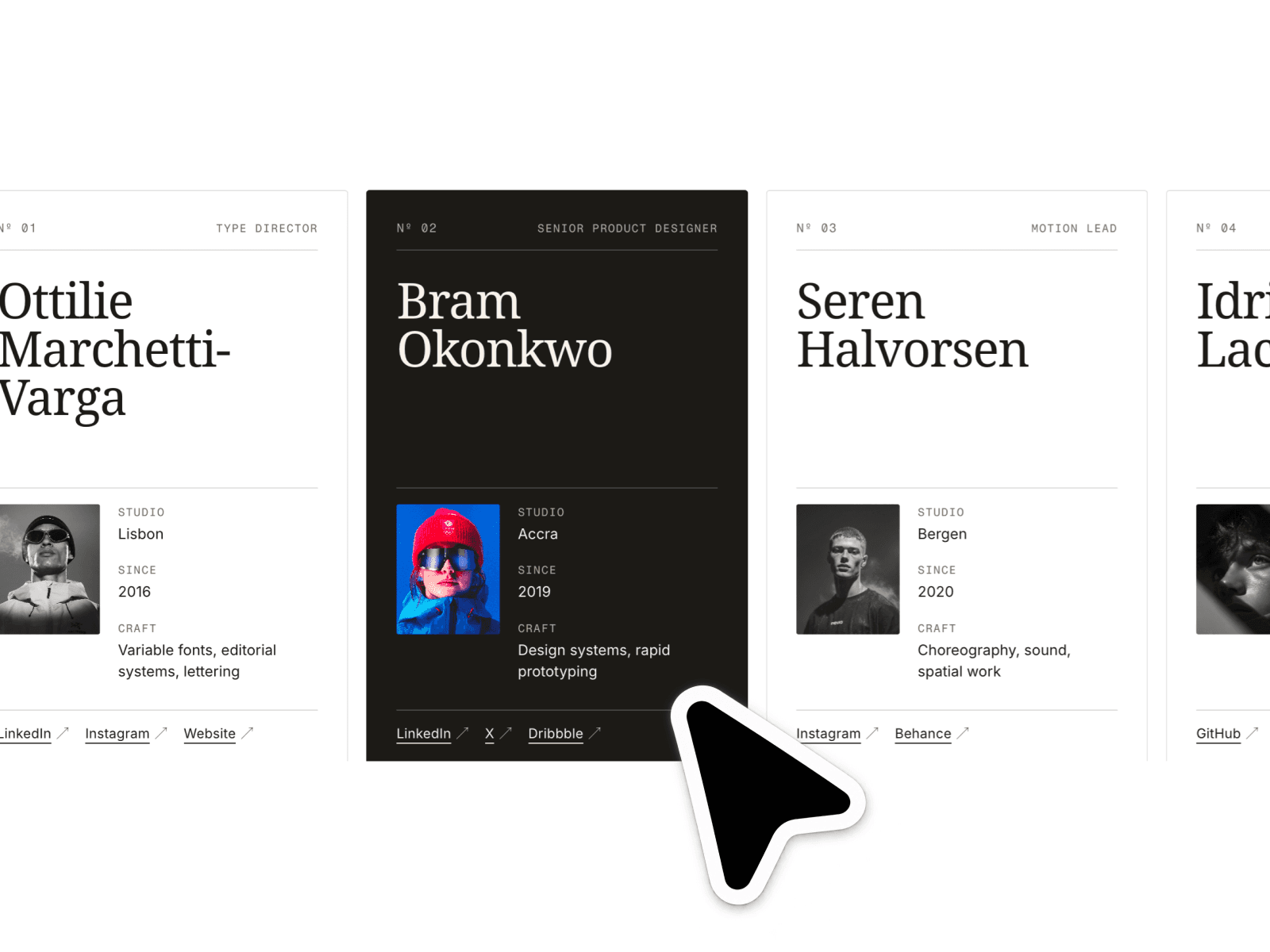
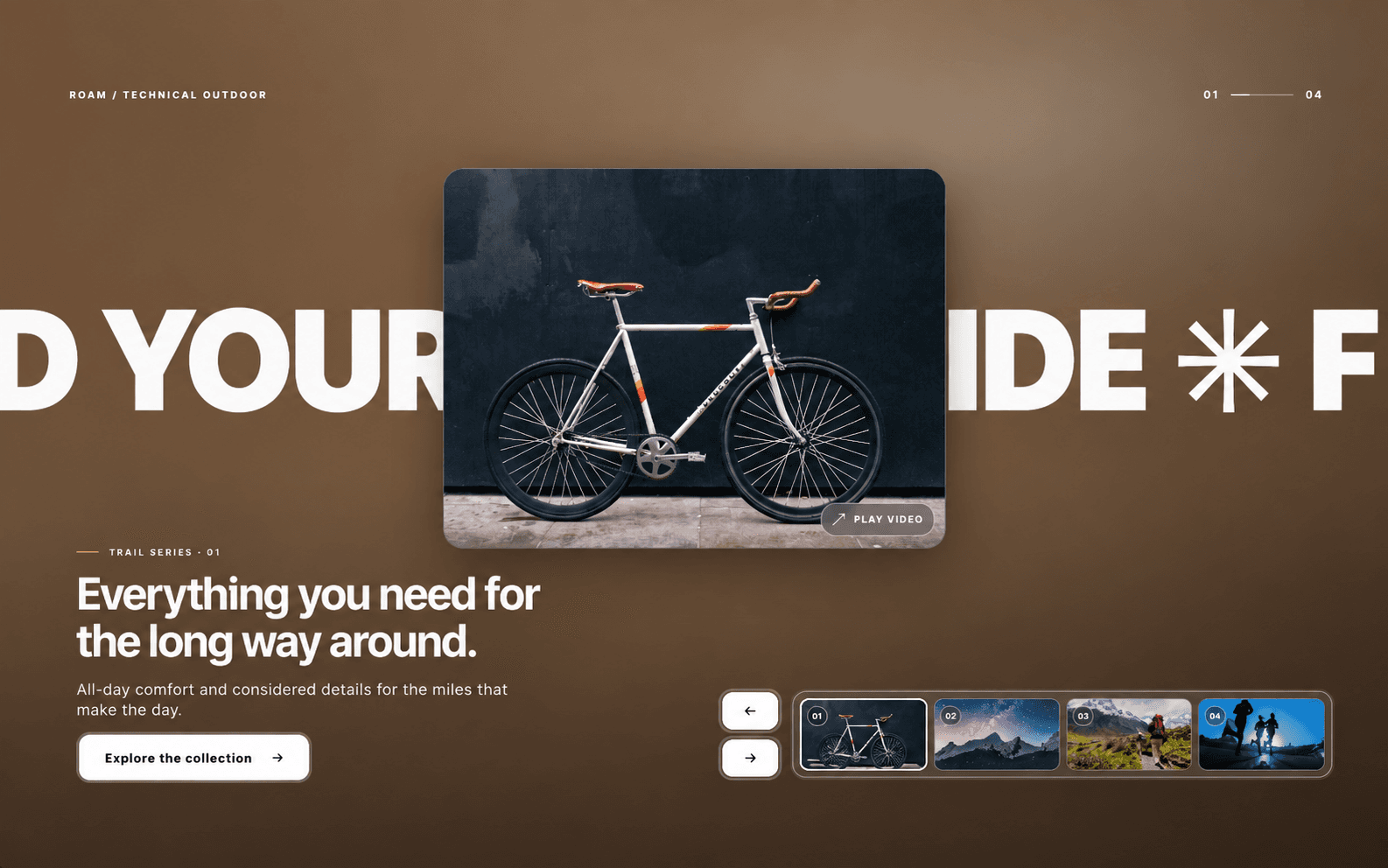
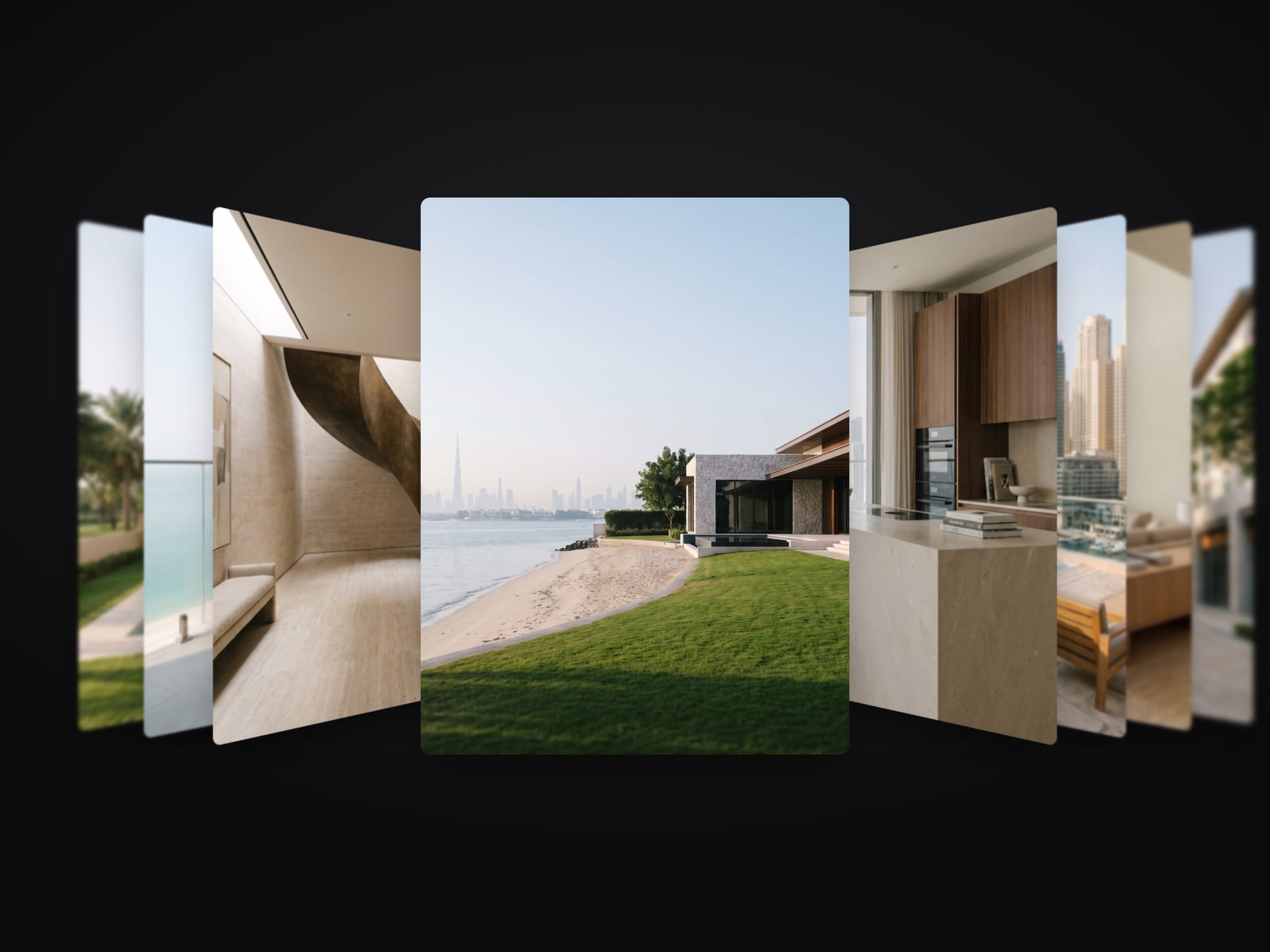
Tilt Stack is a Framer 3D coverflow carousel component. The current card faces you, the others turn toward it, stack tightly and blur the further back they sit.
Drag, flick, use the arrow keys or swipe sideways on a trackpad. Feed it images, slides, a CMS list or your own item layer.
Controls: Source, Items, Slides, List, Item Layer, A11y Label, Card Width, Phone Width, Height Ratio, Turn, First Gap, Stack Gap, Depth, Perspective, Side Cards, Phone Side Cards, Depth Blur, Phone Blur, Edge Blur, Backdrop, Backdrop Dim, Loop, Wheel, Autoplay, Spring, Arrows, Arrow Color, Arrow Fill, Captions, Font, Caption, Subtitle, Radius, Shadow.
There is no blur on phones unless Phone Blur is on, and Phone Width and Phone Side Cards set the size. With reduced motion cards change place without the spring, and autoplay is off. Colour controls take your tokens, so dark mode follows the theme. It works on Arabic right-to-left pages.
Setup: paste the component onto the canvas, choose a Source (images, slides, a CMS list or your own item layer), then set Card Width and Phone Width.
After checkout: the component link to paste onto your Framer canvas, plus an editable Framer project with a demo page.
All nine components in one project, the Motion Kit, are USD 49: https://buy.stripe.com/bJeeVd3Pq0y116z5l4f3a0i
All sales are final, no refunds. If the component link does not work or you were charged twice, email hello@unreel.ae and we fix it.