About Waveform Audio
About Waveform Audio
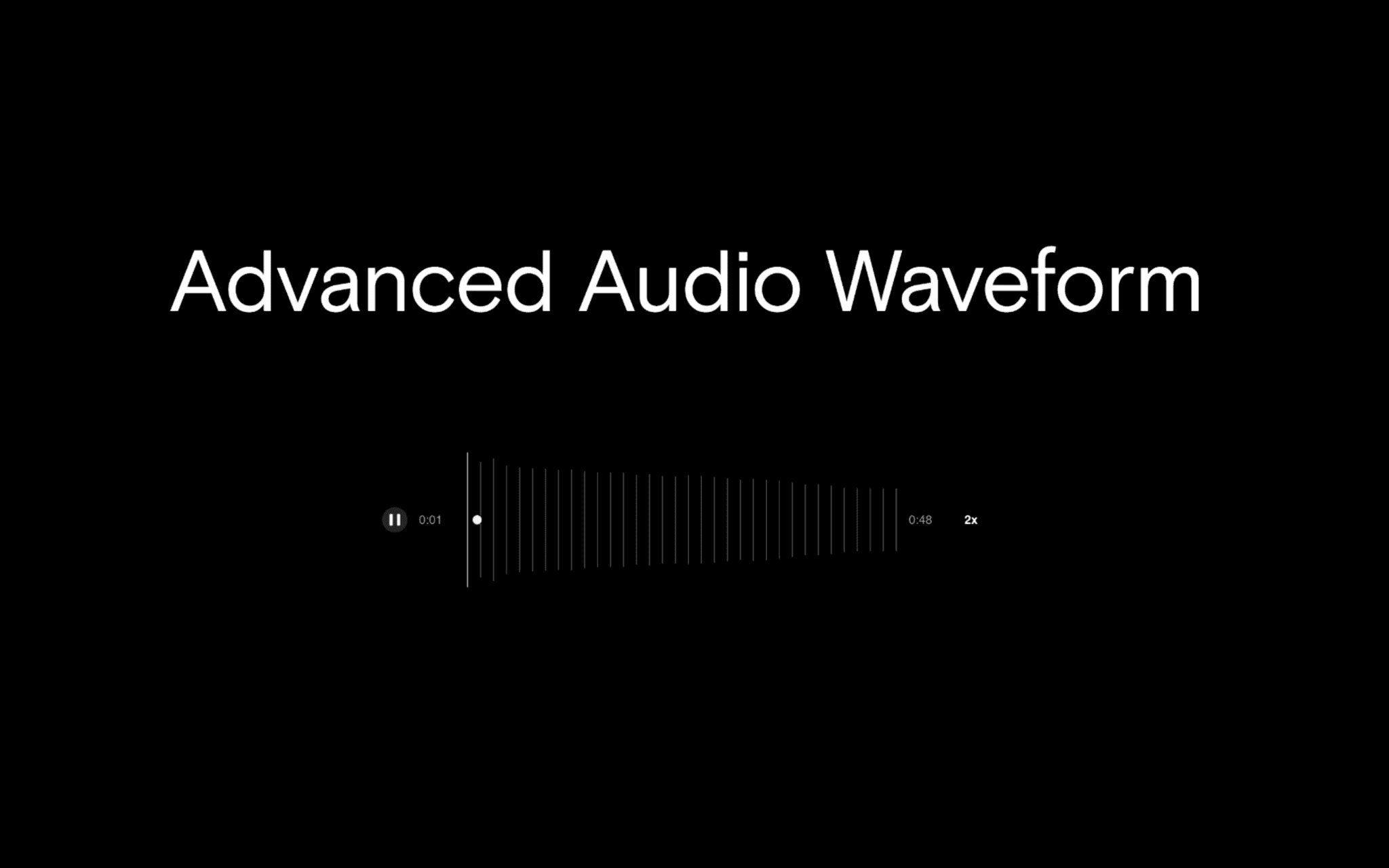
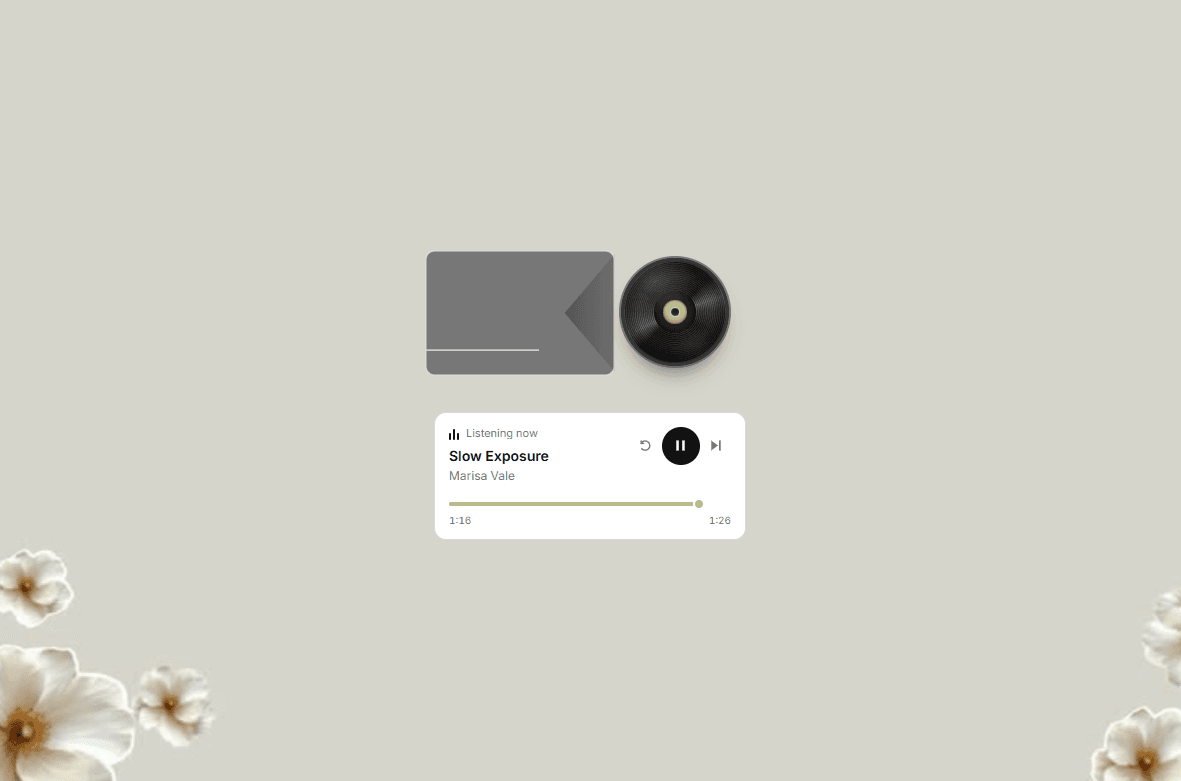
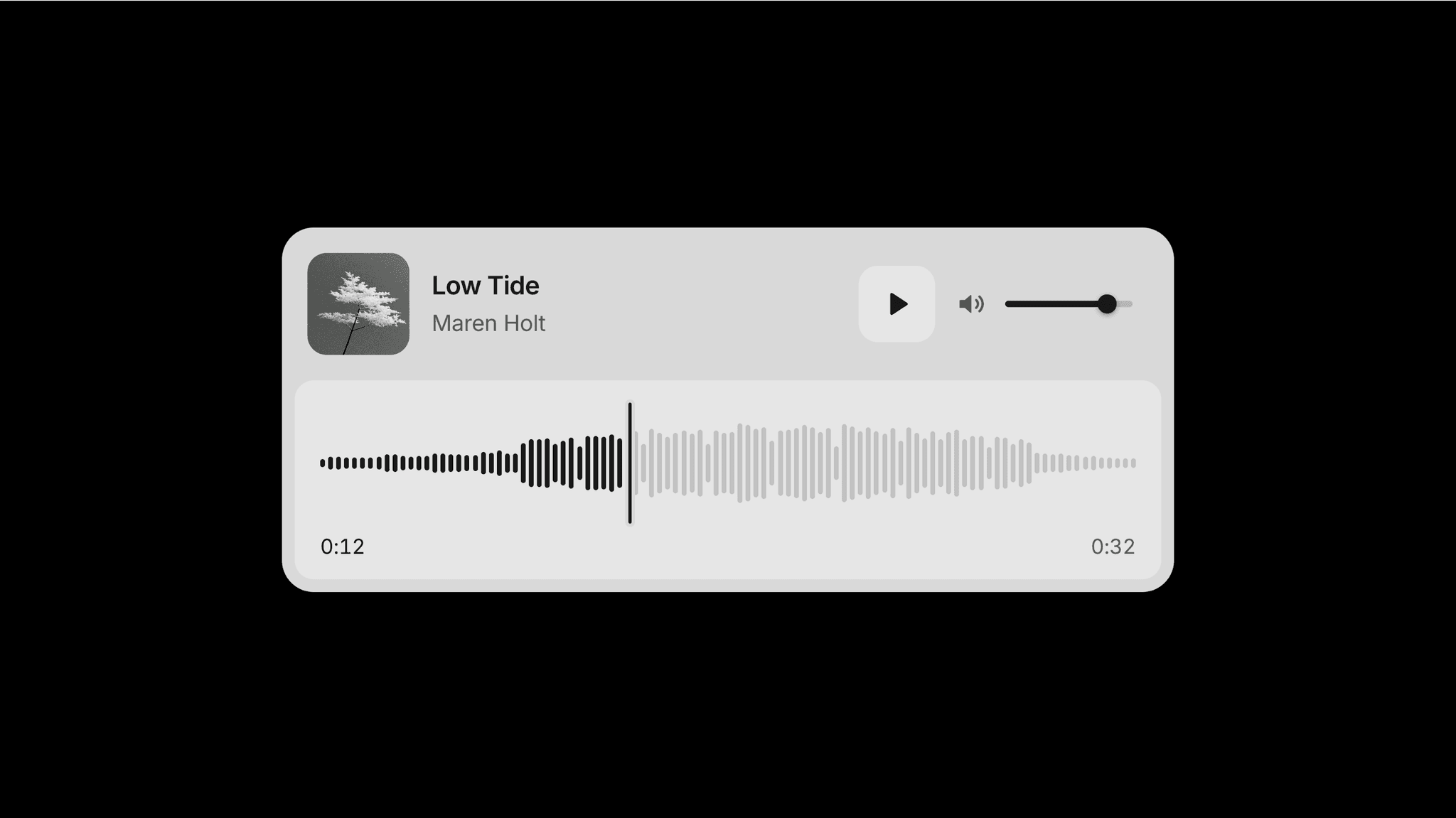
Waveform Audio brings audio playback and a waveform into a compact component, with an optional cover image, a title, and a subtitle. Visitors can listen directly on the page and follow playback through the highlighted waveform.
What you can customize
Upload an audio file, show or hide the cover, and edit the title and optional subtitle. Set the starting volume and enable looping.
Adjust the waveform's height, bar width, spacing, and bar radius. Customize the surface, panel, text, muted text, waveform, hover, played, button, icon, and bubble colors. Set the player's corner radius and choose separate fonts for the title and secondary text.
How to use
Copy the component from the Marketplace and paste it onto the canvas
Upload your file using Audio
Enable Cover and choose an Image, or hide the cover for a simpler layout
Edit Title and Subtitle
Set Volume and Loop
Customize Waveform, Colors, Radius, Title Font, and Text Font
Preview the page to check playback and the waveform
Great for
Podcast and interview excerpts
Music previews and sound portfolios
Spoken introductions and voice samples
Audio stories and recorded testimonials