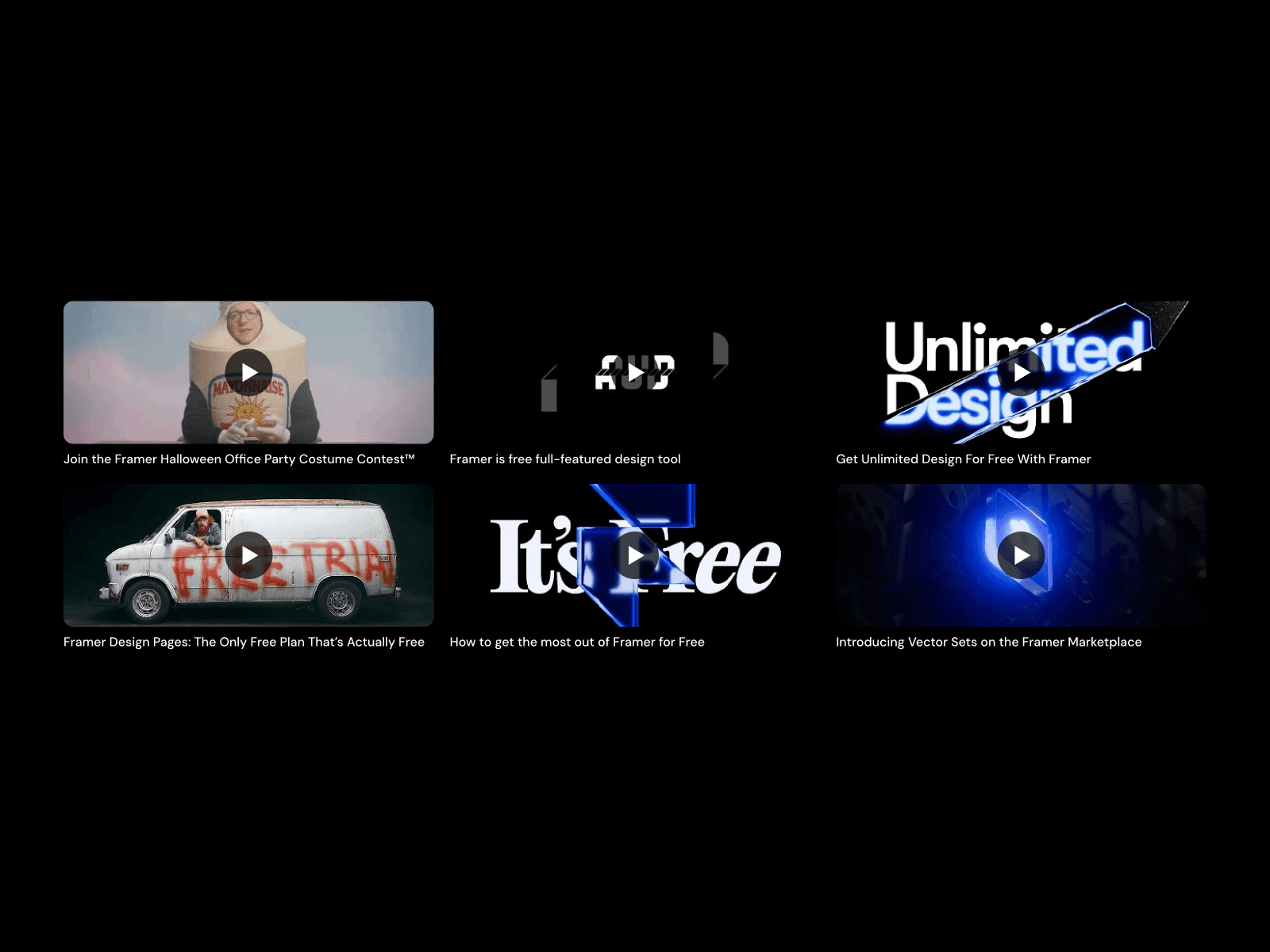
About YouTube Feed Grid
Easily display your latest YouTube videos on your Framer site. This component automatically updates your video grid with new uploads from your channel without manual updates.
How to Add This Component to Framer
Click on 'Copy' on the remix link
Copy the frame with the videos
Go to your project and paste it in your canvas
Get Your Channel ID
To find your YouTube Channel ID:
Go to your YouTube channel
Look at the URL: youtube.com/channel/CHANNEL_ID
Customize
Use the property controls to customize:
Channel ID: Your YouTube channel ID
Max Videos: Number of videos to show
Columns: Grid layout (1-6 columns)
Colors: Title and metadata colors
Fonts: Title and meta font families, sizes and weights
Autoplay: Enable modal video playback
Refunds may be granted under the following conditions:
Due to the digital nature of our product and the immediate access granted upon purchase, all sales are final and non-refundable. Once a purchase is completed, you will receive instant access to remix link that cannot be returned or revoked.
By completing your purchase, you acknowledge and agree that you are acquiring a non-returnable digital product.
Made with ❤️ by Majeek. Have questions or need a custom Framer component? Reach out at danieleloma@gmail.com