About Apify Scraper Sync
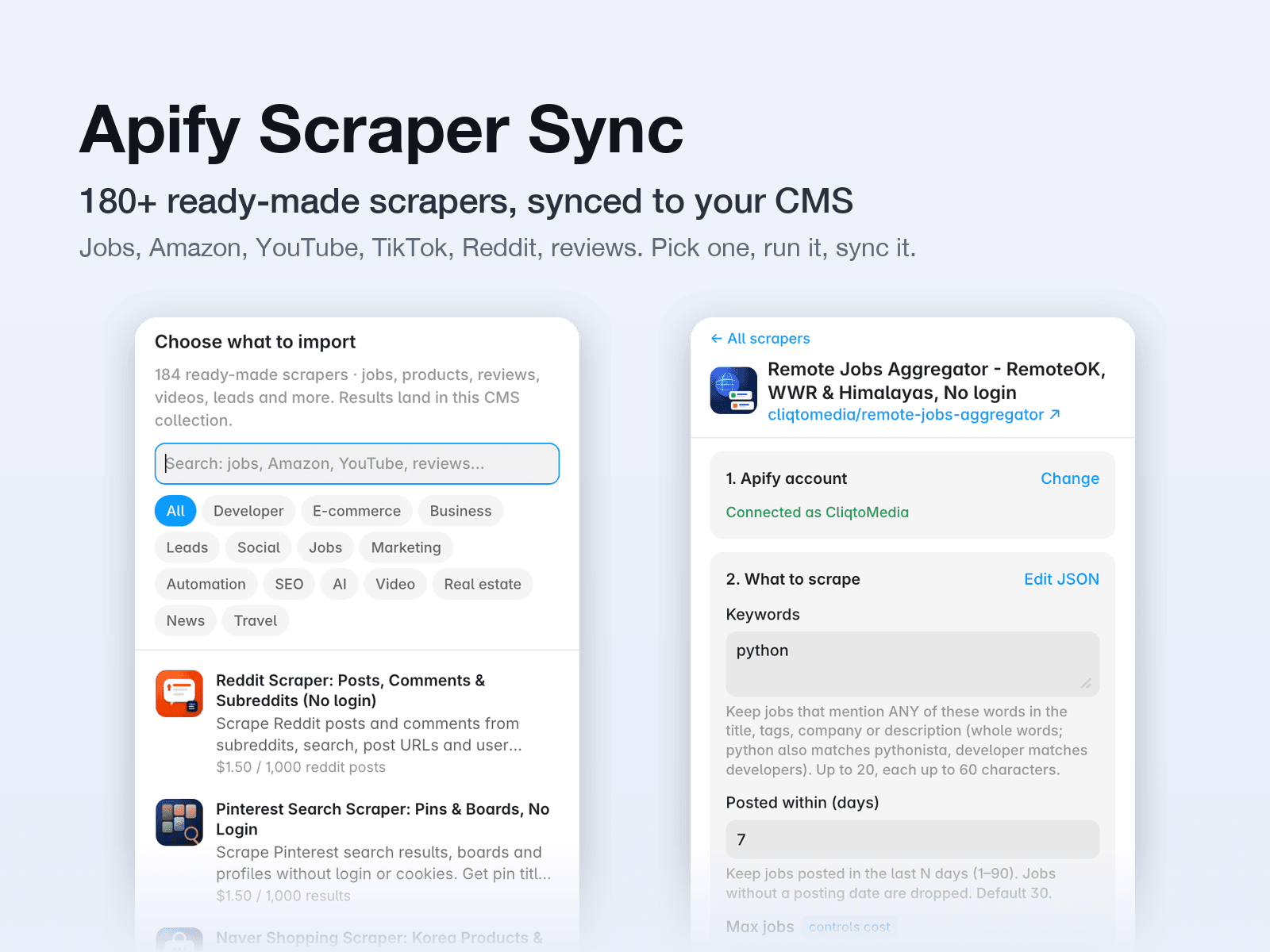
Import web scraping data into the Framer CMS. Apify Scraper Sync runs Apify scrapers for you and syncs the results into a CMS collection: job listings, Amazon and Shopify products and prices, YouTube and TikTok videos, Reddit and Instagram posts, Trustpilot and Tripadvisor reviews, Zillow homes, LinkedIn and Indeed jobs, leads, news and more.
Apify is a web scraping platform. You need a free Apify account and its API token; the plugin shows you where to get it.
How it works:
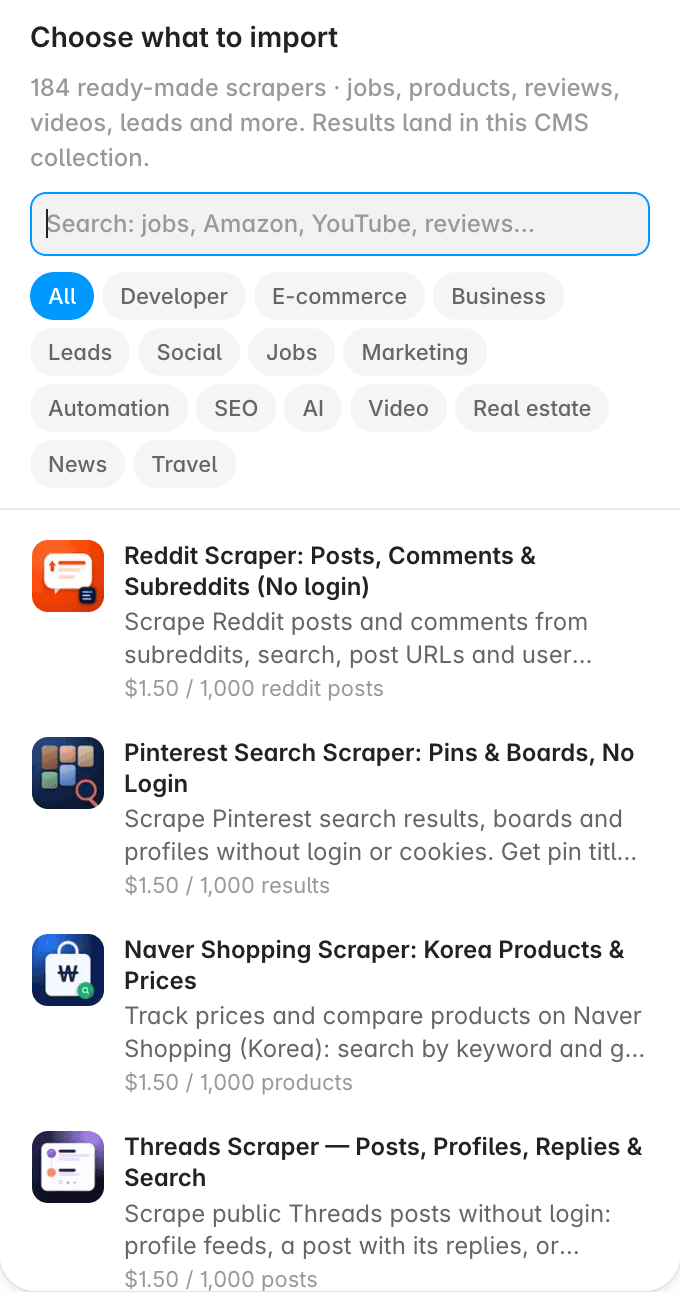
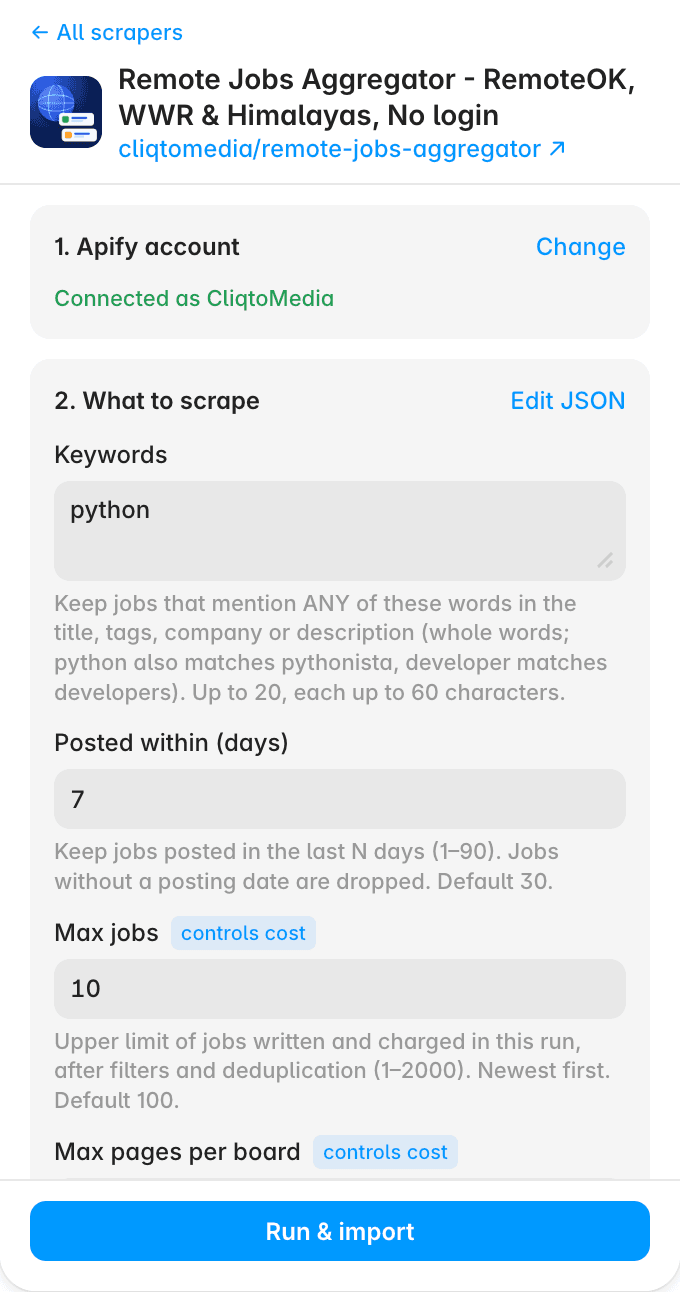
1) Open the plugin from the CMS and search 180+ ready-made scrapers by Cliqto Media, or paste any other Apify Actor.
2) Paste your Apify API token (Apify Console → Settings → API & Integrations).
3) Fill in a short form (keywords, URLs, how many results) and a dollar cap, then press Run & import. Or import the latest finished run you already have.
4) Choose which fields to keep. Types are set for you: text, rich text, numbers, dates, links and images.
5) To refresh, press Sync in the CMS. Sync runs the scraper again with the same settings, so Apify bills that run too.
Costs: the plugin is free. Runs happen in your own Apify account and Apify bills you for them. Every run has a result limit and a dollar cap, so a test run usually costs cents.
Your token: stored only in this browser when "Remember on this device" is on (it is on by default; one-click Sync needs it). It is never saved in the Framer project and is sent only to the Apify API.
Good for job boards, product and price trackers, review walls, video galleries, directories and lead lists.
Scraper catalog: https://cliqtomedia.com/actors/?utm_source=framer&utm_medium=plugin&utm_campaign=apify-to-cms