About Atheros Builder AI
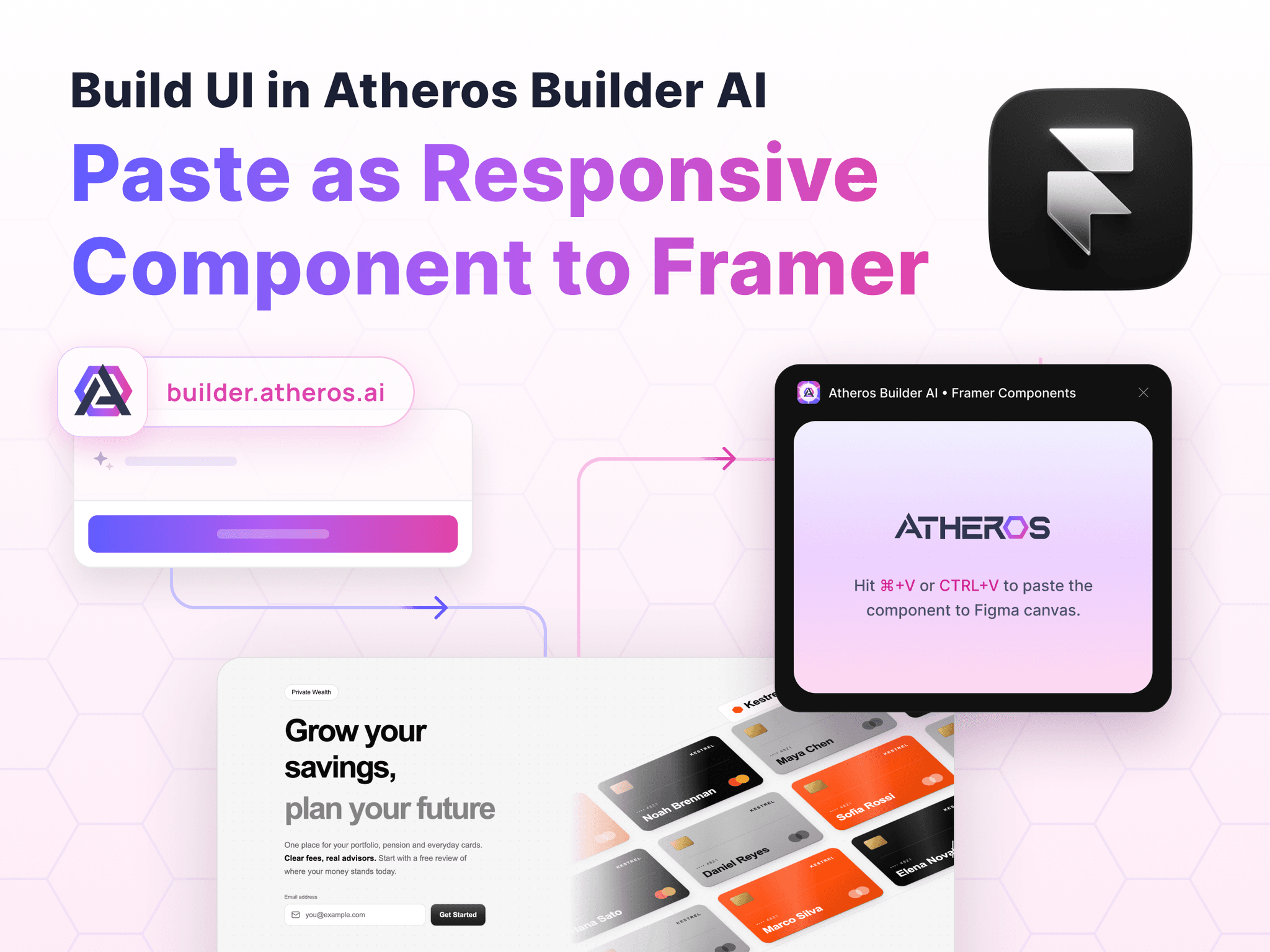
Bring your Atheros Builder components into Framer as real, editable layers.
In Atheros Builder, open Export, set the design tool to Framer and click Copy to Framer. Then open this plugin in Framer and press ⌘V (Ctrl+V).
Components become a Framer page with Desktop, Tablet and Phone breakpoints, each fitting its content.
Whole apps become one page per screen, with buttons linked to the right pages.
Real layout: stacks and grids translated from the component's CSS, so everything resizes and reflows.
Text, images, icons, colours, gradients, borders and corner radii come across.
Get started at https://builder.atheros.ai