About Blog Import: Squarespace & WordPress
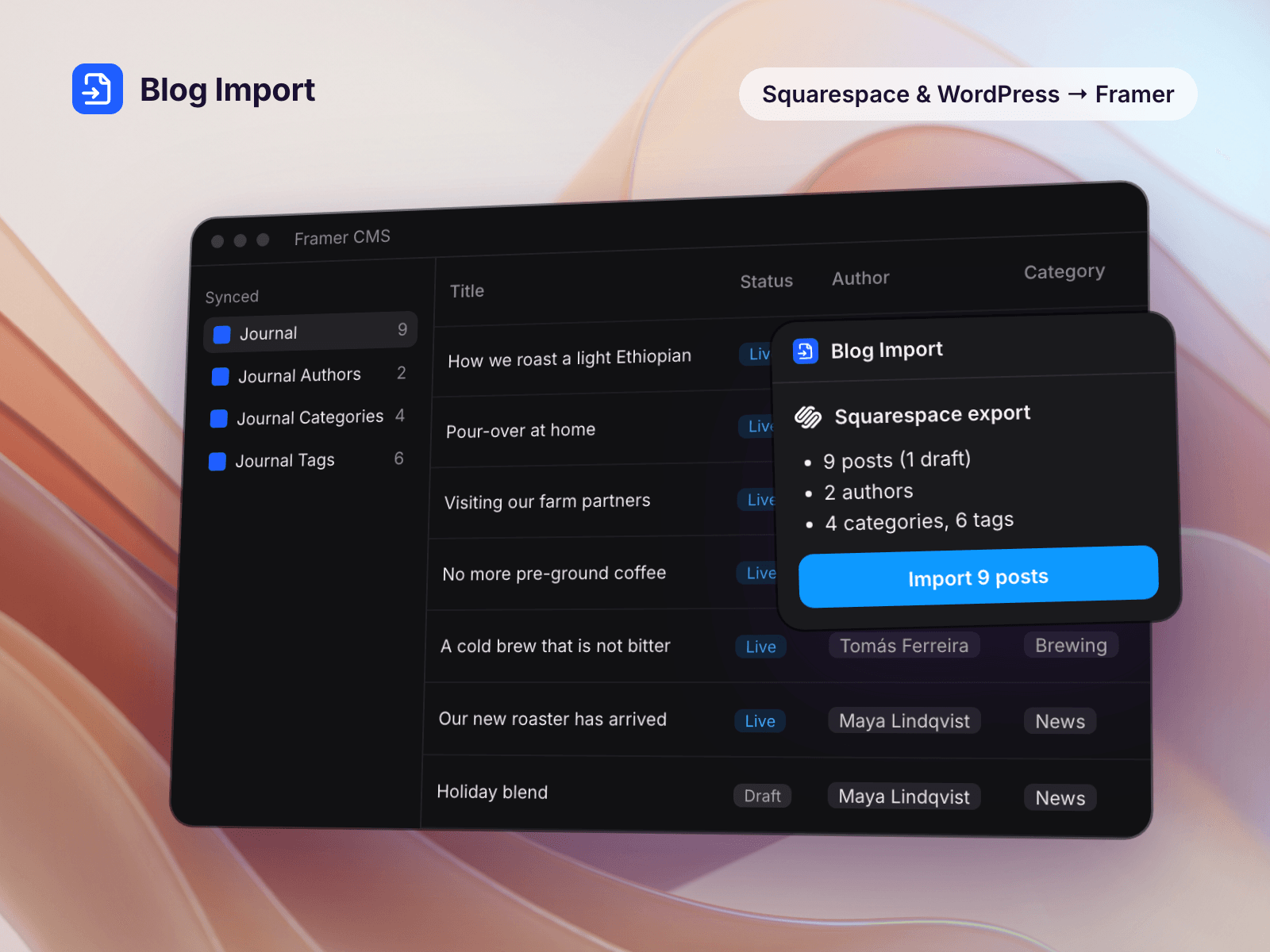
Leaving Squarespace or closing a WordPress site? Choose the export file, check what the plugin found, and import. To start, open your project’s CMS, choose the Plugins tab, pick Blog Import and click Create.
Everything below arrives in Framer.
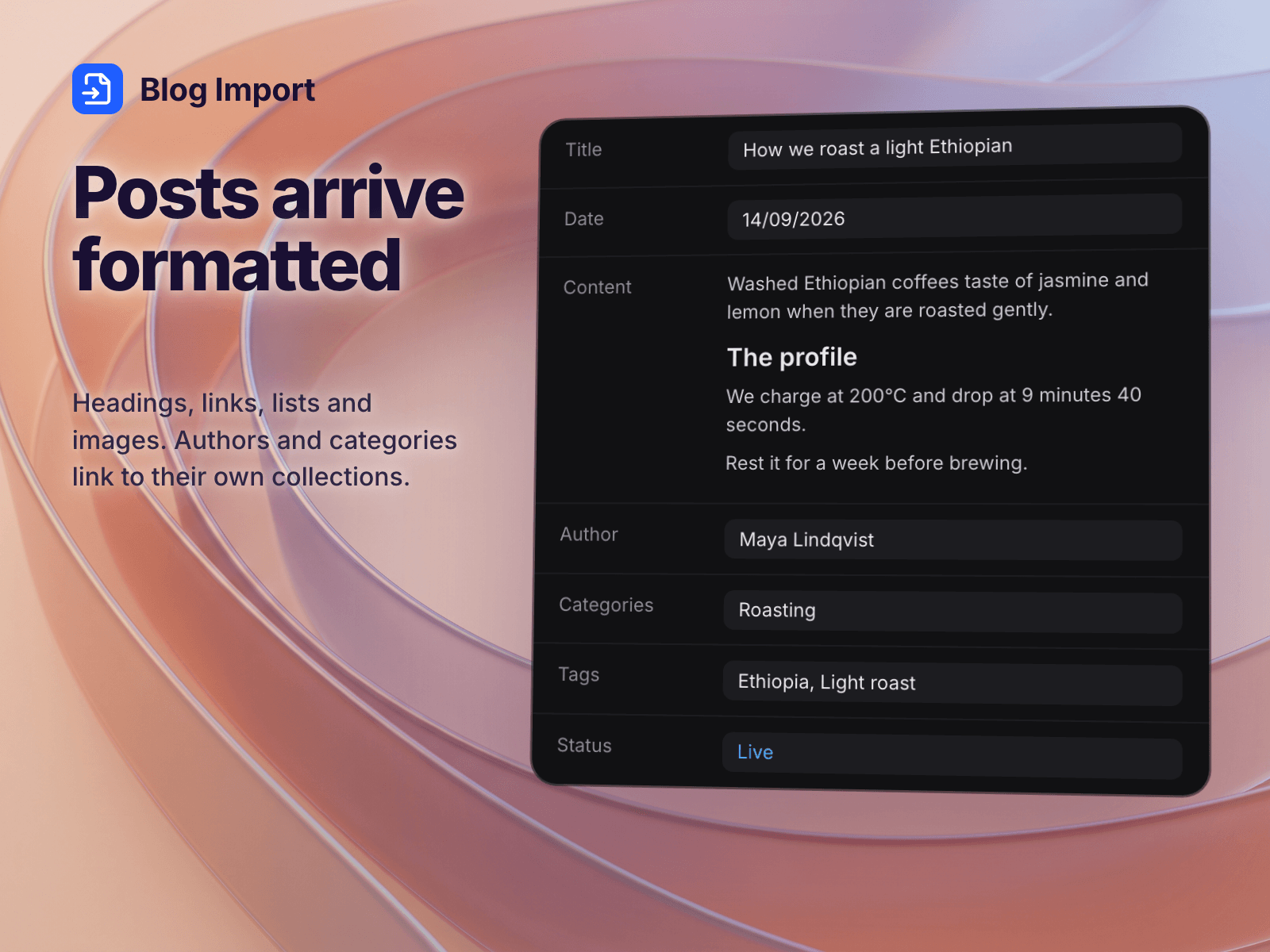
Posts with title, date, content, excerpt and cover image
Images copied into Framer, so they keep working after you cancel the old site
Authors, categories and tags as linked collections, or kept inside each post
Drafts in the export file stay drafts
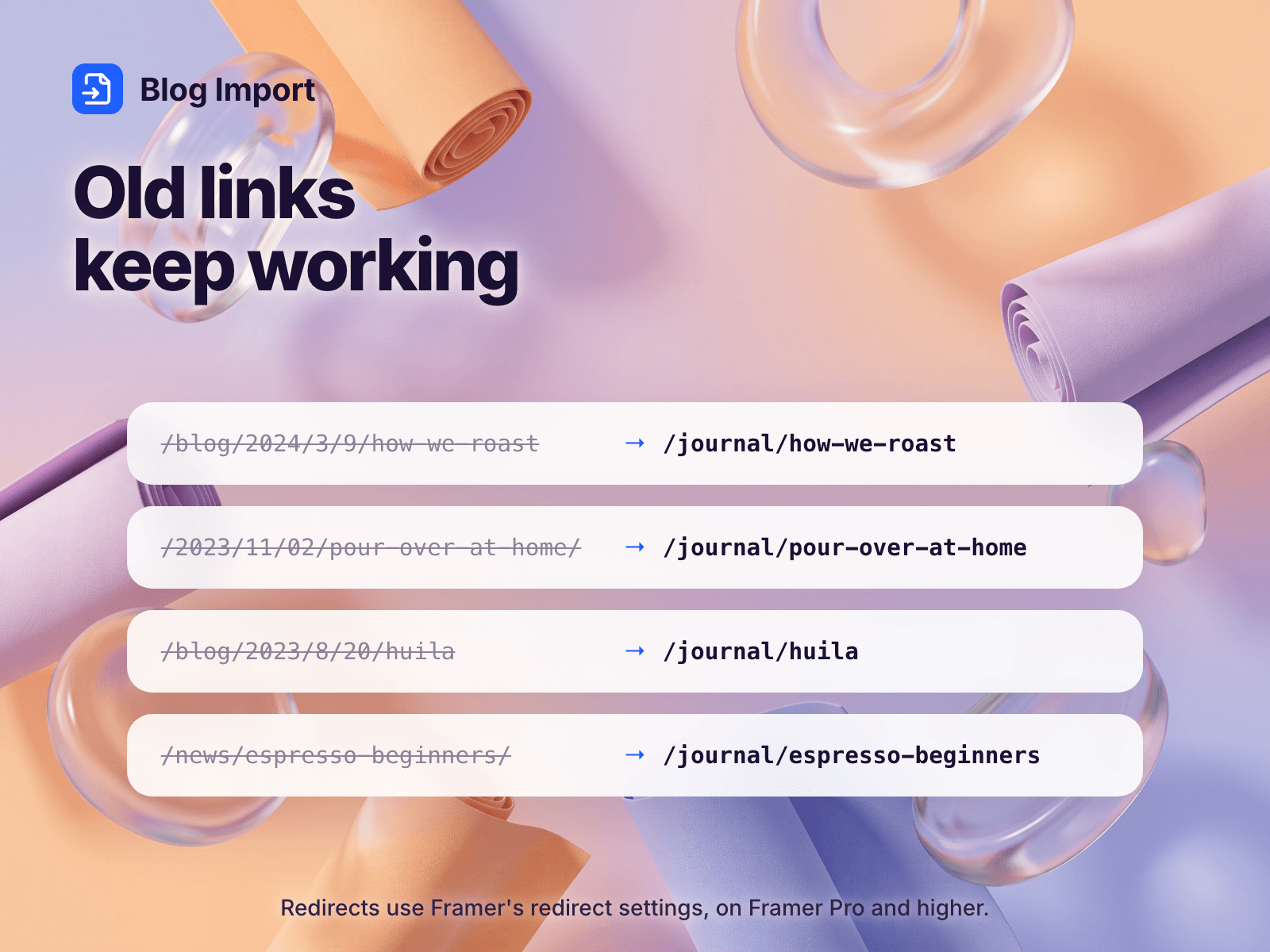
Redirects from the old post URLs on Framer Pro or higher; on Basic, a CSV of old and new addresses
YouTube videos and Vimeo players come across as Framer video embeds
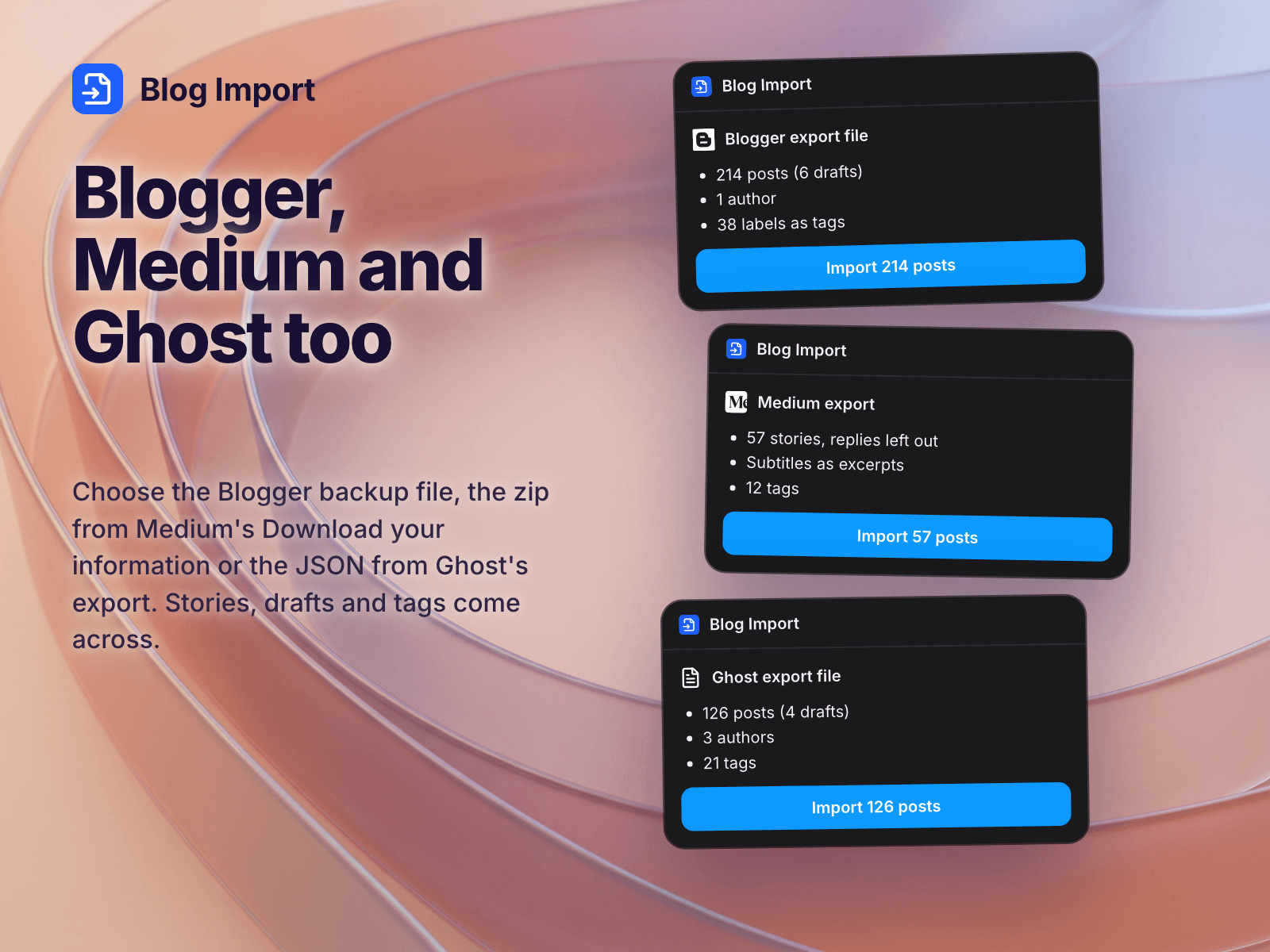
Also reads Blogger, Medium, Ghost, Substack and Webflow (CSV) exports and Hashnode GitHub backups
Import again later and existing posts update instead of duplicating, and only new images are copied.
From Ghost, images written as __GHOST_URL__ are copied when you enter the old blog address, or from a zip of its content/images folder. From Webflow, only the blog collection comes across.
Your newest 25 posts import for free. A license imports the rest: $29 for one Framer project or $59 for any number, paid once. Buy it from the link shown in the plugin, then turn your purchase key into a license code at blog-import-license.mam-studio.workers.dev/code and paste the code into the plugin. The code is checked inside the plugin; nothing is sent.
We also make templates for it. Back Issue is a magazine blog and Second Shooter a photo journal, and buyers of either get 30% off the license. Slack Tide is a free newsletter archive.
A blog uses 4 CMS collections (posts, authors, categories, tags), 2 (posts and categories, for Framer Basic) or 1.
Your posts don't pass through our servers. The plugin reads the file inside Framer.
For a whole blog, Blog Import copies every post and image the same way each time, without using AI credits.