About FILL_OUT Bridge
Fillout forms, built into Framer.
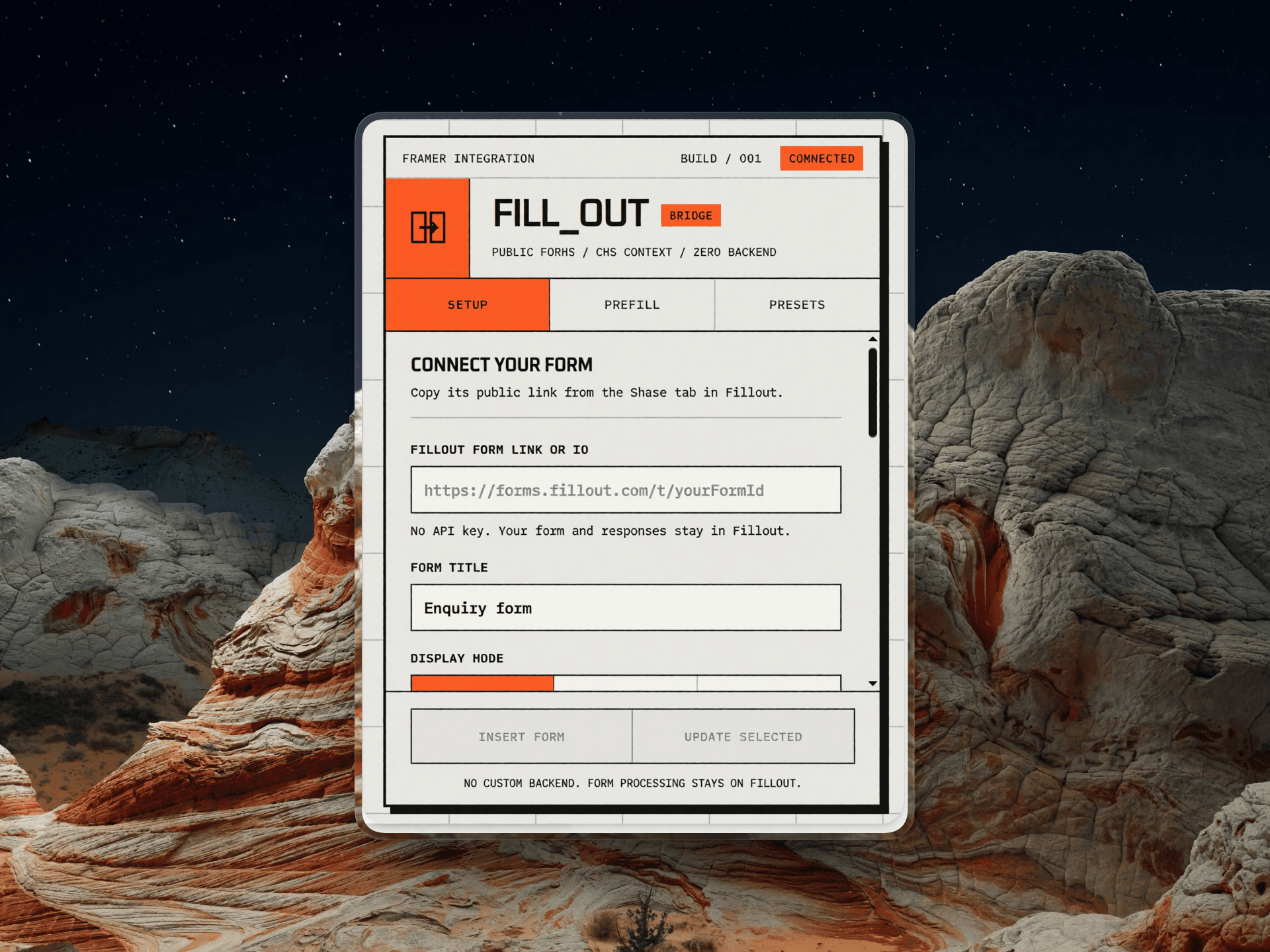
FILL_OUT Bridge adds a published Fillout form to any Framer project without a backend. Paste the form's public link, choose inline, popup, or slide-out, and insert a reusable component that works like a native Framer layer. On CMS pages, prefill the form from your content so every item arrives with the right context.
THREE DISPLAY MODES
- Inline embeds the form in the page, with an adjustable height and optional auto resize.
- Popup opens a centered dialog from a styled trigger, with focus trapping, Escape/outside-click close, and scroll lock.
- Slide-out opens the same accessible dialog from the left or right.
CMS-AWARE PREFILL
Six prefill slots appear as Framer property controls. Bind Value 1-6 to CMS fields such as service, plan, property, or event, and each item passes its own value to Fillout. Use fixed values for hidden fields.
Also pass up to 64 static parameters, selected UTM keys, or a clean page URL with no query string or fragment. Forwarding is off by default.
SAFE EDITING AND UPDATES
Canvas views show a placeholder, so designing creates no Fillout requests or accidental responses. Live preview is opt-in and labeled. Update an inserted form in place; CMS-bound prefill slots are preserved unless you explicitly choose to replace them.
Save up to 20 local presets and move setups between projects with validated JSON import/export.
PRIVACY
No backend, private API keys, or stored submissions. The iframe is locked to embed.fillout.com and submissions go directly to Fillout. Presets stay in local storage.
REQUIREMENTS AND LIMITS
You need a Fillout account and a published public form. Form fields, styling, logic, and submit screens are edited in Fillout; the cross-origin iframe cannot be restyled from Framer. Fillout plan limits still apply.
Free during the initial release - no subscription or license key.
FILL_OUT Bridge is an independent integration, not affiliated with or endorsed by Fillout, Inc.