About FramerSend Fields
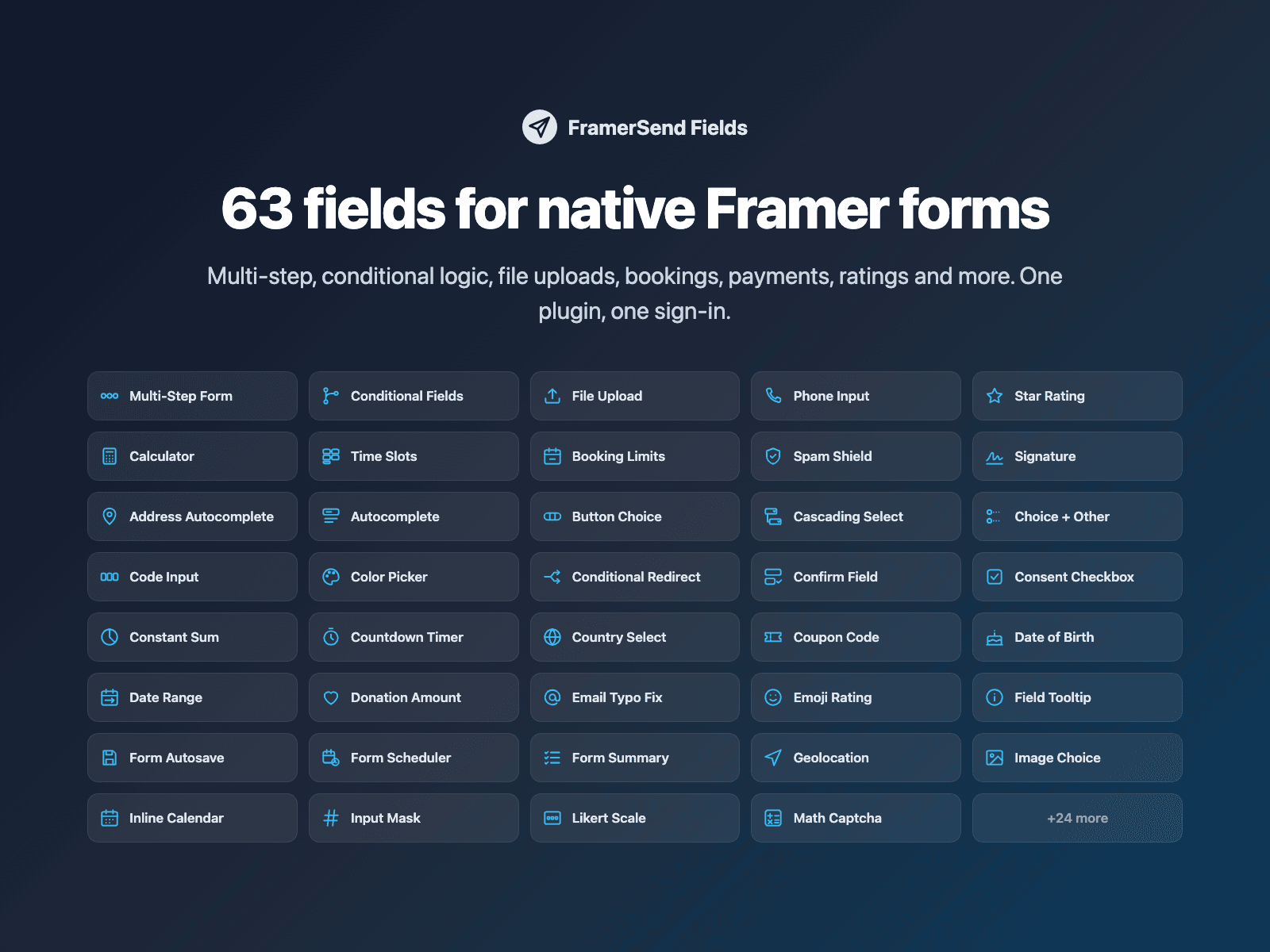
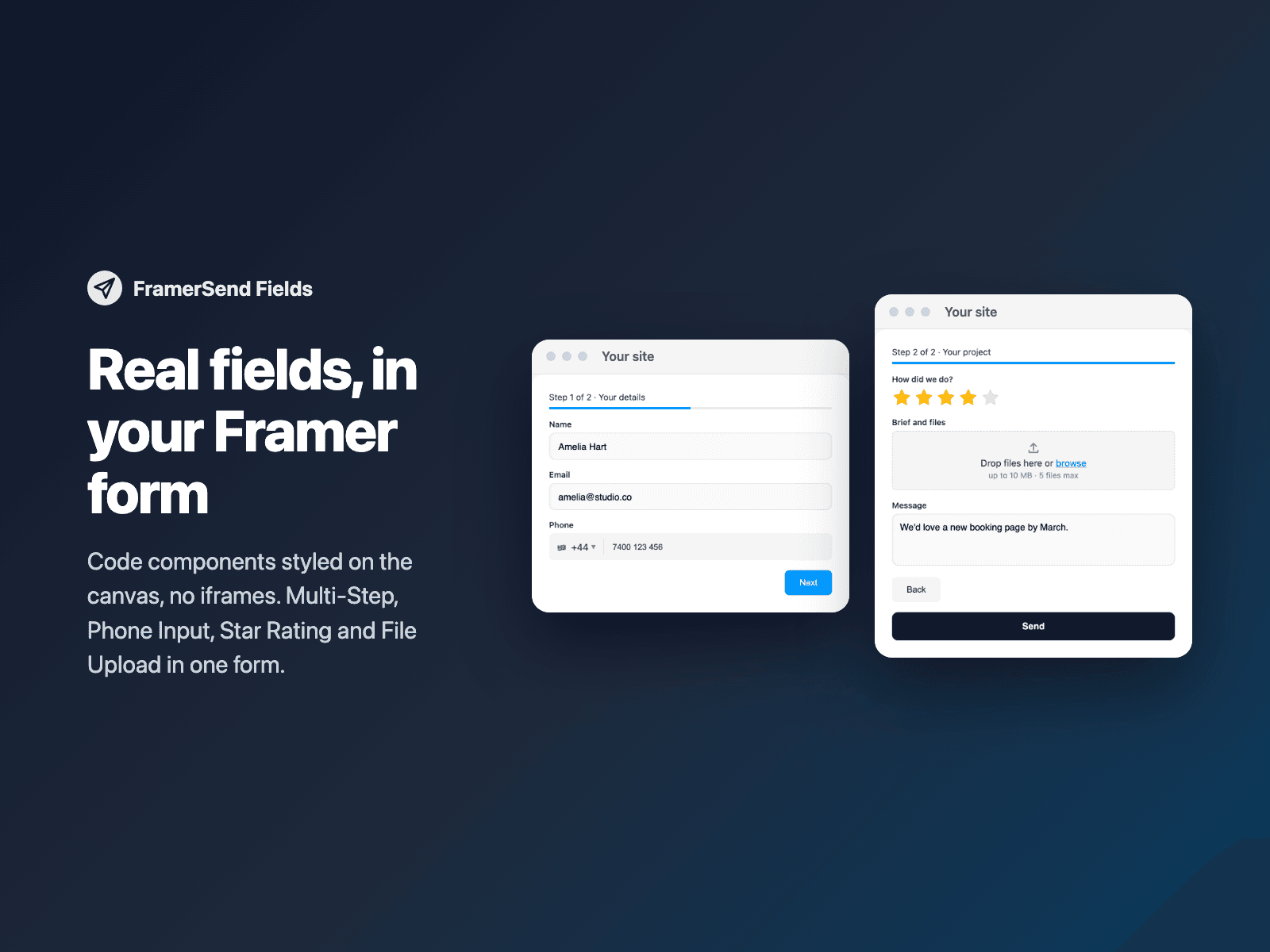
63 fields for your native Framer form, in one plugin. Every field is a code component in your project, styled on the canvas: no iframes, and your form keeps sending to Framer as before.
What's inside:
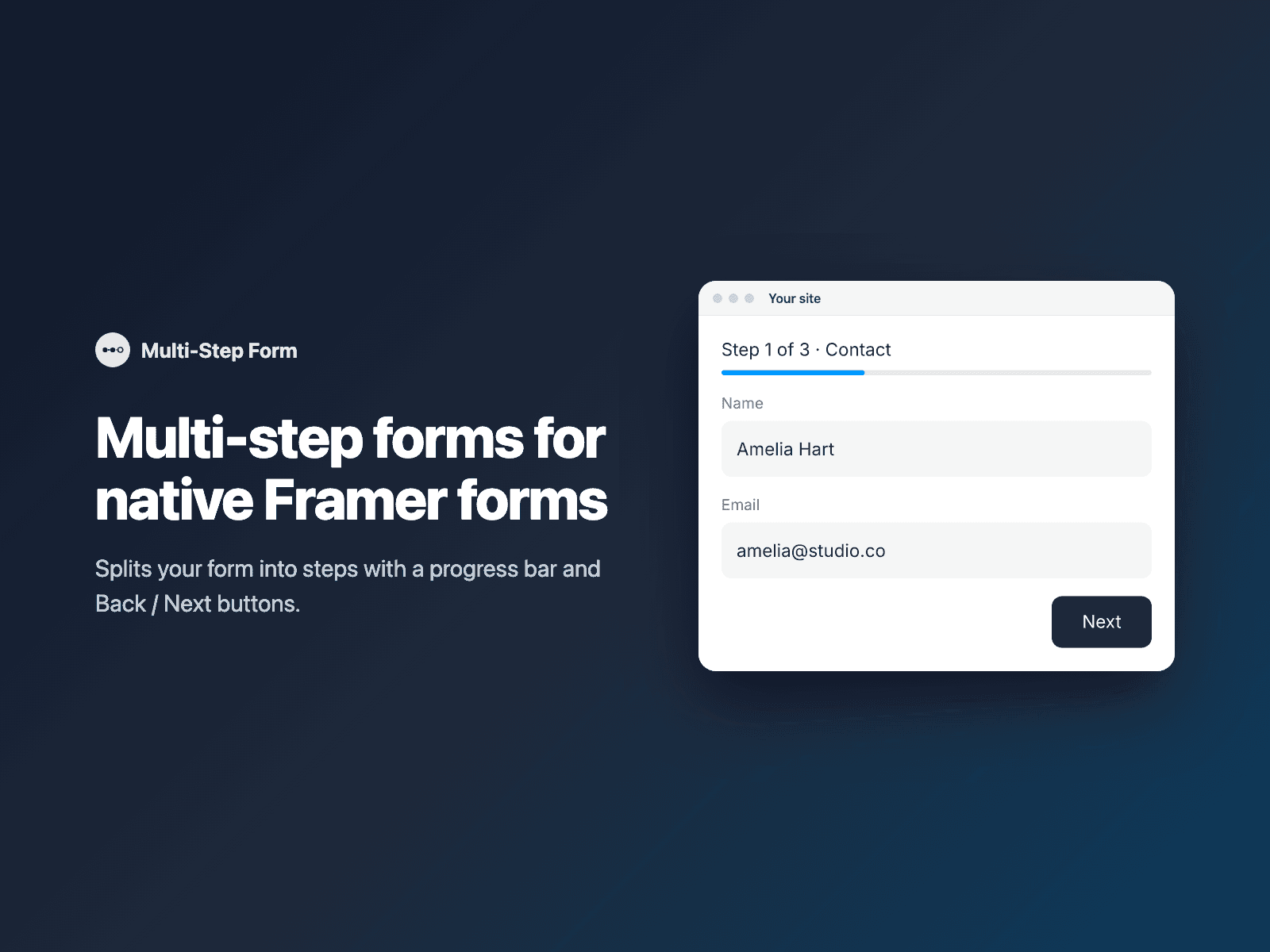
- Multi-step forms with a progress bar.
- Conditional logic: show or hide fields based on other answers, and send visitors to the right page after the form (by answer or quiz score).
- File uploads, no storage setup needed.
- Calculations and quizzes: live totals, quiz scores, order lists, coupon codes.
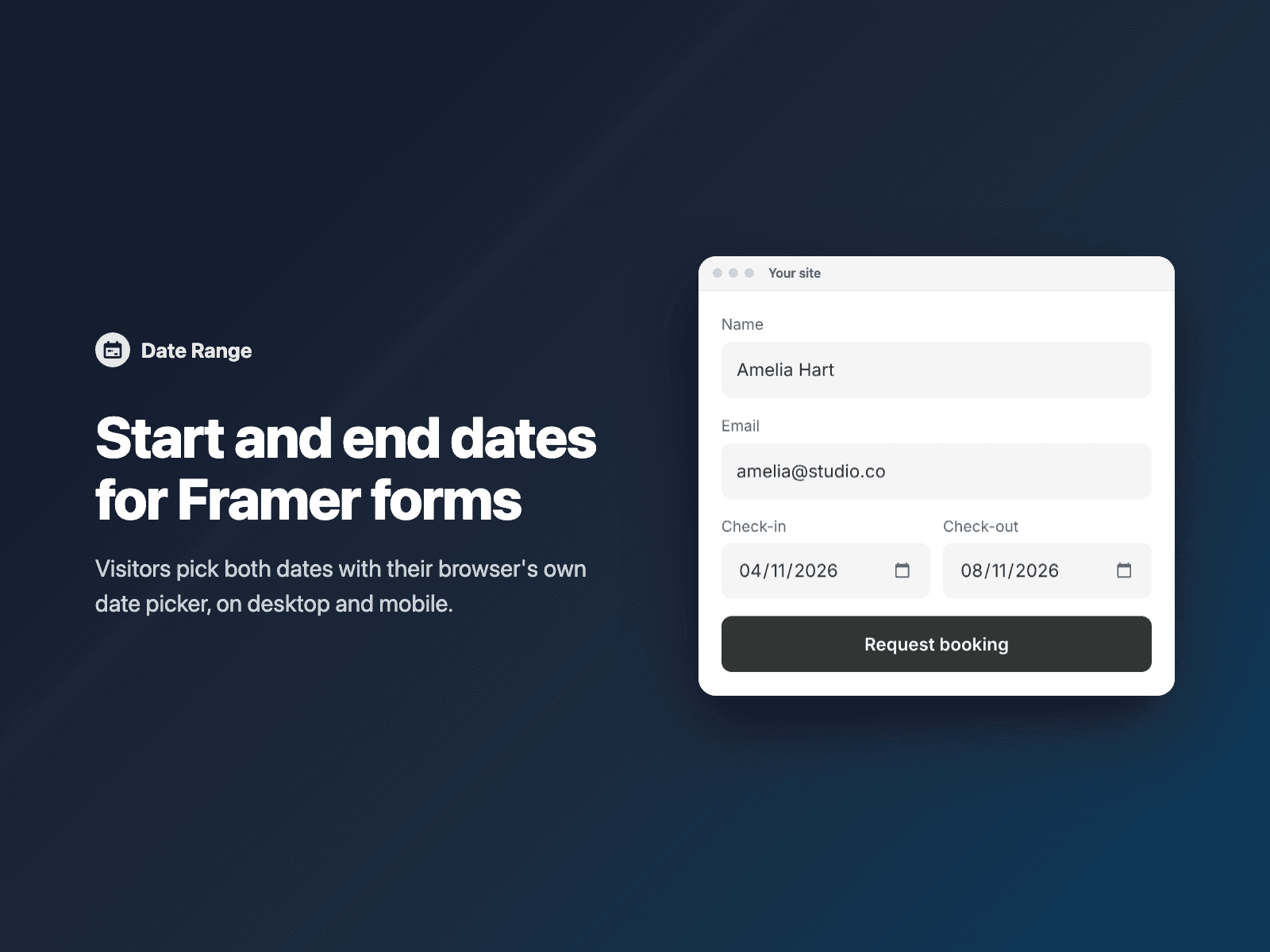
- Bookings: time slots, inline calendar, date range, and booking limits so a slot is never overbooked.
- Choice and rating: star, emoji and NPS ratings, image and button choice, multi-select, ranking, Likert and matrix grids, sliders, color swatches.
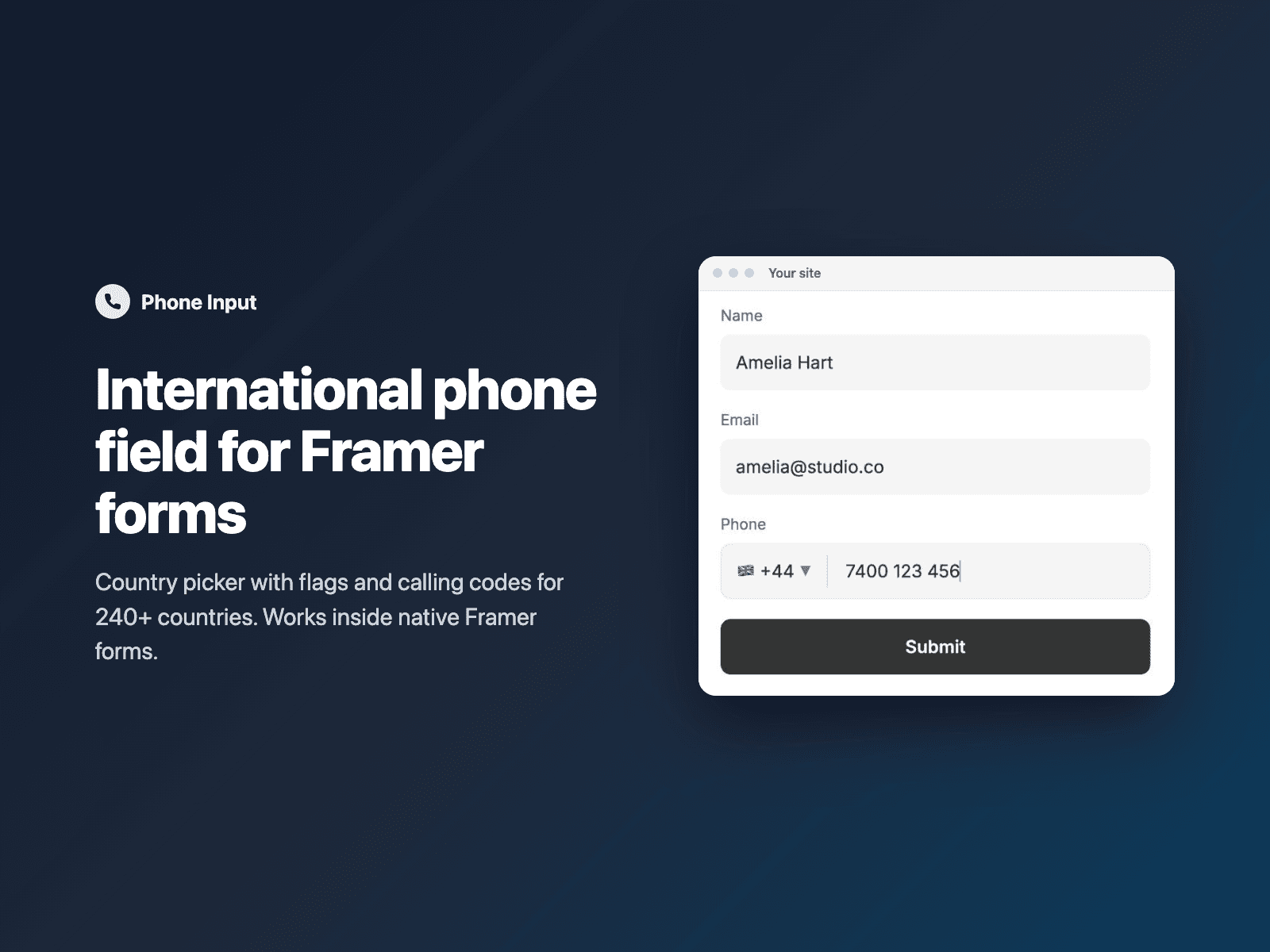
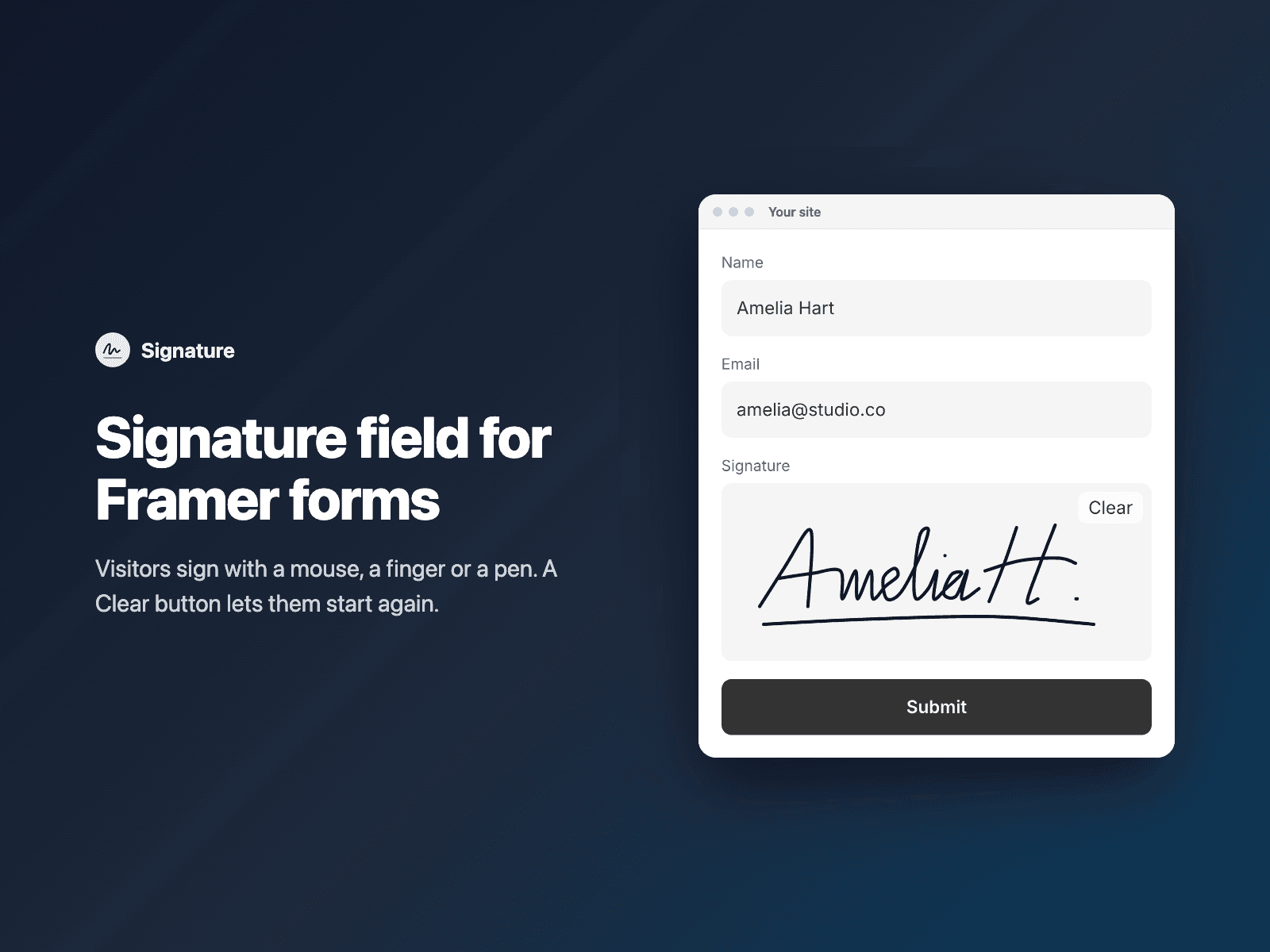
- Contact and validation: international phone, address and country lists, confirm email, email typo fix, input masks, signature, rich text, word counter.
- Hidden data: UTM and click IDs, page context, URL prefill, geolocation.
- Spam and consent: invisible spam shield, math captcha, GDPR consent.
- Payments: Stripe Checkout after the form is sent, to your own Stripe account.
How it works:
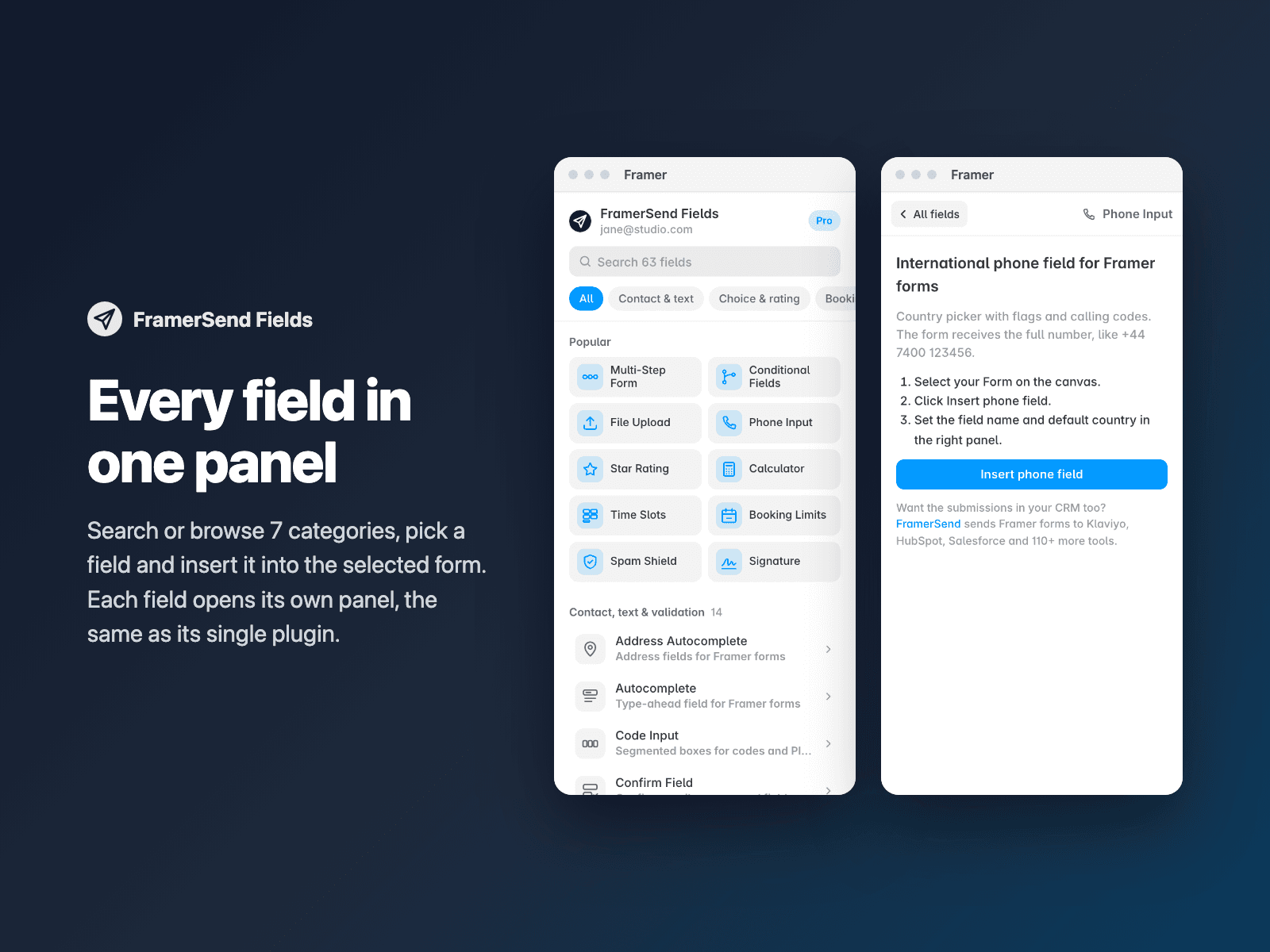
1. Select your Form on the Framer canvas.
2. Open FramerSend Fields, search or browse the 7 categories and pick a field.
3. Click Insert. The field goes above the submit button; set it up in the right panel, then publish.
Select a FramerSend field on the canvas to edit it. Projects that use single FramerSend field plugins keep working.
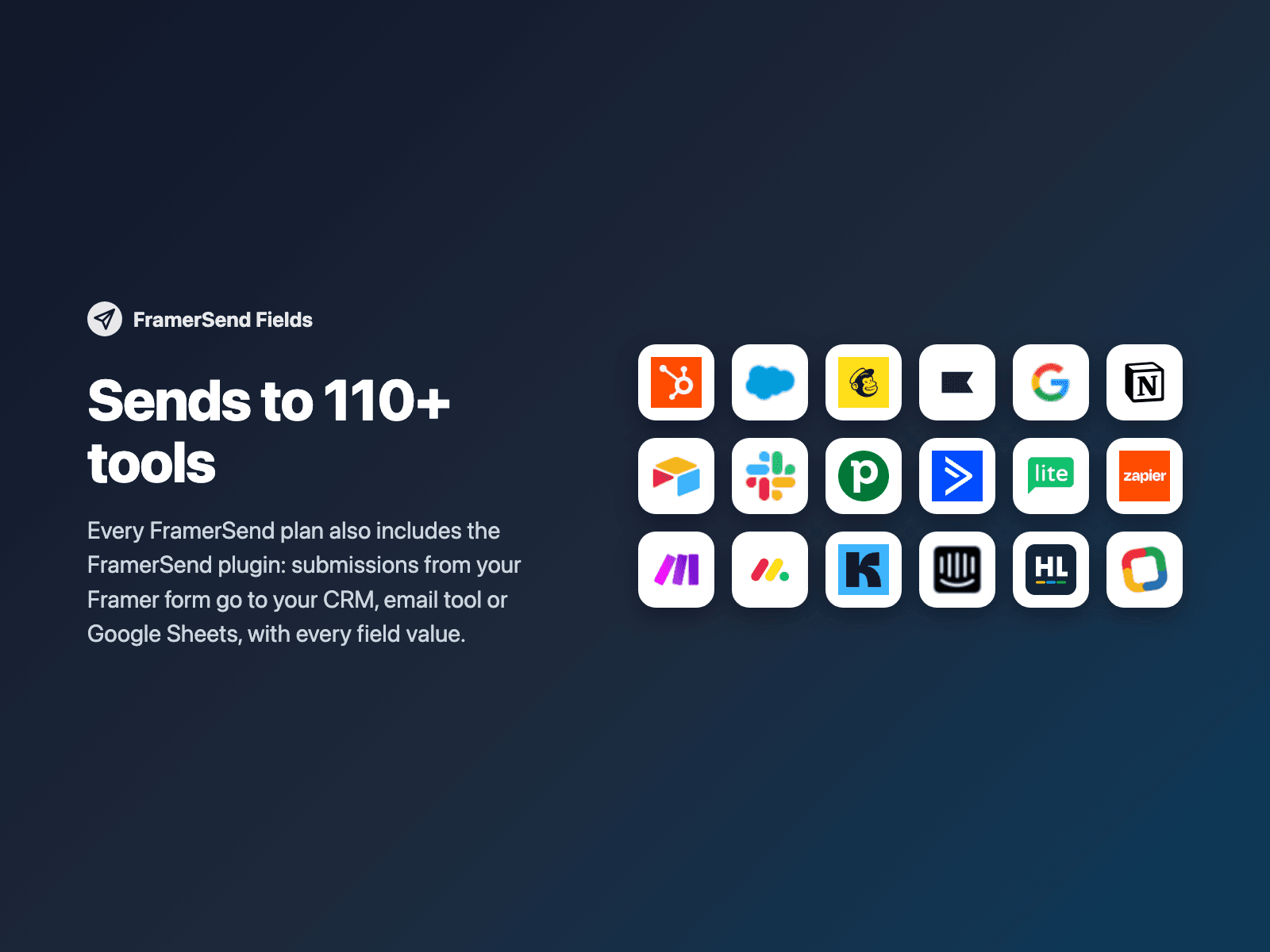
Every plan also sends your Framer form submissions to 110+ tools: HubSpot, Salesforce, Klaviyo, Mailchimp, Google Sheets, Notion and more.
Pricing: every field is included in every FramerSend plan. Free for 14 days with no card, then from $5/month. Details at framersend.com/pricing.