About FrameShift
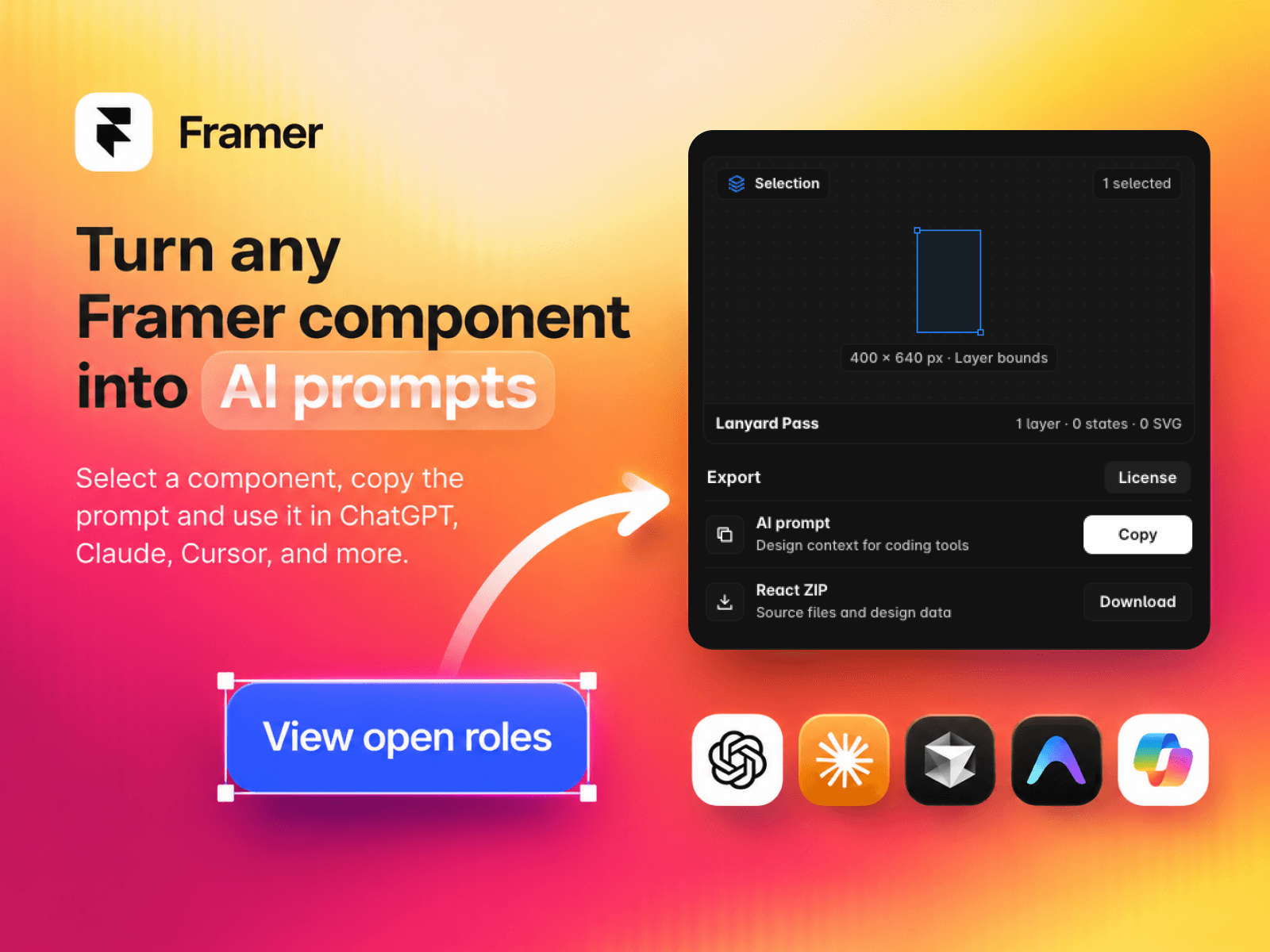
Bring your Framer designs into your coding workflow. Select a layer or component on the canvas, open FrameShift, and choose how to export it.
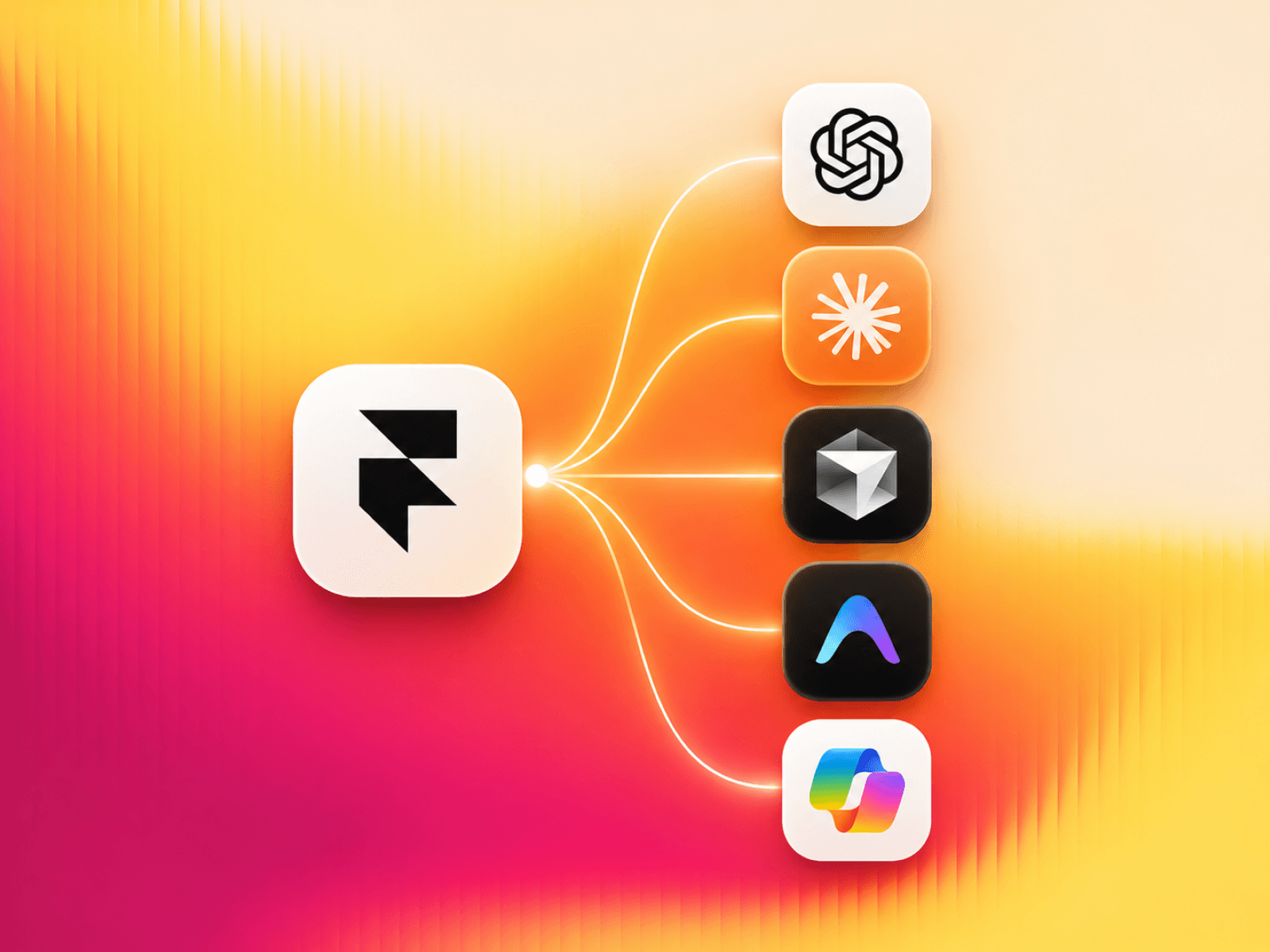
Copy AI prompt to give Claude, Cursor, Codex, or another coding tool the design context it needs to recreate your selection. The prompt includes the layout, text, styles, SVG references, and component states that Framer makes available.
Download React ZIP to get React source files and the captured design data for your project.
How it works
Select one or more layers or components in Framer.
Review the selection in FrameShift.
Copy an AI prompt or download the React ZIP.
A one-time purchase unlocks both export formats. After checkout, Dodo Payments emails your license key. Paste it into FrameShift and select Activate license. An internet connection is required for license verification. For help, open Support in the FrameShift menu or email madebypixels3@gmail.com.