About Inlet
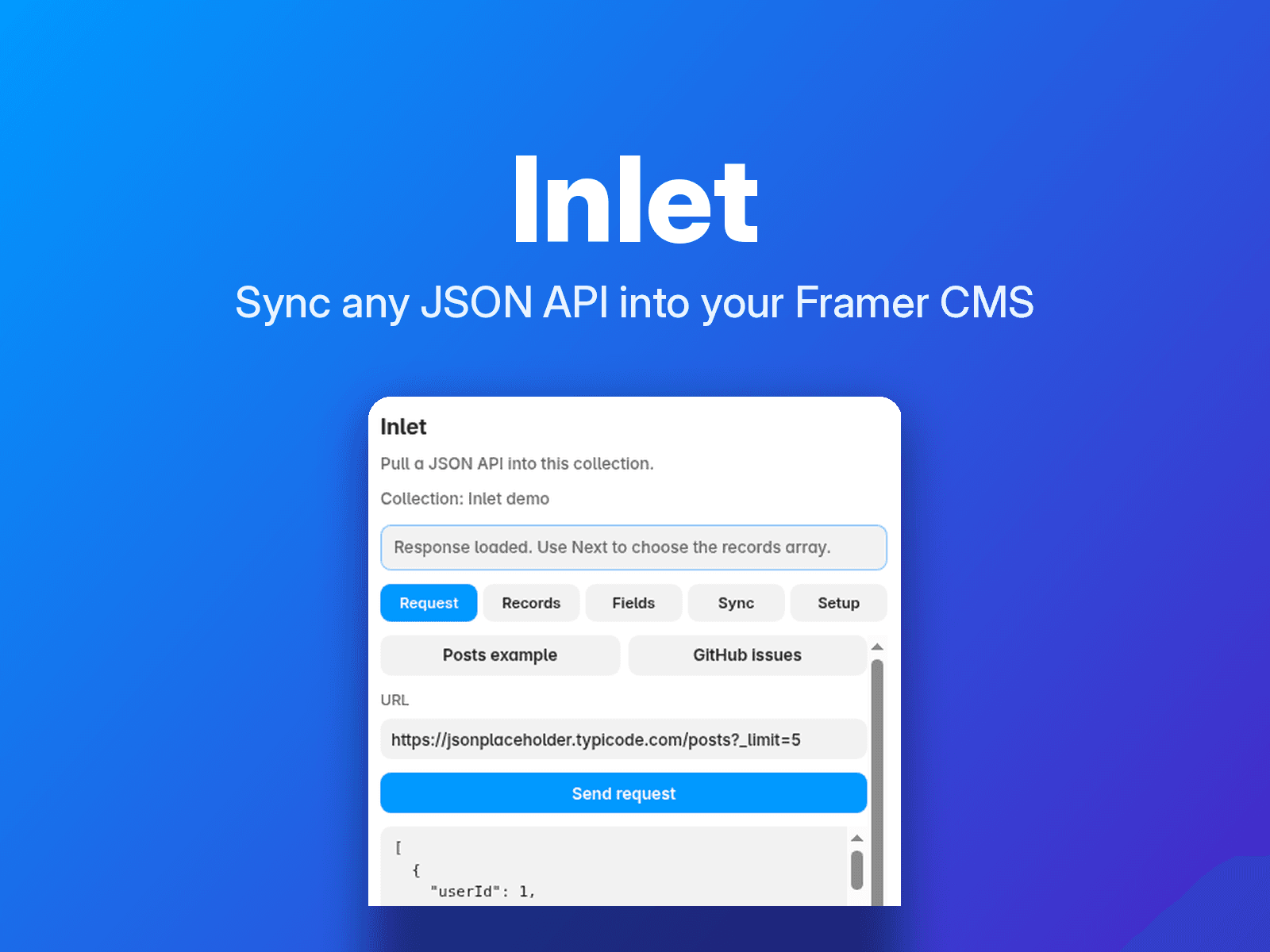
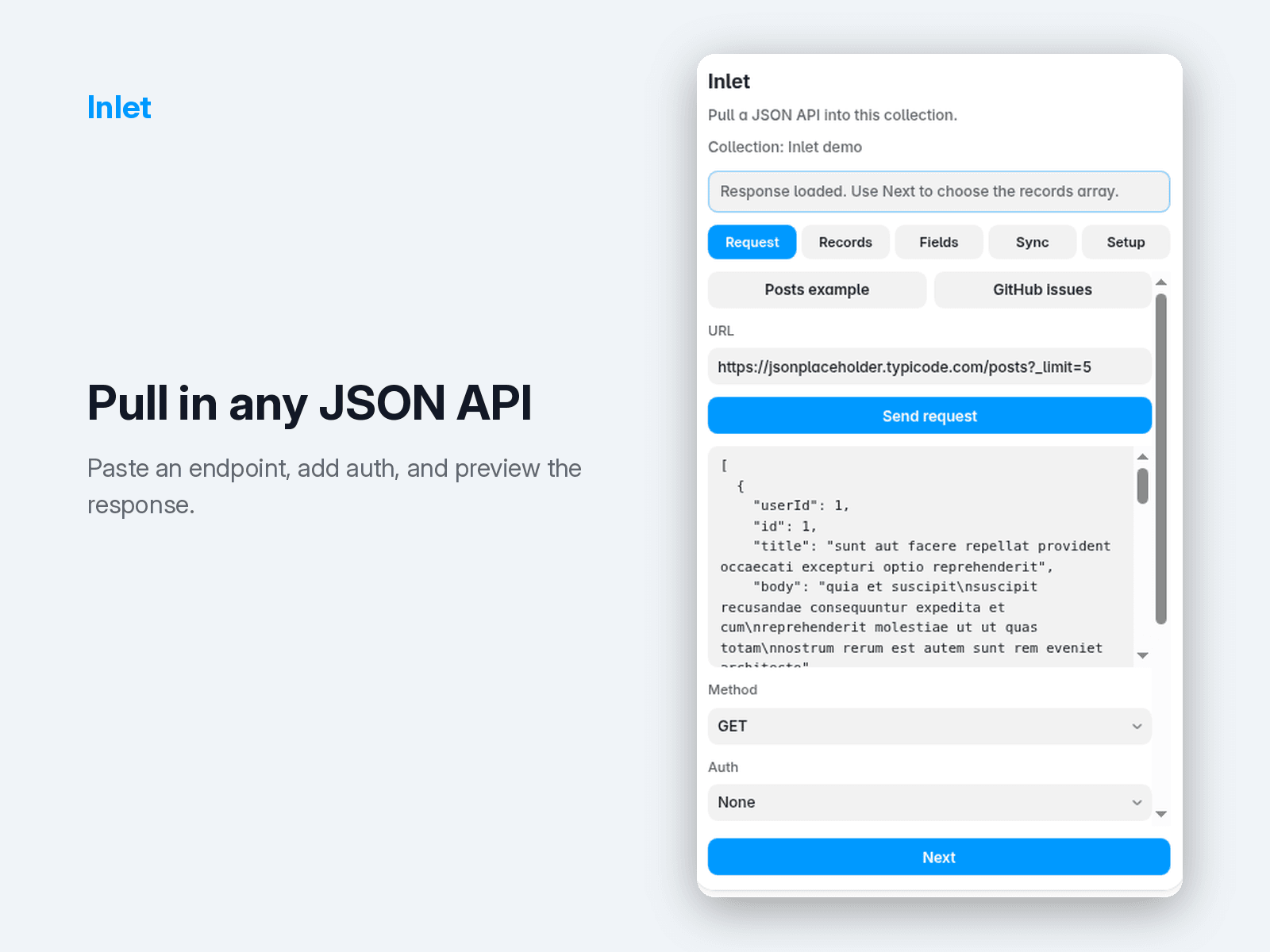
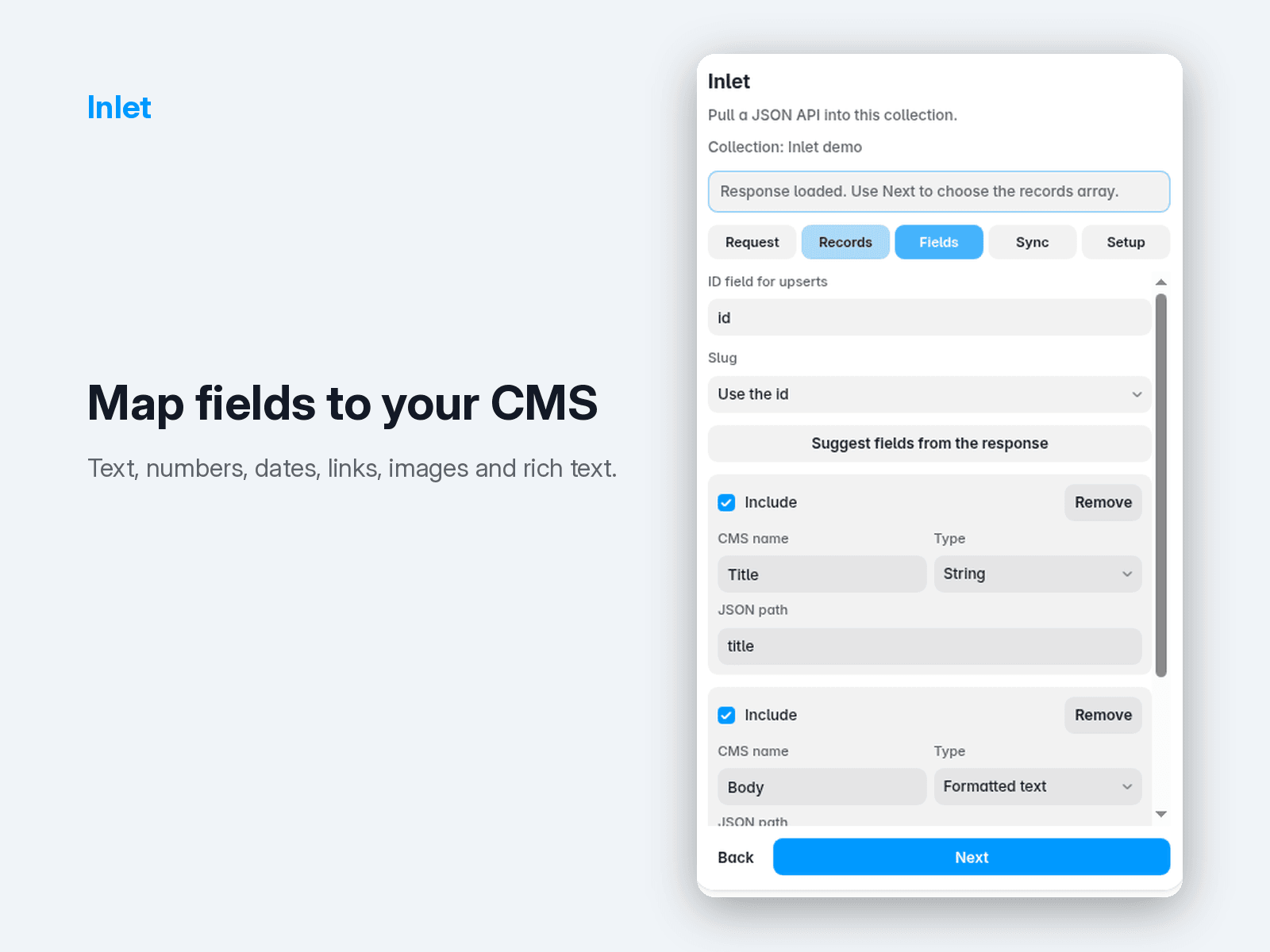
Sync any JSON REST API into your Framer CMS. Paste a URL, pick the fields you want, and Inlet creates and updates a managed collection for you, with pagination, headers and auth tokens supported.
Keep it fresh automatically. On Pro and Business, Inlet syncs on a schedule from its server, so you don't need Framer open. Webhook syncs update your site as soon as your data changes: paste your Inlet webhook URL into Airtable automations, Contentful, Sanity, Zapier or GitHub. You can also choose to publish the site after each scheduled sync.
Link your content. Reference and Multi reference fields connect items across Inlet collections, such as posts to authors or jobs to teams.
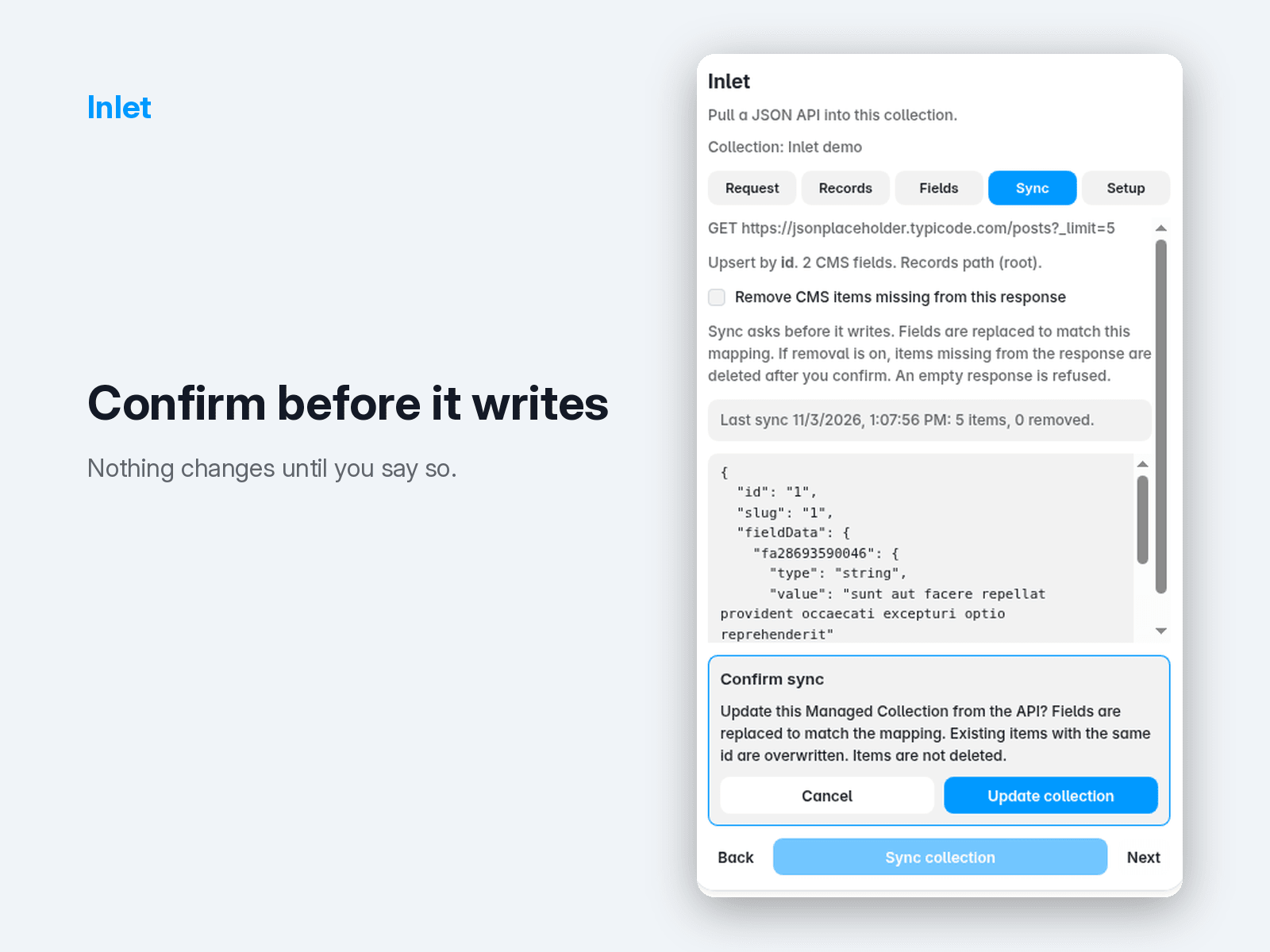
Manual sync runs entirely in your browser: Inlet calls your API directly from the Framer editor, and your credentials and API responses never pass through Inlet's server. Your API needs to allow browser requests (CORS). For scheduled or webhook sync only (Pro and Business), your request settings, including auth headers, are stored encrypted on Inlet's server, which fetches your API for you on schedule or when the webhook is called. Inlet does not collect your Framer account or contact details, and your plugin token stays in your own browser, not in the shared project.


