About Layerbox — Image & Video Lightbox
Layerbox — Image & Video Lightbox for Framer
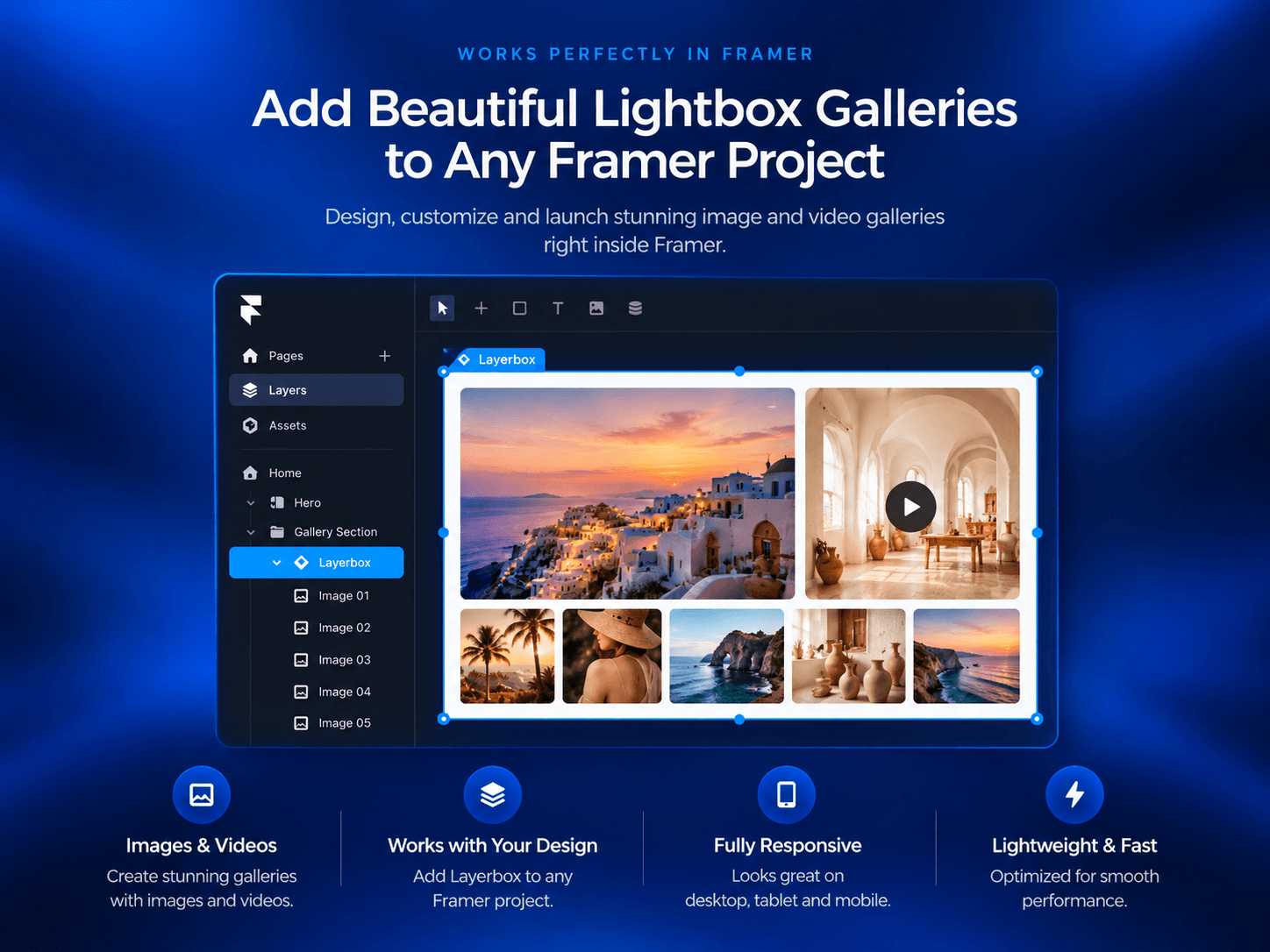
Turn your Framer images, videos, and CMS collections into customizable lightbox galleries with Layerbox. Create immersive media experiences with 17+ presets, flexible styling, smooth navigation, and responsive gallery controls -without rebuilding your page layout.
Image & Video Lightboxes
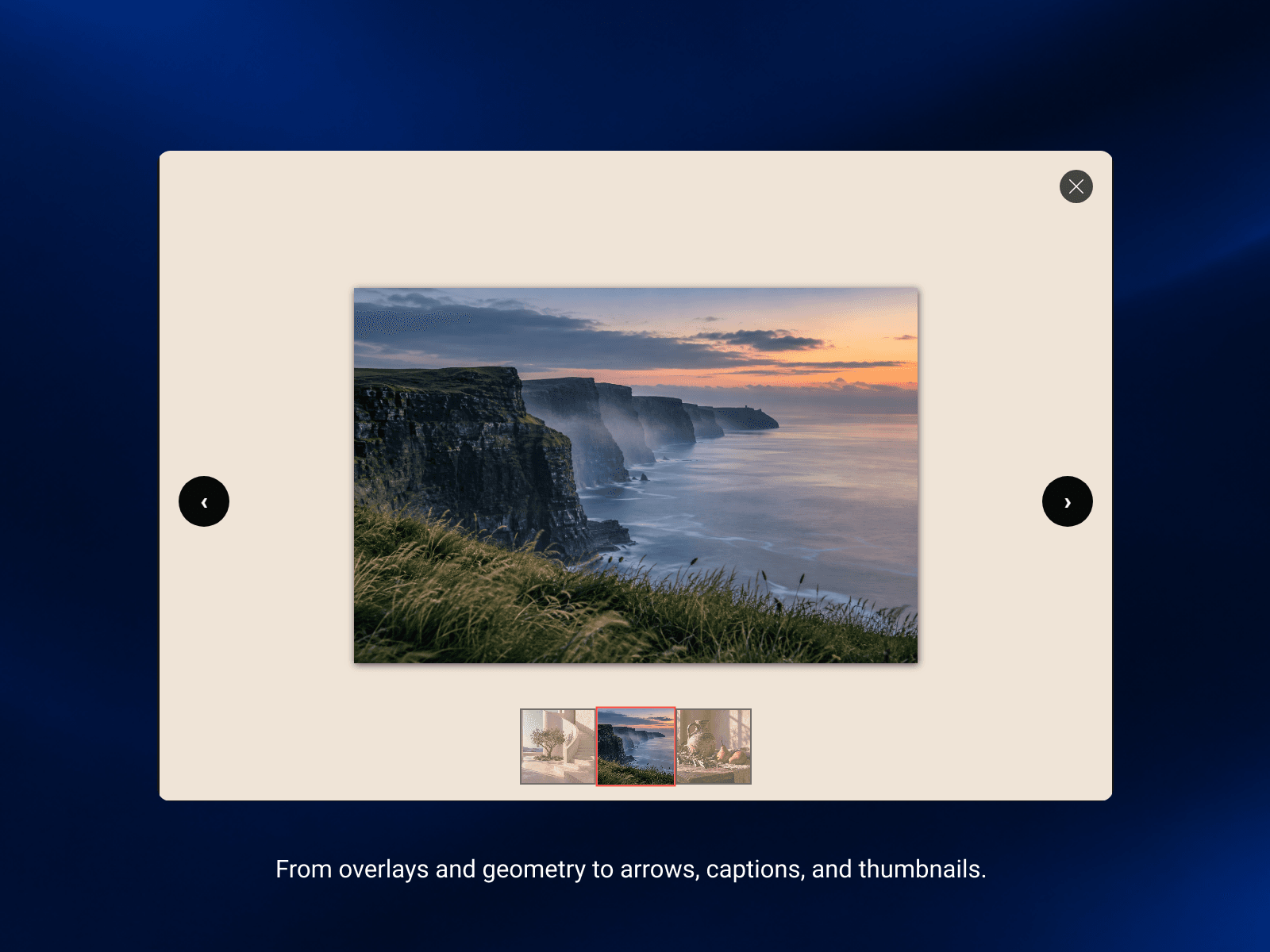
Combine images and videos in one gallery. Let visitors explore media in a larger view with navigation arrows, thumbnails, keyboard controls, and touch gestures.
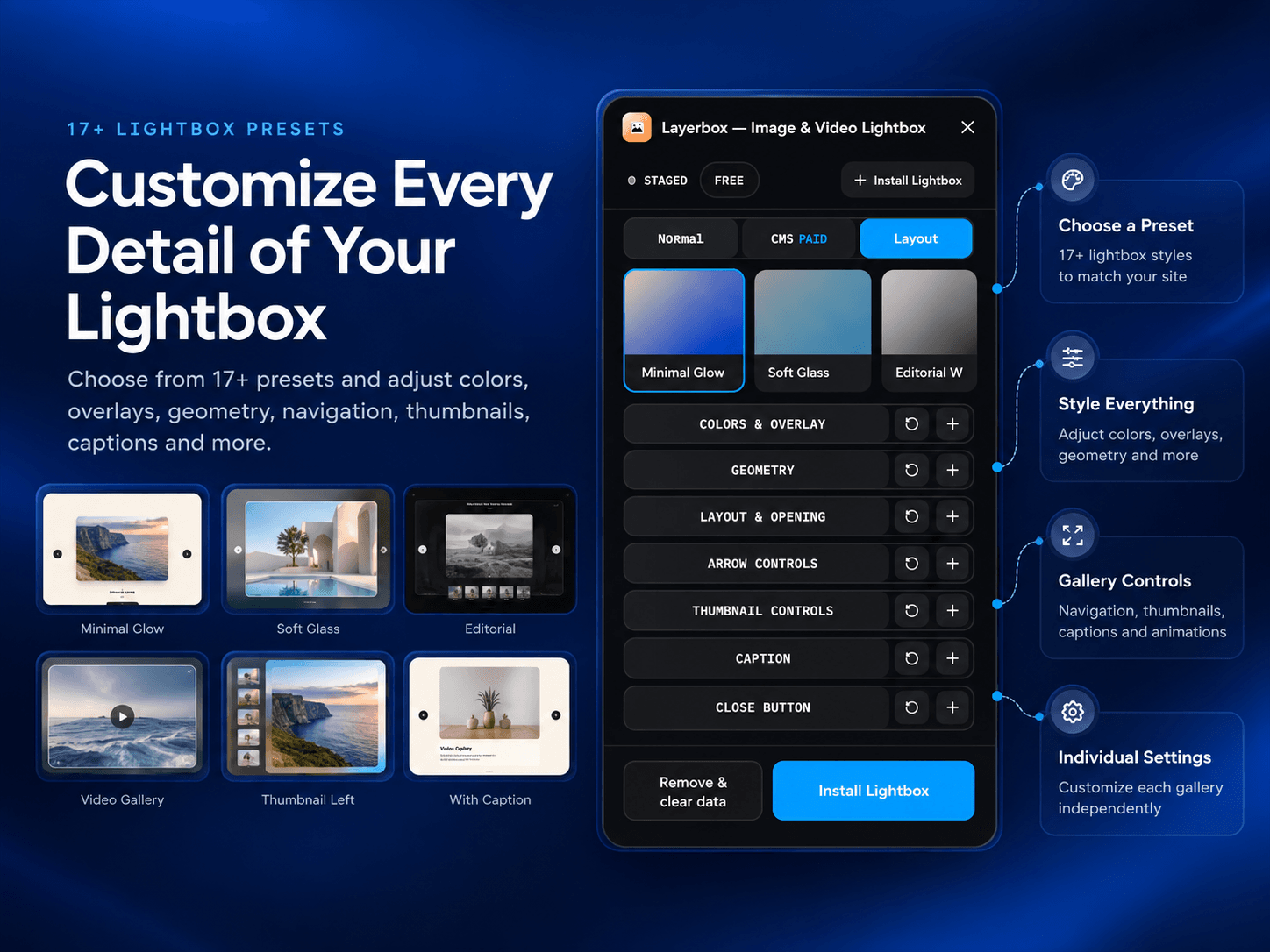
17+ Customizable Lightbox Presets
Choose from a collection of lightbox styles and customize each gallery to match your website. Adjust overlays, background blur, corner radius, spacing, captions, animations, and image fitting.
Advanced Gallery Controls
Give visitors more ways to explore your content with optional zoom, fullscreen, download controls, counters, thumbnails, and captions.
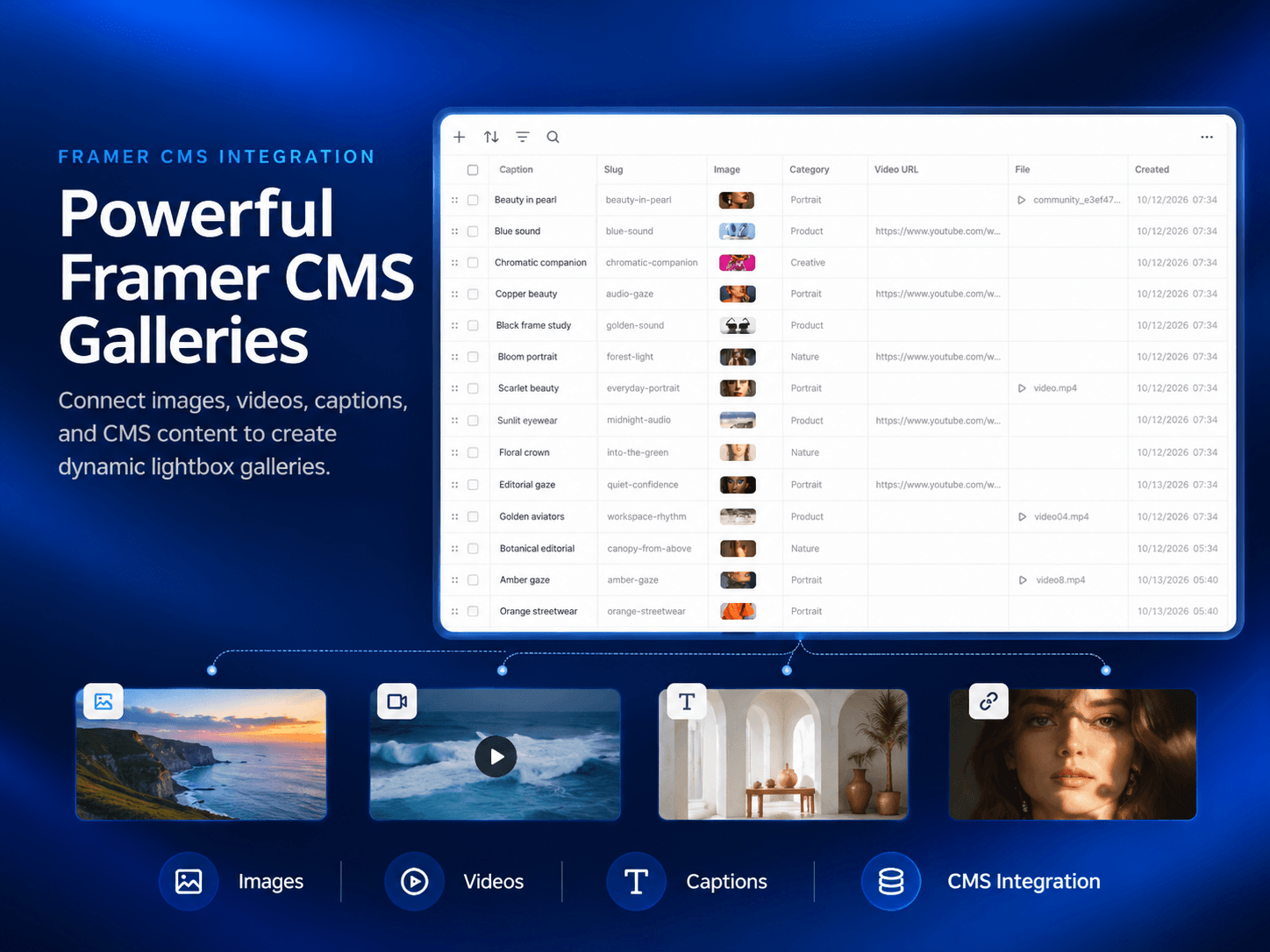
Framer CMS Galleries
Connect your CMS image and video fields to create dynamic media galleries. Map titles and descriptions, and optionally link gallery captions to CMS detail pages.
CMS features require a paid plan.
Style Each Gallery Independently
Apply different presets and styling to individual supported layers. Build galleries for portfolios, photography websites, product showcases, creative agencies, and project collections.
Free and Paid Plans
Start with the Free plan to explore Layerbox on one Framer project and one site, with unlimited galleries, images, videos, presets, and styling controls.
Paid plans unlock CMS support and additional project and site access, depending on your selected plan.
Get Started
Select your image or video layers in Framer.
Open Layerbox and choose a preset.
Customize your gallery settings.
Install the lightbox and add more supported layers.
Preview your gallery and publish your website.
Create a more engaging media experience with Layerbox — Image & Video Lightbox for Framer.